SPF, DKIM, and DMARC are three DNS records that answer one question for every mailbox provider you send to: is this message really from who it claims to be? Get them right and providers trust your mail enough to consider it for the inbox. Get them wrong — or skip them — and since 2024 the large providers will increasingly reject it outright. Here is what each one does, in plain terms.
The short answer#
The three records divide the work of proving your identity:
- SPF says which servers are allowed to send mail for your domain.
- DKIM adds a cryptographic signature proving the message wasn't forged or altered in transit.
- DMARC ties both to the visible "From" address, tells providers what to do when a message fails, and reports back to you.
Together they let a receiver confirm your mail is genuinely yours. As of Google and Yahoo's 2024 sender requirements, bulk senders must have all three — this is no longer optional. But authentication only gets you considered for the inbox; reputation and list hygiene decide whether you land there.
SPF: who is allowed to send#
SPF (Sender Policy Framework) is a TXT record listing the servers and services authorized to send mail using your domain. When a receiver gets a message, it checks the sending server's IP against your SPF record:
example.com. TXT "v=spf1 include:_spf.google.com include:sendgrid.net ~all"
The ~all at the end is a soft-fail (accept but mark suspicious); -all is a
hard-fail (reject unauthorized senders outright). Every service that sends on your
behalf needs its own include: mechanism in that record, so
generate your provider's exact SPF record rather
than hand-editing the string. One catch worth knowing: SPF
checks the envelope sender, not the visible "From", and it breaks when mail is
forwarded, because the forwarding server isn't in your record. That fragility is
exactly why DKIM and DMARC exist alongside it.
DKIM: a signature that proves integrity#
DKIM (DomainKeys Identified Mail) attaches a cryptographic signature to each message. Your sending system signs the message with a private key; you publish the matching public key in DNS at a named selector:
selector1._domainkey.example.com. TXT "v=DKIM1; k=rsa; p=MIGfMA0G..."
The receiver fetches the public key, verifies the signature, and learns two things: the message really came from your domain, and it wasn't altered in transit. Unlike SPF, a DKIM signature travels with the message, so it usually survives forwarding — which makes it the sturdier of the two checks.
DMARC: the policy that ties it together#
DMARC (Domain-based Message Authentication, Reporting and Conformance) is the record that makes SPF and DKIM meaningful. It does three things: sets a policy for messages that fail, requires alignment between the authenticated domain and the visible "From", and sends you reports.
_dmarc.example.com. TXT "v=DMARC1; p=none; rua=mailto:dmarc@example.com"
The p value is the instruction to receivers:
p=none— monitor only; take no action, just send reports. Start here.p=quarantine— send failing mail to spam.p=reject— refuse failing mail outright.
Alignment is the part that stops spoofing: a message passes DMARC only if the
domain that passed SPF or DKIM matches the domain in the "From" header. Both SPF
and DKIM should be set up, but only one needs to align. Begin at p=none, read
the aggregate reports until you're confident every legitimate stream authenticates,
then tighten to quarantine and eventually reject.
Why this is now mandatory#
Authentication used to be best practice; since 2024 it is a gate. Under
Google's sender requirements,
everyone sending to Gmail needs at least SPF or DKIM and must keep their
Postmaster Tools spam rate below 0.3%, and bulk senders — more than 5,000
messages a day to Gmail — must have SPF, DKIM, and DMARC (with alignment), plus
one-click unsubscribe on marketing mail. Yahoo introduced matching requirements at
the same time, and Google has been ramping up enforcement — including rejections
for non-compliant mail — since late 2025. Requirements above last verified against Google's guidelines, July 2026.
The practical takeaway: if you send marketing or transactional email at any volume, all three records are table stakes now, not a nice-to-have.
Authentication isn't deliverability#
Here is the honest boundary, because it trips people up. Passing SPF, DKIM, and DMARC proves who you are — it does not prove you're a good sender. A perfectly authenticated message from a domain with a poor sender reputation, a list full of spam traps, or a climbing bounce rate will still land in spam. Providers check authentication first — no trust without it — and then weigh reputation and engagement to decide placement.
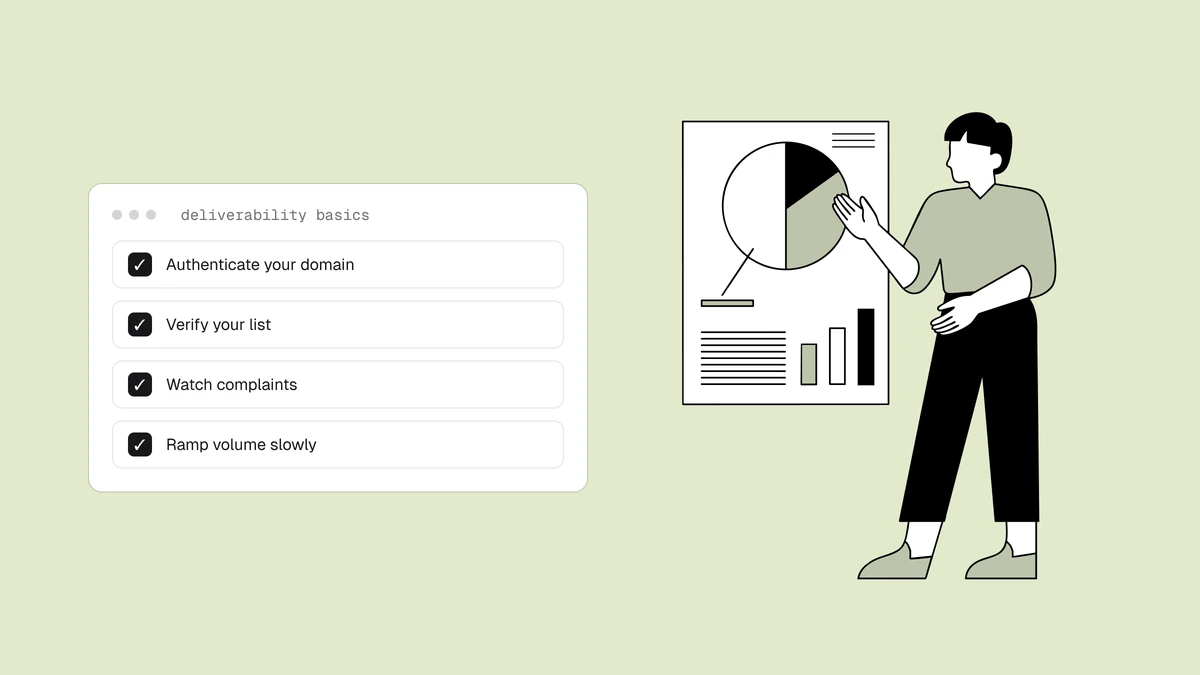
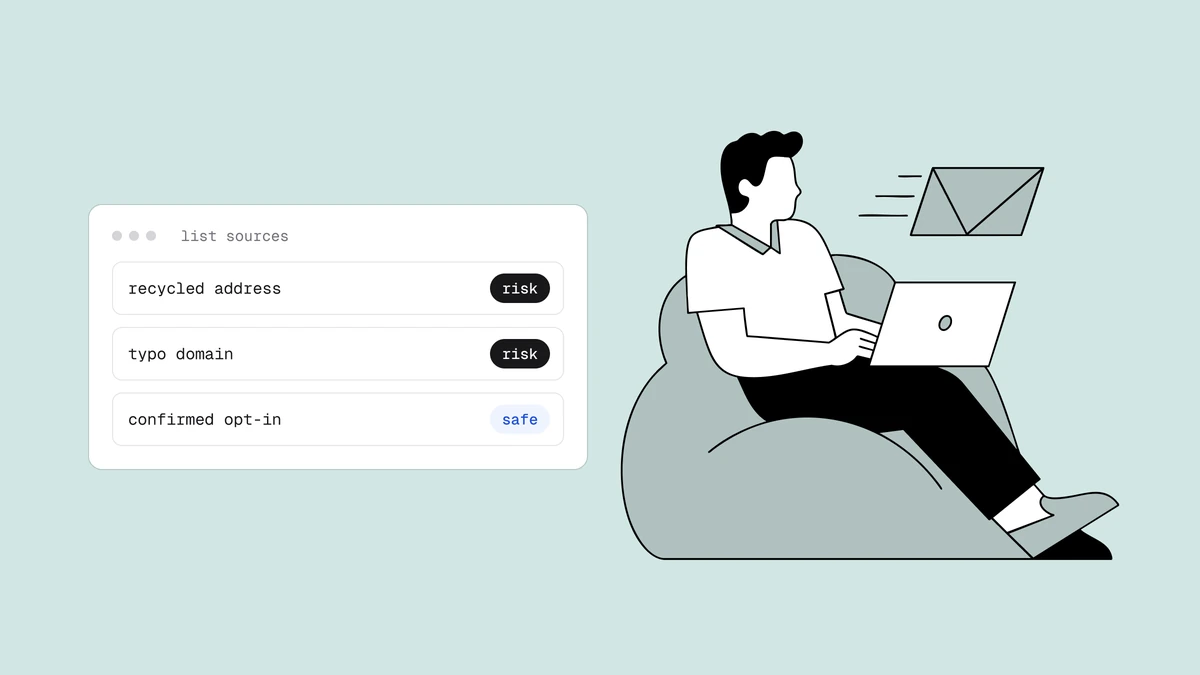
So treat authentication as the entry ticket, not the whole game. Set the three records correctly, then do the work that actually earns the inbox: verify your list so you're not mailing dead addresses, keep bounces and complaints low, and send to people who want your mail. The deliverability guide covers the rest of the levers.
Frequently asked questions
01Do I need all three of SPF, DKIM, and DMARC?
For any real sending volume, yes. Google and Yahoo require SPF or DKIM from every sender and all three from bulk senders (5,000+ messages a day) as of 2024, and DMARC is what makes the other two enforceable against spoofing. Even below the bulk threshold, having all three is now the baseline providers expect.
02What's the difference between SPF and DKIM?
SPF authorizes which servers may send for your domain and is checked against the sending IP; DKIM cryptographically signs the message so a receiver can confirm it came from you and wasn't altered. SPF is simpler but breaks on forwarding; DKIM travels with the message and survives it. They cover different failure modes, which is why you want both.
03What does DMARC p=none mean, and is it enough?
p=none tells receivers to take no action on failing mail and just send you reports - it's the safe starting point for monitoring, but it provides no protection against spoofing. It's a first step, not a destination: use the reports to confirm your legitimate mail authenticates, then move to p=quarantine and p=reject to actually enforce.
04Does passing authentication guarantee my email reaches the inbox?
No. Authentication is necessary but not sufficient. It proves your identity, which gets your mail considered - but placement is decided by sender reputation, engagement, complaint rates, and list quality. A fully authenticated sender with a dirty list or a bad reputation still lands in spam.
Authentication gets you to the door; list hygiene helps get you through it. The free email checker catches dead domains and typos before they bounce, and the free plan runs the full verification pipeline on your list — because clean lists and low bounce rates are what turn a trusted identity into inbox placement.