Deliverability is whether your email reaches the inbox — not the spam folder, and not a bounce. It isn't one setting you flip; it's the sum of several things you do consistently, and mailbox providers weigh all of them before deciding where your mail lands. This guide walks the levers that actually move the needle, in roughly the order they matter.
The short answer#
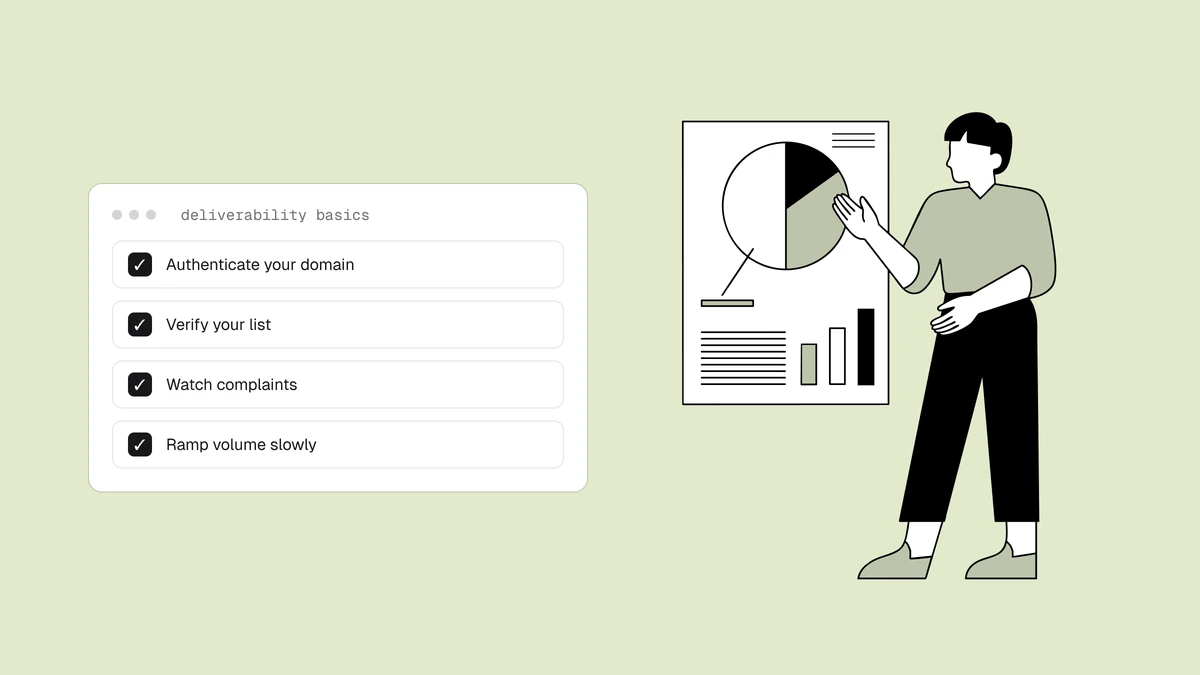
There is no single trick. Inbox placement is earned across seven levers: authenticate your mail, keep your list clean, send only to people who want it, protect your sender reputation, warm up new sending infrastructure, get the compliance basics right, and monitor all of it. Skip any one and the others can't fully compensate — a perfectly authenticated sender with a dirty list still lands in spam, and a clean list sent from an unauthenticated domain increasingly doesn't get delivered at all.
1. Authenticate your mail#
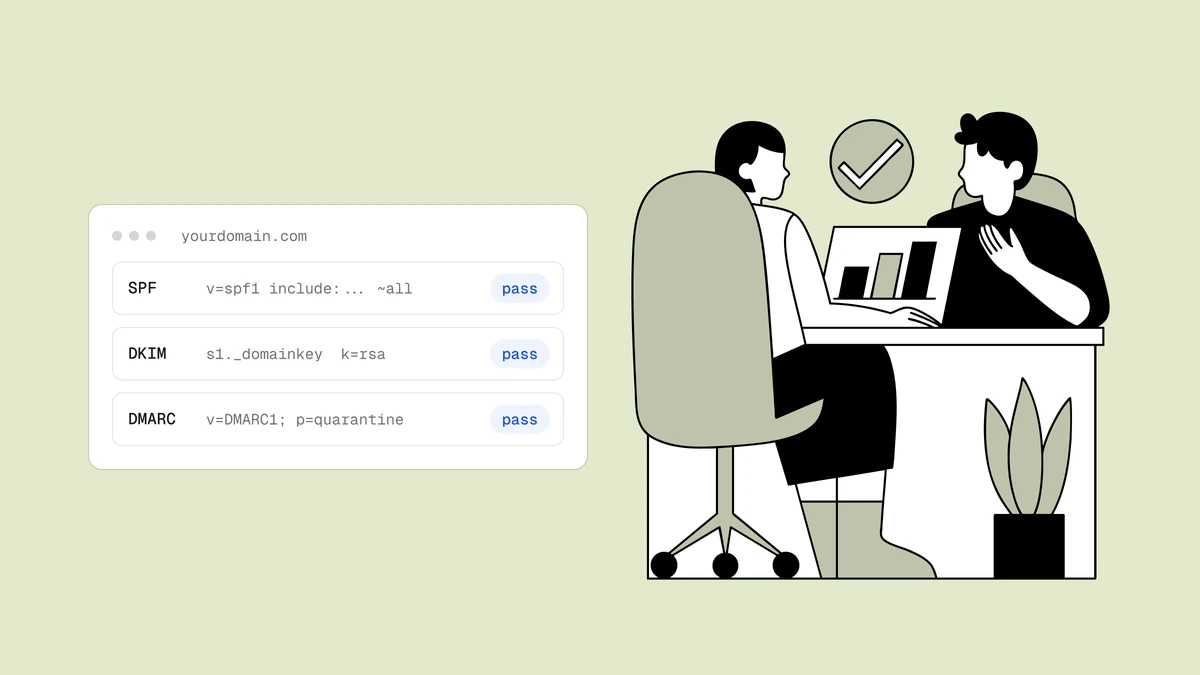
This is the entry ticket. SPF, DKIM, and DMARC
are DNS records that prove your mail is really from you, and since Google and
Yahoo's 2024 requirements they are mandatory for bulk senders, not optional. Set
all three correctly before you worry about anything else — without them, providers
increasingly won't even consider your mail for the inbox. SPF is usually the
fiddliest, since you need the right include: mechanism for every service that
sends on your behalf, so generate your provider's exact SPF record
rather than hand-editing it.
2. Keep your list clean#
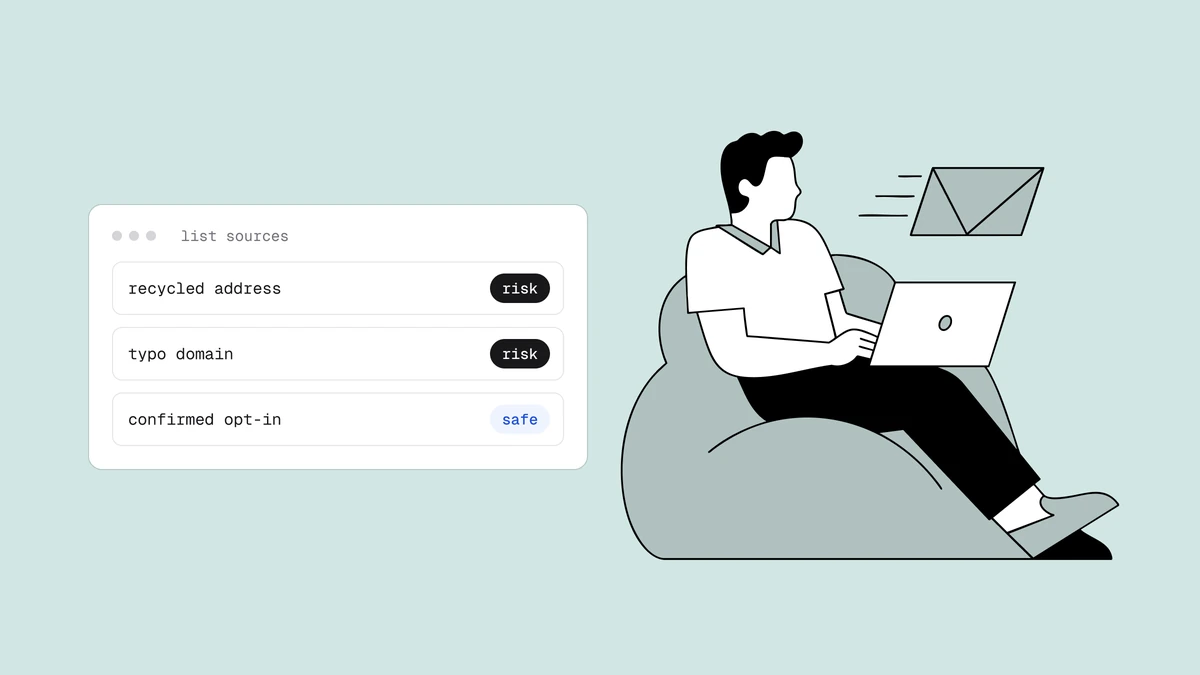
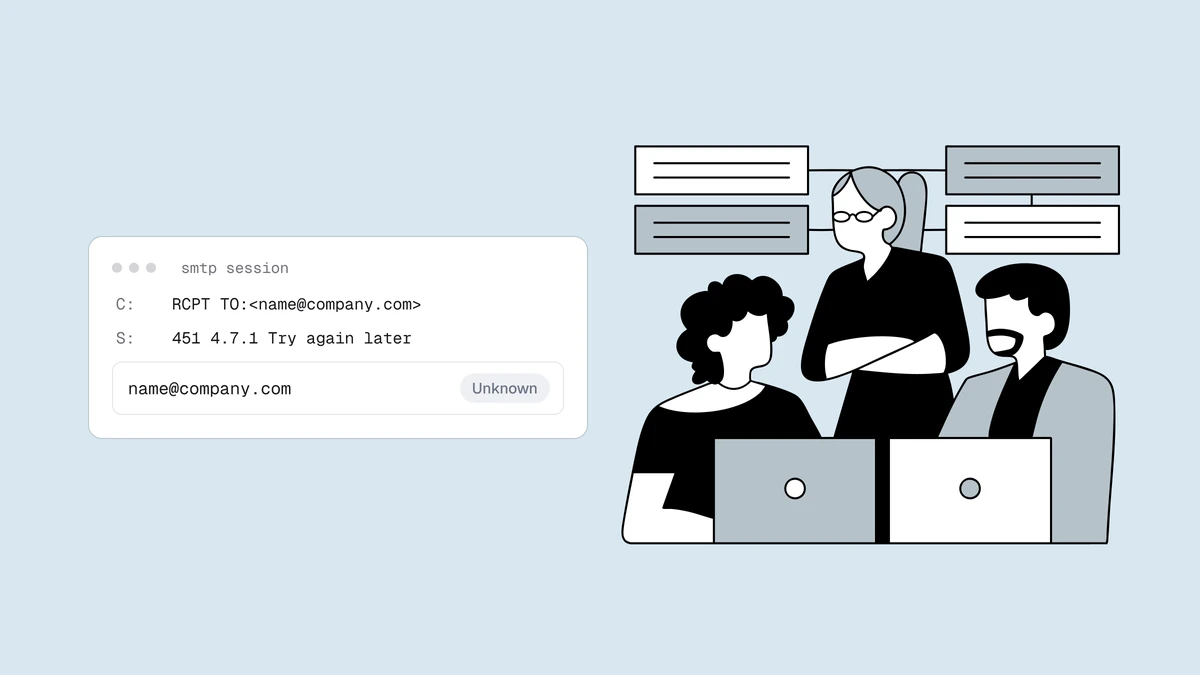
The fastest way to wreck deliverability is to mail dead addresses. Every hard bounce and every spam-trap hit tells providers you don't know who's on your list — and the damage lands on your good subscribers too. The fix is verification: remove invalid syntax, dead domains, and known-undeliverable mailboxes before you send, and handle catch-all, disposable, and role addresses deliberately. Verify at the point of capture so junk never enters, and re-clean before major sends so decayed addresses leave. This is the lever most senders underinvest in and the one with the clearest payoff. The export-verify-suppress loop is written up per platform — Klaviyo, Mailchimp, HubSpot, Brevo, ActiveCampaign, Omnisend, and MailerLite — and cold outreach is the hardest hygiene case of all.
3. Send only to people who want it#
Engagement is one of the strongest signals a mailbox provider reads. Mail that gets opened, read, and replied to earns the inbox; mail that's ignored or deleted unread erodes it. Practically:
- Collect with permission — a confirmed opt-in beats a big list every time.
- Segment — send relevant mail to interested people, not everything to everyone.
- Sunset the unengaged — someone who hasn't opened anything in months is hurting your reputation. Try to win them back, then let them go.
4. Protect your sender reputation#
Providers keep a running reputation score for your sending IPs and your domain, built from your bounce rates, spam complaints, spam-trap hits, engagement, and how consistently you send. Reputation is slow to build and fast to lose, and it's the invisible variable behind most "why is my mail going to spam?" mysteries. Keep complaints under the ~0.3% providers watch for, keep bounces low, and send at a steady cadence rather than in erratic spikes. Sustained problems here are what get a sender blocklisted, and feedback loops let you suppress complainers before the rate climbs.
5. Warm up new domains and IPs#
A brand-new sending domain or IP has no reputation, so blasting a large volume from it looks exactly like a spammer. Warm it up: start with a small volume to your most engaged subscribers and increase gradually over weeks, letting a positive reputation build before you scale. How much warmup you need depends partly on whether you send from a dedicated or shared IP.
6. Get the compliance basics right#
The legal minimums are also deliverability signals. Include a working one-click unsubscribe (now required for bulk senders), a clear and honest "From" name and subject line, and a physical mailing address. Making it easy to unsubscribe is counterintuitively good for deliverability — it's far better than the alternative, which is recipients hitting "report spam".
7. Monitor everything#
You can't fix what you don't measure. Watch your bounce and complaint rates every send, and use the free provider tools — Google Postmaster Tools and Microsoft SNDS — to see your reputation and spam rates as the providers themselves see them. A rising bounce rate or a complaint spike is an early warning; catch it before placement drops.
The order that matters#
If you're starting from a deliverability problem, work top-down: fix authentication first (it's binary and mandatory), then clean the list (the biggest controllable win), then engagement and reputation (slower, compounding). Most inbox problems trace to one of the first two.
Frequently asked questions
01Why is my email going to spam?
Almost always one of: missing or broken authentication (SPF/DKIM/DMARC), a poor sender reputation from past bounces or complaints, a dirty list generating hard bounces and spam-trap hits, or low engagement. Check authentication first because it's binary, then look at your bounce and complaint rates - those are the signals providers act on most directly.
02What's a good email deliverability rate?
Aim for inbox placement as high as you can get it, with hard bounces near zero and spam complaints well under the 0.3% threshold providers watch. There's no single universal number, and any tool quoting a precise "industry deliverability rate" without a source is guessing - track your own trend and your bounce rate against your industry instead.
03How can I improve deliverability quickly?
The fastest wins are the binary ones: confirm SPF, DKIM, and DMARC are set up correctly, and clean your list to remove the dead addresses that are hard-bouncing right now. Those two address most acute problems. Reputation repair is slower - it's earned back over weeks of good sending - so start it immediately but don't expect an overnight fix.
04Does email verification improve deliverability?
Yes - it's one of the highest-leverage levers. Verification removes the invalid and dead addresses that cause hard bounces and the spam-trap risk that damages your reputation, before you send. It doesn't replace authentication or reputation work, but a clean list is a prerequisite for good deliverability, not an optional extra.
Clean lists are the lever most senders skip and the one with the clearest payoff. The free plan runs the full verification pipeline on 100 addresses so you can see what's hiding in your list, and the free email checker catches dead domains and typos in the browser. Fix authentication, clean the list, and the rest gets easier.