A SaaS product runs on email in a way most businesses never quite register. The magic link that logs a user in, the password reset that saves a locked-out account, the receipt after a card is charged, the "your trial ends in three days" nudge that decides whether someone converts — every one of those is triggered by an address a user typed once, usually into a signup form, often in a hurry. Email verification for SaaS is how you make sure that address is real before your product starts depending on it. Get it wrong and the failure is quiet but expensive: the activation email never lands, the user assumes your product is broken, and the fake and mistyped accounts you let in slowly erode the sending reputation that every other user's mail depends on. This guide covers where email matters across a SaaS product, how to verify at signup without adding friction, and how to keep the user list you already have clean.
The short answer#
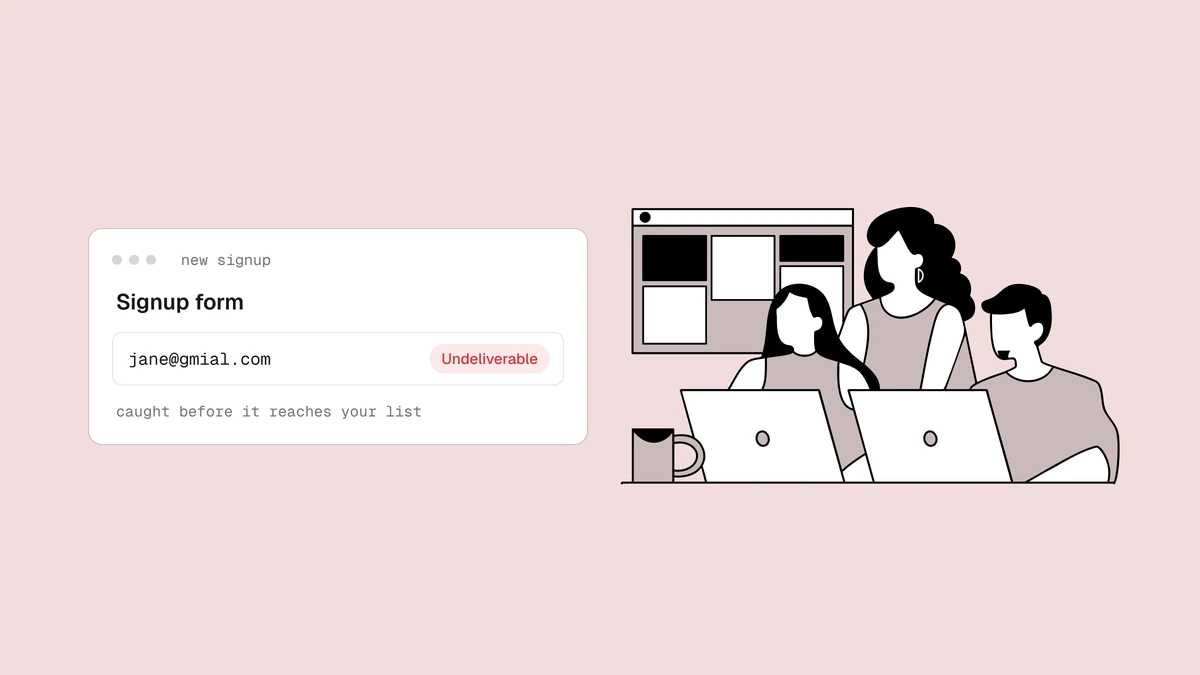
Verify in two places. Catch bad addresses in real time at signup by calling a
verification API as the address is entered, so a typo like @gmial.com or a
throwaway inbox gets flagged while the user is still on the page — before your
magic link or welcome email bounces off a mailbox that never existed. Then
periodically bulk-clean the user list you already have, because addresses
decay: users change jobs, abandon old inboxes, and churn without telling you.
Real-time verification keeps bad addresses from getting in; bulk cleaning removes
the ones already inside. Both protect the same thing — the deliverability of the
transactional and lifecycle email your product can't function without.
Why email verification for SaaS is different#
Most senders capture an address for one job. A SaaS product captures it for three at once, and they pull in different directions when the address is wrong.
The first stream is transactional and authentication mail: the confirmation link, the magic link, the password reset, the receipt, the two-factor code. The user isn't idly reading these — they are actively blocked until one arrives. When a magic link fails to deliver, the user can't log in, and "I never got the email" becomes a support ticket, a failed activation, or a silent churn you never even see. A wrong address here isn't a lost subscriber; it's a broken product experience with a real person stuck on the other side.
The second stream is trial-to-paid nurture: the onboarding sequence, the feature tips, the "your trial ends soon" reminders that do the actual work of converting a free signup into revenue. If those land in spam or bounce, the trial quietly expires and you attribute the loss to the product when the real problem was delivery.
The third stream is product and lifecycle email: usage digests, notification emails, re-engagement campaigns, billing warnings. This is where a bad address behaves like it does for any sender — it bounces, and enough bounces drag down the reputation of the domain doing the sending. The trouble is that all three streams usually share that domain, so the junk you let in through one stream degrades placement for the other two.
Verify at signup with the real-time API#
The cheapest moment to catch a bad address is before it ever enters your database — while the user is still on the page and able to fix it. That's what real-time verification does. You call the verification API as the address is submitted at signup, read the result, and act on it in the flow.
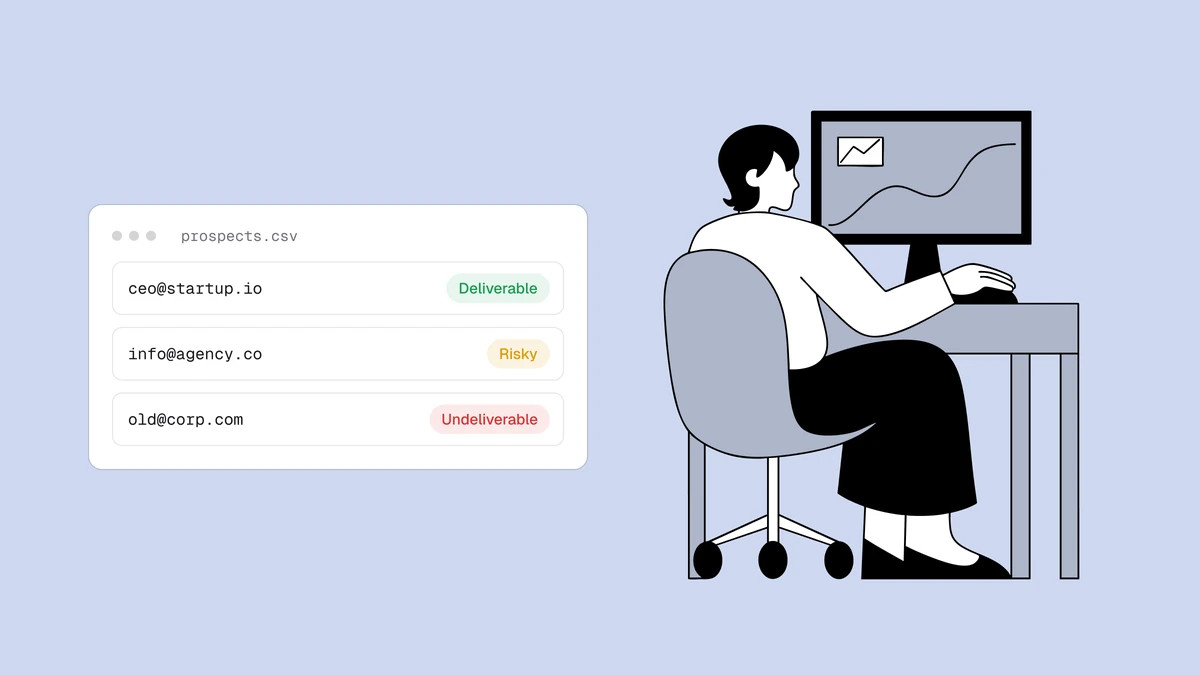
A real-time check returns a status — deliverable, risky, undeliverable, or
unknown — plus a reason code, a 0–100 confidence score, and sub-flags for things
like disposable, role, free, and catch-all addresses.
The pipeline behind that result checks syntax,
domain and MX records, and the mailbox itself, so you're getting far more than a
format check. Your signup logic decides what to do with it. The highest-value move
is recovering the honest mistake: when the result comes back undeliverable because
the domain is a near-miss of a real provider, prompt the user — "did you mean
gmail.com?" — and rescue an account you'd otherwise have lost the instant your
confirmation email bounced.
The rule that keeps this from backfiring: flag, don't blindly block. The point
of a signup form is to let real users in. A soft, correctable prompt on a clearly
bad address is good UX; a hard wall that rejects anything short of a confirmed
deliverable will eventually turn away a genuine user whose mail server was just
slow to answer — an unknown, not a bad address. The
patterns for verifying at the point of signup
go deeper on wiring this into a serverless flow without adding latency or friction
to the funnel. And because Qualisend issues scoped API keys, you can create a
dedicated key for your signup integration and keep its access and rate limits
contained.
Flag, don't block: disposable, role, and catch-all at signup#
SaaS signup forms attract a specific kind of junk, and the mistake is treating every non-standard address as "reject on sight." Each type deserves a deliberate call, and the sub-flags give you what you need to make it.
- Disposable addresses. Throwaway inboxes are the one type worth catching hard at signup. They're usually entered to grab a free trial without committing a real address, they'll never be reachable again, and they inflate your user count with accounts that can't be activated or billed. The disposable sub-flag lets you decline the signup, or route it into a stricter verification lane, before it becomes a dead row in your users table.
- Role addresses. Shared mailboxes like
admin@,support@, orbilling@are common when a company signs up rather than an individual. They're fine for a transactional receipt but a poor fit for personal onboarding mail, since no single person owns them. The role, disposable, and free address breakdown covers the send-or-suppress call for each. - Catch-all domains. A catch-all domain accepts mail for every possible address, so the verifier can't confirm the specific mailbox exists — the result comes back risky rather than deliverable. Plenty of legitimate business users sit behind catch-all domains, so blocking every one at signup means turning away real, paying accounts. Let them through and treat the address with a little caution in your lifecycle sends instead.
Bulk-clean the user list on a schedule#
Real-time verification protects new signups. It does nothing for the users you already have — and that list is where a surprising amount of risk hides. SaaS user lists decay in ways that are easy to overlook: people change jobs and abandon the work address they signed up with, companies fold, free accounts go dormant for years, and a chunk of your list may predate the day you added verification at signup at all.
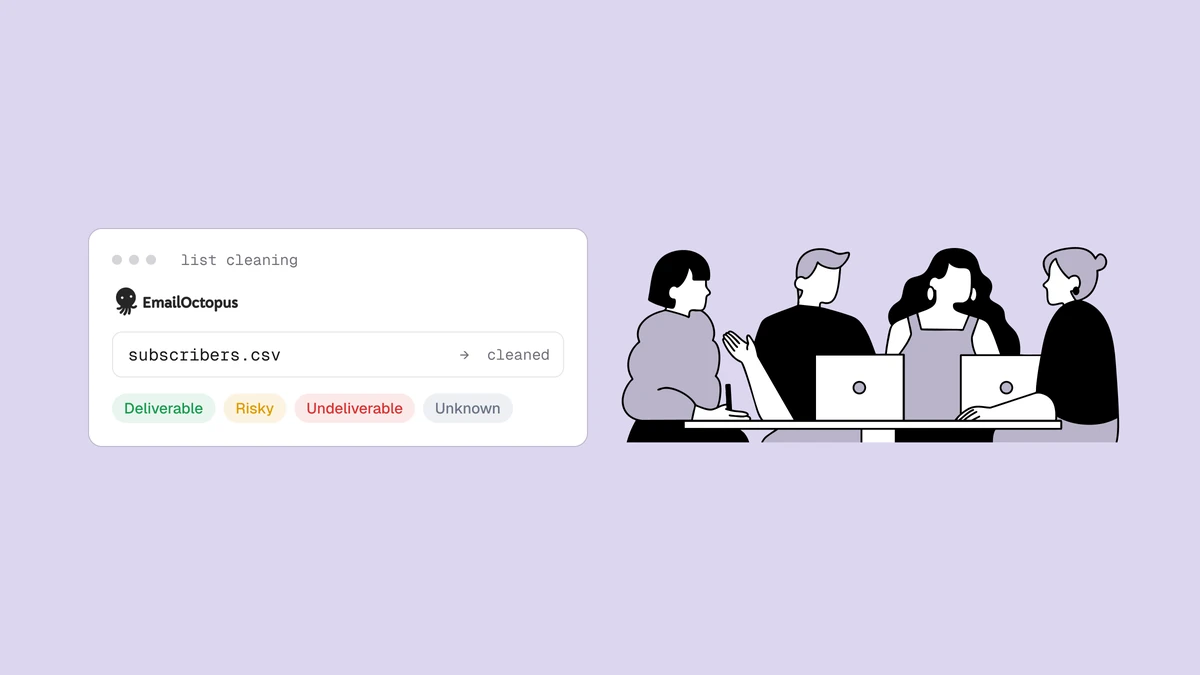
For that, you clean in bulk. Export your user list to a CSV, run every address through verification at once, and get back the same status, reason, score, and sub-flags for each row — then suppress the undeliverables and decide deliberately what to do with the rest. This is the standard move before any big lifecycle send: a re-engagement push to dormant accounts, a major product announcement, a pricing change. The full step-by-step is in how to clean an email list, and bulk email verification covers running large lists efficiently — including the fact that duplicates within a list are only checked once, so a padded export doesn't bill you twice for the same address.
How often depends on how fast your list moves, but a periodic clean of the active user base, plus a re-verification of any dormant segment before you try to wake it, keeps the decay from compounding. Real-time and bulk aren't rival choices; a growing SaaS needs both — one keeps new signups clean at capture, the other removes the addresses that have rotted since.
Protect your app domain's sender reputation#
Everything above rolls up to one asset you can't afford to damage: the sending reputation of the domain your product mails from. Gmail, Outlook, and the rest score senders on how they behave, and a steady stream of bounces and dead addresses is one of the fastest ways to erode sender reputation — the score that decides whether your mail reaches the inbox at all. Let fake and mistyped signups pile up and your bounce rate climbs into the range mailbox providers read as a warning sign, at which point even your clean, wanted mail starts landing in spam.
For a SaaS product that's uniquely dangerous, because the mail most at risk is your transactional mail. Once a provider distrusts your domain, the password resets and magic links that unblock real, active users are exactly the messages that start getting filtered — and a user who can't log in doesn't wait patiently, they churn. Verifying at signup keeps the worst offenders out before they ever bounce; a periodic bulk clean removes the ones that decayed after they got in. Pair that with a confirmed opt-in for your marketing and lifecycle lists — the single vs double opt-in trade-off is worth reading if you're deciding how strict to be — and you protect the one thing every other email in your product quietly relies on.
Built for the developers wiring it in#
Because this is a SaaS audience, the integration usually lands on an engineer. You call the REST API from your signup handler, read the status and reason off the response, and branch in your own logic — prompt for a correction, decline a disposable, or let the account proceed. Scoped API keys let you issue a separate key per integration and keep each one within its own rate limits, which matters when a public signup form, an internal admin tool, and a batch job all hit the API. The developer docs cover the endpoints, the response shape, and every status and reason code you'll branch on. For the periodic clean, it's the same export-verify-act loop in CSV — no code required.
Frequently asked questions
01Where should a SaaS product verify email addresses?
In two places. Verify in real time at signup by calling the API as the address is submitted, so you catch a typo or a disposable inbox while the user can still fix it - protecting the confirmation link and welcome email before they're even sent. Then bulk-clean your existing user list on a schedule to remove the addresses that have decayed since users signed up. Real-time stops bad addresses from getting in; bulk cleaning removes the ones already there. Most teams start with a one-time bulk clean of the list they have, then add real-time verification at signup to keep it clean going forward.
02Will verifying at signup add friction or block real users?
Not if you set it up to flag rather than hard-block. A real-time check returns a status in the request, and the right pattern is to prompt for a correction on a clearly bad address - a domain typo, a disposable inbox - while letting anything ambiguous, like an unknown result from a slow mail server, through so you never turn away a genuine user. The goal is to recover mistyped addresses and decline obvious throwaways, not to put a wall in front of signup. Catch-all domains often belong to legitimate business users, so those are worth letting through as well.
03How does email verification protect transactional deliverability?
Magic links, password resets, and receipts usually send from the same domain as your marketing and lifecycle mail, so they share one sending reputation. Every fake or mistyped signup you let in generates bounces, and enough bounces make mailbox providers distrust the domain - at which point your transactional mail starts getting filtered too. Verifying at signup keeps those bad addresses out before they ever bounce, and a periodic bulk clean removes any that decayed after signup, which together keep the reputation behind your authentication mail intact.
04Is there an API for verifying emails at signup?
Yes. Qualisend offers a real-time REST API you call as the address is entered, returning a status of deliverable, risky, undeliverable, or unknown, plus a reason, a 0–100 score, and sub-flags for disposable, role, free, and catch-all addresses. It issues scoped API keys so you can create a dedicated, rate-limited key per integration. The developer docs cover the endpoints, the response shape, and the status and reason codes to branch on; for lists you already have, the same verification runs in bulk over a CSV with no code required.
Keep bad addresses out of your product's mail two ways at once: wire real-time verification into signup with the developer docs, run a quick check in the free email checker to see the exact result shape, and grab credits on the pricing page to bulk-clean the user list you already have — so every magic link lands and the domain behind your product stays trusted.