Recruiting runs on outreach to people who never opted in. You pull candidates from a LinkedIn export, an old ATS, a job-board lead list, or a resume database, enrich or guess their email, and start sending — and a real share of those addresses are wrong, outdated, or attached to a job the person left two years ago. Email verification for recruiters is how a staffing or talent team keeps that guesswork from turning into bounced first-touch emails, a wrecked sending reputation, and candidates who never hear about the role you're trying to fill. This guide covers bulk-verifying sourced candidate lists, handling personal versus work addresses, verifying at capture on your application and referral forms, and keeping the ATS clean as candidate data decays.
The short answer#
Verify the list before you send, and keep verifying as candidates flow in. Sourced candidate lists are the messiest kind there is — the emails are enriched, guessed, or years old, and the person behind a work address may have changed jobs since you found them. Bulk-clean every sourced list before the first outreach so dead addresses never bounce. Verify new addresses in real time as candidates apply, refer, or join your talent network, so the ATS stays clean at the source. And re-verify your existing database on a schedule, because recruiting data decays faster than almost any other kind of list. Real-time verification keeps bad addresses out; bulk cleaning removes the ones already inside.
Why email verification for recruiters is different#
Most senders email people who chose to hear from them. Recruiters do the opposite — you reach out first, to sourced contacts who never signed up, using addresses you rarely collected directly but found, enriched, or bought. Three things make that uniquely risky:
- The emails are sourced, not submitted. A candidate's address on your list
came from a LinkedIn export, an enrichment tool that guessed the company
pattern (
first.last@company.com), a job-board lead, or a scraped resume database. Guessed patterns are wrong constantly, and a wrong address is a guaranteed hard bounce. - Candidate data decays fast. People change jobs — that's the entire premise of your business. The work address you sourced six months ago may belong to a company the candidate has already left, which means it bounces or, worse, lands with whoever inherited the mailbox. No other list rots this quickly.
- You send cold, at volume. Recruiting outreach looks like cold email to the mailbox providers: unfamiliar recipients, little prior engagement, steady volume. That makes your sender reputation fragile — a burst of bounces from one bad list can tip you into the spam folder for every candidate, warm ones included.
Verification turns a pile of sourced guesses into a list you can send to.
What a bad candidate address costs#
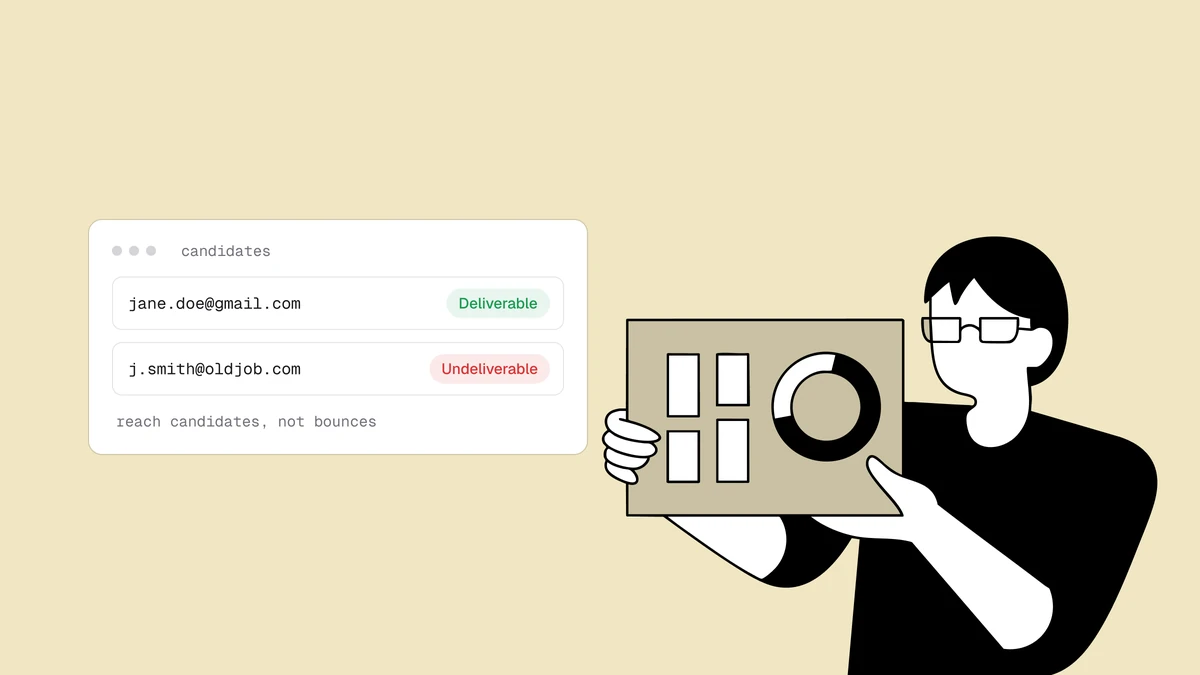
"Verify your emails" sounds like hygiene advice until you trace one dead address
through a real sequence. A recruiter sources p.nguyen@oldcorp.com for a
perfect-fit candidate and drops it in. Nguyen left OldCorp a year ago. Four things
follow, none of them good:
- The candidate never hears about the role. Your best-fit person for the req simply doesn't get the message. That isn't a lost subscriber — it's a missed placement and a worse candidate experience, the two things your team is measured on.
- You log a hard bounce. The address is dead, so the first email bounces immediately. Do that across a sourced list and your bounce rate climbs into the range providers read as a spammer's signature.
- Your sending reputation erodes. Providers score senders on behavior, and a steady stream of bounces from cold outreach is one of the fastest ways to damage sender reputation — already the most fragile asset a high-volume recruiter has.
- Warm candidates land in spam too. Once a provider distrusts your domain, even the personalized notes to engaged candidates get filtered — so the replies you're waiting on never arrive, because your outreach never reached the inbox.
Bulk-verify every sourced list before the first send#
The single highest-leverage habit is verifying a sourced list before it ever becomes a send. Whatever the source — a scraped export, a purchased lead file, a batch from your ATS — treat it as unverified until it's been checked, because it is.
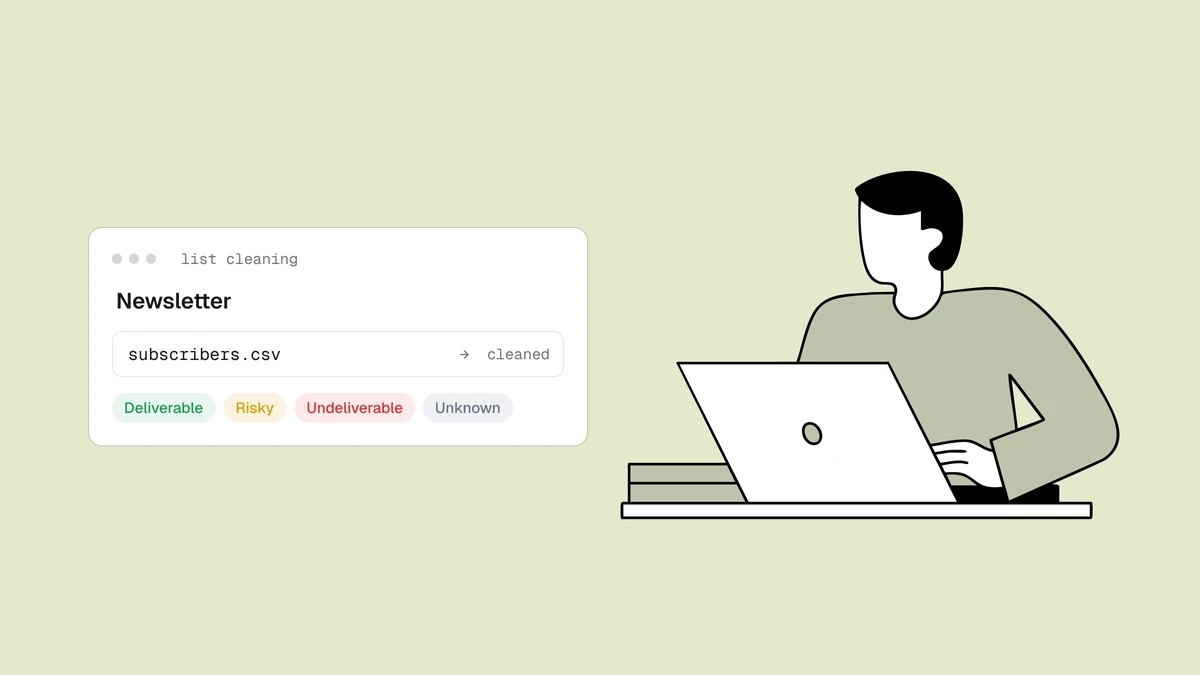
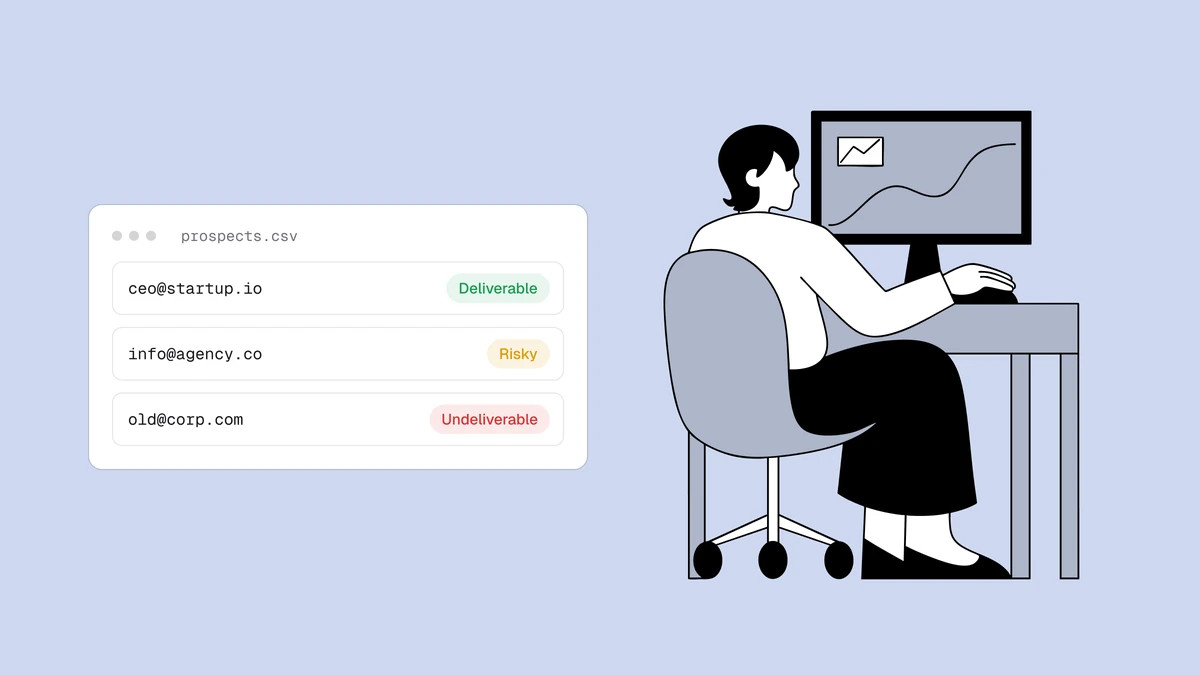
The workflow is the standard export-verify-act loop. Export the list to a CSV, run every address through bulk verification at once, and get back a clear status for each — deliverable, risky, undeliverable, or unknown — with a reason, a 0–100 confidence score, and sub-flags for disposable, role, free, and catch-all. You suppress the undeliverables, decide deliberately how to treat the risky and catch-all segments, and send your first touch only to addresses that will resolve. The step-by-step is in how to clean an email list, and bulk email verification covers large files — including the detail that duplicates within a list are only charged once, which matters when the same in-demand candidate shows up across three sourced exports. New to it? Paste a few addresses into the free email checker first to see the status, reason, score, and flags a real result carries.
Personal vs work addresses, role, and catch-all#
Recruiting lists carry a mix of address types that most senders never deal with, and the right call on each is where verification earns its keep. Blanket "block or keep" rules cost you good candidates. The sub-flags on each result let you make a finer decision.
- Work addresses are durable while the candidate is there and worthless the moment they leave — which could be any day. They also tend to sit on catch-all domains: the corporate server accepts every possible address, so the verifier can't confirm the specific mailbox and returns risky rather than deliverable. That's not a reason to drop it — it's a reason to treat it with caution and, where you can, pair it with a personal address.
- Personal addresses on Gmail, Outlook, and the like follow a candidate across every job change, which makes them the better bet for a long-term talent relationship. Verification flags these as free, and for recruiting that flag is expected and fine — not the red flag it would be for a B2B sales list.
- Role addresses like
careers@,hr@, orjobs@are shared inboxes no individual candidate owns, so they're near-useless for personalized outreach. The role, disposable, and free address breakdown covers the keep-or-suppress call for each.
The through-line: status plus sub-flags let you keep the reachable candidates, prefer the durable personal address over the decaying work one, and route catch-all addresses into a cautious lane instead of blindly sending or dropping them.
Verify at capture on application and referral forms#
Not every candidate is sourced. Many arrive through inbound channels you control — the application form on a job posting, an employee-referral form, a "join our talent network" signup. Those are the cheapest moments to catch a bad address: while the person is still on the page and able to fix it.
Real-time verification handles this. You call the
verification API as the address is entered, read the status back
in the request, and act on it in the flow. A candidate who fat-fingers
@gmial.com on an application gets a gentle "did you mean gmail.com?" prompt
instead of silently vanishing from your pipeline because every follow-up bounced.
The patterns for wiring this into a form without adding friction are in
verifying email at signup, and the
developer docs cover the endpoints, key scopes and rate limits.
Rate limits apply per workspace per minute and are shared by all your keys. If your
plan allows more than one key (Free includes one), a separate key for your careers
site is still worth it: you can revoke it on its own without touching your other
integrations.
The rule that keeps this from backfiring: flag, don't hard-block. The point of an application form is to capture the candidate. Prompt to correct a clearly bad address — a domain typo, a disposable inbox — but let an ambiguous unknown result (often just a mail server that was slow to answer) through, so you never turn away a real applicant over a temporary blip.
Keep the ATS list clean#
Real-time capture protects new candidates. It does nothing for the thousands already sitting in your ATS — and that database is where most of the decay hides. Every candidate who changed jobs since you last emailed them now has a stale work address, and every talent pool you built for a filled req has quietly aged. A candidate database depreciates unless you maintain it.
So re-verify on a schedule, and always before a large re-engagement to a passive pool. Export the segment you're about to email, run it through bulk verification, and refresh the statuses — the same export-verify-act loop you use on a fresh sourced list, pointed at the database you already own. Because verification is a snapshot of the truth at check time, re-running it is how you keep an old pool from bouncing the moment you reactivate it. Clean at intake, verify sourced lists before you send, and re-verify the database on a cadence — that's the loop that keeps a recruiting team reaching real inboxes.
Frequently asked questions
01Why do recruiters need email verification more than most senders?
Because recruiting outreach is the hardest case for deliverability. You email people who never opted in, using addresses you sourced or guessed rather than collected, and candidate data decays unusually fast because people change jobs constantly - so a work address you found months ago may already be dead. You also send cold and at volume, which makes your sender reputation fragile. Verifying sourced lists before you send keeps a burst of bounces from pushing all your outreach, warm candidates included, into the spam folder.
02How should recruiters handle personal versus work candidate emails?
Prefer the durable one and verify both. A personal address on Gmail or Outlook follows the candidate across job changes and is the better bet for a long-term relationship - verification flags it as "free," which is expected and fine for recruiting. A work address is reliable only while the candidate is at that company and often sits on a catch-all domain, so it comes back "risky" because the server won't confirm the individual mailbox. Where you have both, lead with the personal address and treat the work one with more caution.
03Should I verify candidate emails in bulk or at capture?
Both, because they cover different sources. Bulk verification cleans the sourced lists you import - LinkedIn exports, enriched files, job-board leads - before the first send. Real-time verification at capture, via the API, checks addresses as candidates apply, refer, or join your talent network, catching typos while the person can still fix them. Most teams start with a one-time bulk clean of the database they already have, then add verify-at-capture to keep it clean going forward.
04How often should I re-verify my candidate database?
On a schedule, and always before a large re-engagement send. Candidate data decays faster than almost any other kind of list because people change jobs, so a work address that verified fine last year may be dead now. Re-verify a passive talent pool right before you reactivate it, and refresh the segments you email most often on a regular cadence. Verification is a snapshot at check time, so re-running it is what keeps an aging pool from bouncing the moment you reach back out.
Turn your sourced candidate lists into lists you can actually reach: run a quick check in the free email checker, then grab credits on the pricing page to bulk-clean the ATS export you already have — so your first touch lands, your reputation holds, and the right candidate hears about the role.