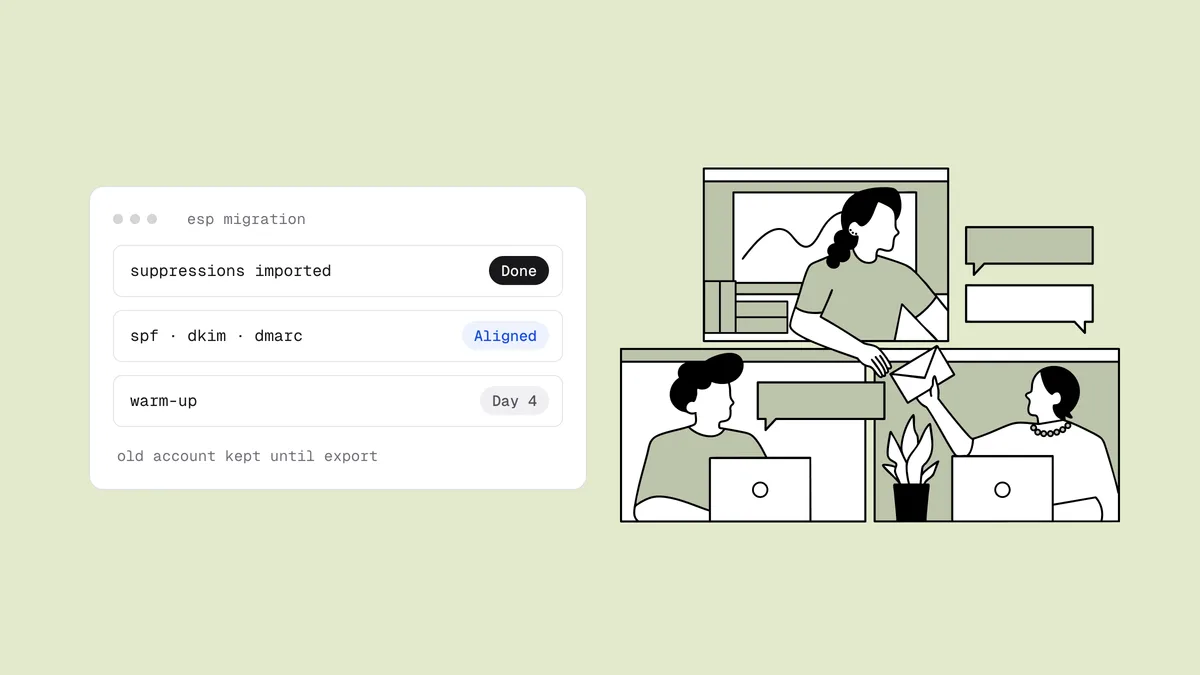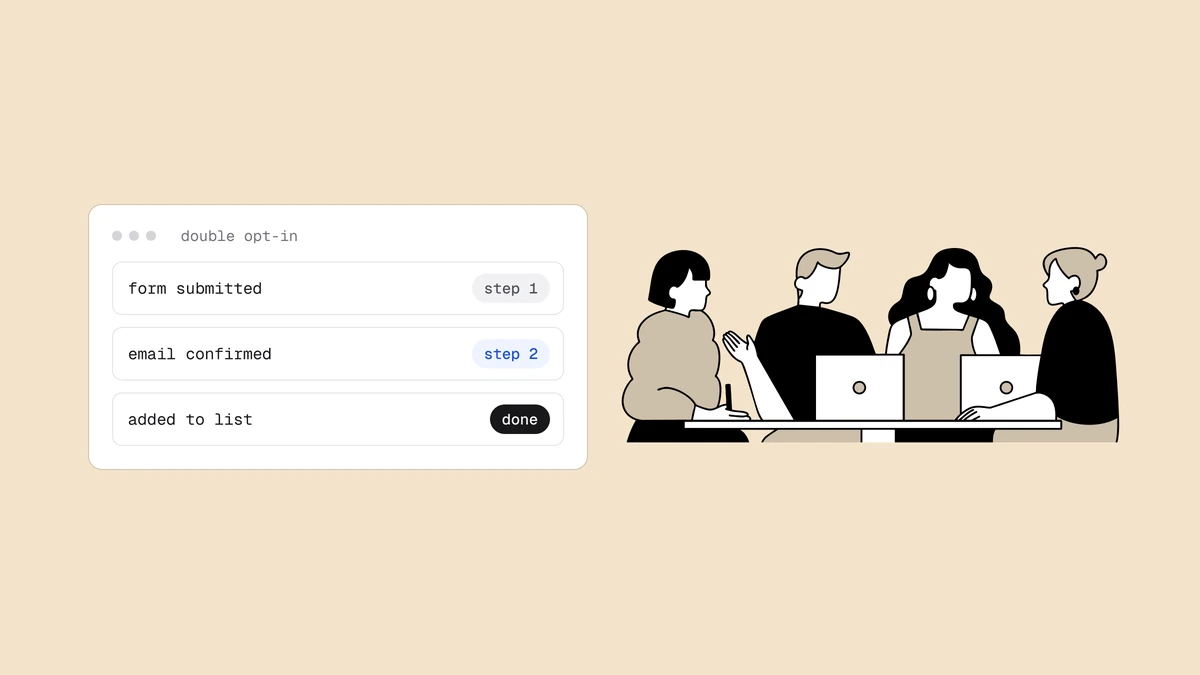
Running email for other people's brands is a different job from running it for one. You inherit lists you didn't build, you send under reputations you don't fully control, and one client's neglected list can quietly pull down deliverability for the client sitting next to it on the same infrastructure. Email verification is how an agency keeps that from happening — but only when it's set up the way an agency actually works: many clients, separate books, one team, and budgets that need to move. Here's how to run bulk verification for multiple clients without the lists, credits, and reputations bleeding into each other.
The short answer#
Email verification for agencies is verification that stays isolated per client and flexible across your book. Give each client their own workspace so lists, verifications, and credits never mix. Buy credits once — they don't expire — and move a client's budget between the workspaces you own as campaigns demand. Invite your team and assign roles per workspace. Then verify every inherited list at onboarding, before the first send, because inherited lists are where spam traps and dead addresses get in. Clean the list with the export-verify-act workflow, in bulk or through the API, as volume grows, and pair verification with blacklist monitoring so anything that slips past is caught early rather than by a client.
The agency problem is different#
A single brand manages one list, one sending reputation, one relationship with the mailbox providers. An agency multiplies all of it, and the parts interact in ways that work against you:
- Inherited lists. You rarely build a client's list from scratch. You onboard whatever they hand you — exported from an old ESP, bought years ago, scraped, or simply left to rot. You didn't create the bounce and spam-trap risk sitting in it, but the moment you send, you own it.
- Shared reputation. Clients often send from overlapping infrastructure, and providers judge each send on the reputation attached to it. One client's dirty list generates the complaints and trap hits that can suppress placement for the well-behaved clients beside them.
- No natural firewall. Without deliberate separation, one messy import can contaminate the numbers, the credits, and the audit trail you keep for everyone else. When a client asks "what did you verify for us, and when," you need an answer that isn't tangled up with three other accounts.
Verification solves the list-quality half of this — but only if the tool keeps each client's work genuinely separate.
A workspace per client#
The foundation is isolation. Give each client its own workspace — a separate container for that client's lists, verification jobs, credits, and team access. Nothing leaks across the boundary. Client A's uploaded list is never visible from Client B's workspace, the verification history stays scoped to the client it belongs to, and the credits you allocate to one don't quietly get spent by another.
That separation is what makes an agency defensible. When a client asks for proof that their list was cleaned before a launch, you have a clean record scoped to their workspace and nothing else. And working across ten accounts in a week, you're never one wrong dropdown away from verifying the wrong client's list against the wrong budget.
Move credits where they're needed#
Isolation shouldn't mean rigidity. Agency budgets don't sit still — one client runs a big re-engagement send this month, another goes quiet, a new logo signs mid-cycle. Credits are built for that. You buy them once and they don't expire, so unused budget is never lost to a monthly reset. And because you own all your workspaces, you can transfer credits between them — move a quiet client's unused balance to the one running a large campaign, or top up a new workspace from a shared pool without buying again.
The economics stay simple. Verification starts at $6 per 1,000 addresses, every new account starts with 100 free credits to test the pipeline, and duplicates within a list are only charged once — so a padded list doesn't bill you twice for the same address. Pool the buying, isolate the spending, and shift the budget to wherever the campaign calendar needs it. Full details are on the pricing page.
Roles and invites for your team#
Agencies are teams, and not everyone should touch everything. Invite teammates and assign roles per workspace, so access maps to how you actually staff accounts. An account manager who owns three clients gets access to those three workspaces and not the rest. A contractor brought on for one project sees only that project. You keep control of who can run verifications and spend credits against which client, without handing every hire the keys to the whole book.
Per-workspace roles also keep the client boundary intact on the human side. The same isolation that keeps lists and credits separate extends to people — the person working Client A's account isn't wandering through Client B's data — the kind of separation clients increasingly ask about before trusting you with their audience.
Verify at onboarding, before the first send#
If there's one moment that matters most for an agency, it's onboarding. Inherited lists are where the risk enters. The list a client hands you on day one has often been sitting untouched for months or years, collecting abandoned addresses, role addresses like info@ and sales@, catch-all domains, and — worst of all — spam traps that recycled dead mailboxes into reputation landmines. Send to that list cold and you generate the hard bounces and trap hits that damage sender reputation fast, sometimes before you've sent a single intentional campaign.
Verifying at onboarding defuses it before it touches your infrastructure. Run the inherited list through verification first, and the process sorts every address into a clear status — deliverable, risky, undeliverable, or unknown — with a reason, a 0–100 score, and sub-flags for disposable, role, and catch-all addresses. You suppress the undeliverables, decide deliberately how to treat the risky and catch-all segments, and send the first campaign to a list that won't torch the client's reputation on contact. Make it a standing step in every onboarding, not a thing you reach for after a problem shows up.
Bulk and API: verification that scales with you#
How you verify depends on the job. For a one-off inherited list, bulk verification is the fastest path: upload or paste a CSV, watch live progress as the list is checked, and download the cleaned CSV with every status and flag attached — the natural fit for onboarding cleanups and re-verification.
For clients where addresses arrive continuously — signup forms, lead-gen, checkout — real-time verification is the better tool. A REST API lets you check an address at the point of capture, before it ever lands in a list. Issue each client integration its own scoped key from that client's workspace: rate limits are counted per workspace per minute and shared by all of that workspace's keys, so one client's traffic never eats into another client's limit. The developer docs cover the endpoints, and the API comparison and signup-verification patterns are worth a read if you're wiring this into client forms. All processing runs in the EU, which is one less thing to explain when a client asks where their data goes.
Pair verification with blacklist monitoring#
Verification is prevention — it keeps bad addresses from ever being sent to. But prevention isn't detection, and an agency needs both. Even a well-run book can pick up a listing from a client's past sending or a segment that slipped through. That's why verification and blacklist monitoring for agencies work as a pair: verification stops most listings before they start, and blacklist monitoring catches the ones that get through — before the client notices a flat campaign and asks you what went wrong. Clean at onboarding, verify continuously, and watch every client's domains and IPs so you're the one raising the alert instead of explaining it after the fact.
Frequently asked questions
01What makes email verification for agencies different from a single account?
Scale and separation. An agency handles many clients' lists, many sending reputations, and lists it didn't build - and those risks interact, so one client's dirty list can hurt another's deliverability on shared infrastructure. The difference that matters is isolation: each client needs its own workspace so lists, verifications, and credits never mix, plus the flexibility to move budget and assign team access per client. A single-account tool doesn't give you that structure.
02How do I run bulk verification for multiple clients without mixing their data?
Give each client a separate workspace. A workspace isolates that client's lists, verification history, credits, and team access, so nothing crosses the boundary - Client A's list is never visible or billable from Client B's account. You verify each client's list in bulk within their own workspace by uploading or pasting a CSV, watch live progress, and download a cleaned file scoped to just that client, which also gives you a clean audit trail per account.
04When should an agency verify a client's list?
At onboarding first, always - inherited lists are where dead addresses and spam traps enter, and verifying before the first send stops that risk from ever touching your infrastructure. After that, verify continuously: check new addresses in real time via the API at the point of capture, and re-verify existing lists before major sends, since addresses decay over time. Pair the whole thing with blacklist monitoring so anything that slips through is caught early.
Bring every client onto Qualisend in its own workspace, verify the list they hand you before the first send, and move credits to wherever the campaign calendar needs them. Start with 100 free credits or run a quick check in the free email checker — and keep every client's inherited list from becoming your deliverability problem.