A cold outreach list is only as good as the addresses on it — and most prospect lists are full of addresses that were never confirmed to exist. Scraped from a website, bought in bulk, or guessed from a first-name-dot-last-name pattern, they arrive unverified, and every invalid one you mail is a hard bounce against a domain with no reputation to spare. Email verification for cold email is the step that separates the addresses that will land from the ones that will bounce — before you send, not after the damage is done. Email verification checks each address against the mailbox provider and tells you whether it's real, so you can strip the dead ones out first. This guide covers how to verify a prospect list in bulk, how to handle the catch-all and role addresses that dominate B2B, and how keeping bounces low protects the deliverability your whole campaign rests on.
The short answer#
Verify the entire prospect list in bulk before the first send. Cold lists —
scraped, purchased, or pattern-guessed — carry the highest share of invalid
addresses you'll ever mail, and sending to them spikes bounces that wreck a young
domain's reputation and land the rest of your outreach in spam. Upload the CSV,
run every address through verification, and act on the result: suppress the
undeliverables, segment the catch-alls into their own throttled lane, and decide
per campaign what to do with role addresses like info@ and sales@.
Verification keeps your bounce rate low enough to stay in the inbox — it is not a
substitute for permission or for following the law where you send.
Why a cold list is the dirtiest list you'll mail#
Every other kind of sender builds a list from people who chose to be on it and spelled their own address correctly because they wanted what came next. A cold list has none of that. The addresses come from sources that never confirmed anything:
- Scraped addresses are pulled off websites and directories by tools that grab whatever looks like an email. Plenty are stale, wrong, or belong to mailboxes shut down years ago.
- Purchased or rented lists are sold by the thousand with no guarantee the addresses are live, and the good ones are mailed to death by everyone else who bought the same file.
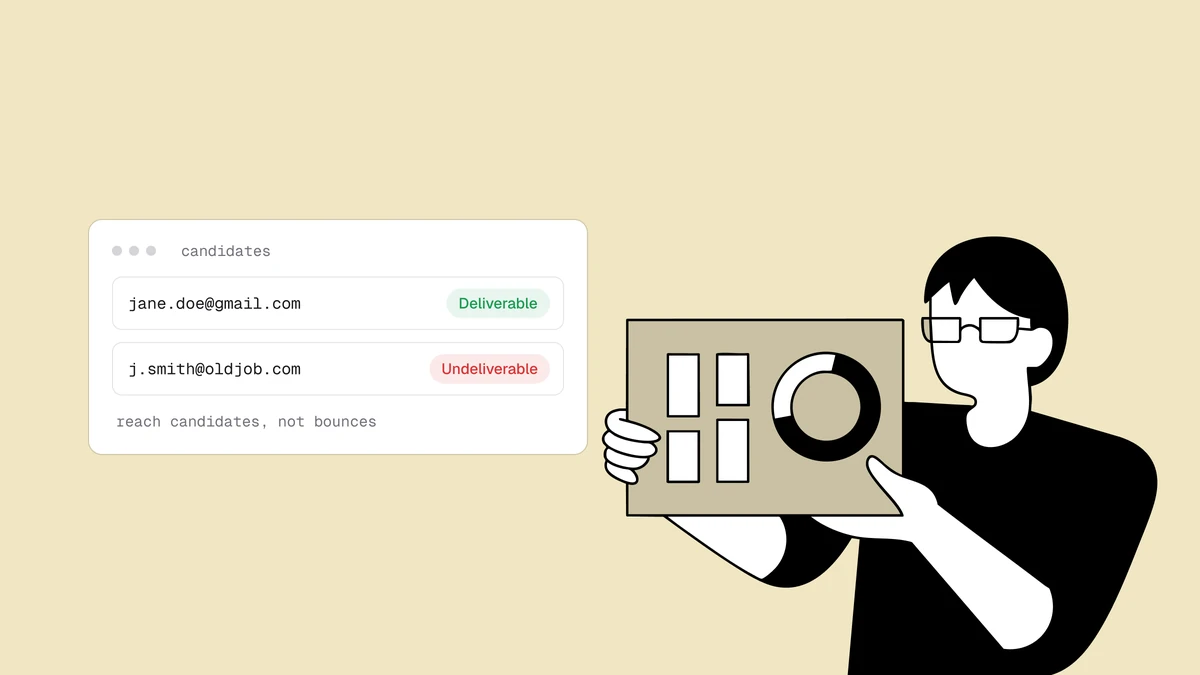
- Pattern-guessed addresses are the worst offenders. A tool assembles
jane.doe@company.combecause that's the common format — but if this company usesjdoe@orjane@, the guess is a dead address that bounces on contact.
The result is a list where a meaningful fraction of rows point at nothing. Mail it cold and each is an immediate hard bounce — and unlike an established brand, you have no reservoir of good sending history to absorb them. This guide focuses on the step that comes first; cold email deliverability covers the rest of the stack — separate domains, authentication, and warmup.
How email verification for cold email protects your sending domain#
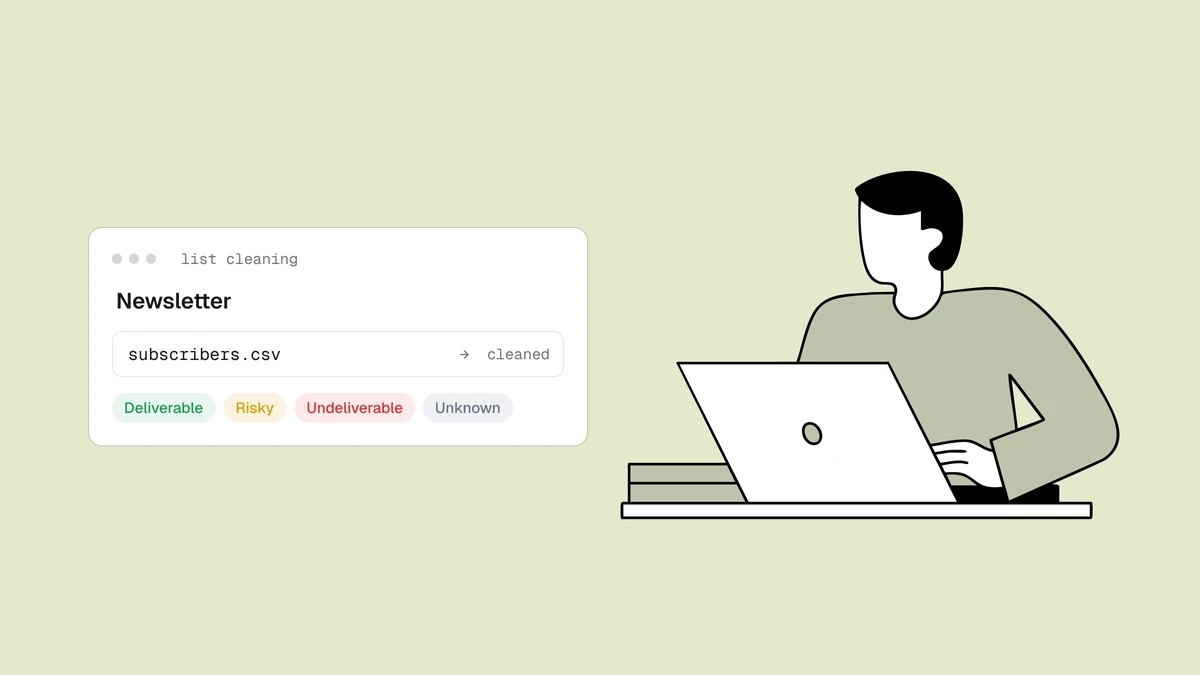
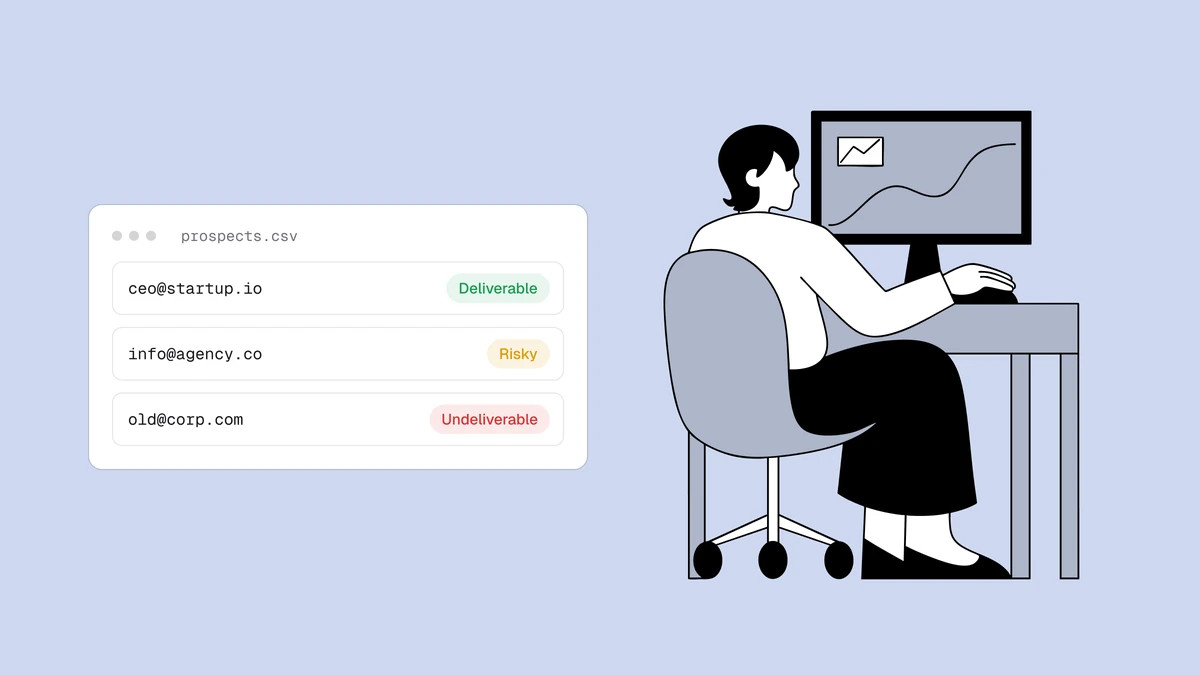
Verification runs before you send anything: you check the addresses you'd otherwise mail blind. The process sorts every address into a clear status — deliverable, risky, undeliverable, or unknown — and attaches a reason, a 0–100 confidence score, and sub-flags for disposable, role, free, and catch-all addresses. That turns a list of guesses into something you can act on row by row.
| Result | What it means on a cold list | The cold-email move |
|---|---|---|
| Deliverable | The mailbox is confirmed to exist and accept mail | Include in the main send |
| Risky (catch-all) | The domain accepts everything, so the specific mailbox can't be confirmed | Segment separately; send in small, throttled batches |
| Undeliverable | The address doesn't exist or the domain won't accept mail | Suppress entirely — never send |
| Unknown | The mail server wouldn't give a definitive answer at check time | Hold back or re-check; don't blast |
The undeliverables matter most for a cold sender. Suppressing them before the send is the difference between a bounce rate providers read as normal and one that gets a new domain throttled or blocked. You can't earn the inbox for a cold campaign, but you can avoid the single fastest way to lose it.
Verify the prospect CSV in bulk#
For cold outreach the workflow is almost always the same: you've assembled a list of prospects and you want it clean before it goes near your sending tool. That's a bulk job. Export the list to a CSV and run the whole file through bulk verification at once — upload or paste the list, watch live progress, and download a cleaned CSV with a status, reason, score, and sub-flags appended to every row.
From there it's the standard export-verify-act loop: filter out the undeliverables, pull the catch-alls into their own segment, and keep the confirmed-deliverable addresses as your main send list. Duplicates within a list are only counted once, so a prospect file that's been merged and re-merged doesn't bill twice for the same address. Do this every time you build a list, not just once — a file you scraped three months ago has decayed since, and re-verifying right before a campaign catches the addresses that have gone dead in the meantime.
Some outbound teams verify continuously instead of in batches, checking each address as it enters the pipeline. That's what the real-time verification API is for — a single call returns the same status and flags, with scoped keys so a sequencing or enrichment tool can verify each lead as it's added. Bulk for the list you have, real-time for the leads still arriving.
Catch-all domains: decide per campaign#
A large share of B2B addresses live on catch-all domains
— domains configured to accept mail for every possible address rather than
rejecting the ones that don't exist. That makes the mailbox impossible to confirm
from the outside: the server says "yes" to jane.doe@, xyz123@, and everything
else, so verification can't tell a real mailbox from a typo. These addresses come
back risky, not deliverable — and on a B2B cold list, that's a big segment,
not an edge case.
The mistake is treating catch-alls as either safe or garbage. They're neither. Plenty of legitimate prospects sit behind catch-all domains, so deleting them all throws away real people; but blasting them alongside your confirmed addresses inflates your bounce risk. The right call is per campaign. For a high-value, tightly targeted list you might send to the catch-alls in a small, throttled batch, reading the bounce feedback before widening; for a large, lower-confidence list you might hold them back entirely. Either way, keep them in their own segment so unconfirmable addresses never contaminate the deliverability of the ones you've confirmed.
Role addresses are everywhere on a B2B list#
The other address type that dominates cold lists is the role address — shared
mailboxes like info@, sales@, or contact@ that aren't tied to a person. On
consumer lists they're rare; on B2B prospect lists they're constant, because
scrapers surface a company's published inbox long before they find a named
decision-maker. Verification flags these with a role sub-flag.
Whether to keep them depends on your goal. A role address is a poor fit for
personalized one-to-one outreach — no single person owns it, and "Hi Jane" to
info@ reads as exactly the automated blast it is — but for some outbound motions
a role inbox is a reasonable first touch. The
role, disposable, and free address
breakdown covers the send-or-suppress call for each type; the sub-flags let you
decide deliberately rather than discover mid-campaign that half your "prospects"
were shared inboxes.
Low bounces are what protect deliverability#
Verification matters far more for cold email than for opt-in mail because a young cold domain has no positive sending history to weigh against a bad signal — so the loudest bad signal, a hard bounce, carries all the weight. When you mail invalid addresses you tell the mailbox providers watching that you're sending to a list you didn't verify, which is the defining behavior of a spammer. Push your bounce rate past the threshold providers treat as a warning and they start throttling or rejecting your mail wholesale, so the good addresses suffer for the dead ones. That erosion of sender reputation is slow to undo, and it's a large part of why cold email lands in spam. Verification attacks it at the source: strip the undeliverables before you send and the bounce spike never happens, keeping your domain's reputation intact for the addresses worth reaching.
Verification is not permission#
One thing verification does not do is make a send legitimate. Confirming that an
address exists tells you the mailbox is real — it says nothing about whether that
person agreed to hear from you, and it doesn't exempt you from the rules that
govern outbound mail. Those rules differ by region: CAN-SPAM in the US permits
unsolicited commercial email but requires honest headers, a working unsubscribe,
and a valid physical address; the EU and elsewhere set a higher bar, often
requiring a lawful basis first. Wherever you send, honour opt-outs immediately —
beyond the legal exposure, complaints are one of the fastest ways to sink cold
deliverability. This is general information, not legal advice — confirm the rules for your jurisdiction.
Frequently asked questions
01Do I need to verify a cold email list before sending?
Yes - it's the highest-leverage step for a cold sender. Cold lists are built by scraping, buying, or pattern-guessing addresses, so they carry far more dead addresses than any opt-in list. Mailing them unverified generates a wave of hard bounces, and on a young outreach domain with no sending history that gets you throttled or blocklisted. Verifying first lets you suppress the undeliverables and keep your bounce rate in the range mailbox providers read as normal.
02How do I verify a prospect list in bulk?
Export your prospect list to a CSV and run the whole file through bulk verification at once - upload or paste the list, watch live progress, and download a cleaned CSV with a status, reason, 0–100 score, and sub-flags on every row. Then filter out the undeliverables, segment the catch-alls, and send to the confirmed-deliverable addresses. Duplicates are only counted once, and re-verifying right before a campaign catches addresses that have decayed since you built the list.
03How should I handle catch-all addresses on a B2B cold list?
Decide per campaign rather than treating them as safe or as junk. Catch-all domains accept mail for every address, so the specific mailbox can't be confirmed - the result comes back risky, and on B2B lists that's a large segment. Many are legitimate prospects, so deleting them all wastes real leads, but sending to them alongside your confirmed addresses inflates bounce risk. Keep catch-alls in their own segment and send in small, throttled batches while you read the bounce feedback, or hold them back entirely on a lower-confidence list.
04Does verifying a cold list make it legal to send?
No. Verification confirms an address is real and reachable - it says nothing about whether the recipient consented, and it doesn't exempt you from the laws that govern outbound email. Those rules vary by region: CAN-SPAM in the US allows unsolicited commercial mail with an unsubscribe and honest headers, while the EU and other jurisdictions generally require a lawful basis first. Verification protects your deliverability by cutting bounces; permission and legal compliance are separate responsibilities you still have to meet.
Before your next campaign goes out, clean the list first: run a quick check in the free email checker to see the status and flags on any address, then grab credits on the pricing page to bulk-verify the whole prospect file — so the dead addresses get suppressed and your outreach domain keeps the reputation your campaign depends on.