The short answer#
A free email checker can tell you an address is bad — malformed, on a dead domain, disposable, or an obvious typo. What it cannot tell you is that an address is good, because confirming a live mailbox requires an SMTP conversation from a reputable IP, which no free browser tool does. So free verification is genuinely useful for ruling addresses out one at a time, and genuinely unable to clean a list you're about to send to. Knowing exactly where that line falls saves you from trusting a result that was never on offer.
What free verification actually checks#
A free checker — including ours — runs the local half of the verification pipeline: the stages that need no network conversation with the target mail server.
- Syntax — is it shaped like a valid email at all?
- Domain and MX — does the domain exist and publish a mail route?
- Disposable — is it a known throwaway provider?
- Role — is it a shared mailbox like
info@? - Typo — is the domain a near-miss of a known provider (
gmial.com)?
These are real, valuable checks. They catch fat-finger errors, dead domains, and disposable signups instantly and for nothing. If any of them fails, you have a definitive answer: the address is undeliverable or risky, and you learned it without sending anything.
What free verification can't tell you#
Here's the boundary. Every check above is local — it inspects the address
and its DNS, but never asks the domain's mail server whether your specific
mailbox exists. That question is the whole point of verification, and it
requires stage 6: opening an SMTP connection and reading the server's reply
to RCPT TO. Free tools skip it, for a good reason — doing it well needs a
mail server with a clean IP reputation and careful rate-limiting, which a
free, unauthenticated web endpoint can't provide.
Two things fall in that gap:
- Confirming a real mailbox. A syntactically perfect Gmail address on a
live domain passes every free check and might still not exist. Only the
SMTP probe can tell the difference, so a free checker's best honest answer
for a clean-looking address is
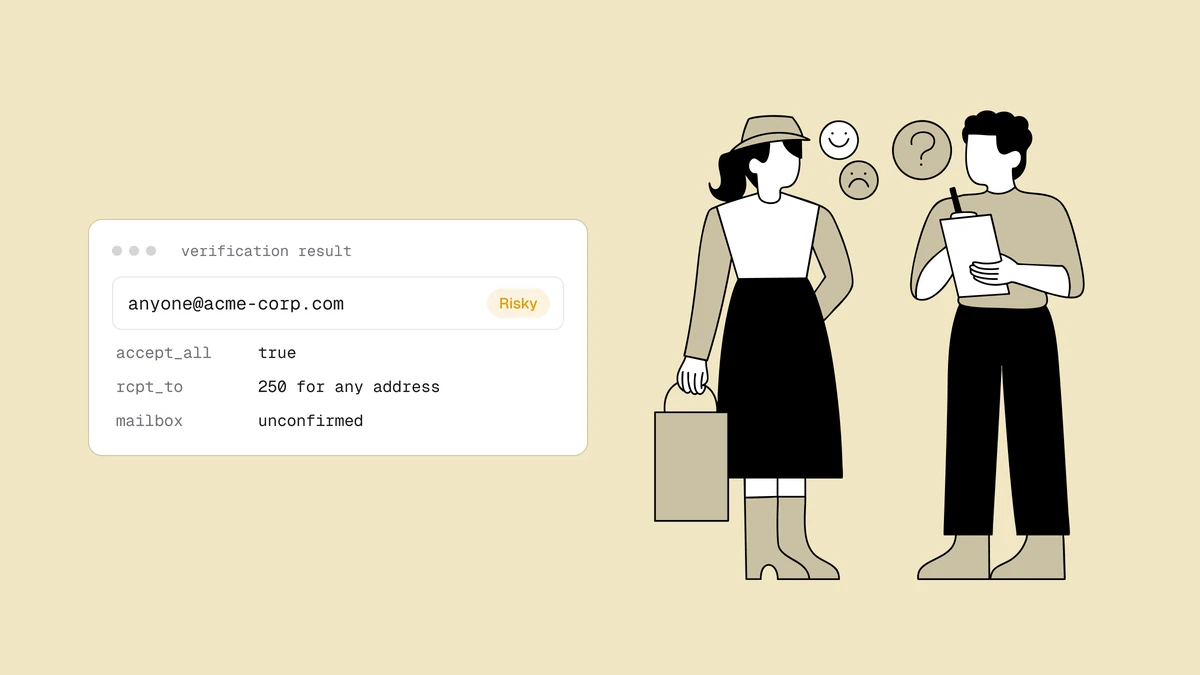
unknown— it found no reason to reject it, which is not the same as confirming it. - Catch-all detection. Spotting a catch-all domain requires probing a nonsense address at that domain over SMTP. No SMTP, no catch-all detection — so free tools can't warn you about the single most common "verified but bounced" trap.
When free is the right tool#
Free verification is the right call more often than vendors selling paid plans like to admit:
- A one-off address — you got a lead's email and want a sanity check before replying. Free catches the typo or the dead domain in a second.
- Pre-filtering — stripping the obviously-broken addresses out of a list before you pay to verify the rest.
- Understanding the categories — seeing how syntax, disposable, role, and typo checks behave, without committing to anything.
Rate limits are the honest catch here: free tools throttle usage (ours allows a handful of checks per hour) precisely because the valuable stage is the expensive one they're not running.
When you need the full check#
Reach for full verification the moment a wrong answer costs you money or reputation:
- Before any real send — a campaign, a cold sequence, a re-engagement push. This is where a false "valid" becomes a hard bounce.
- Bulk list cleaning — thousands or millions of addresses need the SMTP probe and catch-all detection that free tools can't do, run asynchronously. (See the Klaviyo and Mailchimp guides for the ESP-specific flow.)
- Verify-at-signup — catching bad addresses at the point of capture via the API, which needs the full pipeline behind it.
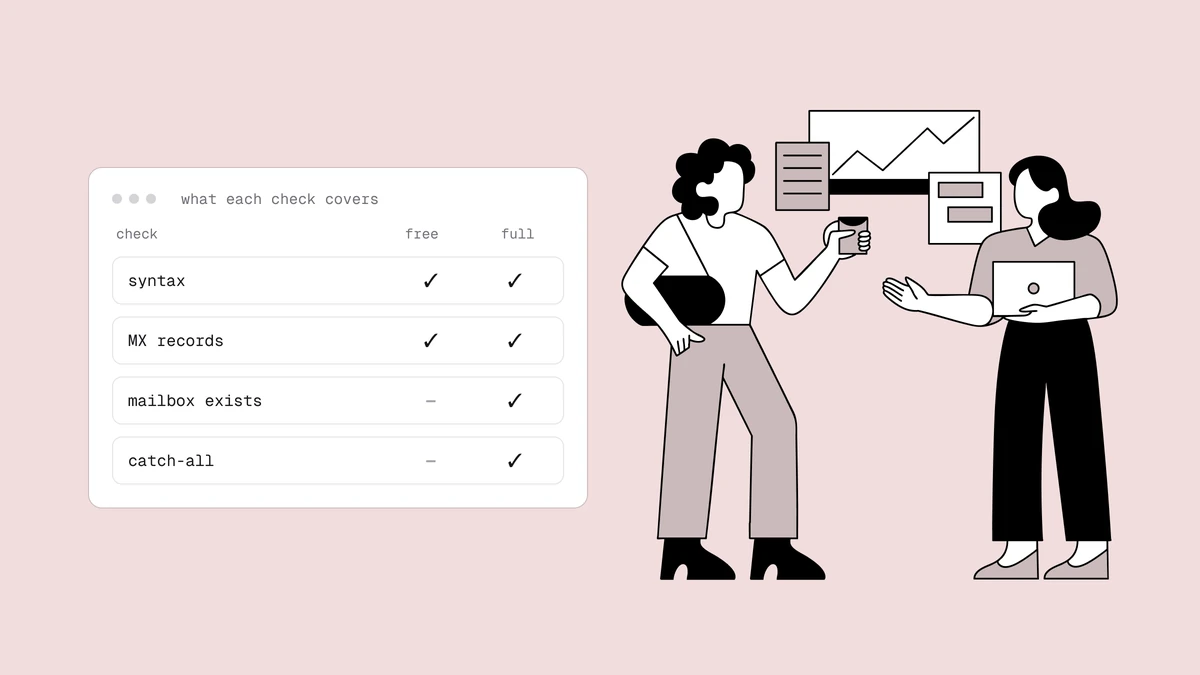
| Capability | Free checker | Full verification |
|---|---|---|
| Syntax, domain/MX, disposable, role, typo | Yes | Yes |
| Confirm a live mailbox (SMTP probe) | No | Yes |
| Catch-all detection | No | Yes |
| Full-mailbox / disabled signals | No | Yes |
| Bulk lists & API | No | Yes |
| Best for | Ruling out one address | Cleaning a list before you send |
The pricing tracks the honesty: the free plan includes 100 one-time credits for the full check — enough to verify a real sample and see the SMTP-level results the free browser tool can't give you — and paid credits never expire. You're paying for the one stage that actually confirms a mailbox, which is exactly the stage worth paying for.
Frequently asked questions
01Is free email verification accurate?
For what it checks, yes - syntax, dead domains, disposable providers, and typos are deterministic and reliable. The accuracy question is really a coverage question: free verification never confirms a live mailbox or detects catch-all domains, so a "looks fine" result from a free tool means "nothing ruled it out", not "confirmed deliverable".
02Why can't a free tool check if the mailbox exists?
Confirming a mailbox requires an SMTP conversation with the domain's mail server from an IP with a clean sending reputation, plus careful rate-limiting to avoid being blocked. A free, unauthenticated web endpoint can't maintain that reputation, so free tools stop at the local checks. It's a genuine technical boundary, not an upsell.
03Do free-verified addresses still bounce?
They can. If a free checker didn't reject an address, it only means none of the local checks failed - the mailbox itself was never tested. A clean-looking address on a catch-all domain is the classic case: it passes every free check and still bounces because it never existed.
04How many free checks can I run?
Free browser checkers rate-limit by design - ours allows a small number per hour without signup. For anything beyond spot checks, the free plan's 100 full-verification credits are the better path, since they run the complete pipeline including the SMTP probe.