The hard part of cleaning a Klaviyo list isn't running the verification — it's
knowing exactly what to do with each result once you have it, and executing it
through the right Klaviyo control. A deliverable address stays. An
undeliverable one gets suppressed, not deleted. A catch-all gets throttled
in its own segment. Pick the wrong move — delete instead of suppress, or purge a
whole segment on one inconclusive probe — and you either lose recoverable data or
keep torching your sender reputation.
So this guide is organized around the decision, not the theory. It maps every Qualisend verdict to a specific action inside Klaviyo, explains why suppression beats deletion for list cleaning (and where each one lives in the UI), and lays out the soft-bounce and suppression rules Klaviyo already runs on its own so you know which addresses it has handled before you touch a thing. Then it walks the export → verify → suppress loop end to end.
What Klaviyo already does for you#
Before you suppress anything by hand, know what Klaviyo has already taken care of on its own:
- Hard bounces are suppressed automatically. When an address bounces for a permanent reason, Klaviyo suppresses the profile and stops emailing it.
- Repeated soft bounces are handled too. An address that soft-bounces more than 7 consecutive times (counted over the past two years) gets suppressed as well.
- Unsubscribes and spam complaints become suppressed profiles and are excluded from every email send.
- Suppressed profiles don't count as active — Klaviyo's pricing is based on active profiles, so its own suppressions never inflate your bill.
Klaviyo behavior above last verified against the Klaviyo help center, July 2026.
If your list were only ever built from double-opt-in signups and mailed continuously, this might be all the hygiene you need. Most lists aren't.
What Klaviyo can't catch#
Every mechanism above is reactive — it needs a send, a bounce, or a complaint to fire. That leaves a blind spot with four kinds of addresses sitting in it:
- Never-mailed invalid addresses. Imported contacts, old signups from a
previous ESP, and typos made at capture (
jane@gmial.com) have never bounced because they have never been sent to. Klaviyo has no signal on them until they damage your first campaign. - Disposable addresses. Temporary inboxes accepted at signup work long enough to grab the discount code, then stop existing. They won't necessarily bounce — they just stop mattering.
- Role addresses (
info@,billing@). Real mailboxes, read by teams — fine for receipts, weak for marketing, and worth knowing about before you judge engagement numbers. - Decayed addresses. People change jobs and abandon inboxes constantly. An address that will hard-bounce next month looks identical to a healthy one in Klaviyo today.
These addresses cost you twice: as deliverability risk when you finally mail them, and as active profiles on your bill while they sit there.
Imports deserve special suspicion. A list that lived in another ESP arrives with its history amputated — the addresses that were bouncing or suppressed over there come in looking exactly like everyone else, and Klaviyo will happily mail all of them once. That single campaign is where a mailbox provider forms its first impression of you as a sender, which is why the right order is verify first, import second — not the other way around.
Step-by-step: export, verify, act#
The native Klaviyo connector is now live, so you can connect it and clean your list in place — verify contacts and write the results back, with real-time checks on new signups. The CSV loop below is still a solid manual alternative that works on any plan (if you use Mailchimp instead, the Mailchimp version is the same flow in its terms). It takes about fifteen minutes for most lists:
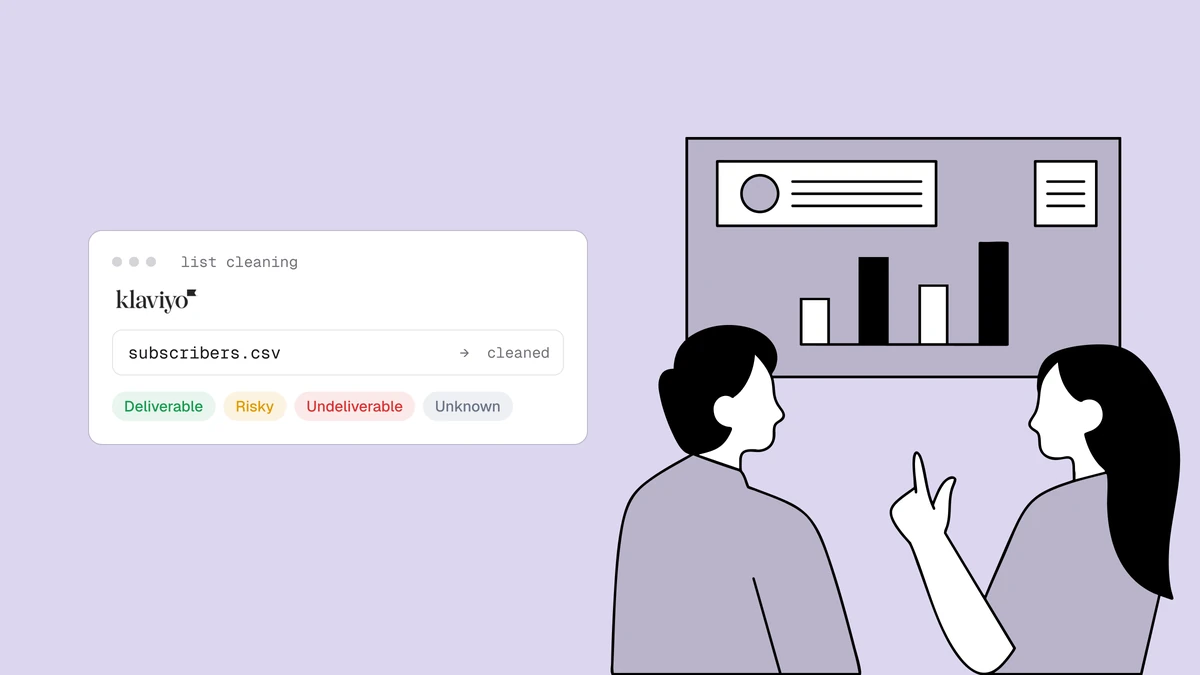
- Export from Klaviyo. Open the list or segment, choose Manage list → Export list to CSV. For a first clean, export the full list; for maintenance cleans, an "engaged never" or "created before" segment works well.
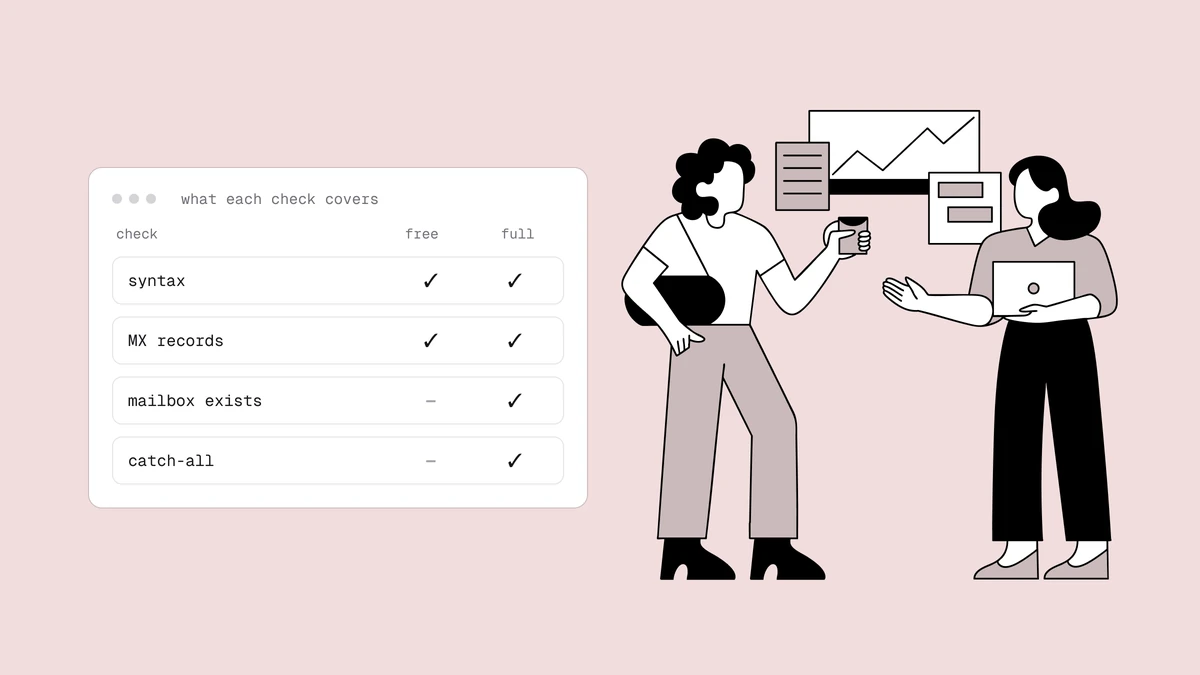
- Verify the file. In Qualisend, upload the CSV to bulk cleaning (or paste addresses directly) — up to 1,000,000 addresses per list, and duplicates are only charged once. The free plan includes 100 credits to trial the flow end to end.
- Read the results. Every address comes back as
deliverable,risky,undeliverable, orunknown, with a reason code and sub-flags (catch-all, disposable, role, full mailbox) plus the domain's MX provider and probe detail as evidence. Download the cleaned CSV with the verdict columns included. - Suppress the undeliverables in Klaviyo. Filter the results file to
undeliverable, keep a single column with the headerEmail, then in Klaviyo go to Profiles → View suppressed profiles → Import and upload it. Klaviyo recommends suppressing over deleting — suppression removes profiles from sends and from your active count, and unlike deletion it is reversible if you made a mistake. - Handle everything else per verdict — the table below.
- Watch the next campaign's bounce numbers. A clean list should push your hard-bounce rate toward zero. If bounces persist after a clean, the remaining source is usually the catch-all segment — which is a sending policy problem, not a verification one. Clean recipients are only half of deliverability, though: even a spotless list can land in spam if the sending domain isn't authenticated, so authenticate your Klaviyo sending domain with SPF, DKIM, and DMARC before you judge the results.
What to do with each verdict#
| Verdict | Klaviyo action |
|---|---|
deliverable | Keep sending as normal. |
deliverable + role flag | Keep for transactional and newsletter content; exclude from engagement-judged flows — a shared inbox skews your metrics. |
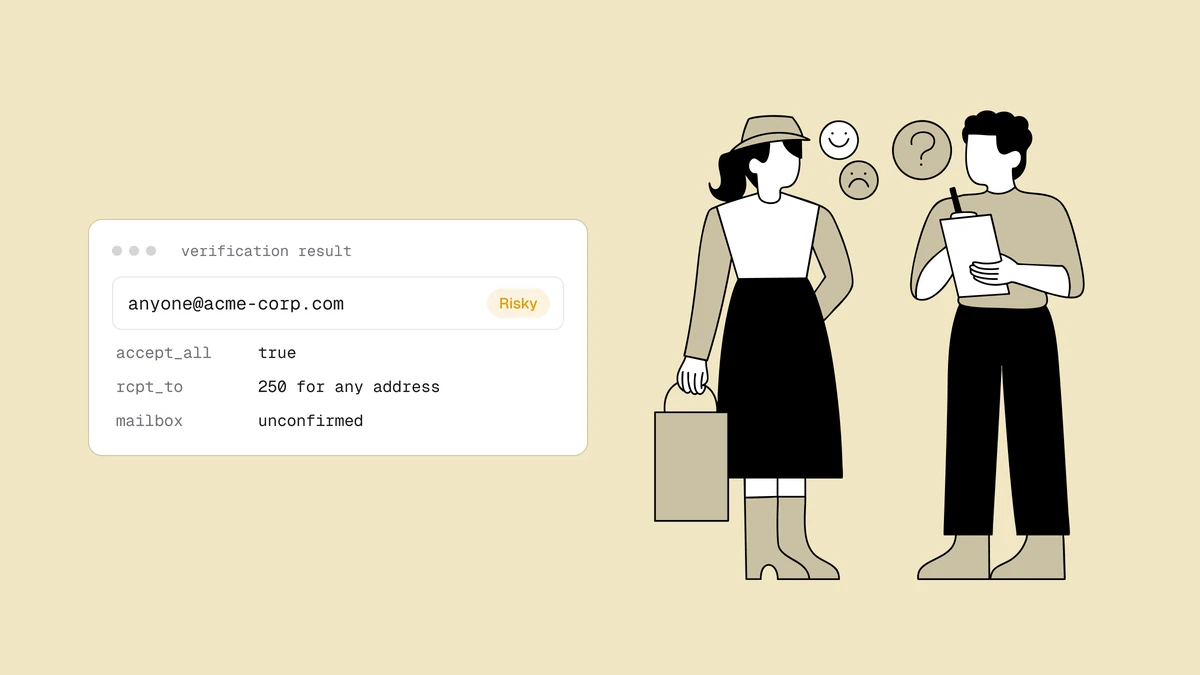
risky + catch-all flag | Move to a dedicated segment and throttle sends — see the catch-all guide for the full framework. |
risky + disposable flag | Suppress. The inbox was built to expire. |
risky + full-mailbox flag | Pause sends to it; re-verify on your next clean — full mailboxes often recover. |
unknown | Leave active and re-verify next clean. One inconclusive probe — usually greylisting or rate-limiting — is not a verdict on the mailbox. |
undeliverable | Suppress via the CSV import above. Don't wait for the bounce to prove it. |
Suppress or delete?#
Klaviyo offers both, and they are not interchangeable. Suppression keeps the profile and its history but excludes it from email sends and from your active-profile count — and a manual suppression can be undone if you change your mind. Deletion (under Settings → Other → Profile maintenance) permanently removes the profile and its data, and Klaviyo's own guidance is blunt: deleted data cannot be recovered, so suppress unless you have a specific reason to erase. For list cleaning, suppression does everything you need — the billing benefit comes from the profile no longer being active, not from it being gone.
How often to re-clean#
There is no universal cadence, and we won't invent a decay percentage to scare you with. The honest drivers are how fast your list grows and how it grows: a list fed by double-opt-in signups decays slowly; one fed by imports, lead magnets, and paid acquisition accumulates junk continuously. Three habits cover most senders:
- Before any high-stakes send — a product launch or Black Friday campaign is the wrong moment to discover list rot.
- After any bulk import, before the first campaign touches it.
- On a regular cycle sized to your volume — monthly for high-volume senders, quarterly for smaller lists — with your per-campaign bounce rate as the tripwire between cleans. If bounces trend toward the warning thresholds, clean now rather than on schedule (see why bounce rate matters).
Frequently asked questions
01Does cleaning my list shrink my Klaviyo bill?
It can. Klaviyo prices on active profiles, and suppressed profiles are not active - so suppressing the undeliverable and disposable addresses you were never going to reach again can move you down a tier. Cleaning before importing a list has the same effect from the start: junk that never enters Klaviyo never gets billed.
02Will suppressing contacts hurt anything?
No - suppression is the mechanism Klaviyo itself uses for hygiene. Suppressed profiles are excluded from email sends, and a manual suppression can be reversed if you made a mistake. Klaviyo explicitly recommends suppressing rather than deleting, because deleted profile data cannot be recovered.
03Can I clean my Klaviyo list automatically?
The highest-leverage automation is at the point of capture: verifying addresses at signup through the Qualisend API keeps typos and disposables out of Klaviyo entirely, which beats cleaning them out later. The native Klaviyo connector is now live too - connect it to verify and write results back in place with real-time checks on new contacts, and the CSV loop above still works on any plan for existing lists.