The short answer#
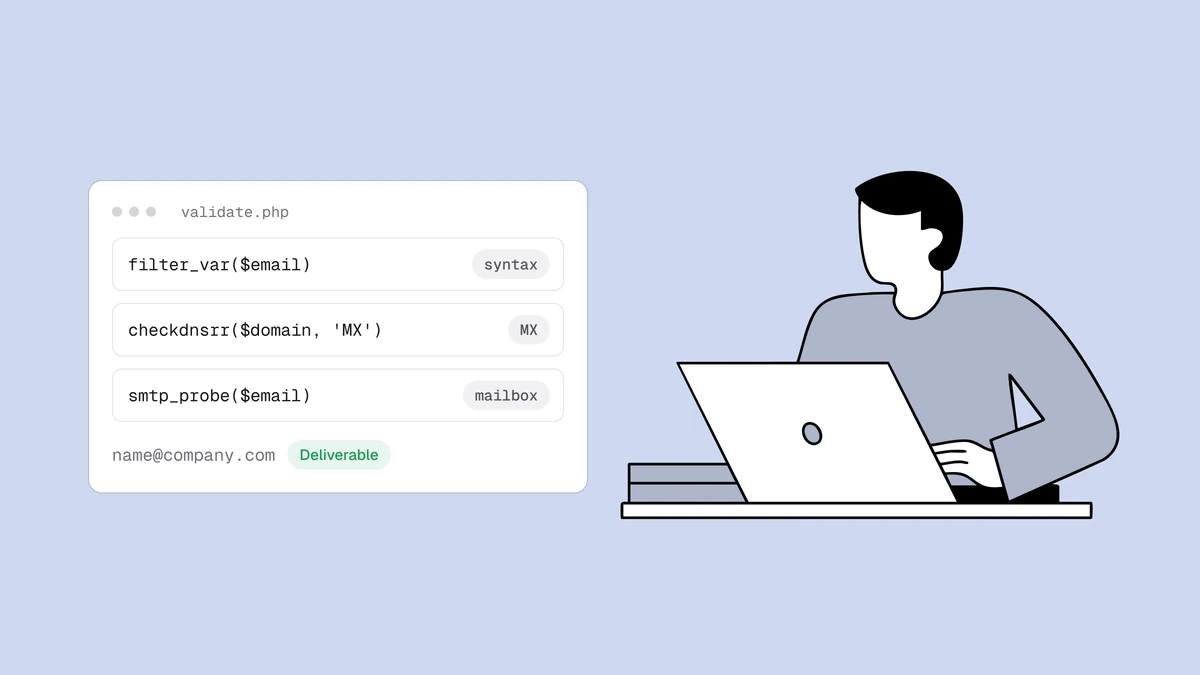
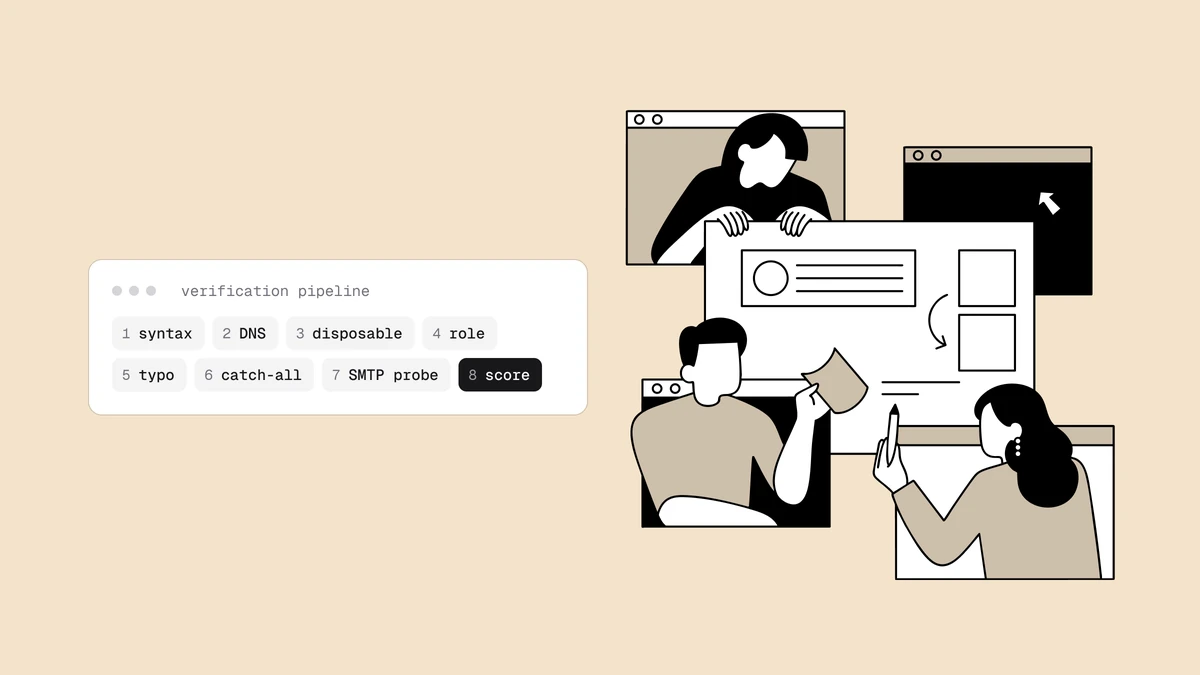
Email verification runs an address through a pipeline of increasingly expensive checks, stopping as soon as one is decisive. The cheap, instant checks happen locally — is the address even shaped like an email, does its domain accept mail at all — and only addresses that survive those reach the slow, network-bound step of actually asking the mail server whether the mailbox exists. Qualisend runs eight distinct stages, and this post walks through each one: what it can prove, what it can't, and which verdict it produces.
The order matters because each stage is a filter. There is no point opening
an SMTP connection to check a mailbox at a domain that has no mail server, and
no point looking up that domain's DNS if the address is missing an @. Cheap
knockouts first; the expensive question last.
Stage 1 — Syntax#
The first check is whether the string is a structurally valid email address at
all: one @, a sane local part, a domain that looks like a domain. This
catches the fat-finger errors — trailing commas, spaces, a missing TLD,
two @ signs — and it is instant and free because it never leaves the
process.
Syntax validation is necessary but weak on its own. definitely-not-real@ some-made-up-domain.com is perfectly valid syntax and completely
undeliverable. Anyone "verifying" with a regex and stopping here is checking
spelling, not deliverability. A failure at this stage returns undeliverable
with reason invalid_email.
Stage 2 — Domain and MX records#
Next the verifier asks DNS whether the domain can receive mail at all: does it resolve, and does it publish MX records (or a usable A-record fallback) pointing at a mail server? A domain with no mail route cannot accept mail for anybody, so this stage knocks out entire dead domains in one lookup — misspelled company names, expired domains, and made-up TLDs.
A domain that fails here returns undeliverable with reason
invalid_domain. A domain that passes has a route for mail; it has not yet
proven that your specific mailbox exists. That is still four stages away.
Stage 3 — Disposable domains#
Some domains exist only to hand out throwaway inboxes — the ten-minute addresses people use to grab a discount code and never check again. Qualisend matches the domain against a maintained list of disposable providers. A hit doesn't mean the address won't accept mail today; it means the address is worthless tomorrow, so it is flagged and scored down rather than trusted.
A disposable address is reported as risky with reason low_quality and a
disposable sub-flag. The related question of whether to send to it at all is
its own decision — covered in
role, disposable, and free addresses.
Stage 4 — Role accounts#
A role address is a shared mailbox — info@, support@, billing@ — read
by a team or a ticketing system rather than a person. These are usually real
and deliverable, but they behave badly in marketing: no single human owns
them, they skew engagement metrics, and they attract spam complaints. So the
verifier detects them (case-insensitive, ignoring any +tag suffix) and
flags them rather than treating them like a personal inbox.
A role address stays deliverable but carries a role sub-flag, so you can
decide whether it belongs in a given send. Again, the send-or-suppress call
gets its own guide.
Stage 5 — Typo detection#
Before spending a network round-trip, the verifier checks whether the domain
is a near-miss of a common provider — gmial.com for gmail.com,
hotmial.com for hotmail.com — using Damerau-Levenshtein edit distance
(the algorithm that counts insertions, deletions, substitutions, and
transpositions). When it finds a likely typo it surfaces a "did you mean"
suggestion, which is far more useful than a bare rejection: at signup it lets
you offer the correction in real time and save the subscriber instead of
losing them.
Typo detection is a suggestion, not a verdict on its own — but it is one of the highest-leverage stages, because catching the typo at capture prevents a hard bounce and a lost contact in a single step.
Stage 6 — The SMTP mailbox probe#
Everything so far is local and instant. This is the stage that actually costs
something: the verifier opens a connection to the domain's mail server and
begins the delivery conversation — HELO, MAIL FROM, RCPT TO:<address> —
then reads the server's reply without ever sending a message. The reply to
RCPT TO is the closest thing to a real answer about whether the mailbox
exists:
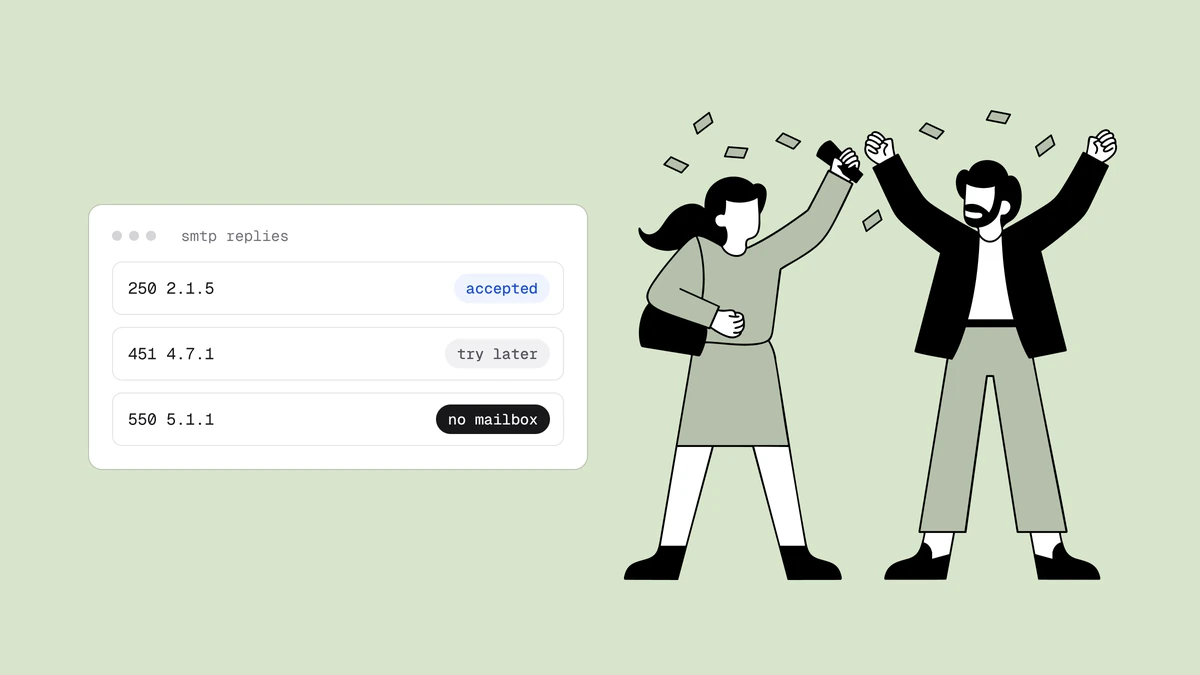
250/251→ the server accepts the recipient →deliverable,accepted_email550-class → permanent rejection, no such user →undeliverable,rejected_email4xx→ a temporary deferral, usually greylisting → retry, thenunknownif it persists- anything else, or a timeout →
unknown
This stage also reads the reply text and codes for two special conditions: a
452/552 or "over quota" message means the mailbox exists but is full
(risky), and a "disabled/suspended" message means the account is dead
(undeliverable). The full grammar of these replies has its own reference:
SMTP response codes explained.
Stage 7 — Catch-all detection#
An SMTP 250 only means something if the server would have said no to a
non-existent address. So alongside your address, the verifier probes a
deliberately nonsensical mailbox at the same domain. If the server accepts
that too, the domain is catch-all — it accepts everything — and the 250 for
your address proves nothing. That address is reported as risky with reason
low_deliverability and a catch-all flag, never rounded up to deliverable.
This is the single most misrepresented stage in the industry, which is why it has its own pillar. The honest summary: a mailbox behind a catch-all domain is unconfirmable, and no amount of scoring changes that.
Stage 8 — Scoring and the verdict#
The final stage folds every signal — the SMTP verdict, the sub-flags, the
domain reputation, whether the mailbox is on a free provider — into a single
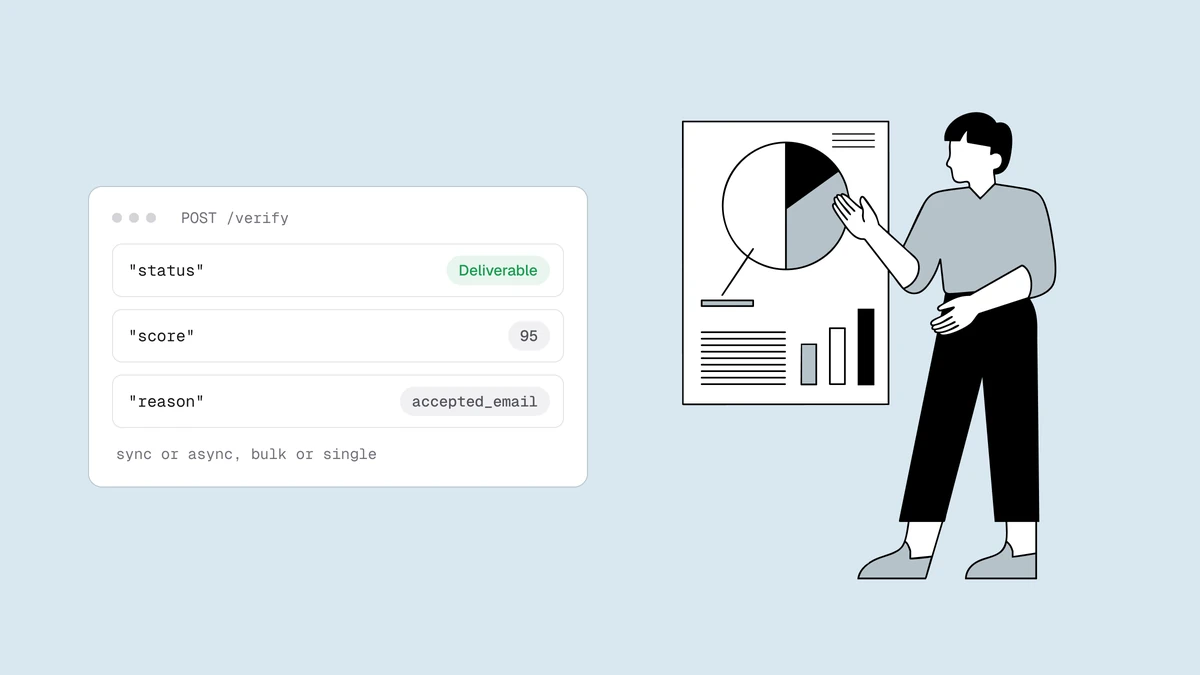
status (deliverable | risky | undeliverable | unknown), a reason code, and
a 0–100 confidence score. The status tells you what to do; the reason and
sub-flags tell you why; the score orders addresses within a status. Crucially,
every verdict ships with its evidence — the MX provider, the probe detail —
so the number is auditable rather than a black box.
| Stage | Question it answers | Cost |
|---|---|---|
| 1. Syntax | Is it shaped like an email? | Instant, local |
| 2. Domain / MX | Can the domain receive mail at all? | One DNS lookup |
| 3. Disposable | Is it a throwaway inbox? | Instant, local |
| 4. Role | Is it a shared team mailbox? | Instant, local |
| 5. Typo | Did they misspell a known provider? | Instant, local |
| 6. SMTP probe | Does the mailbox exist? | A network conversation |
| 7. Catch-all | Would the server say no to anything? | A second probe |
| 8. Verdict | What should you do with it? | Instant, local |
What the eight stages still can't tell you#
A pipeline this thorough can feel like it should produce a clean yes or no for every address. It doesn't, and the honest boundaries are worth stating plainly:
- A catch-all domain caps certainty at "risky". When stage 7 finds an
accept-all server, stage 6's
250is uninformative — the mailbox is unconfirmable no matter how many stages ran. No verifier resolves this without sending, and any that claims to is guessing. - A greylisting or rate-limiting server can force an
unknown. If stage 6 only ever gets a4xxdeferral within the time budget, the honest verdict isunknown— retry later — not a manufactured valid or invalid. - Verification is a snapshot. An address confirmed deliverable today can decay tomorrow when someone leaves a job or abandons an inbox. That's why re-cleaning before major sends matters, and why a bounce rate creeping upward is a signal to verify again.
- Engagement is the one thing verification can't measure. A deliverable address that never opens anything is a deliverability liability the pipeline can't see. Verification tells you an address can receive mail, not that its owner wants your mail.
None of these are pipeline defects — they are the edges of what any verification can know. A tool that pretends the edges aren't there is the one to distrust.
Why the free checker stops at stage 5#
Our free email checker runs stages 1 through 5 — the local ones — and deliberately stops before the SMTP probe. That is not a crippled version of the product; it is an honest boundary. Stages 1–5 can rule an address out (bad syntax, no mail route, disposable, obvious typo), but they cannot confirm a mailbox or detect catch-all, because those require opening a real SMTP conversation from a reputable IP. Any free browser tool that claims to confirm live mailboxes is either not doing stage 6 or not being honest about it. The full-vs-free tradeoff has its own breakdown.
Frequently asked questions
01Does verifying an email send it a message?
No. The SMTP probe in stage 6 runs the delivery conversation up to the point where the server accepts or rejects the recipient, then disconnects without issuing the DATA command that would transmit a message. The mailbox owner sees nothing. Sending a real "test" email to check validity is exactly the bad practice proper verification avoids.
02Why can't verification just be instant?
Stages 1–5 are instant because they're local. Stage 6 requires a network conversation with a third-party mail server that you don't control - one that may greylist you, rate-limit you, or answer slowly on purpose. That round-trip is the price of a real answer, which is why bulk jobs run asynchronously rather than blocking on every address.
03What's the difference between the status and the score?
The status (deliverable | risky | undeliverable | unknown) is the decision; the score (0–100) orders addresses within a status so you can prioritize. A deliverable address on a free provider scores differently from one on a corporate domain, but both are deliverable. Use the status to decide, the score to sort.
04Which stages does the API expose?
All of them. A verification result returns the final status and reason plus the sub-flags (catch-all, disposable, role, free, full-mailbox) and the did-you-mean suggestion, so your own code can act on the evidence rather than just the verdict. See the developer docs, and - if you're choosing between providers - the email verification API comparison.