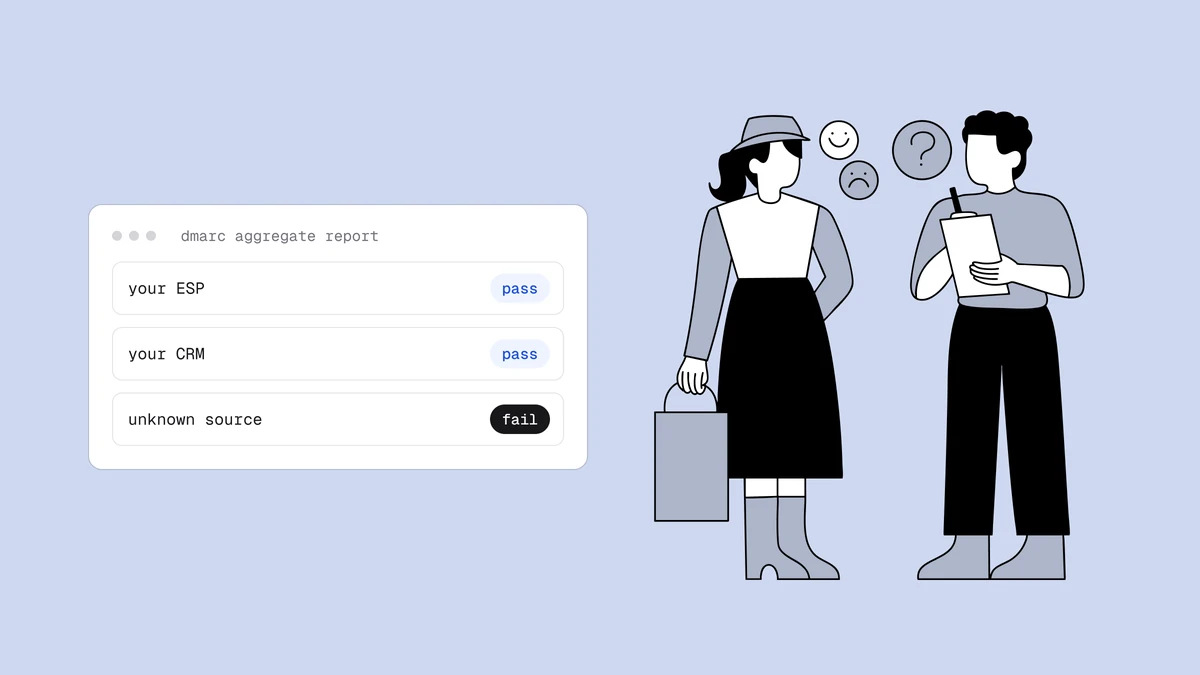
Your first DMARC reports almost always contain a surprise: an IP address you do not recognise, sending thousands of messages with your domain in the From line. Sometimes it is a tool your sales team signed up for last spring. Sometimes it is a forwarding service. Occasionally it is someone impersonating you. This guide gives you a repeatable way to identify each unknown source, sort it into a category, and decide what to do, without guessing and without breaking legitimate mail.
The short answer#
To identify an unknown sender in a DMARC report, take its source IP and work through four checks in order: the reverse DNS (PTR) name of the IP, whether the IP is covered by an SPF include you or a vendor publishes, the domain in the DKIM signature (d=) from the raw report, and the owner of the IP block from a registry lookup. Then classify the source as a forgotten service, your own server or script, a forwarder, your staff mailbox provider, or a spoofer. Authenticate the legitimate ones, ignore most forwarders, and let p=reject handle the spoofer. Never block or "fix" a source before you know which group it belongs to. The free reverse DNS lookup handles the first step, and the free DMARC report analyzer lets you inspect the raw fields of a single report.
Start with what the report already tells you#
Before looking anything up, collect everything the row gives you. For each unknown IP, write down:
- The IP address and how many messages it sent.
- SPF and DKIM results, and whether each was aligned with your From domain.
- The disposition, meaning what the receiver did: none, quarantine, or reject.
- The domains used in the raw SPF and DKIM checks, if you can see the raw XML.
That last point is more useful than it sounds. A row where DKIM passed with d=example.com means the sender signs with a key published under your domain, so you or a vendor you configured set it up. A row where DKIM passed with d=vendor.example.net and SPF passed for the vendor's bounce domain means the vendor is sending authenticated mail for itself, with your domain only in the From line. That is the classic unaligned third-party sender. A row where both SPF and DKIM failed or are absent points much more strongly at spoofing or an unconfigured relay.
If your monitoring tool already shows a friendly name for the source, treat it as a hint, not proof. Names are derived from reverse DNS patterns, and you should still confirm with the steps below.
Step 1: Look up the reverse DNS name#
Most legitimate senders publish a PTR record for their sending IPs. Run a reverse lookup:
dig -x 203.0.113.42 +short
mail-42.sendingplatform.example.net.
The hostname often names the service directly. Two cautions:
- Forward-confirm it. Look up the A record of that hostname and check that it returns the same IP. A PTR record is controlled by whoever owns the IP, so anyone can claim any name. Only a name that resolves back to the same IP is worth trusting.
- A missing or generic PTR is itself information. Hostnames like
static-203-0-113-42.hosting.exampleusually mean a rented server or a residential line, not a mail platform. That fits a spoofer or a self-hosted script better than a reputable vendor.
You can do the lookup in one click with the reverse DNS lookup tool if you do not have a terminal handy.
Step 2: Check whether the IP is in your SPF scope#
Look at your own SPF record and see whether this IP is covered, directly or through an include:
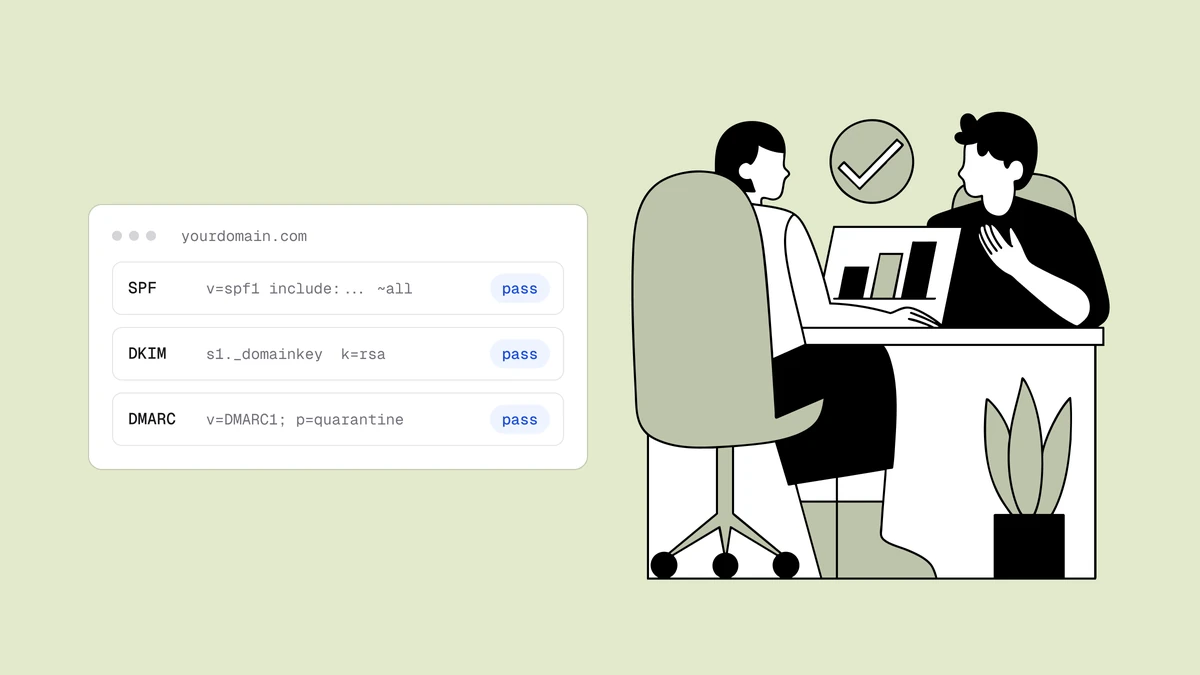
example.com. TXT "v=spf1 include:_spf.google.com include:sendingplatform.example.net ~all"
If the vendor's name from step 1 already appears in an include:, someone authorised it at some point. The source is yours, and the open question is why it fails alignment. That is usually because the vendor's SPF passes for its own bounce domain, which does not align with your From domain, and no DKIM signing for your domain was ever set up. The fix is on the DKIM side, covered in DMARC alignment failures.
If the IP is not covered, and the PTR points at a vendor you have never heard of, you have either a forgotten service or a stranger. Keep going. You can also run the domain through the SPF, DKIM and DMARC checker to see what your SPF record contains today.
Step 3: Read the DKIM signing domain#
When the raw report lists a DKIM result, it names the signing domain and selector. Three outcomes are common:
d=is your domain. An internal system or a vendor you configured is signing with your key. Find the selector in your DNS to see which key it is. If you do not recognise the selector, check how to find a DKIM selector.d=is the vendor's domain. Authenticated for the vendor, not for you. Fixable once you identify the vendor.- No DKIM result at all. The sender is not signing. Small scripts, printers, old CMS plugins, and spoofers all look like this.
If you only have a header from a received message rather than a report, the email header analyzer shows the DKIM verdict and whether a signature is present, and you read the d= domain from the DKIM-Signature line yourself.
Step 4: Find out who owns the IP block#
If the PTR is missing or unhelpful, query the regional internet registry for the address (a WHOIS or RDAP lookup). The result names the organisation that holds the block, often a hosting company or a cloud provider. This tells you where the traffic originates, not who is responsible for it, so use it to narrow the search rather than to accuse anyone. A block owned by a well-known email platform supports the "forgotten vendor" theory. A block owned by a budget hosting company with no reverse DNS points the other way.
Classify the source, then act#
After the four checks, most sources fall into one of five groups.
| Class | How it looks in reports | What to do |
|---|---|---|
| Forgotten or unapproved service | PTR names a known platform; SPF or DKIM passes for the vendor's domain, not yours | Ask the owner. If the mail is wanted, add DKIM signing for your domain. If not, shut the account down |
| Your own server or script | IP matches your hosting; often no DKIM; low volume at odd hours | Route it through your real mail system, or sign it with your key |
| Forwarder or mailing list | Source is a mailbox provider or list host; SPF fails, DKIM may pass or break if the message is altered | Usually ignore; rely on DKIM alignment and do not chase every forwarder |
| Mailbox provider relaying your staff mail | Matches the provider you use for staff mail | Confirm that provider is in SPF and signs with your DKIM key |
| Spoofer | No relationship to you; no PTR or a generic one; fails SPF and DKIM; sudden volume | Leave it failing; this is what a reject policy exists for |
The risk to avoid is treating everything unfamiliar as a spoofer. Tightening your policy while a forgotten invoicing tool is still failing alignment is how a company ends up rejecting its own invoices. Sort first. The safe order of tightening is covered in moving from p=none to p=reject.
Make identification cheaper next time#
The first pass is slow. After that it should not be. A few habits help:
- Keep an inventory. One row per legitimate source with the owner, mail type and how it authenticates. DMARC monitoring walks through a simple sheet.
- Ask for new tools before launch. A short intake step ("is this tool sending as our domain?") prevents most unknown sources.
- Re-check old accounts. Free trials and agency tools left running are a frequent source of surprise senders.
- Record decisions. When you decide a source is forwarding noise, write that down so the next reviewer does not repeat the investigation.
DMARC Reports helps with the naming part. It resolves the reverse DNS of each source IP and recognises about 25 common senders, such as Google, Microsoft 365, Amazon SES, SendGrid and Mailchimp. Anything it does not recognise appears as the raw hostname or as "Unknown sender". It does not let you tag, label or allow-list a source, so your inventory sheet stays the system of record. It also does not show the DKIM signing domain or selector for a source, so step 3 needs a raw report or a received message header; if you want raw files, keep a mailbox address alongside it in your rua= list.
What if the source is a spoofer?#
If the evidence says the source has nothing to do with you, there is little to repair. Your job is to make sure the failure has teeth. With a reject policy and authenticated legitimate mail, receivers that honour DMARC will reject or junk the spoofed messages. You cannot stop a spoofer from sending. You can only make their mail fail where receivers enforce your policy.
A few extra steps are reasonable:
- Note the volume and dates so you can compare against later weeks.
- Check the sending IP against public blocklists with the blacklist checker.
- If the campaign is large and targets your customers, tell your support team what the messages look like.
Reports from small receivers who do not send aggregate data will never show you the full scope, so do not read a quiet week as the end of an abuse campaign.
Frequently asked questions
01How do I find out who owns an IP address in a DMARC report?
Start with a reverse DNS (PTR) lookup and forward-confirm the hostname resolves back to the same IP. Then check whether that IP is covered by an SPF include in your record, and read the DKIM signing domain from the raw report. If those are unhelpful, a WHOIS or RDAP lookup names the organisation holding the IP block, which narrows the search without proving responsibility.
02Is an unknown source in my DMARC report always a spoofer?
No. Many unknown sources in a first report are legitimate: a marketing or billing tool someone signed up for, a forwarding service, or your own server running a script. Treating every unfamiliar IP as an attacker risks rejecting your own mail once you tighten the policy. Classify the source first, and only treat it as a spoofer when it has no relationship to you.
03Why does a forwarder fail DMARC in the reports?
When a message is forwarded, the forwarding server's IP is not in your SPF record, so SPF fails or does not align. DKIM can still pass if the message was not altered, which is why DKIM alignment is the more reliable path. Forwarding noise is usually safe to leave alone rather than chase source by source.
04Can I block an unknown sender by adding it to a deny list?
DMARC has no deny list. You control outcomes through your policy: legitimate senders authenticate in alignment, and everything else fails. With a reject policy, receivers that honour DMARC reject or junk failing mail. You cannot stop someone from sending as your domain, only make that mail fail at receivers that enforce your policy.
Identifying who sends as your domain is half of mail hygiene; the other half is the list you send to. The free plan on the pricing page gives you 100 credits to run the full verification on a list, and the free email checker covers single addresses. A clean authentication picture still needs a healthy list behind it.