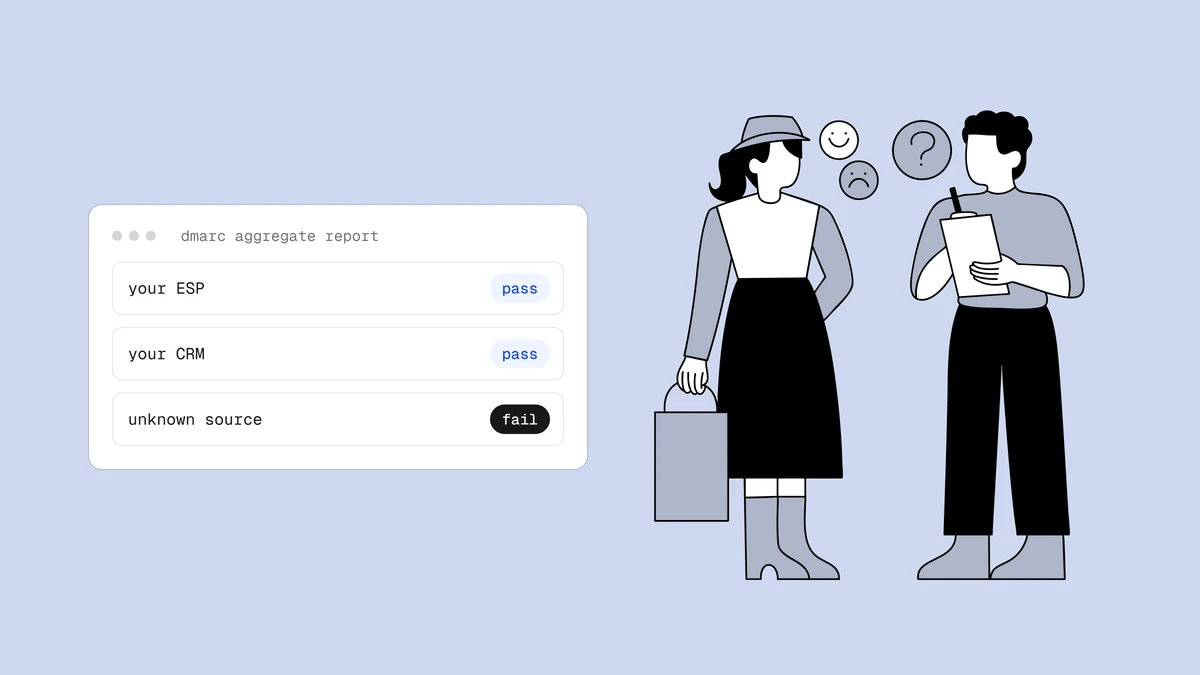
Once you publish a DMARC record with a rua= address, mailbox providers start
sending you daily reports about every server using your domain — and learning
how to read DMARC reports is the difference between a safe move to enforcement
and accidentally sending your own invoices to spam. The catch is that these
reports arrive as dense XML that no human was meant to skim. This guide explains
exactly what an aggregate report contains, how to interpret it to find
legitimate mail that is failing, and where a report analyzer earns its keep.
The short answer#
DMARC aggregate reports (the ones triggered by the rua= tag) are XML files a
receiver sends you roughly once a day. Each one groups the mail it saw claiming
to be from your domain by sending IP, and for each source it tells you: how
many messages, whether SPF and DKIM passed and aligned, and what the receiver
did about it. You read them to build a full inventory of who sends as you, and
to confirm every legitimate stream authenticates in alignment before you
tighten your policy from p=none to quarantine and reject. Raw XML is
painful, so almost everyone loads it into a DMARC report analyzer
that turns it into a readable table.
Already have a report in hand? Paste or upload it into the free DMARC report analyzer to follow along with this guide on your own data — it parses everything in your browser, nothing is uploaded.
What sets off an aggregate report#
The trigger is one tag in your DMARC record. When you publish rua= at
_dmarc.yourdomain.com, you are asking every participating receiver to mail you
aggregate feedback:
_dmarc.example.com. TXT "v=DMARC1; p=none; rua=mailto:dmarc@example.com"
From then on, large receivers — Google, Yahoo, Microsoft, Comcast, and many
others — batch up everything they saw from your domain over a 24-hour window and
send a single XML report per domain. The report usually arrives as a compressed
attachment (.xml.gz or .zip) with a filename that encodes the reporter, your
domain, and the date range. You can point rua at several addresses, and you
can even collect reports for a domain you do not control using an external
destination, though that requires an extra authorization record at the receiving
domain. If you have not published a record yet, start with the ordered
DMARC setup walkthrough — reporting only begins once
the record is live.
How to read a DMARC aggregate report, row by row#
Every aggregate report follows the same XML schema, defined in RFC 7489. It has
three parts: who sent the report, what policy you had published at the time, and
then one or more <record> blocks — one per sending source. Here is a trimmed
example of a single record:
<record>
  <row>
    <source_ip>203.0.113.42</source_ip>
    <count>128</count>
    <policy_evaluated>
      <disposition>none</disposition>
      <dkim>pass</dkim>
      <spf>pass</spf>
    </policy_evaluated>
  </row>
  <identifiers>
    <header_from>example.com</header_from>
  </identifiers>
  <auth_results>
    <dkim>
      <domain>example.com</domain>
      <selector>s1</selector>
      <result>pass</result>
    </dkim>
    <spf>
      <domain>example.com</domain>
      <result>pass</result>
    </spf>
  </auth_results>
</record>
The single most important thing to understand is that a report gives you the authentication result in two different places, and they mean different things:
| Field | What it tells you |
|---|---|
source_ip | The IP address that sent the mail. This is how you identify the service — your ESP, CRM, help desk, or a spoofer. |
count | How many messages from that IP shared this exact set of results in the reporting window. |
header_from | The domain in the visible "From" address — the one alignment is measured against. |
auth_results | The raw SPF and DKIM outcome, plus which domain each check ran against and (for DKIM) the selector. |
policy_evaluated (dkim / spf) | DMARC's aligned verdict: pass means the check passed and its domain lined up with the "From" domain. |
disposition | What the receiver actually did — none,
quarantine, or reject — under the policy you had
published. |
The auth_results block reports whether SPF and DKIM passed at all. The
policy_evaluated block reports whether they passed in alignment, which is the
only thing DMARC cares about. Those two can disagree, and that gap is where most
of your investigative work happens.
Spotting a legitimate source that is failing#
Here is the pattern you are hunting for, and why it matters. Imagine a record
where the source_ip clearly belongs to a marketing platform you use, the
header_from is your domain, and auth_results shows spf: pass — but the SPF
domain listed is the platform's own bounce domain, not yours, and
policy_evaluated/spf reads fail. That message authenticated for somebody,
just not for you in a way that aligns. Under p=none the disposition is still
none, so nothing broke — yet. The moment you move to quarantine or reject,
every message in that count starts going to spam or getting bounced.
So the read is always the same three-step comparison:
- Identify the source. Map each
source_ipto a real service. A quick reverse-DNS or the analyzer's built-in labeling usually names it. Your goal is a complete list — the reports routinely surface a forgotten invoicing tool or an old campaign platform still sending as you. - Check alignment, not just authentication. Look at
policy_evaluated, notauth_results. A source can pass SPF or DKIM and still fail DMARC because the domain it authenticated for does not match your "From." - Decide: fix, or let it fail. If the source is legitimate, fix its
alignment — add it to SPF, or better, set up DKIM signing on your domain so the
signing domain matches. If it is a spoofer, the failure is exactly what you
want, and it is evidence your future
p=rejectwill do its job.
DKIM alignment is usually worth prioritizing over SPF, because a DKIM signature travels with the message and survives forwarding, whereas SPF alignment breaks the moment mail is relayed. The mechanics of alignment — relaxed versus strict, organizational domain versus exact match — are covered in the SPF, DKIM, and DMARC explainer if you need to slow down on the concept.
RUA versus RUF: two very different reports#
DMARC defines two reporting tags, and they are not interchangeable:
rua— aggregate reports. The daily XML summaries described above. They contain counts and results grouped by source, no message content, and they are what you rely on for the whole rollout. Every serious receiver sends them.ruf— forensic (failure) reports. Per-message reports generated at the moment an individual message fails. Historically they could include headers and sometimes portions of the message, which means they can carry personal data.
Because forensic reports can expose recipient information, most large providers
stopped sending them years ago on privacy grounds, and many senders never
publish ruf at all. A record that requests both looks like this:
_dmarc.example.com. TXT "v=DMARC1; p=none; rua=mailto:agg@example.com; ruf=mailto:forensic@example.com"
In practice you will get a steady stream of rua aggregate reports and few or no
ruf forensic ones. Plan your monitoring around aggregate data; treat any
forensic reports you do receive as an occasional bonus, and only enable ruf if
you have a lawful basis and a place to store what may be personal data.
Why you want an analyzer, not a raw inbox#
You can open the XML by hand, and for a single domain with two or three senders that is survivable for a while. It stops scaling fast. A busy domain generates dozens of reports a day from different receivers, each listing many source IPs, and the interesting signal — a legitimate sender quietly failing alignment — is buried in Unix-timestamped tags and unlabeled IP addresses.
A DMARC report analyzer or monitoring dashboard ingests the reports at a dedicated address, decompresses and parses the XML, resolves IPs to recognizable service names, and rolls everything up into a table you can actually read: sources down one side, pass and fail volumes across the other, trends over time. The good ones flag new or newly failing sources so you notice a change without re-reading every file. Whether you use a hosted service or a self-hosted parser, the job is the same — turn a pile of XML into "here is who sends as you, and here is who is not aligned yet." That clarity is what makes the reports actionable instead of merely archived.
How this fits the safe rollout#
Reading reports is not a separate chore from configuring DMARC — it is the middle of the rollout, and skipping it is how people bury their own mail. The sequence:
- Publish
p=nonewithrua. Nothing changes about how your mail is handled; the reporting simply switches on. - Read the aggregate reports for a full sending cycle. A couple of weeks minimum, longer if you have low-frequency streams like monthly statements. Build the complete inventory of sources.
- Fix every legitimate source that fails alignment. This is where the real time goes, and where the reports point you.
- Move to
quarantine, thenreject. Only once the reports show every genuine stream passing in alignment.p=rejectis the setting that actually stops spoofing and satisfies the bulk-sender rules in the Google and Yahoo sender requirements.
The reports keep earning their place after you reach reject, too — they are how
you catch a newly added SaaS tool that starts sending as you, or a spoofing
campaign ramping up against your brand. Watching them alongside your
feedback-loop complaints and overall
sender reputation gives you an early-warning
system rather than a one-time setup task.
One honest boundary: passing DMARC in alignment proves who you are, not that you are a good sender. A perfectly aligned domain mailing dead addresses or spam traps still lands in spam — authentication is the entry ticket, and list quality and engagement decide placement. That larger picture is the subject of the deliverability guide, and it is the most common reason legitimate mail still goes to spam even with clean reports.
Frequently asked questions
01What do DMARC aggregate reports actually contain?
An aggregate (rua) report is an XML file grouping the mail a receiver saw from your domain by sending IP address. For each source it lists the message count, the raw SPF and DKIM results and which domains they ran against, the DMARC-aligned verdict, and the disposition the receiver applied under your published policy. It never includes subjects, message bodies, or recipient addresses - only aggregate counts and authentication outcomes, which is what keeps it privacy-safe.
02What is the difference between RUA and RUF reports?
rua requests daily aggregate reports: summarized counts and pass/fail results grouped by source, with no message content. ruf requests forensic or failure reports, generated per failing message and historically able to include headers and message data. Because forensic reports can carry personal data, most large receivers no longer send them, so you should build your monitoring on aggregate reports and treat any forensic data as an occasional extra.
03Why does a source show SPF pass but DMARC fail in my report?
Because DMARC requires alignment, not just authentication. A message can pass SPF for the sending service's own domain while your domain sits in the visible "From" - SPF passes, but the domains do not line up, so DMARC fails. Read the policy_evaluated result rather than the raw auth_results: the former reflects alignment. Fixing it usually means adding the source to your SPF record or, more robustly, enabling DKIM signing on your own domain so the signing domain matches.
04Do I need a DMARC analyzer, or can I read the reports myself?
For one domain with a couple of senders you can read the raw XML for a while. It stops being practical quickly, because a busy domain gets dozens of reports a day full of unlabeled IPs and timestamps. An analyzer or monitoring dashboard decompresses and parses the reports, names the sources, and rolls the data into a readable table with trends - which is what turns the reports into decisions rather than an unread folder.
Aggregate reports tell you who is sending as you; they do not tell you whether the list behind that mail is clean. Run your addresses through the free email checker to strip dead domains, typos, and spam traps before they bounce — because a perfectly aligned domain still needs a healthy list to earn the inbox.