Publishing a DMARC record is a one-time job. Monitoring it is the part that never ends, and it is where most domains quietly fall apart: a new marketing tool starts sending as you, a vendor changes its signing setup, a DNS edit drops the rua= address, and nobody notices for months. This guide is about the ongoing routine after the record is live: what to watch, how often, who should own it, which thresholds are worth an alert, and what aggregate data cannot tell you.
The short answer#
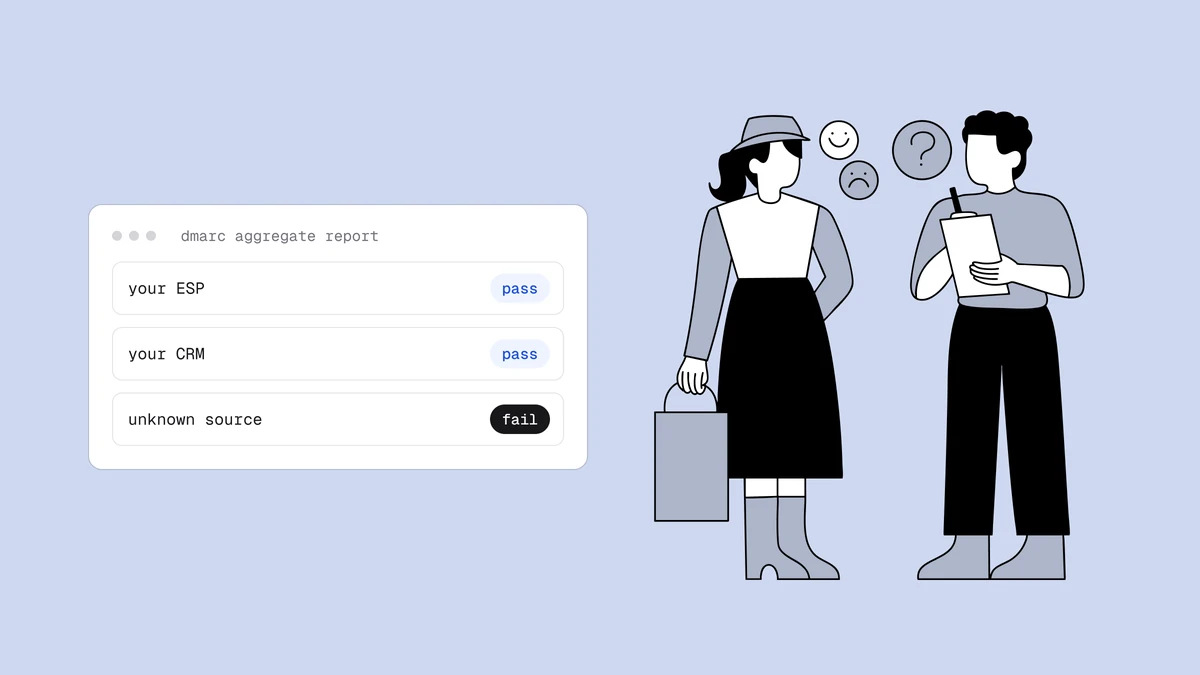
DMARC monitoring means collecting the daily aggregate reports that mailbox providers send to your rua= address, turning them into a per-source view, and reviewing that view on a schedule. You are watching for four things: a new sending source you did not authorise, a known source whose pass rate drops, a drop in report volume (often a broken rua= address), and policy drift in the record itself. A weekly ten-minute review plus an alert for sudden failures covers most domains. To read a single report file, the free DMARC report analyzer is enough. To keep watching without opening XML, you need something that receives the reports for you. The data is always a day or two old and only covers providers that send reports, so treat it as a smoke detector, not a live feed.
Reading reports versus monitoring them#
How to read DMARC reports explains what is inside one XML file: the source IP, the message count, and the SPF and DKIM results. That skill matters, but it answers a one-off question: what did this receiver see on this day?
Monitoring answers different questions over time:
- Did a source that passed last month start failing this week?
- Did a source appear that has never sent as us before?
- Did the total number of reported messages fall by half?
- Is the record still the one we published?
You cannot answer those from a folder of unread attachments. A busy domain gets dozens of reports a day from different receivers, each with its own list of IPs. Someone, or something, has to merge them into one table per domain and compare today with the past. If you have not yet published a record with reporting enabled, start with how to set up DMARC and come back once the first reports arrive, which usually takes 24 to 48 hours.
What to watch, in priority order#
Not every number deserves attention. These are the signals that have changed an outcome for real domains, roughly from most to least urgent.
| Signal | What it usually means | First action |
|---|---|---|
| New source with failing mail | A forgotten tool, a forwarder, or someone spoofing your domain | Identify the sending IP, see the unknown senders guide |
| Known source drops below its normal pass rate | A vendor changed its signing domain, a DKIM key was removed, or SPF no longer includes them | Check the vendor's current authentication settings and your DNS |
| Total reported volume falls sharply | The rua= address broke, or a sender stopped | Check the live record, see reports not received |
| Failing share rises while sources stay the same | Forwarding or mailing lists, or a change in how a receiver evaluates | Compare by receiver and see alignment failures |
| Record changed | Someone edited DNS: policy loosened, rua= removed, a second record added | Diff against your last known good record |
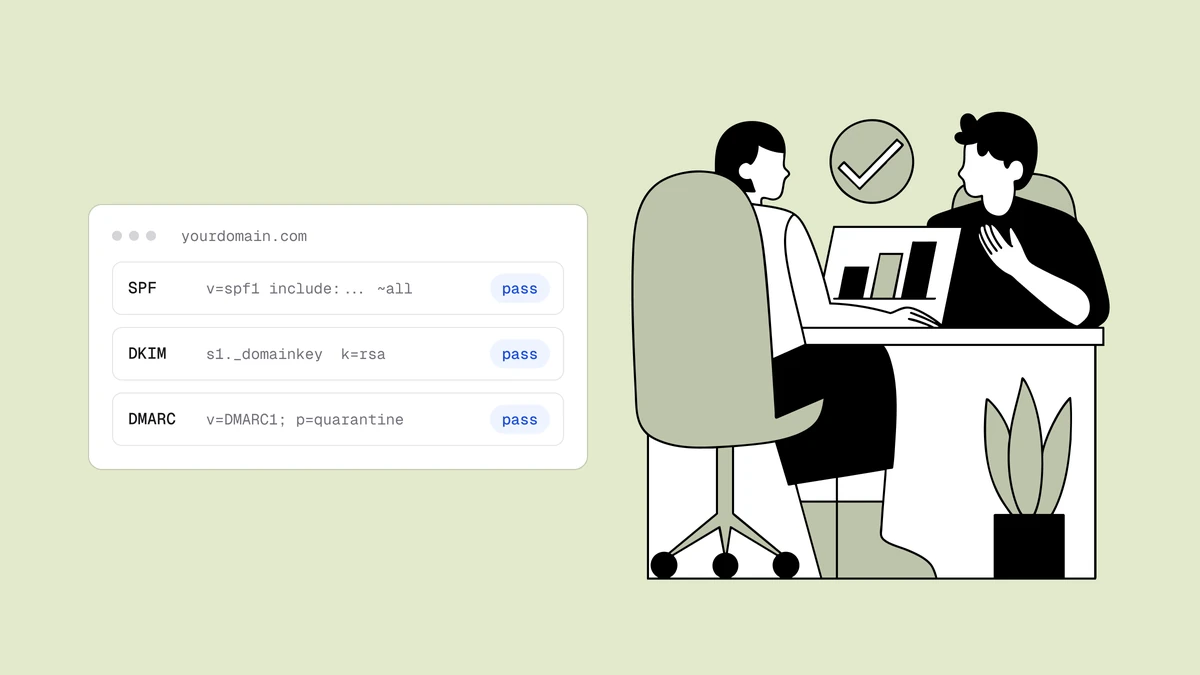
A word on the second row, because it is the one people misread. DMARC passes when either SPF or DKIM passes and aligns with the visible From domain. A source can fail SPF alignment every single day and still show 100 percent DMARC pass because DKIM carries it. That is fine until the DKIM key is rotated or removed, at which point the source falls off a cliff. When you review a source, look at both columns, not only the combined result.
A weekly routine that takes ten minutes#
Daily review is overkill for most teams, and monthly review is too slow. A weekly pass is a reasonable middle. Here is a routine you can adapt:
- Open the last 7 days for each domain you own, including domains that are parked or never send mail.
- Sort sources by volume. Confirm the top five are what you expect.
- Scan for new IPs or names that were not in last week's list. Write down each one with the date you first saw it.
- Check any source under 100 percent DMARC pass. Decide for each: fix, or accept as forwarding noise.
- Compare total volume with the previous week. A sharp drop deserves a look at the record before anything else.
- Note the policy (
p=andsp=) and confirm it is what you last set.
Keep a simple inventory sheet with one row per legitimate source: service name, owner inside your company, what mail it sends, and how it authenticates (own-domain DKIM, SPF include, or both). The reports tell you what is sending. Only your sheet tells you whether it should be.
Source           Owner         Mail type           Authenticates via
Google Workspace IT            Staff mail          DKIM d=example.com
Newsletter tool  Marketing     Campaigns           DKIM d=example.com, include in SPF
Billing system   Finance       Invoices            DKIM d=example.com
Who should own it#
DMARC monitoring fails most often because it belongs to nobody. DNS sits with IT, sending tools sit with marketing, product, support and finance, and the reports land in a shared mailbox that one person created and later left.
Pick one named owner per domain, and give them two powers: the ability to see every report, and the authority to ask other teams what a source is. A new sender should be a request that reaches that owner before launch, not a surprise discovered in a report three weeks later. If your company runs many domains, assign the owner per domain, not per company, because the people who know which tools send as shop.example.com are rarely the people who know about example.com.
Alert thresholds worth setting#
Alerts should be rare enough that people still read them. These thresholds are advice, not standards, so adjust them to your volume:
- Any new source sending failing mail, once it passes a small floor (for example 5 failing messages in a day) so one stray forward does not page anyone.
- A total failing count above a fixed level for the day (for example 10 messages) on domains with modest volume. On large domains use a percentage of volume instead.
- A known source that falls below its usual pass rate for two days in a row, which filters out one-day noise.
- Report volume dropping by half week over week.
What not to alert on: a single receiver reporting a small number of failures, pass-rate wiggles of a point or two, and anything that is only p=none noise while you are still discovering senders.
DMARC Reports from Qualisend covers the basic version of this. Each day it looks at the previous UTC day and emails you when a domain has 10 or more messages that failed both SPF and DKIM, or when a source it has not seen for that domain in the last 30 days sends 5 or more failing messages. It does not alert on pass-rate drops that stay under those numbers, on policy changes, or on spoofing that no provider reported, so keep your weekly review as well.
Limits of aggregate data#
Aggregate reports are useful and incomplete. Know the edges before you trust them for a decision:
- They are delayed. Providers typically send once a day, so you see yesterday or the day before. This is not a real-time view.
- They only come from receivers that send them. Large mailbox providers do. Many smaller receivers do not. Your numbers describe the reporting slice, not all of your mail.
- They have no message content. You get counts and authentication results by source, never subjects or recipients. That is deliberate and privacy-friendly, and it also means you cannot see exactly which message failed.
- They cannot show spoofing nobody reported. If a receiver does not send reports, mail spoofed to that receiver is invisible to you.
- Forensic (failure) reports are rarely available. The
ruf=tag asks for per-message failure reports, but many large providers do not send them, so plan around aggregate data only. DMARC Reports does not receive failure reports at all. - Volume per source is a count of messages, not recipients. A source with 3 messages and 3 failures is a different problem from one with 30,000 messages and 3 failures.
None of this makes the data less valuable. It means a clean dashboard says "nothing wrong in what was reported", not "nothing wrong".
Where monitoring sits in the full safety loop#
DMARC monitoring is one layer. The record can be perfect and still be undone by a different DNS problem, such as an SPF record that exceeds the lookup limit or a DKIM key that was deleted. The wider routine is described in the domain health monitoring guide, which covers the records that DMARC depends on. When your reports are clean and stable, the natural next step is tightening the policy, covered in moving from p=none to p=reject. If you are weighing tools to do the collecting, how to choose a DMARC monitoring tool lays out the criteria and compares real prices.
For the rules that make all of this matter in practice, see the Google and Yahoo sender requirements, and for the larger picture of why authenticated mail still lands in spam, the email deliverability guide.
Frequently asked questions
01What is DMARC monitoring?
DMARC monitoring is the ongoing practice of collecting the aggregate reports that mailbox providers send to your rua address, merging them into a per-source view, and reviewing changes over time. You watch for new sending sources, known sources whose pass rate drops, falling report volume and edits to your record. It is different from reading one XML file, which only shows a single day from a single receiver.
02How often should I review DMARC reports?
For most domains a weekly review of ten minutes or so is enough, supported by an alert for sudden failures. Daily review is usually more effort than the data justifies, because reports arrive once a day and carry delays. Review more often while you are discovering senders or just before you tighten your policy, then settle into the weekly rhythm.
03Can DMARC reports show spoofing in real time?
No. Providers typically send aggregate reports once a day, so you see yesterday or the day before. Only receivers that send reports are included, so spoofed mail sent to a receiver that does not report is invisible. Treat reports as a smoke detector for what was reported, and rely on a reject policy to make spoofed mail fail.
04What alert thresholds make sense for DMARC?
These are advice, not standards. Alert on a new source sending failing mail once it passes a small floor such as 5 failing messages a day, on a daily failing total such as 10 messages for modest-volume domains, on a known source below its usual pass rate for two days, and on report volume halving week over week. Avoid alerting on tiny single-receiver blips.
Monitoring tells you who is sending as your domain; it cannot tell you whether the list behind that mail is healthy. Start on the free plan (pricing) and spend the 100 credits on a real list to see its bounce risk. A well-monitored domain still needs a clean list to earn the inbox.