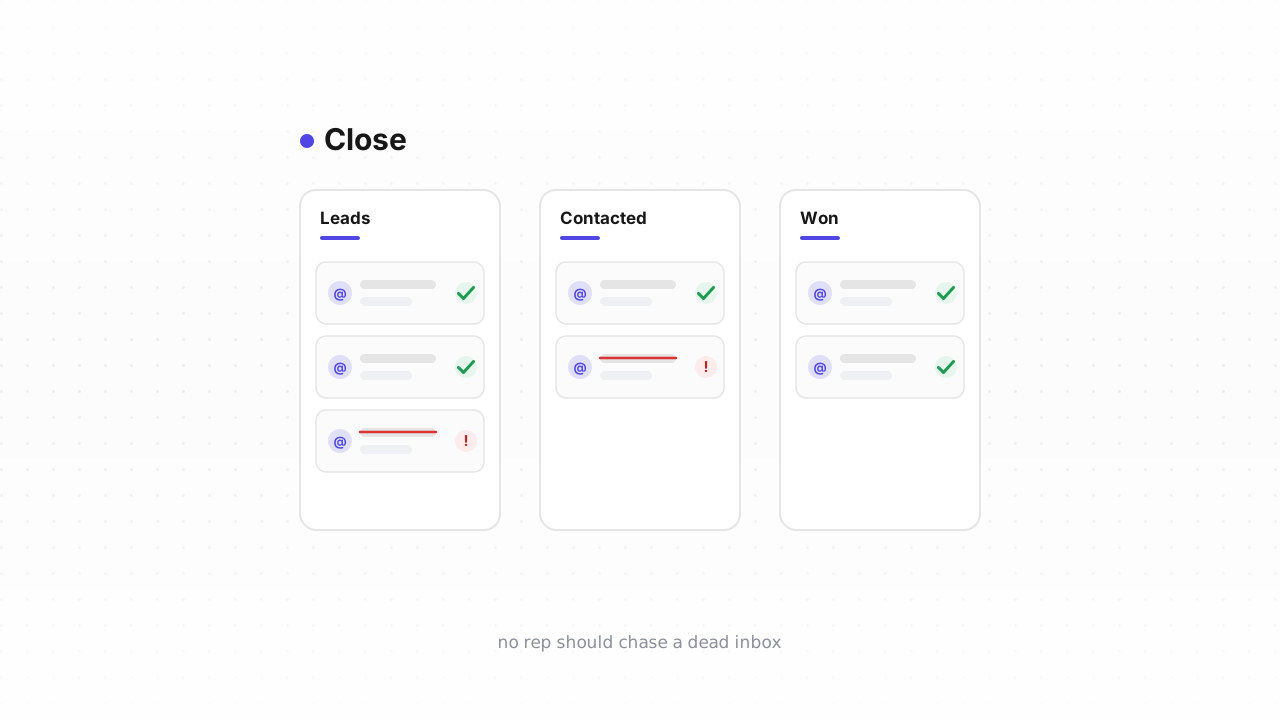
Close is built around the Lead — a company or account — with Contacts (the actual people, and their email addresses) nested underneath, and a full emailing and Sequence tool built right in. That last part is what raises the stakes on a dirty list. In a marketing platform, a bad address just bounces. In Close, a bad address first wastes a rep's time on a dead inbox, and then, when your Sequence tries to reach it, the bounce comes off your sending domain. This guide covers exactly what Close does and doesn't do about dead addresses, and the fastest way to verify your Contacts and pull the bad ones.
What Close does — and doesn't — do about bounces#
When Close's built-in email tool sends to an address that fails, the bounce is recorded on that Lead's activity feed — you'll see the email marked as bounced in the timeline. That's genuinely useful for one-off triage: open a Lead, see the bounce, know the inbox is gone.
The gap is that this is entirely reactive and entirely manual. Close does not maintain a marketing-style suppression list that automatically stops future sends to a known-bad address, and it does not proactively flag addresses it has never emailed. So the bounce activity only exists after a Sequence has already spent a send on the address — and there's no built-in report that rolls those bounces up across thousands of Contacts and retires them for you. You have to find and remove them yourself.
Close behavior above last verified against Close's documentation, August 2026.
That leaves the same blind spot every reactive system shares:
- Never-emailed invalid addresses. Contacts imported from a data provider, scraped from a list, or hand-typed by a rep have never bounced because nothing has ever been sent to them. Close has no signal on them until a Sequence fires — which is exactly when a mailbox provider forms its first impression of your domain.
- Disposable and role addresses. Throwaway inboxes and
info@/sales@catch-alls that inflate a rep's queue without ever becoming a real conversation — see role, disposable & free addresses. - Decayed addresses that were valid when imported and quietly went dark since.
An imported lead list is the sharp case: it arrives with no bounce history, so addresses that were already failing elsewhere look brand new in Close. Verify before your reps ever touch them.
Why this matters more in a CRM#
Two costs, both concrete. First, rep time: every dead address in a Smart View is a call that goes nowhere, a follow-up task on a phantom, a Sequence step that will never get a reply. Second, and worse, your sending reputation: Close sends through your own connected mailbox and domain, so a Sequence blasting a batch of invalid addresses drives your bounce rate up on the same domain your real deals run through. A high bounce rate is one of the fastest ways to land in spam (why bounce rate matters), and it erodes the sender reputation that decides whether your good prospects ever see you. Cleaning the list protects both.
Fastest path: connect the native Close integration#
The quickest way to clean is to skip files entirely. Our native Close integration is live: connect it once, and Qualisend verifies your existing Contacts and writes the results back onto the records in place — no export, no re-import. You also get real-time checks on new Contacts as they're created, so a typo or disposable address gets flagged the moment a rep adds it, instead of surfacing as a bounce three Sequence steps later.
Because results land on the Contact itself, you can build a Smart View that filters on the verification result and act on the whole group at once. Connect it from the integration page; it's the path we recommend for most teams.
The CSV loop (works on any plan)#
If you'd rather not connect anything, or you want a one-time audit, the export-verify-act loop works on any Close plan. It's the same shape as any email-list clean, in Close's terms:
- Export from Close. Go to Leads in the left sidebar, filter or open the Smart View you want to clean, then click the
...menu at the top right and choose Export. Set the type to Contacts to get the people and their email addresses, pick CSV, and choose Common fields (or All fields if you want more columns). One catch worth knowing: you can only export from a Smart View built on the Leads tab — a Contacts-tab Smart View can't be exported. Close emails you a download link when the file is ready, and that link expires after 7 days. - Verify the file. Upload the CSV to Qualisend bulk cleaning — up to 1,000,000 addresses per job, with duplicates charged once. The free plan's 100 credits that never expire are enough to sample a Smart View before you commit.
- Read the results. Every address returns one of four verdicts —
deliverable,risky,undeliverable, orunknown— each with a reason code, sub-flags (catch-all, disposable, role, full mailbox), the MX provider, SMTP probe evidence, and a 0–100 confidence score. Download the cleaned file. - Remove the dead in Close. Match the
undeliverablerows back to their Leads, then filter to those Leads, open the...menu, and choose Bulk Edit → Delete (Close sends a confirmation email when the bulk job finishes). For a single Lead, use the three-dot menu next to the Lead status and choose Delete. Deleting a person under a multi-contact Lead removes just that Contact; deleting the Lead removes the account and everything under it — so check whether a dead Contact is the only one on that Lead before you delete the whole record.
What to do with each verdict#
| Verdict | Close action |
|---|---|
deliverable | Keep. Safe to call and to run through a Sequence. |
deliverable + role flag | Keep as an account contact, but don't build a personal Sequence around
info@ or sales@ — see
role & disposable addresses. |
risky + catch-all flag | The domain accepts everything, so it can't be confirmed. Keep for manual outreach but hold it out of high-volume Sequences — see the catch-all guide. |
risky + disposable flag | Delete the Contact. The inbox was built to expire. |
unknown | Keep and re-verify next pass — usually greylisting or a temporary block, not a verdict on the mailbox. |
undeliverable | Delete the Contact (or the Lead, if it's the only one). Don't spend a Sequence step proving it's dead. |
How often to re-clean#
There's no universal number, and we won't invent a decay statistic. The right cadence tracks how your Contacts arrive:
- After any import, before a rep or a Sequence touches the new Leads.
- Before launching a new Sequence to a large Smart View — bounces early in a Sequence hit your domain hardest.
- On a regular cycle sized to your volume, with your Sequence bounce rate as the tripwire. If bounces creep up, clean now.
If you connect the native integration, the real-time check on new Contacts handles the first case automatically, and periodic re-verification covers decay — for teams doing high inbound volume, the Verification API can gate addresses at the point they enter Close in the first place.
Frequently asked questions#
Does Qualisend have a native Close integration?#
Yes. The native Close integration is live. You can connect it and clean your Contacts in place — Qualisend verifies them and writes the results back onto the records, and runs real-time checks on new Contacts as reps add them. It's the fastest path; the CSV export-verify-delete loop is the alternative that works on any plan.
Can I verify addresses before they enter Close?#
Yes, and it's the highest-leverage option. The native integration checks new Contacts in real time as they're created, and for programmatic sources you can call the Verification API at the point of capture — a form, an enrichment step, or an import script — so typos and disposable addresses never become Leads a rep has to chase.
Does Close automatically stop sending to bounced addresses?#
No, not the way a marketing platform's suppression list does. Close records a bounce on the Lead's activity feed after a send fails, but it doesn't maintain an automatic suppression list or proactively flag addresses it has never emailed. Removing the dead ones is a manual step — which is why an export-and-verify pass (or the native integration) pays off before your reps or Sequences spend time on them.
Should I delete the Contact or the whole Lead?#
Delete the Contact when it's one of several people on a Lead — that removes just the dead inbox and keeps the account. Delete the Lead only when the bad Contact is the only person on it, or the whole account is junk. In Close, deleting a Lead removes everything nested under it, so check the Contact count first.
How do I export Contacts from Close for verification?#
From Leads, open the Smart View you want, click the ... menu at the top right, choose Export, set the type to Contacts, and pick CSV. Note that you can only export from a Leads-tab Smart View, not a Contacts-tab one, and the emailed download link expires after 7 days. Upload that file to Qualisend bulk cleaning to get a verdict on every address.