Authentication that passed for two years can fail on a Tuesday with no error message and no change you remember making. Mail still leaves your servers. It just arrives in spam, or as a DMARC failure in a report you have not opened, or not at all. This guide covers what usually breaks SPF, DKIM and DMARC after they were working, how to find the cause in minutes with a few DNS lookups, and how to learn about the next regression before your bounce rate does.
The short answer#
When authentication that worked starts failing, something in DNS changed or something about the sender changed. Check in this order: was a DNS host or nameserver changed recently, is there exactly one SPF record, does the DKIM selector in the failing message still return a key, is there exactly one DMARC record at _dmarc, and did a new sending tool start sending as your domain? Those five questions explain most regressions. Read the Authentication-Results header of a failing message first, because it tells you which of SPF, DKIM or DMARC failed and for which domain. The email header analyzer shows those verdicts, and the SPF, DKIM and DMARC checker shows what DNS says right now.
Read the failing message first#
Do not guess which protocol broke. Open the full headers of a message that failed and find the Authentication-Results line the receiving server added.
Authentication-Results: mx.receiver.example;
  spf=fail smtp.mailfrom=bounce.example.com;
  dkim=fail header.d=example.com header.s=mail;
  dmarc=fail header.from=example.com
Three details matter. spf= and dkim= show which check failed. header.s is the DKIM selector that was used, which tells you the exact DNS name to look up. And smtp.mailfrom or header.d show which domain each check evaluated, which matters when the message passes SPF for a different domain than the one in the From header.
Then query the records from the command line. These work on macOS and Linux.
dig +short TXT example.com
dig +short TXT mail._domainkey.example.com
dig +short TXT _dmarc.example.com
Replace mail with the selector from the header. If you do not know it, how to find a DKIM selector walks through it. If the query returns nothing, the record is gone. If it returns something, read it carefully, because the next section covers how a record can exist and still be broken.
Cause 1: a DNS migration dropped or mangled records#
Moving to a new DNS host, a new registrar or a new website platform is the single most common trigger. The import tool copies what it understands, usually A, CNAME and MX records, and quietly skips or rewrites TXT records. Symptoms are a domain with no SPF, no DMARC, or a DKIM selector that no longer resolves, all starting on the migration date.
Check three things after any move: the nameservers actually point where you think, every authentication record exists on the new host, and long TXT values arrived intact. Long DKIM keys are the usual casualty: some hosts truncate them or add stray spaces, and a cut-off key fails verification even though the record "exists" (why long keys need splitting). The provider-specific walkthroughs for Cloudflare and Route 53 show how each handles it, and switching email providers covers the same trap from the mail side.
Cause 2: two SPF records, or two DMARC records#
A domain may publish exactly one SPF record and exactly one DMARC record. This breaks quietly when a new tool's setup page says "add this TXT record" and someone adds a second v=spf1 entry instead of editing the first.
example.com.  TXT  "v=spf1 include:_spf.google.com ~all"
example.com.  TXT  "v=spf1 include:sendgrid.net ~all"
With two records like these, receivers return a permanent error for SPF, so SPF fails for every message, including mail from the tools that are listed. The fix is to merge them into a single record with both includes before ~all. The same rule applies at _dmarc: two DMARC records mean receivers ignore both. Keep an eye on the lookup budget while merging, because every added include: costs DNS lookups and the limit is 10. SPF too many DNS lookups explains how to count.
Cause 3: a DKIM key was rotated, moved or removed#
DKIM signs each message with a private key and publishes the public half at selector._domainkey.yourdomain.com. If the DNS record disappears while the sender still signs with that selector, every message fails DKIM.
This happens in a few ways. A provider rotates to a new selector and you clean up the old record too early. Someone deletes "unused" _domainkey entries during a DNS tidy-up. A CNAME that points at a provider-hosted key stops resolving because the provider changed it or you left the service. Or the key was revoked, which is published as an empty p= value.
The test is simple: take the selector from the failing message's header.s, query selector._domainkey.yourdomain.com, and confirm there is a p= value with actual key data. If the selector is wrong because the sender moved to a new one, publish the new record the provider gives you. Rotation done properly overlaps the old and new keys, which the selector guide describes.
Cause 4: a new sender started sending as your domain#
Sometimes your records are fine and the sender changed. A team enables a CRM, a helpdesk, an invoicing tool or a newsletter platform, and each begins sending with your domain in the From address. If nobody added that service to SPF and set up its DKIM key, its mail fails SPF alignment, may pass nothing at all, and shows up as failures in DMARC reports.
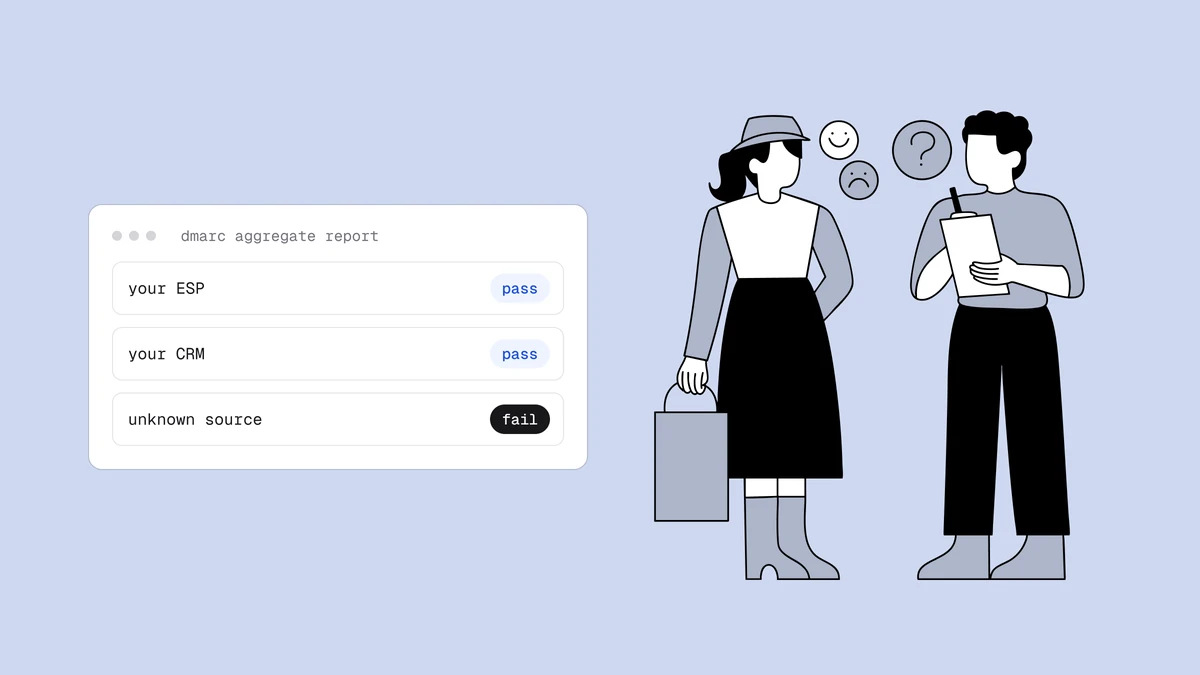
You will not catch this by looking at DNS, because DNS is unchanged. You catch it by looking at who is actually sending. That is what DMARC aggregate reports are for: a new source with a low pass rate is the signature. For each such source, either authenticate it properly (include in SPF where appropriate and, more importantly, DKIM signing with your own domain) or stop it from sending as you.
Cause 5: an expired or changed supporting record#
A few failures sit next to authentication rather than inside it.
- A CNAME target changed. Many providers ask you to point a record at their hostname. If they retire it or you delete the CNAME, the key or the return-path domain stops resolving.
- An MX host lost its address. Mail to your domain starts bouncing even though outbound authentication is perfect, because the host named in MX has no A or AAAA record.
- MTA-STS policy and DNS fell out of sync. The
_mta-stsTXT record is still there, but the HTTPS policy file no longer lists your current MX hosts, or a mail server's certificate expired. Senders that hold an enforce-mode policy then defer or refuse mail, while senders with no cached policy simply fall back to plain delivery, so the damage is patchy. See MTA-STS and TLS-RPT. - DMARC was tightened. Someone moved from
p=nonetoquarantineorreject. Failures that were always there, such as an unauthenticated tool or forwarded mail, now cost you delivery. The failure was not new. The consequence was.
Catching the next regression early#
Most of this is detectable from DNS alone, before a single bounce, because the broken state is a missing or malformed record. The exception is anything behind the DNS record, such as an MTA-STS policy file. Check, in this order of urgency:
- MX is present and every host resolves.
- Exactly one SPF record, valid syntax, 10 lookups or fewer.
- Every DKIM selector you rely on returns a key with a
p=value. - Exactly one DMARC record with a valid policy and a
rua=address.
You can run that by hand after each DNS change, and you should. The weakness of a manual check is that the regression you care about happens when nobody is looking. Domain Health Monitoring repeats these checks on every covered domain once a day and emails you when an issue appears and again when it clears. The issue codes map to this list: missing or multiple SPF, SPF over the lookup limit, an SPF include that publishes no record, a configured DKIM selector with no key or a revoked one, missing or invalid DMARC, and MX problems. A hub post, email domain health monitoring, explains the wider picture and how often to check.
Two details are worth knowing. You tell it which DKIM selectors to watch, because a missing selector can only be reported for one you named. And a DNS timeout produces "could not check", not an alert, so you are not woken by a flaky resolver.
What monitoring will not catch#
DNS monitoring reads public DNS only. It cannot know that a new CRM started sending as you, that a valid SPF record is missing a sender, or that a provider rotated a key you never told it about. DMARC aggregate reports show who really sends as you, and the email deliverability test shows how a real message authenticates. The full list of limits is in the domain health monitoring guide.
Frequently asked questions
01Why did my SPF suddenly fail?
The most common causes are a second SPF record added by a new tool, an SPF record that went over 10 DNS lookups, or a record lost in a DNS migration. Run a TXT lookup on the domain and count the records that start with v=spf1.
02Why does DKIM fail when the record exists?
The record may be truncated or split wrongly, the message may be signed with a different selector than the one you checked, or the key may be revoked with an empty p= value. Read the s= tag from the failing message and query that exact name.
03Can a DNS migration break email authentication?
Yes. Import tools often copy A, CNAME and MX records and skip or alter TXT records, which drops SPF, DKIM and DMARC. After any move, confirm the nameservers and check that every authentication record exists and is intact.
04How can I find out about a broken record before mail bounces?
Re-check DNS after every change, and use a scheduled check that alerts you when SPF, DKIM selectors, DMARC or MX records go missing or invalid. DNS checks catch broken records but not a new sender you forgot to authenticate, which DMARC reports show.
Working authentication proves your mail is yours, not that your list is worth sending to. When you are ready to look at the list itself, the free plan on the pricing page gives you 100 credits that run the full verification. Correct records still need a healthy list behind them.