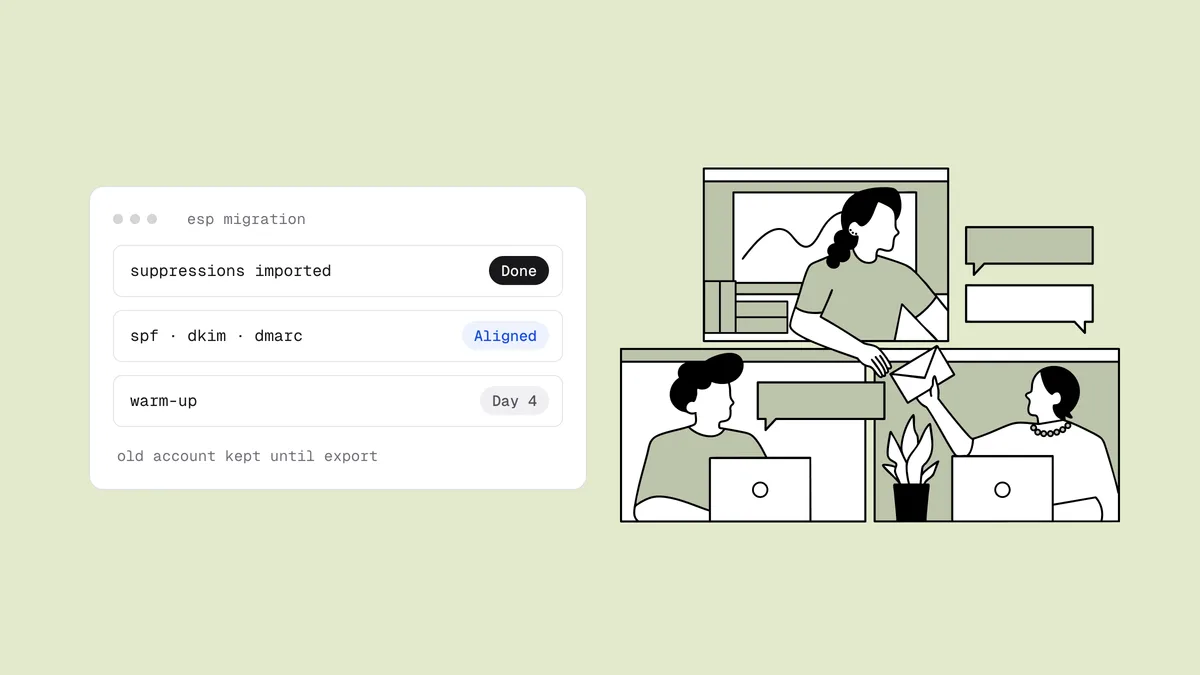
You've picked a new platform for better automation, pricing or integrations, and the project plan covers templates, flows and forms. What it usually leaves out is deliverability. Switching email service providers is mostly an export-and-import job, right up until the first campaign from the new platform lands in spam because the new IPs had no history, the suppression list didn't come along, or DKIM was never set up. This guide covers what moves with you and what stays behind, then gives you an ESP migration checklist for before, during and after the switch.
The short answer#
Your domain's reputation comes with you. Your IP reputation, suppression lists, bounce history and engagement data don't, unless you move them yourself. So: export your suppressions and import them into the new platform before any subscriber, verify the list before importing it, authenticate the new ESP on your own domain before the first send, warm up starting with your most engaged subscribers, run both platforms in parallel for a few weeks, and keep the old account until you've exported everything. And don't switch to escape a deliverability problem: a damaged domain reputation follows you to the new platform.
What moves with you and what stays behind#
Mailbox providers like Gmail score both the domain in your From address and DKIM signature and the IP addresses your mail comes from. When you change platforms, the domain stays the same and the IPs change. Everything else depends on what you export.
| Asset | Moves with you? | What to do |
|---|---|---|
| Domain reputation | Yes, if you keep sending from the same domain | Authenticate the new ESP with that domain so the reputation applies |
| IP reputation | No; it belongs to the old platform's IPs | Plan a ramp on the new IPs, shared or dedicated |
| Unsubscribes, hard bounces, complaints | No | Export them and import them first |
| Bounce history and soft-bounce counts | No | Verify the list before import |
| Engagement data (last click, purchase) | Only if you export it | Export as custom fields; you need it to order the warm-up |
| Consent records (signup date, source, form) | Only if you export it | Export it; GDPR expects you to be able to demonstrate consent |
| DKIM keys, bounce and tracking domains | No; each ESP has its own | Publish the new platform's DNS records before the first send |
| Automations, templates, forms, integrations | No | Rebuild, test and repoint every one |
The first row cuts both ways. A strong sender reputation on your domain gives you a head start on the new platform. A weak one comes along too, so if mail is going to spam today, fix the cause (list quality, complaints, authentication) before you move, not by moving.
The ESP migration checklist#
Use this as the master list. The sections below explain the steps that most often go wrong.
| Phase | Task | Done when |
|---|---|---|
| Before | Export unsubscribes, hard bounces and complaints | Every suppression type is exported with dates |
| Before | Export contacts with engagement and consent fields | Last click, last purchase, signup date and source are included |
| Before | Import suppressions into the new ESP | The suppression list is populated before any contact import |
| Before | Verify the list | Undeliverable and disposable addresses removed; catch-alls decided |
| Before | Set up SPF, DKIM, bounce domain and tracking domain | A test message passes SPF and DKIM, aligned for DMARC |
| Before | Choose a shared or dedicated IP and pick the timing | A written warm-up plan, clear of your peak season |
| During | Warm up, most engaged subscribers first | Volume rises only while bounces and complaints stay low |
| During | Run both platforms in parallel | No one is mailed from both; unsubscribes sync daily |
| During | Repoint forms, integrations and verification | A test signup lands in the new ESP only |
| After | Monitor Postmaster Tools, SNDS, bounces and complaints | Metrics stable at full volume |
| After | Final export from the old ESP, then retire it | Suppressions, reports and consent records saved; old DNS records removed |
Before the switch#
Export suppressions first, and import them first#
Your suppression list is the most important file in the migration. It holds everyone who unsubscribed, every address that hard-bounced, and everyone who marked you as spam, and none of it transfers automatically. Each platform names these differently: Mailchimp has cleaned and archived contacts, Klaviyo has suppressed profiles, ActiveCampaign uses bounced and unsubscribed statuses. The cleaning guides for Mailchimp, Klaviyo and ActiveCampaign show where each lives.
Import the suppressions into the new platform before any subscribers. If you import contacts first, there's a window where a welcome flow or a test campaign can reach people who opted out. That produces complaints, and an unsubscribe doesn't expire just because you changed software: CAN-SPAM requires opt-outs to be honored within 10 business days, and consent-based laws are stricter still.
Verify the list before you import it#
On the old platform, years of bounce handling quietly kept dead addresses out of your sends. On the new one, every address is a first-time recipient with no history. Addresses that decayed since your last send, and addresses that were soft-bouncing repeatedly with a full mailbox, arrive looking exactly like your best subscribers. And a new platform tends to watch the first sends from a new account most closely.
Verify the export before it goes in. Remove undeliverable and disposable addresses, and decide deliberately what to do with catch-all and unknown results rather than importing them by default. If your current email platform is among the 49 live connectors on the integrations page, Qualisend can clean the list in place before you export, writing each verdict back as a tag or field, so the export already carries the results. Otherwise, upload the CSV. If part of the list hasn't been mailed in six months or more, give it the extra care in how to safely email an old email list.
Authenticate the new ESP on your domain#
Set this up before the first send, not after. The SPF, DKIM and DMARC guide explains what each record does; for a migration, the specifics are:
- SPF. Follow the new platform's setup. Some ask you to add an
include:to your root SPF record; others handle SPF through a custom bounce subdomain they host. Keep the old platform's include until it stops sending, and stay under SPF's 10-DNS-lookup limit. The SPF record generator builds a valid record. - DKIM. Publish the new platform's DKIM key. It uses its own selector, so the old and new keys can coexist during the overlap. The signing domain must be yours, not the ESP's, for your domain reputation to apply.
- Custom return-path (bounce) domain. Point a subdomain at the new platform so SPF passes on a domain aligned with your From address.
- DMARC. Your existing record stays. If it's at
p=quarantineorp=reject, misconfigured mail from the new platform will be blocked, so send test messages first and read your aggregate reports, as covered in how to set up DMARC. - Tracking domain. Set up a branded link-tracking domain instead of sharing the platform's default.
Then run your domain through the SPF, DKIM and DMARC checker and send a test message to a Gmail account to confirm it shows SPF, DKIM and DMARC passing.
Choose an IP setup and the timing#
Most senders belong on the new platform's shared pool, which is already warm. A dedicated IP starts with no reputation and needs high, steady volume to stay healthy; the trade-offs are in dedicated vs shared IP.
Avoid changing your sending domain in the same project. A new domain on new IPs means two cold starts at once. If you want to move marketing mail onto a subdomain, the sending subdomain strategy guide covers how, but plan for it to need its own warm-up.
Timing matters too. Don't migrate in the weeks before your biggest sends. With Black Friday 2026 on November 27, a migration started in late October would put the warm-up right on top of peak season. If that's your situation, finish the Black Friday deliverability checklist on the platform you have and move after the holidays.
During the switch#
Warm up with your most engaged subscribers#
Even with a good domain reputation, the new IPs have no history with mailbox providers sending your mail. Start with subscribers who clicked or bought recently, since they produce the positive signals that build trust, then add less engaged segments as bounce and complaint rates hold. On a shared pool the ramp can be quicker than on a dedicated IP, but it should still be a ramp. The guide to warming up a domain or IP covers pacing.
Run both platforms in parallel#
Keep the old platform sending to the segments you haven't moved yet. That keeps total volume from your domain steady and keeps everyone hearing from you on schedule while the new IPs build history. Move segments over in growing slices, week by week, until the new platform carries everything with stable metrics. That usually takes a few weeks; let the numbers decide, not a calendar date.
Two rules hold the overlap together:
- Never mail the same person from both platforms. Split segments cleanly so nobody gets duplicates.
- Sync unsubscribes and bounces daily. Someone who opts out on the old platform during the overlap must be suppressed on the new one too.
Repoint forms, integrations and verification#
Every place that adds contacts has to point at the new platform: website forms, popups, checkout and e-commerce syncs, CRM syncs, webhooks and automation tools. A forgotten form keeps feeding the old account for months, and those subscribers never get your mail. Submit a test signup through each one.
Then put verification back at the front door. If the new platform is among Qualisend's live integrations, real-time verification can check each new contact as it arrives (available on most connectors), and an auto-clean can re-verify the list every 7, 14 or 30 days. For forms that feed the platform directly, the verification API checks addresses at signup.
After the switch#
Monitor the provider dashboards#
Google Postmaster Tools is keyed to your domain, so it carries on through the migration; watch your Gmail spam rate and reputation as volume shifts across. Microsoft SNDS is keyed to IPs. On a dedicated IP, request access for the new addresses; on a shared pool, the ESP holds that data. Alongside both, watch per-campaign bounce and complaint rates and any rise in deferrals at a single provider.
Retire the old platform carefully#
- Take a final suppression export after the parallel run ends, because unsubscribes kept arriving on the old platform throughout it.
- Export history you may need later: campaign reports, consent records and engagement data. Many platforms delete account data when you close; downgrade to a cheaper plan until you're sure you have everything.
- Turn off old automations so nothing fires from an account you've stopped watching.
- Remove the old DNS records last. Delete the old SPF include and DKIM key only once nothing sends from that platform.
Keep the new list clean#
A new platform doesn't stop decay. Set a cleaning cadence and a rule for retiring subscribers who go quiet, as covered in email list hygiene and email sunset policy, so the list you migrated stays as clean as the day you moved it.
Frequently asked questions
01Will I lose my sender reputation if I switch email providers?
Partly. Your domain reputation moves with you as long as you keep sending from the same domain and authenticate the new platform with DKIM on that domain. Your IP reputation stays behind with the old platform's IPs, so the new IPs have to build history, which is why you ramp volume starting with your most engaged subscribers. A poor domain reputation also follows you, so switching is not a fix for a deliverability problem.
02Do I need to warm up when switching ESPs?
On a dedicated IP, yes, from zero. On the new platform's shared pool the IPs are already warm, but your mail is new to them, so it's still wise to ramp volume over the first few weeks, starting with subscribers who clicked or bought recently and adding less engaged segments as bounce and complaint rates hold.
03How long should I run both email platforms in parallel?
Until the new platform carries your full volume with stable bounce, complaint and reputation metrics, which usually takes a few weeks. During the overlap, split segments so nobody is mailed from both platforms, and sync unsubscribes and bounces between them daily.
04Should I verify my list before importing it into a new ESP?
Yes. The new platform has no bounce history for your addresses, so anything that decayed since your last send arrives looking valid and hard-bounces on the first campaign, right when the new account is under the most scrutiny. Verify the export, remove undeliverable and disposable addresses, and decide deliberately what to do with catch-all and unknown results.
05What happens to my unsubscribes when I change email platforms?
Nothing, unless you move them. Suppression lists don't transfer automatically, so export every unsubscribe, hard bounce and spam complaint from the old platform and import them into the new one before any subscribers. Take a final export after the parallel run too, because opt-outs keep arriving on the old platform until it stops sending.
Moving platforms? Verify the export before it touches the new account with 100 free credits that never expire, and see which platforms Qualisend connects to for in-place and real-time cleaning on the integrations page.