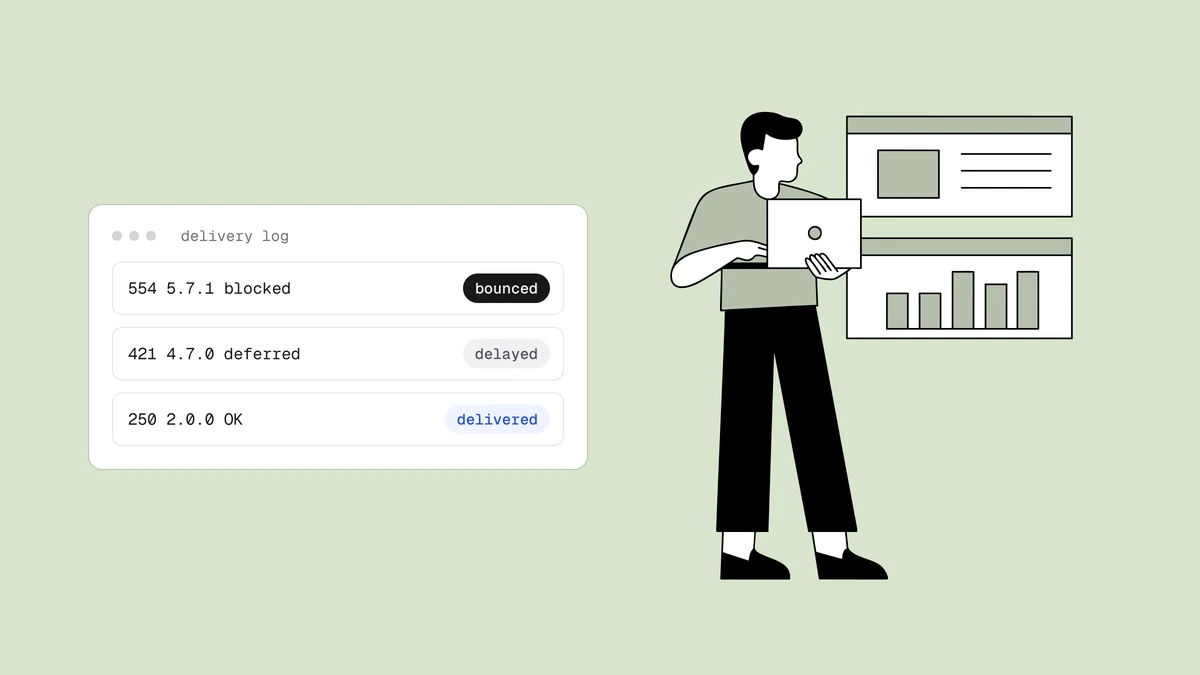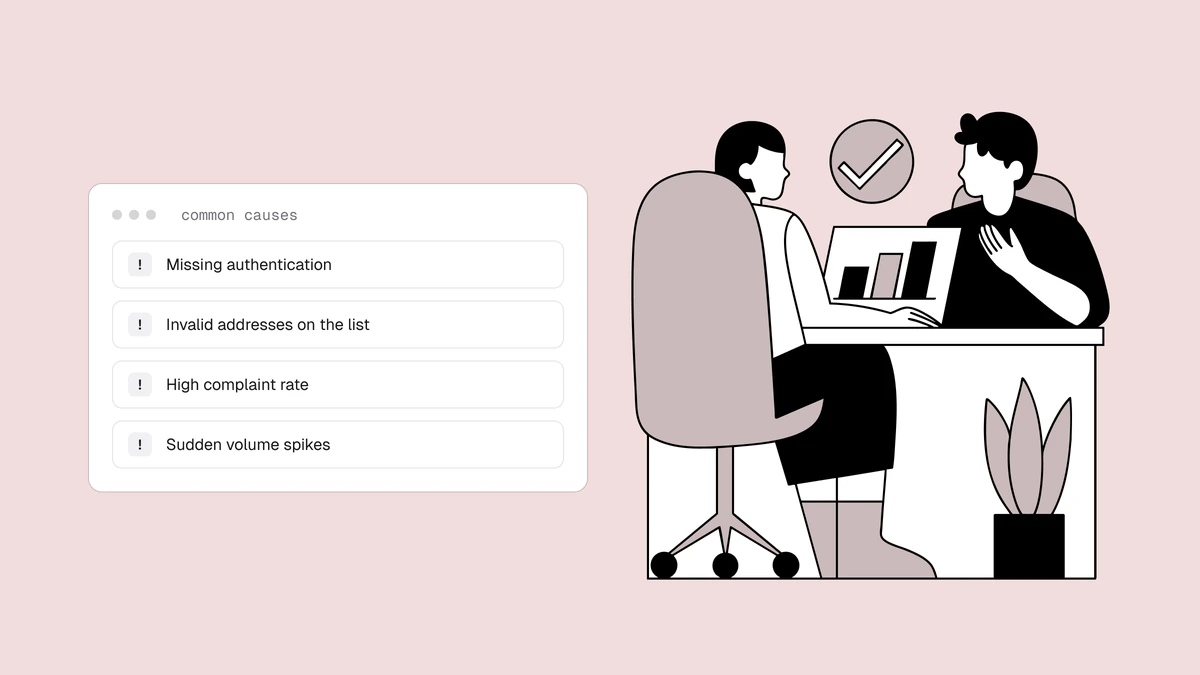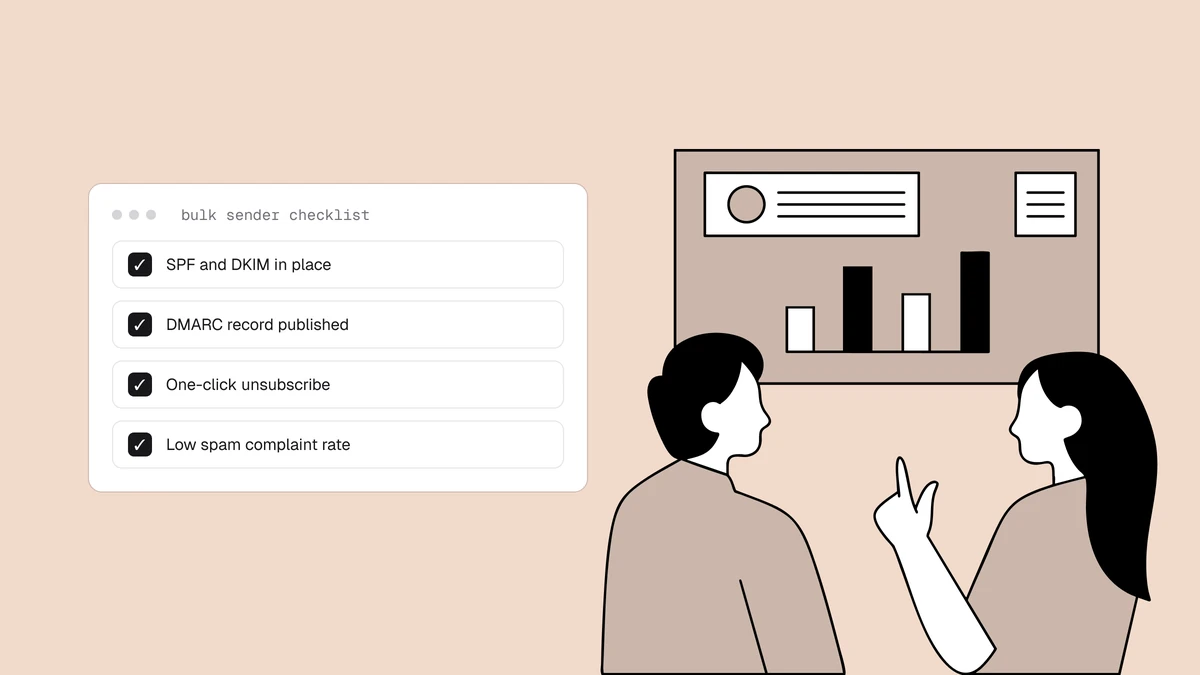
In February 2024, Google and Yahoo turned a long list of email best practices into enforced rules. What used to be advice — authenticate your mail, make unsubscribing easy, don't send junk — became a set of requirements that decide whether your messages are accepted, throttled, or rejected outright. If you send marketing or transactional email at any real volume, this is the checklist you now have to meet. Here is the complete, current version, in plain language, with the actions each line item demands.
The short answer#
Google and Yahoo's sender requirements fall into three buckets that apply to everyone, and a stricter tier for bulk senders — anyone sending roughly 5,000 or more messages a day to Gmail addresses. Every sender must authenticate with SPF or DKIM, publish valid forward and reverse DNS on their sending IPs, and transmit over TLS. Bulk senders must additionally use SPF, DKIM, and DMARC with alignment, add one-click unsubscribe to marketing mail, and keep their spam-complaint rate below 0.3% as measured in Google Postmaster Tools. Both providers announced matching rules and began enforcing them together. The safe move is to treat the bulk-sender tier as the baseline for everyone, because the thresholds only get tighter over time and there is no downside to meeting them early.
Who this applies to#
The bulk-sender threshold is measured per provider, on Gmail addresses specifically: send about 5,000 messages or more in a single day to Gmail recipients and you are a bulk sender in Google's eyes, permanently — the classification doesn't reset if you drop below the line the next day. Yahoo defined the same tier for Yahoo, AOL, and its other domains. The count is across your whole sending domain, so mail from subdomains and separate streams (marketing, product notifications, receipts) adds up together.
The practical reading is simpler than the threshold math. If you run email for a business, an agency, or a growing product, you will cross 5,000 a day to a single provider sooner than you expect, and the requirements are all things a well-run sender should be doing regardless. So the rest of this guide treats the full bulk-sender list as the standard to hit. Below the threshold you can technically get away with less, but "technically compliant" is a bad place to build a sending program.
The requirements at a glance#
| Requirement | Everyone | Bulk senders (5k+/day) |
|---|---|---|
| SPF or DKIM | Required | Both required |
| DMARC policy (aligned) | Recommended | Required (p=none or stricter) |
| One-click unsubscribe | Recommended | Required on marketing mail |
| Spam rate in Postmaster Tools | Keep low | Below 0.1%, never reach 0.3% |
| Forward and reverse DNS (PTR) | Required | Required |
| TLS for transmission | Required | Required |
| No Gmail From impersonation | Enforced | Enforced |
1. Authenticate with SPF, DKIM, and DMARC#
Authentication is the entry ticket, and for bulk senders it is non-negotiable across all three records. SPF, DKIM, and DMARC are DNS records that together prove a message genuinely came from your domain and wasn't forged in transit. SPF lists the servers allowed to send for your domain; DKIM attaches a cryptographic signature the receiver can verify; DMARC ties both to the visible "From" address and tells providers what to do when a message fails.
For general senders, Google and Yahoo require at least one of SPF or DKIM. For bulk
senders, you need all three. The most common failure here isn't a missing record —
it's a misconfigured one: an SPF record that doesn't include your email service
provider, a DKIM key published under the wrong selector, or a DMARC record that
technically exists but isn't aligned. Set each record up carefully — you can
generate your provider's exact SPF record to get the
include: mechanism right — then confirm it against a real message before you assume
it passes.
2. Publish a DMARC policy, aligned, starting at p=none#
DMARC is the record that makes SPF and DKIM enforceable, and it carries two parts
providers check independently: the policy and the alignment. The policy — the p=
value — tells receivers what to do with mail that fails: p=none monitors and
reports only, p=quarantine sends failures to spam, and p=reject refuses them.
The requirement is that a DMARC record exists with a policy of at least p=none.
You don't have to enforce on day one; you do have to be publishing and monitoring.
Alignment is the part people miss. DMARC passes only when the domain that authenticated
via SPF or DKIM matches the domain in the visible "From" header. A message can pass
raw SPF and still fail DMARC because the envelope domain doesn't match the From
domain. The step-by-step guide to setting up DMARC
walks the record syntax, the rua reporting address, and the path from p=none to
enforcement. Start at p=none, read your aggregate reports until every legitimate
mail stream authenticates and aligns, then tighten to quarantine and eventually
reject. Moving to enforcement is where DMARC actually starts blocking spoofers who
abuse your domain — worth doing, but only after monitoring confirms you won't block
your own mail.
3. Add one-click unsubscribe to marketing mail#
For bulk senders, marketing and promotional messages must include a working
one-click unsubscribe — and "one-click" has a specific technical meaning here. It is
not just an unsubscribe link in the footer. It requires two headers: List-Unsubscribe,
which carries the unsubscribe URL, and List-Unsubscribe-Post, which lets the mail
client trigger the unsubscribe with a single action, without the recipient loading a
landing page or filling out a form. When Gmail shows its own "Unsubscribe" button
next to your sender name, that's these headers at work.
Two rules govern it. The unsubscribe must complete with a single click — no login, no "select your preferences" page, no confirmation step. And you must process the request within two days. The full mechanics, including how to add the headers if your platform doesn't do it automatically, are in the guide to one-click unsubscribe. Counterintuitively, making it trivially easy to leave your list is good for deliverability: an unsubscribe is a quiet exit, whereas the alternative — a recipient hitting "report spam" because they couldn't find the way out — is the single most damaging signal you can generate.
4. Keep your spam-complaint rate below 0.3%#
This is the requirement with a hard number, and it's the one senders most often trip. Google measures your spam-complaint rate in Google Postmaster Tools: the share of delivered messages that recipients mark as spam. The rule is to stay below 0.1%, and Google is explicit that you should avoid ever hitting 0.3% — treat 0.1% as the working ceiling and 0.3% as the line where enforcement bites. Cross it and Gmail starts throttling or spam-foldering your mail until the rate recovers.
The rate is unforgiving because of how it's calculated. A small, poorly-targeted send to an unengaged segment can spike the daily figure well past 0.3% even if your lifetime average looks fine. The spam-complaint rate guide covers how the number is measured and the levers that move it, and the wider guide to why emails go to spam shows where those complaints sit among the other causes. The controllable inputs are permission (only mail people who asked for it), relevance (segment rather than blast), and cadence (steady, expected sending rather than surprise bursts). You cannot manage what you don't watch, so enroll in Postmaster Tools and check the spam-rate chart after every significant send.
5. Publish valid forward and reverse DNS (PTR records)#
Every IP you send from must have a PTR record — reverse DNS that maps the IP back to a hostname — and that hostname must resolve forward to the same IP. This forward-and-reverse match, sometimes called full-circle DNS, is a basic legitimacy check: real mail servers have it, throwaway spam infrastructure often doesn't. If you send through an established email service provider, they almost certainly set this up on their shared or dedicated IPs already. If you run your own mail server or use a dedicated IP, this is on you to configure with whoever provides the IP, and it's a common oversight when standing up new sending infrastructure.
Alongside the PTR record, your message formatting has to be clean: a valid, resolvable sending domain, a properly formatted message per the email standards, and a "From" header that matches the domain you're authenticating. None of this is exotic — it's the difference between a message that looks like it came from a real organization and one that looks assembled by a script.
6. Encrypt transmission with TLS#
Google and Yahoo require that mail be transmitted using TLS — Transport Layer Security — for the connection between your sending server and theirs. This encrypts the message in transit so it can't be read or tampered with along the way. In practice, any reputable email service provider negotiates TLS by default, so for most senders this requirement is met without any action. If you operate your own outbound mail server, confirm that it offers STARTTLS and successfully negotiates an encrypted connection to the major providers. TLS here is about the transport hop, and it's distinct from the authentication records above — you need both.
7. Don't impersonate the Gmail From header#
Gmail now enforces a specific anti-spoofing rule: you cannot send mail using a
@gmail.com address in the From header unless the message is genuinely sent through
Google's systems. Marketers who used to put a personal Gmail address in the "From"
field of campaigns sent through a third-party platform got caught by this — those
messages are increasingly rejected. The fix is simple and correct: send from your own
authenticated domain, not from a free Gmail (or Yahoo) address you don't control the
infrastructure for. Your From address should be on a domain where you've published
SPF, DKIM, and DMARC, which is exactly where you want it for authentication anyway.
8. Only send mail people actually want#
The requirements Google publishes end with a rule that reads like a principle but is enforced through hard metrics: send only to recipients who want your mail. This is where list hygiene meets compliance. Two signals turn "unwanted mail" into deliverability damage — spam complaints, which we covered, and hard bounces. Mailing dead, mistyped, or abandoned addresses drives up your bounce rate, and a high bounce rate tells providers you don't know who's on your list. Worse, some of those dead addresses are recycled into spam traps — addresses that exist only to catch senders with poor hygiene, and a hit does real, lasting harm to your sender reputation.
The direct fix is verification: run your list through validation to remove invalid syntax, dead domains, and undeliverable mailboxes before you send, and verify new addresses at the point of signup so junk never enters in the first place. Every address Qualisend checks comes back with a status — deliverable, risky, undeliverable, or unknown — plus a reason code and a confidence score, so you can suppress the addresses that would bounce or complain before they ever reach a Gmail or Yahoo mailbox. This is the requirement most senders underinvest in, and it's the one that protects the two metrics — complaints and bounces — that the whole framework watches.
Putting the checklist to work#
The requirements aren't a one-time setup you tick off and forget. Authentication and DNS are configure-once, but the complaint rate, bounce rate, and list quality are ongoing — they drift the moment you stop watching. A sensible operating rhythm: configure SPF, DKIM, DMARC, PTR, and TLS once and verify them; add one-click unsubscribe to every marketing template; enroll in Google Postmaster Tools and Microsoft SNDS; and re-verify your list before major sends while validating new signups continuously. If you want the broader context around these rules — warmup, segmentation, reputation repair — the email deliverability guide covers the levers beyond the compliance minimum. Meet the checklist and you clear the gate; do the ongoing work and you actually earn the inbox behind it.
Frequently asked questions
01Do the Google and Yahoo requirements apply to me if I send fewer than 5,000 emails a day?
Some of them apply to every sender regardless of volume: you need SPF or DKIM, valid forward and reverse DNS, TLS transmission, and you can't impersonate a Gmail From address. The stricter bulk-sender rules - all three of SPF, DKIM, and DMARC, plus one-click unsubscribe and the 0.3% complaint ceiling - formally kick in at roughly 5,000 messages a day to a single provider. But the threshold is only about enforcement; providers weigh the same signals for small senders too, so the safe approach is to meet the full list regardless of your current volume.
02What is the spam-complaint rate limit, and how is it measured?
Google requires bulk senders to keep their spam-complaint rate below 0.1% and warns you to avoid ever reaching 0.3%. The rate is the share of your delivered messages that recipients mark as spam, measured in Google Postmaster Tools, which you have to enroll your domain in to see. It's calculated on a rolling basis, so a single badly targeted send to an unengaged segment can spike the daily figure past the limit even if your long-term average is healthy - which is why permission, segmentation, and list hygiene matter more than any one campaign.
04Does meeting these requirements guarantee my email reaches the inbox?
No - the requirements are a gate, not a guarantee. Passing them means providers will accept and consider your mail; they don't decide inbox placement. Where your mail lands is still determined by sender reputation, recipient engagement, complaint and bounce rates, and list quality. A fully compliant sender with a dirty list or a poor reputation still ends up in spam. Treat the checklist as the price of admission, then do the list hygiene and reputation work that actually earns placement.
The requirements Google and Yahoo enforce most aggressively — low complaints and low bounces — both come down to who's on your list. The free plan runs the full verification pipeline on 100 addresses so you can catch the dead and risky ones before they cost you, and the free email checker spots typos and dead domains right in the browser.