Support email is the kind customers actually wait for. When someone opens a ticket, your agent's reply, the "we received your request" confirmation, and every follow-up ride on the email address in that end user's profile. If the address is a typo, a long-dead mailbox, or a role alias nobody reads, the reply bounces and the ticket goes quiet — not because your team was slow, but because the message never arrived. This guide covers why deliverability matters for a support tool specifically, what Zendesk records about the people it emails, and how to verify your end users with Qualisend, either through the native connector or a CSV export that works on any plan.
Why support email deliverability matters#
Marketing email can absorb a few percent of waste; support email cannot. Every notification you send is transactional and time-bound:
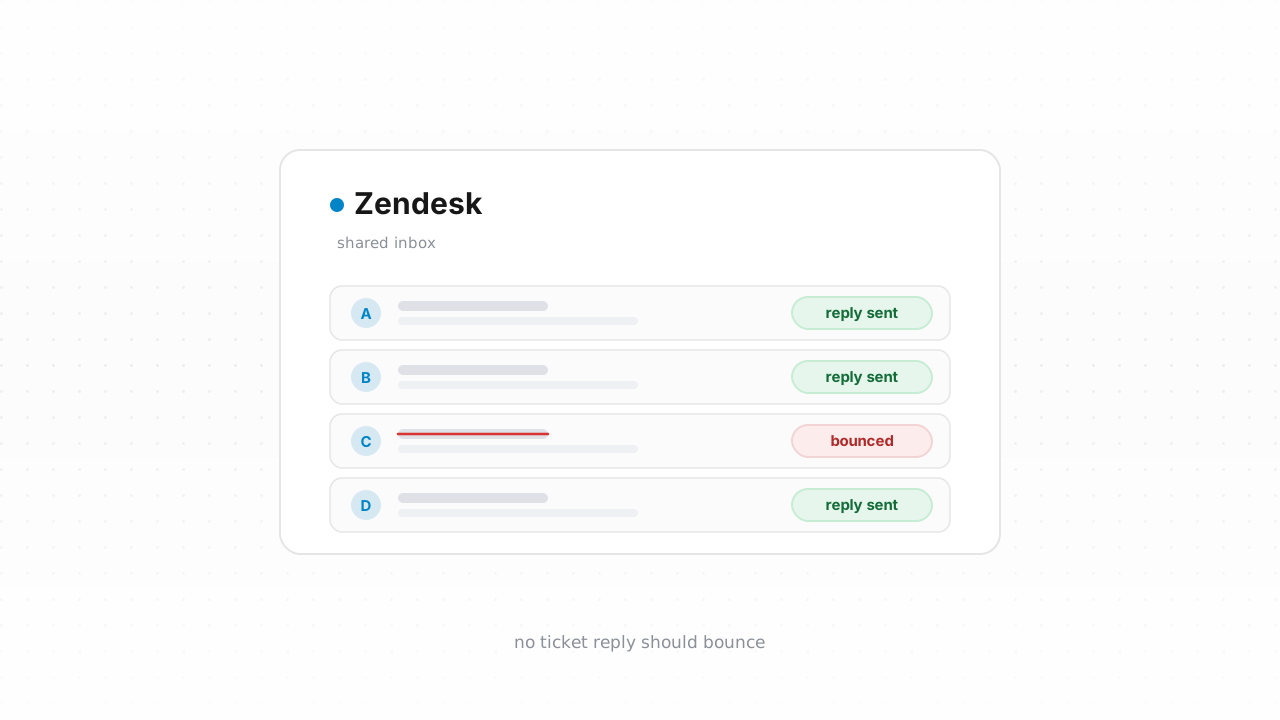
- Ticket replies must reach the customer. When an agent responds, Zendesk emails that reply to the requester. A bounce means the customer never sees the answer, writes back "any update?" a day later, and the ticket reopens — inflating your reply-time and resolution metrics for a problem that was already solved.
- Bounced notifications quietly break SLAs. A first-reply or resolution SLA is satisfied when your agent acts, not when the customer receives it. If delivery failed, your dashboard says you hit the target while the customer sits in silence — the worst kind of miss, because nobody on your side sees it.
- Undeliverable mail damages your sending reputation. Support domains send high volumes of automated notifications. A steady rate of hard bounces tells mailbox providers your list is unhygienic, and that reputation drag can push even your good replies toward spam. Authentication matters just as much here — see authenticate Zendesk with SPF, DKIM, and DMARC.
The common thread: a support reply that bounces looks, from the inside, exactly like a reply that landed. Verification is how you close that blind spot before it costs you a reopened ticket or an angry escalation. For the wider picture, the email deliverability guide covers the reputation side in depth.
What Zendesk tracks about contacts#
In Zendesk Support, your customers are end users, and each profile carries the fields your notifications depend on:
- A primary email plus any number of secondary emails — the identities Zendesk actually delivers to.
- User tags: free-form labels you can add to a profile and later filter, segment, and trigger on.
- Organization, role, language, time zone, and any custom user fields your admins have defined.
What Zendesk does not give you is a per-contact deliverability status. When a notification bounces, Zendesk records a delivery-failure event on the affected ticket — visible in that ticket's events — but it does not roll those failures up into a filterable "this address is dead" flag on the end-user profile. So a mailbox that has bounced across ten different tickets still looks identical to a healthy one in your user list. That gap is exactly what verification fills: it assigns a durable verdict to the address itself, independent of whether a ticket happened to expose the failure.
Zendesk behavior above last verified against Zendesk's documentation, August 2026.
Step-by-step: export contacts, verify, tag the undeliverable#
The fastest path is the native connector. Connect the Zendesk integration and Qualisend verifies your end users and writes the results back in place — cleaning your list where it lives, with no CSV to shuttle around — and checks new contacts in real time (next section). If your plan or admin policy rules out connecting an app, the CSV loop below does the same work by hand and runs on any Zendesk plan.
- Export your end users. In Admin Center, open Account → Tools → Reports, choose the Export tab, and run a User export. Zendesk builds a CSV of your users and emails a download link to the account owner. (The Support API's
/api/v2/usersendpoint is the programmatic equivalent if you'd rather pull the list directly — see the Verification API.) - Verify the file. Upload the CSV to Qualisend bulk cleaning — up to 1,000,000 addresses per job, duplicates charged once — or paste addresses directly. The free plan's 100 one-time credits, which never expire, cover a first sample. New to the idea? Start with what email verification is.
- Read the results. Every address returns one of four verdicts —
deliverable,risky,undeliverable, orunknown— each with a reason code and sub-flags (catch-all, disposable, role, full mailbox), plus the MX provider, SMTP probe evidence, and a 0–100 confidence score. Download the cleaned CSV. - Tag the undeliverables in Zendesk. Filter your results to
undeliverable, then apply a user tag such asemail_undeliverableto those profiles (bulk-editable in Zendesk, or writable through the API). Tagging rather than deleting keeps the ticket history intact while giving your agents and triggers something concrete to act on — for example, routing those customers to a phone or chat follow-up instead of another email that will bounce. - Handle the rest by verdict. Keep
deliverable. Forriskyaddresses, check the sub-flag: a catch-all can't be confirmed at the mailbox level, and role addresses likesupport@orbilling@are shared inboxes worth flagging. Leaveunknownaddresses in place and re-verify next pass — that verdict usually means greylisting or a temporary rate-limit, not a dead mailbox.
Verify new contacts in real time#
Cleaning today's list is a snapshot; the list starts decaying the moment a new end user is created. Every ticket from a new customer, every typo captured at signup, every forwarded alias adds a contact Zendesk will happily try to email.
With the native Zendesk integration connected, Qualisend verifies new contacts as they're created, so an undeliverable address is flagged before your first automated notification ever fires at it. That turns list hygiene from a monthly chore into a standing guarantee.
If you'd rather verify even earlier — before the address is written into Zendesk at all — call the Verification API from whatever captures the address first: your contact form, help-center registration, or the middleware that opens the ticket. Scoped API keys, rate limits, and webhooks are built in, and no-code paths through Zapier, Make, and n8n let you wire the same check without writing code. Catching a bad address at the door keeps it out of Zendesk entirely, so it never becomes a bounced reply or a reopened ticket.
Frequently asked questions#
Does Qualisend have a native Zendesk integration?#
Yes. The native Zendesk integration is live. Connect it and Qualisend verifies your end users and writes the results back in place — cleaning your list where it lives — and checks new contacts in real time as they're created. It's the fastest path; the CSV export loop remains available as an alternative that works on any Zendesk plan.
Can I verify email addresses before they enter Zendesk?#
Yes, and it's the highest-leverage option. Call the Verification API from your contact form, help-center signup, or the middleware that opens tickets, so a typo or disposable address is caught before it's ever written to an end-user profile. No-code connectors through Zapier, Make, and n8n run the same check without code. Anything that never enters Zendesk can never become a bounced notification.
Where do I export end users from in Zendesk?#
In Admin Center, open Account → Tools → Reports, choose the Export tab, and run a User export. Zendesk builds a CSV of your users and emails a download link to the account owner. If you prefer to pull the data programmatically, the Support API's /api/v2/users endpoint returns the same list.
Will Qualisend delete my bounced contacts?#
No. The workflow tags undeliverable addresses rather than deleting them, which preserves each customer's ticket history. Tagging gives your triggers and agents a signal to act on — such as switching to phone or chat follow-up — without losing the record. Deleting a contact is always your own explicit choice in Zendesk.
What do the four verdicts mean?#
Every address returns deliverable, risky, undeliverable, or unknown. Deliverable is safe to email; undeliverable will bounce and should be tagged; risky carries a sub-flag such as catch-all, disposable, or role that you weigh case by case; unknown means the check was inconclusive — often greylisting — so you keep the address and re-verify next pass.