Every email list carries a quiet tax: addresses that were mistyped at signup, abandoned years ago, or never belonged to a real person in the first place. Email verification is how you find those addresses and pull them out before they cost you a bounce, a spam complaint, or a dented sender reputation. This is the plain-language guide to what the term means, what a verifier actually checks, and how it differs from the closely related idea of "email validation" — with links to the technical deep dives where the detail lives.
The short answer#
Email verification is the process of checking whether an email address is genuine and able to receive mail — before you send anything to it. That's the whole idea in one sentence: confirm the address is safe to mail, so a real message doesn't bounce off a dead inbox later.
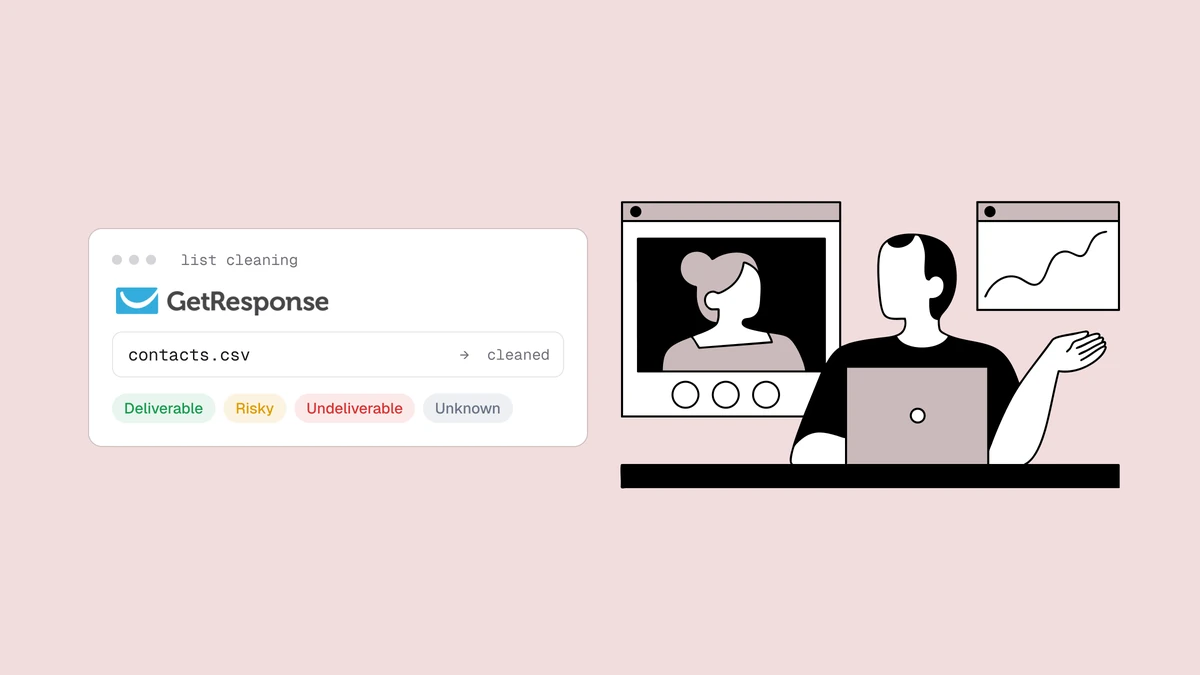
A verifier takes an address and runs it through a sequence of checks that get progressively more expensive — starting with instant, local questions (is it even shaped like an email?) and ending, for the addresses that survive, with a network conversation that asks the domain's mail server whether the mailbox exists. The output isn't a plain yes or no. It's a status (deliverable, risky, undeliverable, or unknown), a machine-readable reason, a confidence score, and a set of sub-flags describing what kind of address it is. The rest of this post unpacks each of those.
What email verification actually checks#
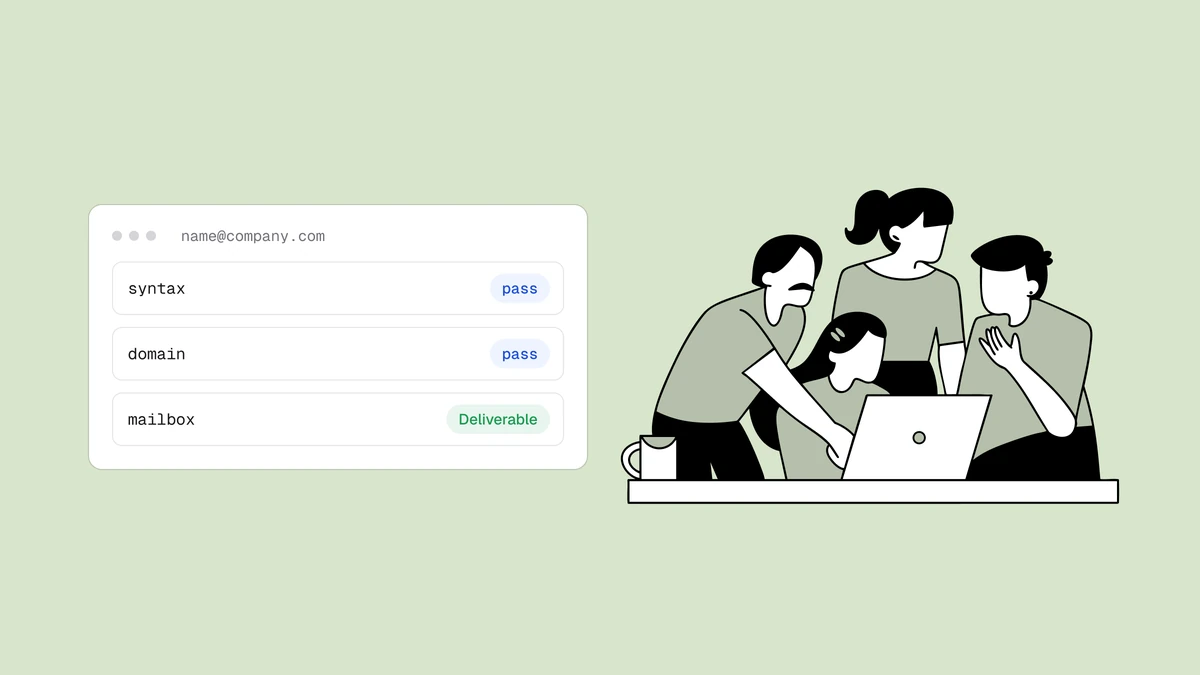
Under the hood, verification is a pipeline of filters, each answering one question and handing the survivors to the next. The full eight-stage walkthrough — what each stage can prove, what it can't, and which verdict it produces — lives in how email verification works. Here is the plain-language version of the sequence:
- Syntax. Is the string a structurally valid address at all — one
@, a sane local part, a real-looking domain? This catches fat-finger typos instantly, and it's the only thing a naive regex check does, which is exactly why regex-based validation fails: valid spelling is not the same as a valid mailbox. - Domain and MX records. Does the domain exist, and does it publish a mail route (MX records) at all? A domain with no mail server can't accept mail for anyone, so this one DNS lookup knocks out entire dead domains, expired names, and made-up spellings of real companies.
- Disposable and role checks. Is this a throwaway inbox from a
ten-minute-mail provider, or a shared team mailbox like
info@orsupport@? Both are real address types that behave badly in marketing, and both get flagged rather than blindly trusted. The send-or-suppress call for each is its own decision, covered in role, disposable, and free addresses. - The SMTP mailbox probe. For addresses that pass the cheap checks, the verifier opens a connection to the domain's mail server and begins the delivery conversation — up to the point where the server accepts or rejects the recipient — then disconnects without ever sending a message. This is the step that actually confirms a mailbox exists, and it's the one free browser tools skip.
- Catch-all detection. Some domains accept mail for every possible address, real or not, so a "yes" from the probe proves nothing. The verifier detects this by probing a deliberately nonsensical address at the same domain; if the server accepts that too, the domain is catch-all and the result is downgraded. It's the single most misunderstood case in the field, which is why it has its own explainer.
The order is deliberate: cheap knockouts first, the slow SMTP question last,
so that most bad addresses are caught before any network round-trip happens.
There's no point opening a connection to a mail server for a domain that has
no mail route, and no point looking up DNS for a string that's missing its
@ — so each stage exists to spare the next one work.
Email verification vs validation#
This is the question that sends most people to a definitions page, so let's be direct: in everyday use, "email verification" and "email validation" mean the same thing — checking whether an email address is real and deliverable. If a vendor's homepage says "validation" and another says "verification," they are almost certainly selling the same category of product. You don't need to agonize over which word to search for.
There is a nuance worth knowing, even though the industry treats the terms interchangeably. When people do draw a line, "validation" tends to mean the lightweight, local checks — is the address well-formed, does the domain exist — while "verification" implies going further and confirming the actual mailbox over SMTP. In that reading, validation asks "could this be a real address?" and verification asks "is this a real, reachable mailbox?"
The practical takeaway: use whichever term you like, and when you compare tools, look past the vocabulary to the checks underneath.
Why email verification matters#
Verification is not busywork. It protects three things that are hard to earn back once lost.
Bounces. When you send to an address that doesn't exist, the receiving server returns a hard bounce. A handful is normal; a high rate is a red flag that mailbox providers read as "this sender doesn't know who's on their list." Verification strips out the dead addresses that generate those bounces before they happen — which is precisely why bounce rate matters and why keeping it low is table stakes for reaching the inbox.
Sender reputation. Mailbox providers like Gmail and Outlook score every sender on how they behave. Bouncing repeatedly, hitting spam traps, and mailing addresses nobody engages with all drag that score down, and a low sender reputation means even your mail to good addresses starts landing in spam. Verification removes two of the biggest reputation risks — dead addresses and spam-trap-shaped ones — before they touch your reputation at all.
Deliverability. Bounces and reputation feed into one outcome: whether your mail actually reaches inboxes. A clean list that verifies well tends to land in the inbox; a dirty one gets throttled, filtered, or blocked — and once a provider starts filtering you, even your mail to good addresses suffers. Every credit you spend on an email platform is also wasted on addresses that were never going to receive the message, so verification pays for itself in plain economics as well as reputation.
Real-time verification vs bulk cleaning#
There are two moments to verify, and most senders eventually use both.
Real-time, at the point of capture. When someone types their address
into a signup form, checkout, or lead form, you can verify it in that instant
via an API and act on the result — reject an obvious typo,
suggest the correction ("did you mean gmail.com?"), and keep the junk out
of your database in the first place. This is the cheapest possible time to
catch a bad address, because it never enters your list and never costs you a
bounce. Catching a mistyped address here can save a subscriber you'd
otherwise have lost silently.
Bulk, cleaning a list you already have. If you've been collecting addresses for a while — or you're about to run a big campaign or re-engage a dormant segment — you upload the list (a CSV, or a sync from your email platform) and verify every address at once, asynchronously, then remove or suppress the ones that come back bad. This is the standard move before any significant send, and there's a step-by-step walkthrough in how to clean an email list. Because the SMTP probe is the part free tools can't do, bulk cleaning is also where the free-versus-paid distinction actually bites.
The two aren't rivals: real-time verification keeps new addresses clean going in, and periodic bulk cleaning removes the addresses that have gone bad since — people leave jobs, abandon inboxes, and let accounts lapse, so even a once-clean list decays over time.
The statuses you get back#
Verification doesn't return a bare "valid" or "invalid," because reality isn't binary — some addresses are genuinely uncertain, and a good verifier says so instead of guessing. Every address comes back with a status, a reason code explaining it, a confidence score from 0 to 100, and any sub-flags that apply.
| Status | What it means | What to do |
|---|---|---|
| Deliverable | The mailbox exists and accepts mail. | Safe to send. |
| Risky | Might work, but carries a known risk — catch-all domain, full mailbox, or a low-quality signal. | Send with caution, or suppress for important campaigns. |
| Undeliverable | The address is bad — no such mailbox, dead domain, or invalid syntax. | Remove it. Sending will bounce. |
| Unknown | The mail server wouldn't give a clear answer in time (greylisting, timeout). | Retry later; don't treat as confirmed either way. |
The reason is the machine-readable "why" behind the status — for example,
invalid_domain, rejected_email, or low_deliverability — so your own
code can act on the specific cause rather than just the verdict. The
confidence score orders addresses within a status: two deliverable
addresses can both be safe to send while one scores higher than the other, so
the number helps you prioritize. And the sub-flags describe the address's
character regardless of its status — whether it's disposable, a role account,
sitting behind a catch-all domain, or on a free provider like Gmail — so you
can make finer decisions than the headline verdict alone allows.
Frequently asked questions
01Is email verification the same as email validation?
For practical purposes, yes - the two terms are used interchangeably to describe checking whether an email address is real and deliverable. If any distinction is drawn, "validation" leans toward the lightweight, local checks (is it well-formed, does the domain exist) while "verification" implies going further and confirming the mailbox itself over SMTP. When you're comparing tools, ignore which word they use and look at which checks they actually run, because that's what determines whether the result is trustworthy.
02Does verifying an email send the person a message?
No. The SMTP mailbox probe runs the delivery conversation only up to the point where the server accepts or rejects the recipient, then disconnects without issuing the command that would transmit an actual message. The mailbox owner sees nothing - no email, no notification. Sending a real "test" message to check whether an address works is exactly the bad practice that proper verification exists to avoid.
03Does email verification guarantee an email won't bounce?
It dramatically reduces bounces, but no honest tool promises zero. A confirmed-deliverable address can still go bad between the day you verify it and the day you send - someone leaves a job, an inbox fills up, an account is closed. And addresses on catch-all domains are genuinely unconfirmable, which is why they come back "risky" rather than "deliverable." Verification is a snapshot of the truth at check time, so re-cleaning before major sends is what keeps bounce rates consistently low.
04Should I verify addresses at signup or clean my list in bulk?
Ideally both, because they solve different problems. Verifying in real time at signup - via the API - stops bad addresses from ever entering your database and lets you catch typos while the person is still on the page. Bulk cleaning periodically removes the addresses that have decayed since you collected them. New senders often start with a one-time bulk clean of their existing list, then add real-time verification at capture to keep it clean going forward.
The fastest way to understand verification is to watch it run: paste an address into the free email checker to see the local checks in action, then grab 100 free credits on the free plan — they never expire — to see the full SMTP-level verdict the browser tool can't give you.