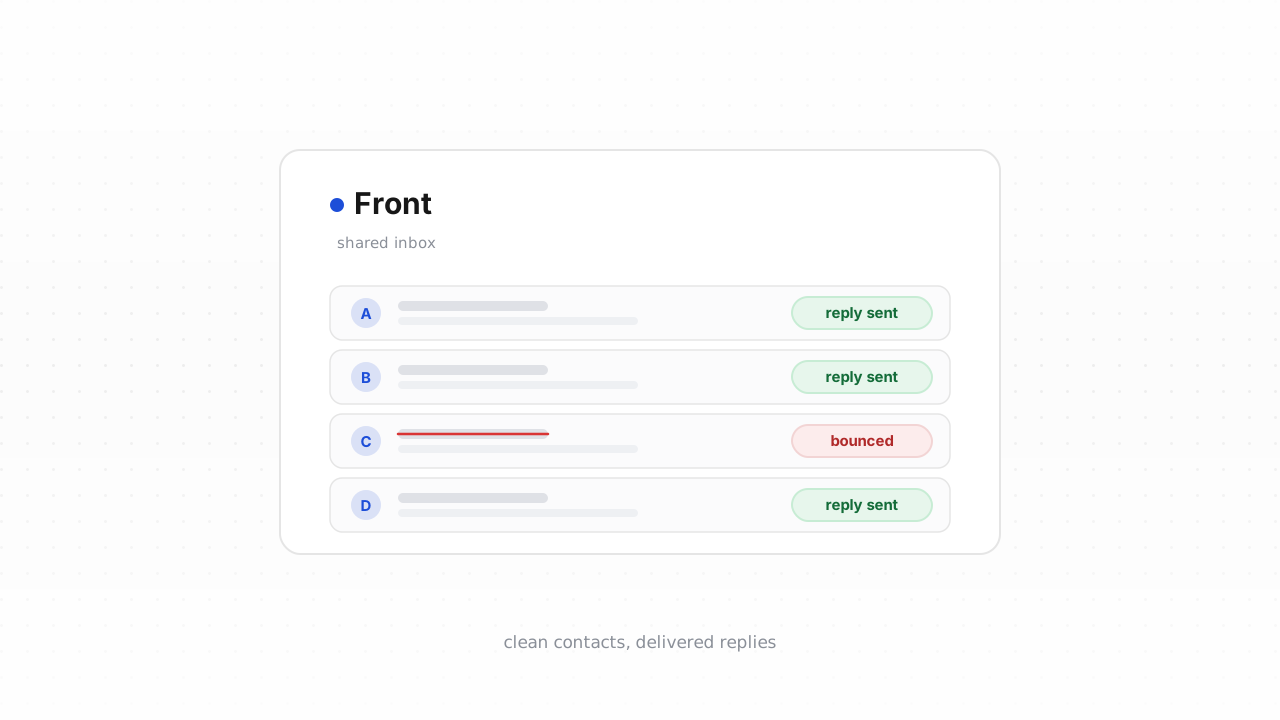
Front turns a shared inbox into a coordinated support desk: tickets land as conversations, teammates assign and reply, and automation fires notifications when something changes. But every one of those replies and notifications depends on one thing being true — the customer's email address actually accepts mail. When a support reply hard-bounces, the customer never sees your answer, the conversation looks resolved on your side, and the ticket quietly reopens (or escalates into a bad review) days later. Verifying the contacts in your Front workspace closes that gap. This guide covers why deliverability matters for support specifically, what Front stores about contacts, how to export and clean your list, and how to keep new contacts clean in real time.
Why support email deliverability matters#
Marketing email can tolerate a few bounces. Support email cannot. When a customer opens a ticket and your agent's reply bounces, three things happen at once: the customer waits on a response that will never arrive, your SLA clock keeps running against a message that was never delivered, and the conversation eventually reopens or spawns a duplicate — now with a frustrated customer on the other end.
The failure modes are quietly expensive:
- Missed SLAs. Front measures first-response and resolution time against conversations. A reply that bounces still marks the conversation as answered on your side, so the metric looks fine while the customer experience is broken.
- Reopened and duplicate tickets. The customer emails again, often from a different address or channel, and your team handles the same issue twice.
- Notification blind spots. If you send status updates, CSAT surveys, or "your ticket was resolved" messages to a stale address, none of it lands.
- Sender reputation drift. A shared support address that racks up bounces looks like a spammer to inbox providers, which can push even your good replies to spam. If you're not sure where your numbers stand, our email bounce-rate benchmarks put the thresholds in context, and why bounce rate matters explains the reputation mechanics.
Two structural fixes sit alongside verification. First, authenticate the domain you send from so mailbox providers trust it — our Authenticate Front (SPF/DKIM/DMARC) guide walks through the records. Second, keep the list itself clean. This article is about the second one.
What Front tracks about contacts#
Front maintains a contact record for the people you talk to, and understanding that model tells you exactly what to verify. Each contact has one or more contact handles — an email address, a phone number, a social profile — and Front automatically creates or updates a contact when a message arrives from a new address. Contacts can be shared across the team or kept in a personal address book, and you can attach custom fields, groups, and notes.
The email handle is the field that matters for deliverability. That's the string your agents reply to and your automations notify. Front does not tell you whether a handle is deliverable — it stores whatever address showed up in the inbox, including typo'd addresses from web forms, long-dead aliases, and role addresses like support@ or billing@ that may not route to a real person. Verification is what turns that raw handle into a decision: keep it, treat it carefully, or stop sending to it.
Front's own filtering doesn't fully solve this. Front behavior above last verified against Front's documentation, August 2026. Front will suppress or route based on rules and tags you define, but it won't tell you an address is undeliverable — you have to bring that signal in.
Step-by-step: export contacts, verify, tag the undeliverable#
There are two paths. The fastest is the native connector, which cleans your list in place. The universal fallback is a CSV loop that works on any plan.
Fastest path — the native Front connector. Qualisend has a live Front integration. Connect it once and Qualisend verifies your existing contacts and writes the results back into Front, so the verdict lives next to the contact where your agents already work. It also checks new contacts in real time (more on that below). If you can install it, this is the path we recommend — there's no export, no reimport, and no stale copy of your list sitting in a spreadsheet.
Universal path — the CSV loop. If your plan or workflow doesn't allow the native connector, export and reimport manually:
- Export your contacts from Front. In Front, open your contacts and export them to CSV, or pull them through Front's API if you manage contacts programmatically. You'll get a file with the email handle plus any custom fields you've attached.
- Upload the CSV to Qualisend. Create a bulk job and map the email column. Qualisend handles up to 1,000,000 addresses per job, and duplicates are charged only once — handy for a support export where the same customer appears across many conversations. The free plan's 100 one-time credits never expire, so you can test on a sample first.
- Read the four verdicts. Every address comes back as deliverable, risky, undeliverable, or unknown, each with a reason code and sub-flags — catch-all, disposable, role, or full mailbox — plus the MX provider, SMTP probe evidence, and a 0–100 confidence score. For support lists, the role and catch-all flags matter: a role address like
support@is common and often fine to keep, while a catch-all domain accepts everything and can't be probed conclusively, which is why it lands as risky rather than deliverable. - Tag the results back in Front. Add the verdict to each contact as a custom field or tag — for example a
Undeliverabletag on hard failures and aRiskytag on catch-all or full-mailbox hits. Reimport the enriched CSV, or set the tags through Front's contact API. - Act on the tags. Route undeliverable contacts out of auto-reply and notification rules, and flag them for an agent to find an alternate channel. Keep deliverable contacts flowing normally. Treat risky ones with care — send, but watch for bounces.
Either way, the outcome is the same: contacts your team can reply to with confidence, and a clear marker on the ones they can't.
Verify new contacts in real time#
Cleaning the existing list is a one-time win; the list gets dirty again the moment a new customer emails in with a typo or a new web form submits a junk address. Real-time verification keeps it clean going forward.
With the native Front integration connected, Qualisend checks each new contact as it's created and writes the verdict back automatically — so a bad address is flagged before your first reply bounces. This is the difference between catching a dead address on contact creation versus discovering it three replies deep into an SLA breach.
If you'd rather build the flow yourself, Qualisend's verification API exposes the same four-verdict result through scoped keys with rate limits and webhooks, so you can verify an address at the point a form is submitted or a conversation opens — often before it ever becomes a Front contact. No-code teams can wire the same check through Zapier, Make, or n8n: trigger on a new Front contact, call Qualisend, and branch on the verdict. Verifying at the front door means fewer bad addresses ever reach your inbox in the first place.
For the complete picture on sender setup, authentication, and list hygiene working together, see our email deliverability guide, and if you send transactional support mail to Gmail or Yahoo recipients, the Google & Yahoo sender rules cover the bounce and complaint thresholds those providers now enforce.
Frequently asked questions#
Does Qualisend have a native Front integration?#
Yes. The native Front integration is live. You connect it once and Qualisend verifies your existing contacts and writes the results back into Front in place — no export or reimport — and it checks new contacts in real time. It's the fastest way to clean your list; the CSV export-and-reimport loop is the alternative that works on any plan.
Can I verify email addresses before they become Front contacts?#
Yes, and it's the cleaner approach. Using Qualisend's verification API or a no-code tool like Zapier, Make, or n8n, you can check an address at the point a web form is submitted or a conversation opens — before Front ever creates the contact. That keeps typo'd and disposable addresses out of your inbox entirely instead of cleaning them up afterward.
What do the four verdicts mean for a support list?#
Every address returns as deliverable, risky, undeliverable, or unknown, each with a reason code, sub-flags (catch-all, disposable, role, full mailbox), MX provider, SMTP probe evidence, and a 0–100 confidence score. For support, keep deliverable contacts, stop auto-sending to undeliverable ones, and treat risky ones — usually catch-all domains or full mailboxes — with care by sending but watching for bounces.
How do I export contacts from Front to verify them?#
In Front, open your contacts and export them to CSV, or pull them through Front's API if you manage contacts programmatically. Upload that file to Qualisend as a bulk job — up to 1,000,000 addresses, with duplicates charged only once — then reimport the enriched file or write the verdicts back as tags through Front's contact API.
Is there a free way to try it first?#
Yes. Qualisend's free plan includes 100 one-time credits that never expire, so you can verify a sample of your Front export before committing. It's enough to confirm the verdicts and reason codes match what you expect on your own data.