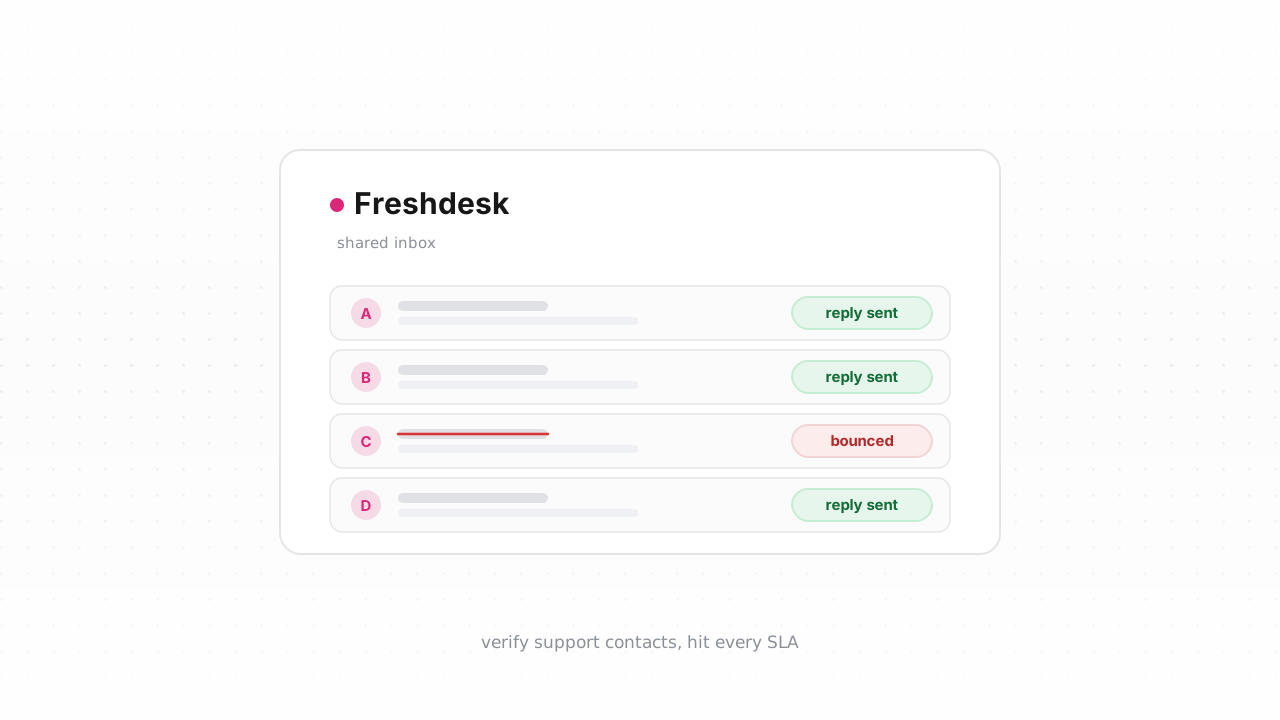
Support email only works when it reaches the person who opened the ticket. If the address on a Freshdesk contact is wrong, retired, or a typo, your agent's reply and every automated notification bounce silently — and the customer assumes you ignored them. This guide shows how to verify the email addresses on your Freshdesk contacts, tag the ones that will bounce, and keep new contacts clean as they arrive, using either the native connector or a plain CSV loop that works on any Freshdesk plan.
Why support email deliverability matters#
Marketing teams obsess over deliverability, but support teams are exposed to the same failure — with sharper consequences. When a ticket reply bounces, the customer never sees your answer. The ticket sits in a "waiting on customer" state, your SLA timer keeps running, and eventually the customer emails again from a different address or leaves an angry review. From the agent's side everything looks resolved. From the customer's side, you went quiet.
Freshdesk sends a lot of mail on your behalf: agent replies, ticket-created and ticket-resolved notifications, CSAT survey requests, and any automation-driven follow-ups. Every one of those goes to the email on the contact record. A single bad address quietly breaks the whole thread. Undeliverable support mail also drags down your sending domain's reputation over time, which makes even your good mail more likely to land in spam. If you haven't locked down your sending domain yet, pair this work with authenticating Freshdesk with SPF, DKIM, and DMARC — verification and authentication solve different halves of the same problem, and you can read more background in our email deliverability guide.
What Freshdesk tracks about contacts#
Freshdesk stores each customer as a contact record. The fields that matter for deliverability are the primary email and any additional (secondary) emails — Freshdesk lets a single contact carry more than one address, and replies can go to any of them. Contacts also carry name, company association, phone numbers, and tags, which are free-form labels you can filter and search on.
What Freshdesk does not have is a marketing-style suppression list. Unlike an ESP, it won't automatically quarantine an address after a hard bounce; the send just fails and the ticket moves on. That gap is exactly why verifying and tagging matters — you have to build your own signal for "don't trust this address," and tags are the tool Freshdesk gives you to do it. Once a contact is tagged, agents see the flag on the ticket and your automations can branch on it.
Step-by-step: export contacts, verify, tag the undeliverable#
This is the manual loop. It works on every Freshdesk plan and needs no integration.
- Export your contacts. In Freshdesk, open the Contacts list, apply any filter you want (for example, contacts created in the last 90 days), and choose Export. Freshdesk generates a CSV and emails you a download link. Pick the fields you need — at minimum include the contact ID and the email column so you can match rows back later.
- Verify the CSV with Qualisend. Upload the file to a Qualisend bulk job. A single job handles up to 1,000,000 addresses, and duplicates are only charged once, so you never pay twice for the same address across additional-email columns. Each row comes back with one of four verdicts — deliverable, risky, undeliverable, or unknown — plus a reason code, a 0–100 confidence score, the detected MX provider, and SMTP probe evidence. Sub-flags call out catch-all domains, disposable addresses, role addresses like support@ or billing@, and full mailboxes. If you're new to the categories, what is email verification breaks them down.
- Decide what to do with each verdict. Keep deliverable. Treat undeliverable as your bounce list. Handle risky with judgment — a catch-all domain can't be confirmed either way, so many teams tag it for awareness rather than suppress it. Leave unknown for a re-check later; it often means a greylisting delay rather than a real problem.
- Tag the bad rows back in Freshdesk. Add a column like
email_statusto your verified file, then re-import or use the Freshdesk Contacts API to write a tag such asundeliverable-emailonto the matching contacts. Now agents see the flag before they reply, and you can build an automation that skips notifications or routes to a phone follow-up when that tag is present.
Because Freshdesk has no automatic bounce suppression, this tag is your suppression signal. Re-running the export-verify-tag loop every quarter keeps it current as addresses decay. Freshdesk behavior above last verified against Freshdesk's documentation, August 2026.
Verify new contacts in real time#
Cleaning the existing list is a one-time win; the list starts decaying again the moment you finish. The durable fix is to check addresses as contacts are created — or, better, before they ever land in Freshdesk.
The fastest path is the native connector. The Qualisend Freshdesk integration is live: connect it once and it verifies your existing contacts and writes the results back in place — no CSV round-trip — and it runs a real-time check on each new contact as it's created, tagging undeliverable and risky addresses automatically. For most teams this replaces the entire manual loop above; keep the CSV method as the fallback that works when you can't connect an integration.
If you'd rather wire it into your own flow, the Qualisend verification API exposes the same four-verdict engine behind scoped keys, with rate limits and webhooks. A common pattern is to call it from a Freshdesk automation webhook on contact creation, or to verify the address at the point of capture — your contact form, checkout, or signup — so bad data never reaches your helpdesk. Preventing a bad address is always cheaper than tagging it afterward. No-code teams can achieve the same thing through Zapier, Make, or n8n without writing any code.
Whichever route you choose, the payoff is the same: fewer bounced replies, cleaner SLA metrics, and a support inbox where "no response" means the customer is happy, not unreachable. For the numbers behind the argument, see our bounce-rate benchmarks and why bounce rate matters.
Frequently asked questions#
Does Qualisend have a native Freshdesk integration?#
Yes. The native Freshdesk integration is live. You can connect it at /integrations/freshdesk to verify your existing contacts and write the results back in place — no CSV export needed — and it runs a real-time check on every new contact as it's created, tagging undeliverable and risky addresses automatically. The CSV export-verify-tag loop remains available as an alternative that works on any Freshdesk plan.
Can I verify addresses before they enter Freshdesk?#
Yes, and it's the cleanest approach. Call the Qualisend verification API at the point of capture — your contact form, signup, or checkout — so an invalid address is rejected or flagged before a Freshdesk contact is ever created. You can also verify on contact creation via a Freshdesk automation webhook, or with a no-code tool like Zapier, Make, or n8n.
Does Freshdesk automatically suppress addresses that bounce?#
No. Unlike a marketing platform, Freshdesk has no automatic bounce-suppression list — a failed send simply doesn't reach the customer and the ticket moves on. That's why verifying addresses and writing a tag such as undeliverable-email onto the contact matters: the tag becomes the suppression signal your agents and automations can act on.
What do the four verdicts mean for a support list?#
Deliverable addresses are safe to keep. Undeliverable addresses are your bounce list — tag them. Risky addresses, such as catch-all domains, can't be confirmed either way, so most teams tag them for awareness rather than remove them. Unknown addresses often reflect a temporary greylisting delay and are worth re-checking later.
How many contacts can I verify at once?#
A single Qualisend bulk job handles up to 1,000,000 addresses, and duplicates are only charged once, so overlapping primary and additional emails never cost you twice. The free plan includes 100 one-time credits that never expire, which is enough to test the export-verify-tag loop before committing.