Every email list is decaying right now, quietly, whether or not you send to it. Addresses that were valid the day someone typed them in go dead over time, and the ones you keep mailing after that are what drags your deliverability down. So the obvious question, how often should I clean this list?, has no calendar answer. The useful answer is about triggers, not intervals: this guide covers when to clean, why cleaning once is never enough, and how to make each clean smaller than the last.
The short answer#
There is no single fixed interval that fits every list, because how fast a list goes stale depends on where its addresses came from, how quickly it grows, and how engaged its subscribers are — a list built on confirmed sign-ups ages very differently from one fed by imports and lead magnets. So clean on three triggers: before any high-stakes send, after every new import and before its first send, and on a rolling cadence with your per-campaign bounce rate as the tripwire. Prevention — verifying at capture and collecting with double opt-in — shrinks how often the bulk clean is needed at all. The full list-cleaning guide walks the export-verify-suppress loop end to end; this article is about timing it.
What email list decay actually is#
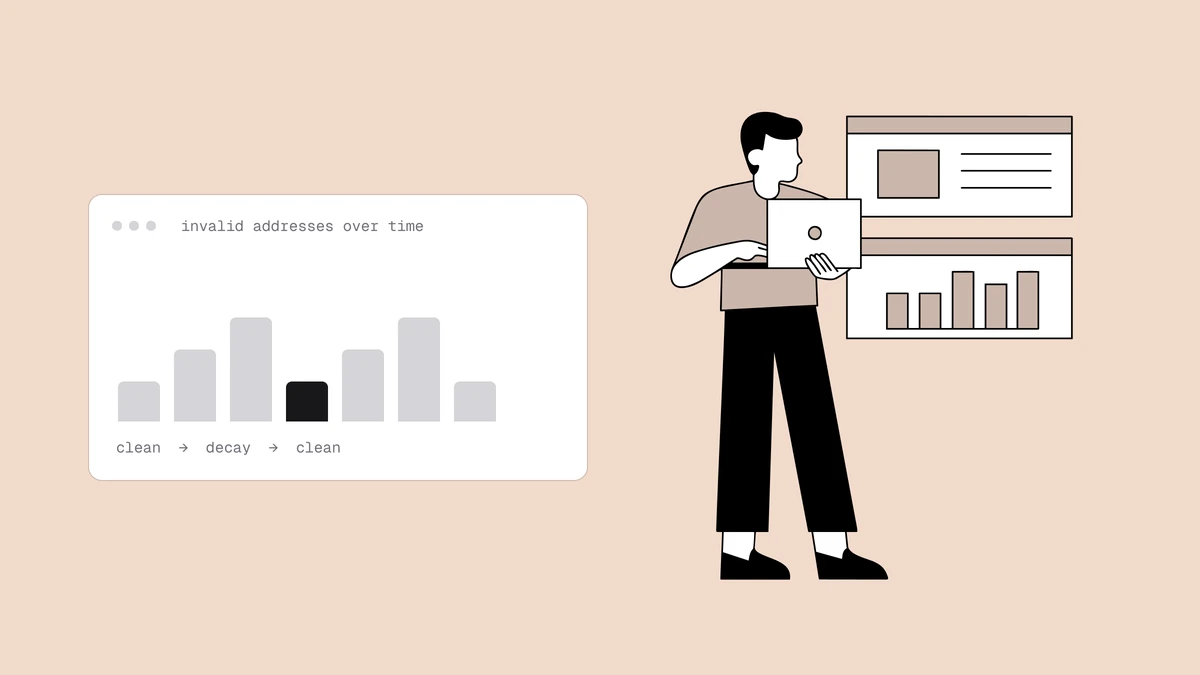
Email list decay is the continuous process by which valid addresses stop being deliverable over time. It happens for ordinary human reasons:
- People change jobs. A work address stops accepting mail the moment someone leaves, and corporate mailboxes are retired constantly — B2B lists feel this fastest.
- Inboxes get abandoned. A personal account someone opened years ago gets left behind. It may bounce, or it may quietly turn into a spam trap when the provider recycles it.
- Addresses were mistyped at capture.
gmial.comand a fat-fingered username were never deliverable; they just hadn't been mailed yet.
The rate of decay, though, is not a fixed figure you can look up and apply to your own list. It varies with your audience and sourcing, and the only honest way to know yours is to watch your own bounces over time. Anyone quoting a universal "lists decay by X% a year" is averaging over wildly different lists — treat the number as trivia, not a planning input.
Why a "clean once" mindset fails#
Because decay is continuous, a single clean is a snapshot with an expiry date: the list you scrubbed spotless in January has been quietly rotting since. Three things make the "clean it once and move on" instinct risky:
- New addresses keep arriving, and they arrive dirty. Growth reintroduces typos, disposable addresses, and recycled mailboxes faster than a one-time clean can account for.
- Imports carry hidden history. An imported list arrives with its bounce history stripped off, so addresses that were already failing elsewhere look brand new to you.
- The damage is cumulative and lands on everyone. Mailing dead addresses raises your bounce rate and erodes your sender reputation — a penalty that then follows every message you send, including the ones to subscribers who still want your mail.
Clean on triggers, not a calendar#
A fixed calendar date cleans too often for a slow, well-sourced list and not often enough for a fast-growing one. Triggers adapt on their own — three matter.
Before any high-stakes send. A product launch, a seasonal campaign, or a win-back to a dormant segment is when a bounce spike does the most damage — high volume, high visibility, and often to the addresses that have had the most time to decay. Verify right before these sends so the campaign reaches a list you know is live.
After every new import, before its first send. This is the single most valuable trigger: imported addresses are the most likely to be dead on arrival, and their history is invisible to you. Whenever a CSV, a sync, or another team's list lands in your platform, verify it before the first send touches it. Catching those addresses before they bounce is the whole difference between a careful sender and a careless one.
On a rolling cadence, with your bounce rate as the tripwire. Between the event-driven cleans, keep a light periodic clean going — but size the interval to your own list and let your per-campaign bounce rate, not the calendar, decide when it's due. When it climbs toward the warning thresholds providers act on, clean now rather than waiting for the next scheduled date. A rising bounce rate is decay becoming visible; treat it as the alarm it is.
How prevention shrinks the cadence#
The most durable hygiene happens upstream of any clean, at the point of capture. Two practices do most of the work:
- Verify at the point of capture. A verification check on your sign-up form or in your API keeps typos, disposable addresses, and undeliverable mailboxes off the list before they ever enter it. The serverless verify-at-signup pattern shows one way to wire this in.
- Collect with double opt-in. A confirmation click proves the address is real and that a person is behind it, filtering out much of what would otherwise become bounces and complaints. The trade-offs are covered in single vs. double opt-in.
The cleaner your intake, the less decay accumulates between cleans — so a well-sourced list needs the bulk clean far less often than one fed by unverified imports.
A simple recommended routine#
Put together, the triggers make a routine you can follow without guessing at intervals:
| Trigger | When | What to do |
|---|---|---|
| High-stakes send | Right before a launch, seasonal push, or win-back | Verify the sending segment so the campaign only reaches live mailboxes. |
| New import | Every time a list enters your platform, before the first send | Verify the source file and suppress the failures before they can bounce. |
| Rolling cadence | Ongoing, paced to your growth rate | Watch per-campaign bounce rate; clean when it climbs toward the warning thresholds. |
| Point of capture | Continuously, at signup | Verify on the form or API and use double opt-in so less decays in the first place. |
Follow those four and you clean exactly when your list needs it, not on a schedule that's wrong for your audience. For the step-by-step of running each clean — export, verify, act on the verdicts, suppress — see the complete list-cleaning guide.
Frequently asked questions
01How often should I clean my email list?
There's no single correct interval - it depends on how your list is sourced, how fast it grows, and how engaged it is. Rather than a fixed schedule, clean on triggers: before any high-stakes send, after every new import and before its first send, and on a rolling cadence where your per-campaign bounce rate is the tripwire. Verifying at signup and collecting with double opt-in keep those routine cleans small.
02What is email list decay?
Email list decay is the continuous process by which valid addresses stop being deliverable over time - people change jobs and their mailboxes are retired, inboxes get abandoned, and some addresses were mistyped or turn into spam traps. It's ongoing rather than one-time, which is why a single clean doesn't hold. The rate varies by list, so gauge yours by watching your own bounces rather than trusting a universal percentage.
03Can I just clean my list once and be done?
No. A one-time clean is a snapshot that starts going stale immediately, because decay is continuous and every new import or sign-up reintroduces dead or mistyped addresses. Mailing the ones that accumulate raises your bounce rate and erodes your reputation. Cleaning is ongoing maintenance, not a task you finish once.
04Does verifying at signup mean I never have to clean again?
No, but it dramatically reduces how often you need to. Verifying at capture keeps typos, disposable addresses, and dead mailboxes off the list from the start, so far less junk enters it. What it can't prevent is decay that happens after a valid address joins - the subscriber who later changes jobs or abandons their inbox. Periodic cleaning catches that group, and good intake hygiene keeps those cleans small.
The right cleaning frequency isn't a number — it's triggers plus good intake hygiene, and both start with knowing which addresses are actually live. Check one address instantly with the free email checker, or verify a whole list with 100 free credits that never expire to see what's decaying before your next send.