Every email list decays. Addresses that were valid the day someone signed up get abandoned, mistyped, retired when people change jobs, or quietly turned into spam traps — and each dead address you keep mailing chips away at your ability to reach the people who still want to hear from you. Cleaning a list is the routine that finds and removes those addresses before they cost you, and it follows the same four moves no matter which platform you send from: export, verify, act on the verdicts, and re-import or suppress. This guide walks that workflow end to end, then points you to the exact steps for your ESP.
The short answer#
Email list cleaning means checking every address on your list with a
verification service and then acting on what
it finds: keep the deliverable addresses, remove the undeliverable ones, and
handle the in-between cases on purpose rather than by accident. The
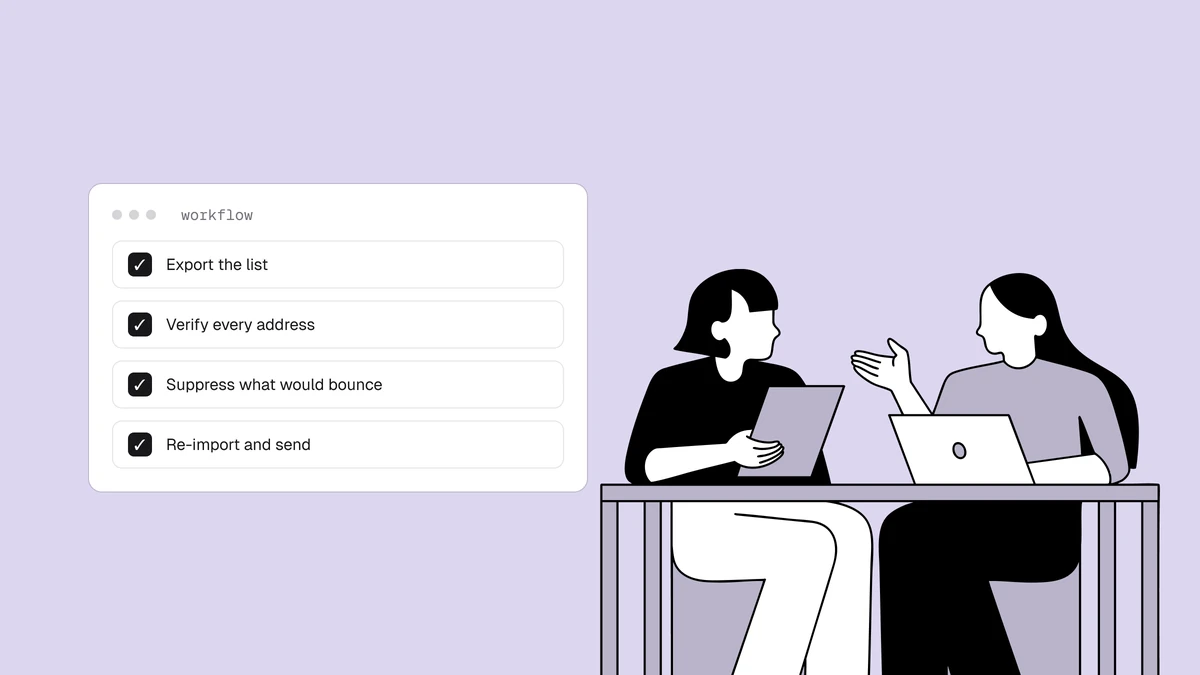
platform-agnostic workflow is export → verify → act → re-import or suppress.
Export your contacts to a CSV, run them through a verifier, use the per-address
verdict — deliverable, risky, undeliverable, or unknown — to decide who
stays, then push the cleaned list back into your platform while suppressing the
addresses you pulled so they can't creep back in on the next import. Do it before
big sends and after every import, and your bounce rate and
sender reputation both stay healthy.
Why clean an email list#
A dirty list doesn't just waste the dead addresses on it — it damages your ability to reach the good ones. Four things go wrong, and they compound.
- Bounces pile up. Every invalid address you mail is a hard bounce, and mailbox providers read a rising bounce rate as a sign you don't know who's on your list. High bounce rates are one of the clearest signals that gets mail filtered or throttled — see why bounce rate matters for the thresholds providers watch.
- Sender reputation erodes. Bounces, spam complaints, and spam-trap hits all feed the reputation score providers keep for your sending domain and IPs. Reputation is slow to build and fast to lose, and a neglected list is the most common way to lose it. Enough damage here and you can end up blocklisted, which affects mail to a large share of receivers at once.
- Deliverability drops for everyone. The penalty for mailing dead addresses doesn't land only on the dead addresses — it lands on the whole domain. When your reputation slips, your engaged subscribers start seeing your mail in the spam folder too. Clean lists are the lever most senders underinvest in and the one with the clearest payoff, as the deliverability guide lays out.
- You pay to reach nobody. Most ESPs bill by contact count or send volume, so every undeliverable address on your list is money spent mailing an inbox that no longer exists. Cleaning trims that waste directly, and cleaning before an import keeps the junk out of your billable count from the start.
None of these problems announce themselves. A list can look perfectly healthy in your dashboard — full contact count, respectable open rates — right up until a send to the dead addresses hiding in it tips your bounce rate over a threshold and placement drops for the whole domain. Cleaning is how you find those addresses on your own schedule instead of discovering them the hard way, mid-campaign.
The cleaning workflow, step by step#
The mechanics of exporting and suppressing differ from one ESP to the next, but the workflow underneath is identical everywhere. It's four steps.
-
Export your list to a CSV. In your email platform, export the audience, list, or segment you want to clean. For a first pass, export everything; for ongoing maintenance, it's often enough to export a segment — recent imports, or contacts who haven't engaged in a while, since those are where dead addresses concentrate. You only need the email column, though keeping a unique ID or the full row makes the re-import in step four cleaner. If you're cleaning a freshly imported file that hasn't been mailed yet, you can skip the export and verify the source file directly — the ideal time to catch bad addresses is before they ever enter your platform.
-
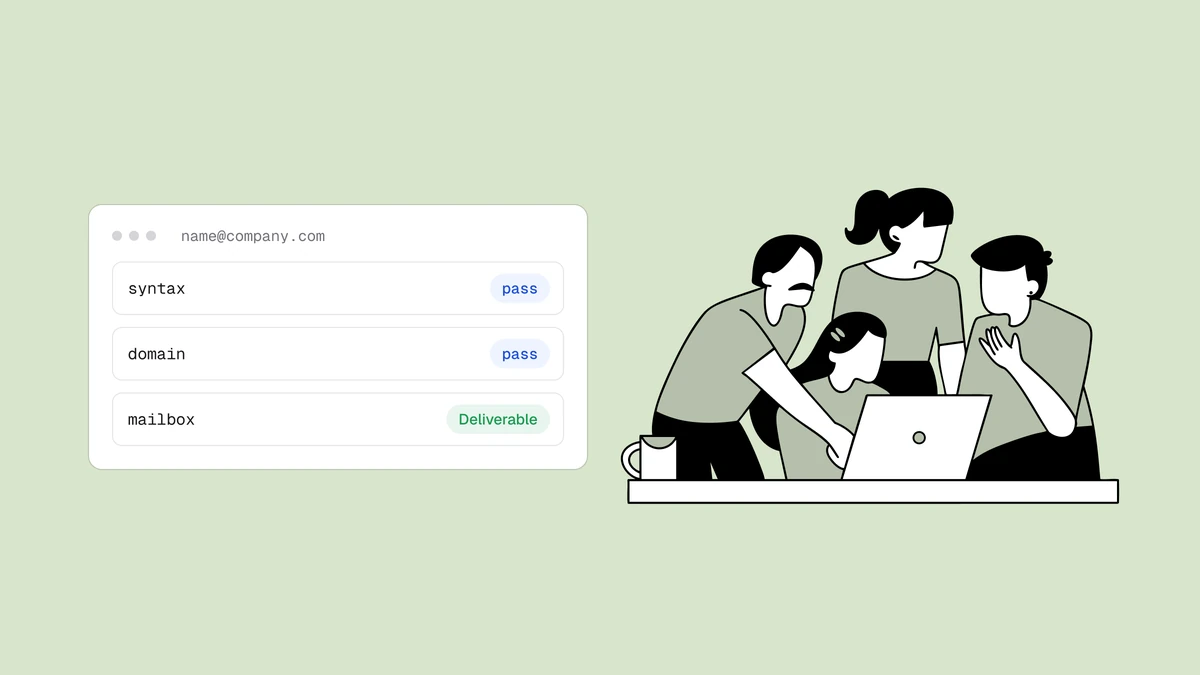
Verify the file. Upload the CSV to an email-verification service — with Qualisend you can drop in a file or paste up to roughly a million addresses at once, watch live progress as it runs, and download the cleaned CSV when it finishes. Duplicates are charged once, and the first 100 credits are free and never expire, so you can verify a sample before you commit to the whole list. Under the hood, verification checks syntax, confirms the domain can receive mail, and probes the mailbox itself — the mechanics are covered in how email verification works. For a single address you're unsure about, the free email checker returns a verdict in the browser without touching a CSV at all.
-
Act on the verdicts. This is the step that actually cleans the list. Every address comes back with a status, a machine-readable reason, a 0–100 confidence score, and sub-flags — disposable, role, catch-all, free-mail — that tell you why it got the status it did. You don't treat every non-
deliverableaddress the same way; you route each verdict to the right action using the table in the next section. -
Re-import the keepers and suppress the rest. Push the deliverable addresses back into your platform, and — just as importantly — make sure the addresses you removed can't return. Deleting a bad contact often isn't enough, because a future import can silently add it straight back, bounce and all. The durable fix is to suppress (or, on some platforms, archive) the removed addresses, which stops all future sends to them while keeping a permanent record that they were bad. That record is what breaks the re-import loop. If you kept a unique ID or the original rows in step one, match on that when you re-import so you update existing contacts instead of creating duplicates, and apply the suppression to the
undeliverableand disposable addresses in the same pass.
What each verdict means, and what to do about it#
Verification doesn't return a simple valid/invalid split, because reality isn't that clean. Some addresses are provably dead, some are provably live, and a meaningful share sit in between — mailboxes a server won't confirm either way. The four statuses map to four different actions, and the sub-flags refine them further.
deliverable— the mailbox exists and accepts mail. Safe to send.risky— the address may work, but something about it carries elevated risk: it's a catch-all domain that accepts everything without confirming the specific mailbox, a full mailbox, a role or disposable address, or similar. These need judgment, not a blanket keep-or-delete.undeliverable— the mailbox or domain doesn't accept mail. Remove it; this is the address that will hard-bounce if you send.unknown— the server wouldn't give a definitive answer during the check, usually because of greylisting or rate-limiting. It's a verdict on the check, not on the mailbox.
| Status (and sub-flag) | What it means | Action |
|---|---|---|
deliverable | Mailbox exists and accepts mail. | Keep and send as normal. |
deliverable + role flag | Valid, but a shared inbox like info@ or
support@. | Keep for transactional mail; exclude from engagement-judged campaigns — see role, disposable & free addresses. |
risky + catch-all flag | Domain accepts all mail without confirming the specific mailbox. | Segment and send cautiously, throttled — the catch-all guide covers how to treat these. |
risky + full-mailbox flag | Mailbox exists but is over quota right now. | Suppress for this send and re-verify later; it may recover. |
risky + role flag | Distribution or department address, not an individual. | Segment out of engagement-based automations; send only when relevant. |
risky + disposable flag | Temporary, throwaway inbox built to expire. | Remove and suppress. The inbox was designed not to last. |
undeliverable | Mailbox or domain rejects mail. | Remove and suppress. Don't wait for the bounce to prove it. |
unknown | Server gave no definitive answer during the check. | Suppress for now and re-verify on the next clean — often greylisting, not a dead mailbox. |
The two ends of this table are easy: deliverable addresses stay, undeliverable
addresses go, and both decisions are unambiguous. The judgment lives in the
middle. risky isn't a soft "no" — it's "we can't be sure," and the right
response depends on the sub-flag and on how much a wrong send would cost you. A
catch-all on a domain you know is real behaves differently from a disposable
address that was throwaway by design, which is why the two share a status but not
an action.
Use the confidence score to break ties inside a status. A risky address with a
low score deserves more caution than one near the top of the range, and it's a
useful way to decide which borderline addresses are worth a second verification
pass rather than an outright removal. A practical pattern is to route everything
undeliverable and every disposable straight to suppression, hold the remaining
risky and unknown addresses in their own segment so they never mix with your
main sends, and re-verify that segment on your next clean — many unknown
results resolve to a clear verdict on a second pass.
Cleaning on your platform#
The four-step workflow is the same everywhere, but the specifics — what the export is called, whether you archive or suppress, how the re-import behaves — differ by ESP. We've written the export-verify-suppress loop up for each major platform, so pick yours and follow the exact clicks:
- Clean a Mailchimp list — export the audience, verify, and archive the dead addresses so they leave your billable count without risking a re-import.
- Clean a Klaviyo list — export the list or segment, verify, and use Klaviyo's suppression list to retire the addresses you pull.
- Clean a Brevo list — the CSV loop adapted to Brevo's contacts, attributes, and blocklist.
- Clean a HubSpot list — verify before contacts count against your marketing-contacts tier, then suppress the failures.
- Clean an ActiveCampaign list — export, verify, and manage the removed contacts so your deliverability and billing both benefit.
- Clean a MailerLite list — the same export-verify-suppress flow in MailerLite's terms.
- Clean an Omnisend list — verify your contacts and suppress the undeliverables before your next Omnisend campaign.
If you send cold outreach rather than to an opted-in list, the same steps apply but the standards are stricter — that's the hardest hygiene case there is, and cold email deliverability covers it on its own.
How often to clean#
There's no universal interval, and no honest way to attach a decay percentage to your list without measuring your own — a list fed by double opt-in ages very differently from one fed by imports and lead magnets. Rather than chase a number, build cleaning into three moments:
- Before any high-stakes send. A product launch, a seasonal campaign, or the first send to a re-engaged segment is exactly when a bounce spike does the most damage. Clean first.
- After every import. An imported list arrives with its bounce history stripped off, so addresses that were already failing elsewhere look brand new to your platform. Verify the file before the first send touches it.
- On a regular cadence, with your bounce rate as the tripwire. Size the interval to how fast and how cleanly your list grows, and watch your per-campaign bounce rate between cleans. When it starts climbing toward the warning thresholds, clean now rather than waiting for the calendar.
The most durable hygiene, though, is upstream of all of this: how you collect addresses in the first place. A confirmed double opt-in and a verification check at signup keep most junk off the list before it ever needs cleaning, so periodic cleans stay small and fast.
Frequently asked questions
01How do I clean an email list for free?
Export your list to a CSV and run it through a verification service that offers a free tier. Qualisend gives you 100 credits that never expire, which is enough to verify a sample of your list or a small list outright, and the free email checker validates individual addresses in the browser at no cost. For anything larger you'll pay per address - from $6 per 1,000, with duplicates charged once - but you can always verify a slice first to see what's hiding in the list before committing to the whole file.
02What's the difference between cleaning and verifying an email list?
Verifying is one step of cleaning. Verification is the check itself - it tells you each address's status, reason, confidence score, and sub-flags. Cleaning is the full loop around that check: export the list, verify it, act on the verdicts, and re-import or suppress. You verify to learn which addresses are bad; you clean to actually remove them and keep them from coming back on the next import.
03Should I delete undeliverable addresses or just suppress them?
Suppress them, or archive them if your platform uses that term. Deleting an address removes it, but nothing stops a future import from silently adding the same dead address straight back - bounce and all. Suppressing stops all future sends while keeping a permanent record that the address was bad, which is exactly what breaks that re-import loop. It also usually removes the contact from your billable count, so you get the cost benefit without the risk of re-adding it.
04How often should I clean my email list?
There's no single right interval - it depends on how fast your list grows and how it's sourced. Rather than a fixed schedule, clean before any high-stakes send, after every import (before the first send touches it), and on a regular cadence with your per-campaign bounce rate as the tripwire between cleans. If bounces start climbing, clean now instead of waiting. Collecting with double opt-in and verifying at signup keeps the routine cleans small.
Cleaning a list comes down to one habit: verify before you send, act on the verdicts, and suppress what you remove. Start with 100 free credits that never expire to see exactly what's hiding in your list, or check a single address instantly with the free email checker.