ConvertKit is now Kit — a rename, not a rebuild. The subscriber model underneath is unchanged: the same tags, the same segments, and the same billing by active subscriber count, which means the cleaning job is unchanged too. When a Kit list starts to feel bloated, the tempting move is to start deleting subscribers. That's the wrong reflex. A cold subscriber who hasn't opened in 90 days is not automatically a dead address — delete it and you lose both the record and any chance to win the person back. The better instrument is the one Kit already hands you: tags and segments to sort the cold-but-valid subscribers away from the genuinely gone, so you only retire the addresses that verification proves are dead.
Kit does clean part of the list for you — it stops sending once an address permanently bounces, and it drops anyone who opts out or reports you. What it can't do is judge an address it has never sent to, or tell a subscriber who merely drifted from one whose mailbox has quietly stopped existing. This guide covers what Kit handles on its own and the export → verify → tag loop that separates the reachable cold subscribers from the dead ones before your next broadcast.
What Kit already does for you#
Credit where due — Kit's reactive hygiene is solid, and it mirrors what the better ESPs do:
- Hard bounces stop future sends. When an address bounces for a permanent reason, Kit marks the subscriber as bounced and excludes them from every broadcast and sequence that follows.
- Spam complaints are handled. A subscriber who reports one of your emails is marked complained and removed from sending.
- Unsubscribes are honoured automatically. Anyone who opts out is dropped from all future email with no action from you.
- These states don't count toward your bill. Kit's pricing is based on your active subscriber count, and bounced, complained, and unsubscribed subscribers are not active — so Kit's own hygiene never inflates what you pay.
Kit behavior above last verified against the Kit help center, July 2026.
If your list were built purely from double-opt-in signups and mailed continuously, this might be all the hygiene you need. Most Kit accounts aren't built that way — they grow through lead magnets, imports, and creator cross-promotions, and that is exactly where the addresses Kit can't judge come from.
What Kit can't catch#
Every mechanism above is reactive — it needs a send, a bounce, or a complaint to fire. That leaves a blind spot with four kinds of addresses sitting in it:
- Never-mailed invalid addresses. Imported subscribers, old signups from a
previous platform, and typos captured at the form (
jane@gmial.com) have never bounced because they have never been sent to. Kit has no signal on them until they damage your first broadcast. - Disposable addresses. Temporary inboxes handed over for a free download work long enough to grab the file, then stop existing. They may never bounce — they simply stop mattering.
- Role addresses (
info@,support@). Real mailboxes, read by teams — fine for a receipt, weak for a newsletter, and worth flagging before you judge your open rates. - Decayed addresses. People change jobs and abandon inboxes constantly. An address that will hard-bounce next month looks identical to a healthy one in Kit today.
Imports deserve special suspicion. A list that lived in another tool arrives with its history amputated — addresses that were bouncing or suppressed over there come into Kit looking exactly like everyone else, and Kit will happily mail all of them once. That single broadcast is where a mailbox provider forms its first impression of you as a sender, which is why the right order is verify first, import second. Running the addresses through email verification before they enter Kit protects the sender reputation every future send depends on. Verification is only half of that first impression, though — even a spotless list still lands in spam if the sending domain fails its checks, so authenticate your Kit sending domain with SPF, DKIM, and DMARC before the broadcast goes out.
Step-by-step: export, verify, act#
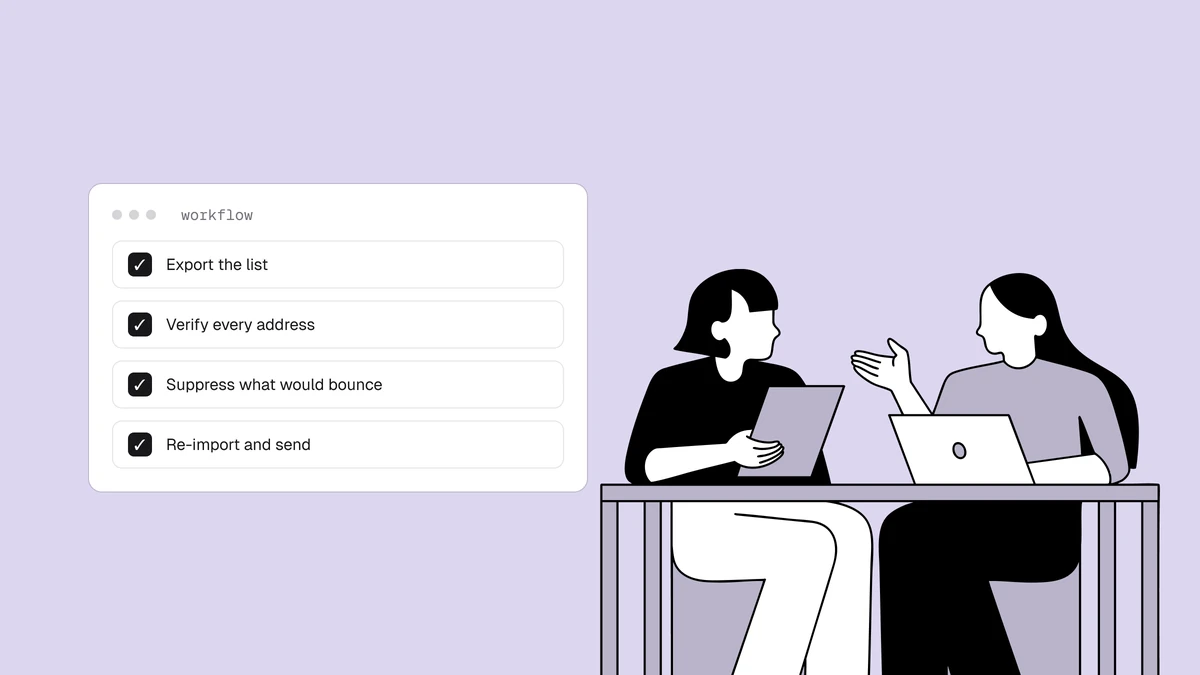
The native Kit connector is now live — connect it to verify your list in place and write the results back, with real-time checks on new contacts. The CSV loop below stays a valid manual alternative on any plan. It's the same generic sequence covered in the how to clean an email list hub, adapted to Kit's terms, and it takes about fifteen minutes for most lists:
- Export from Kit. Open Grow → Subscribers, apply the filter, tag, or segment you want to clean (the full list for a first pass; a cold or imported segment for maintenance), then use Export — Kit emails you the CSV.
- Verify the file. In Qualisend, upload the CSV to bulk cleaning or paste addresses directly — up to 1,000,000 addresses per list, and duplicates are only charged once. The free plan's 100 credits (which never expire) cover a first sample, or drop a handful into the free email checker to see the output before you commit a list.
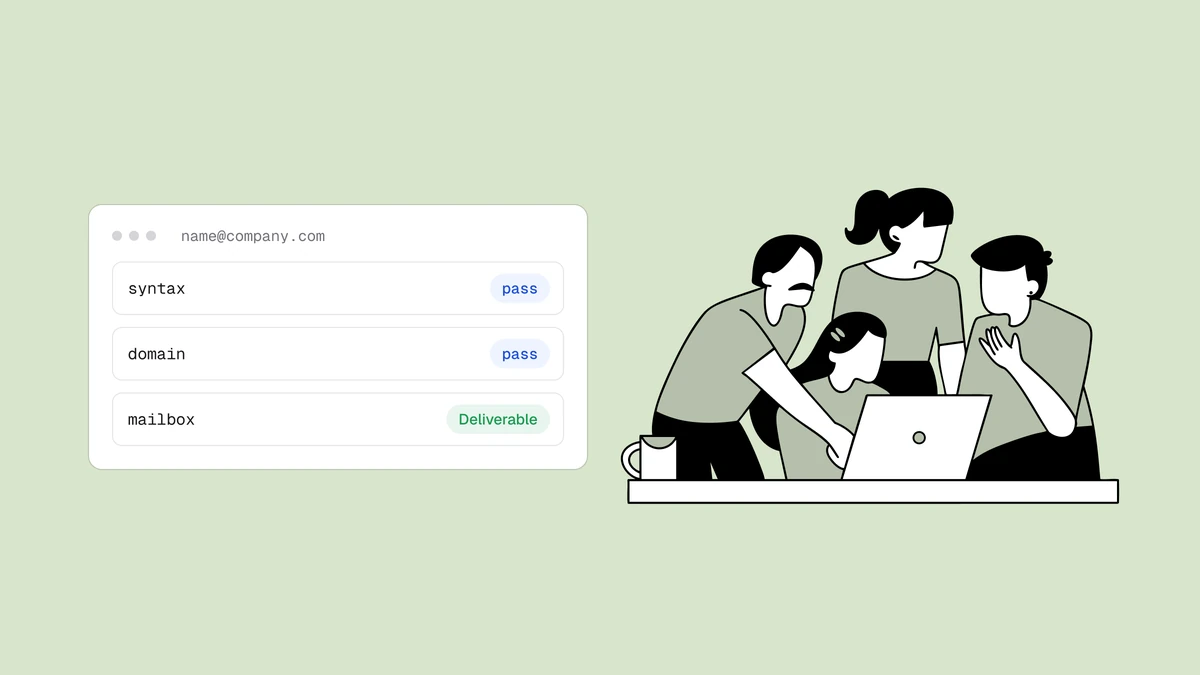
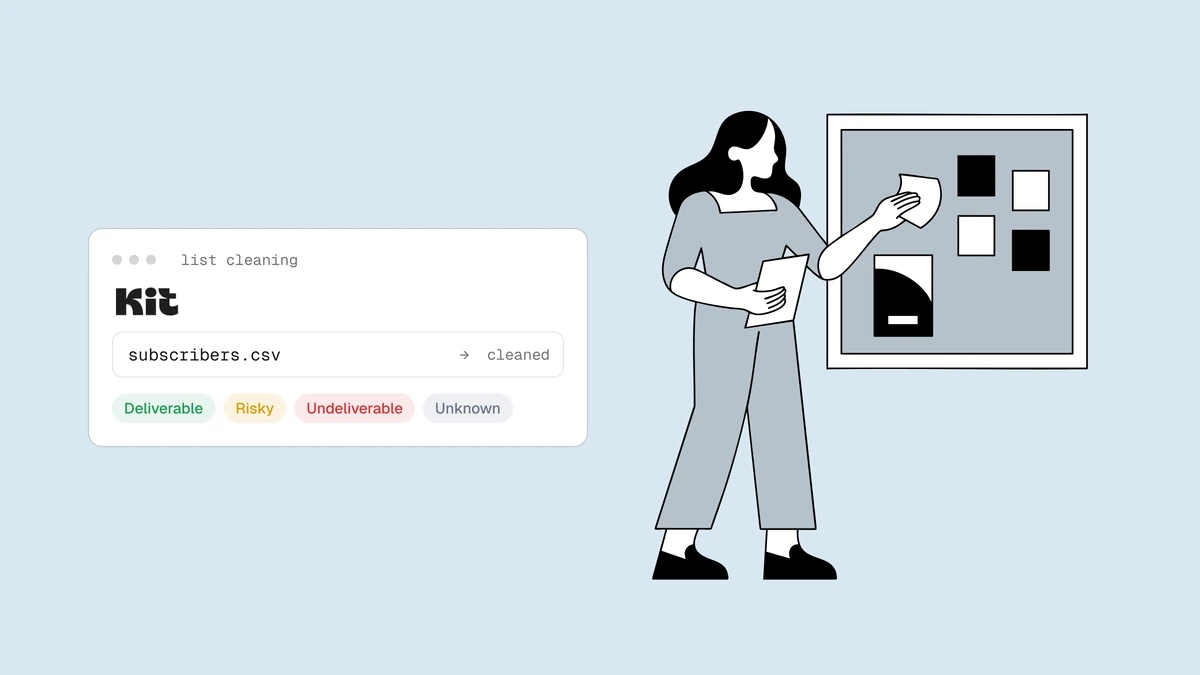
- Read the results. Every address comes back as
deliverable,risky,undeliverable, orunknown, with a reason code, a 0–100 score, and sub-flags (catch-all, disposable, role, full mailbox), plus the domain's MX provider and probe detail as evidence. Download the cleaned CSV with the verdict columns included. - Act on the verdicts in Kit. Filter your results file to the addresses you want to retire, then in Kit filter the subscriber list to match (a tag makes this reliable — see the next section), bulk-select them, and choose Unsubscribe. Unsubscribing removes them from sends and from your active count without erasing the record.
- Handle everything else per verdict — the table below.
- Watch the next broadcast's bounce numbers. A clean list should push your hard-bounce rate toward zero. If bounces persist after a clean, the remaining source is usually the catch-all segment — a sending-policy question, not a verification one.
What to do with each verdict#
| Verdict | Kit action |
|---|---|
deliverable | Keep sending as normal. |
deliverable + role flag | Keep for transactional and newsletter content; exclude from engagement-judged sequences — see role, disposable & free addresses. |
risky + catch-all flag | Tag into a dedicated segment and throttle sends — see the catch-all guide for the full framework. |
risky + disposable flag | Unsubscribe. The inbox was built to expire. |
risky + full-mailbox flag | Pause sends to it and re-verify on your next clean — full mailboxes often recover. |
unknown | Leave active and re-verify next clean. One inconclusive probe — usually greylisting or rate-limiting — is not a verdict on the mailbox. |
undeliverable | Unsubscribe via the bulk action above. Don't wait for the bounce to prove it. |
Cold subscribers and subscriber-based billing#
Kit's billing model makes one category uniquely expensive: the cold subscriber. Kit treats a subscriber as cold when they haven't opened or clicked in roughly the last 90 days. Unlike a bounced or complained address, a cold subscriber is still active — so it still counts toward the tier you pay for, and it still drags down the open and click rates mailbox providers use to decide where your next campaign lands.
That is where verification earns its place next to Kit's built-in cold-subscriber cleanup. Kit can tell you a subscriber is cold; it can't tell you why. A cold address might be a real person who stopped opening but would still receive a re-engagement email — or it might be a dead mailbox that will hard-bounce the moment you send. Verification separates the two.
The practical workflow uses Kit's tags and segments as the workspace: build a
segment of your cold subscribers, export it, verify it, then tag the results
back in Kit — one tag for undeliverable (unsubscribe these) and one for the
deliverable cold addresses (send those a re-engagement sequence, and
unsubscribe the ones who stay silent). Every dead address you unsubscribe drops
out of your active count, which is the direct line from list hygiene to a lower
Kit bill.
Unsubscribe or delete?#
Kit offers both, and they are not interchangeable. Unsubscribing keeps the subscriber record but excludes it from all sends and from your active-subscriber count — the billing benefit comes from the subscriber no longer being active, not from it being gone. Deleting removes the subscriber and their history entirely, which means a future import can silently add a known-bad address straight back, bounce and all. For list cleaning, unsubscribe is almost always the right call: it does everything you need and leaves you the record that the address was bad.
How often to re-clean#
There is no universal cadence, and we won't invent a decay percentage to scare you with. The honest drivers are how fast your list grows and how it grows: a list fed by double-opt-in signups decays slowly; one fed by imports, lead magnets, and paid acquisition accumulates junk continuously. Three habits cover most senders, and the how often to clean guide goes deeper:
- Before any high-stakes send — a product launch or seasonal broadcast is the wrong moment to discover list rot.
- After any import, before the first broadcast touches it.
- On a regular cycle sized to your volume, with your per-broadcast bounce rate as the tripwire between cleans. If bounces trend toward the warning thresholds, clean now rather than on schedule (see why bounce rate matters).
Frequently asked questions
01Does cleaning my Kit list lower my bill?
It can. Kit prices on active subscriber count, and unsubscribed, bounced, and complained subscribers are not active - so unsubscribing the undeliverable, disposable, and dead-cold addresses you were never going to reach again can move you under a pricing tier. Cleaning a list before you import it has the same effect from the start: junk that never enters Kit never gets billed. See pricing to size the verification cost against the tier you'd save.
02Is cleaning a Kit list the same as cleaning a ConvertKit list?
Yes - Kit is the current name for the platform formerly called ConvertKit, so "clean Kit email list" and "ConvertKit email list cleaning" describe the same task on the same product. The subscriber model, tags, segments, and subscriber-based billing carry over from the ConvertKit era, and every step in this guide applies whichever name your account still shows in places.
03Should I unsubscribe or delete cold and dead subscribers?
Unsubscribe. It removes them from sends and from your billable active count while keeping the record, so a future import can't silently re-add a known-bad address. Deleting erases that safety record and permanently removes the subscriber's history. Reach for delete only when you have a specific compliance reason to erase the data entirely.
04Can I verify addresses before they enter Kit?
Yes, and it's the highest-leverage option. Verifying at the point of capture through the Qualisend API keeps typos and disposable addresses out of Kit entirely, so there's less to clean later and your active count stays honest from day one. A native Kit sync is now live - connect it to verify your list in place and check new contacts in real time, and the CSV loop above remains a valid manual path for existing lists.
Clean your Kit list before the next broadcast, not after the bounce report: paste a sample into the free email checker or start with the 100 free credits that never expire, and pay from $6 per 1,000 verified when you're ready to clean the whole list.