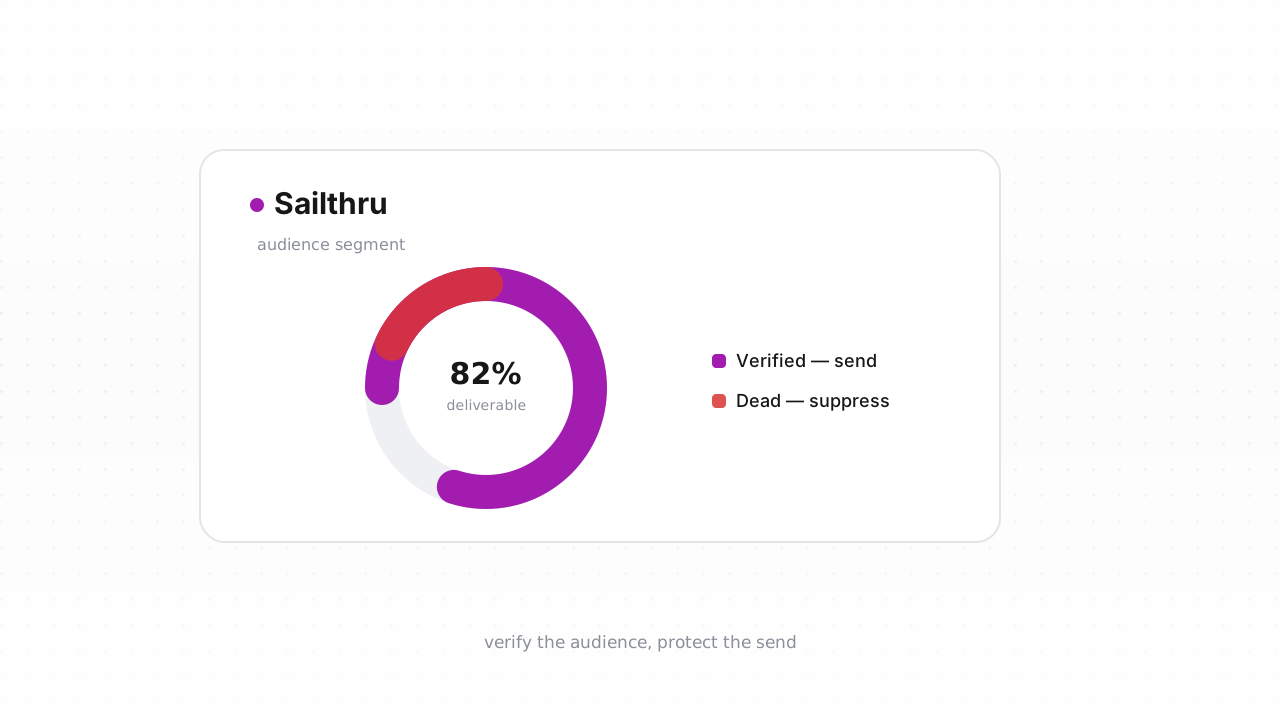
Sailthru already handles two kinds of list hygiene on its own: it stops mailing addresses that hard-bounce, and it honors opt-outs. Both are real, and both are worth understanding before you touch anything. But both are reactive — they need a send and a failure, or a person clicking unsubscribe, before they fire. The addresses that quietly damage your sender reputation are the ones that have never done either: never-mailed invalids from imports and signups, disposable inboxes, decayed mailboxes, and catch-all domains that accept everything and confirm nothing. This guide covers what Sailthru cleans automatically, what it structurally can't catch, and how to verify the rest and opt out the dead — either in place through the native connector or with a CSV loop that works on any plan.
What Sailthru already does for you#
Sailthru — now part of Marigold's cross-channel suite — runs solid baseline hygiene against your user base without you lifting a finger:
- Hard bounces are suppressed. When an address returns a permanent failure, Sailthru flags that user as hardbounced and stops including it in future sends. You don't have to remove it by hand for it to be excluded.
- Opt-outs are honored across the account. When someone unsubscribes, Sailthru records an opt-out status on the user and drops them from campaigns at the opt-out level you've set. This is the same mechanism you'll use to remove verified-dead addresses — you're not inventing a suppression path, you're feeding the one Sailthru already runs.
- Spam complaints feed back in. Feedback-loop complaints from mailbox providers move users out of your mailable audience the same way opt-outs do.
Sailthru behavior above last verified against Sailthru's documentation, August 2026.
If your user base were built entirely from confirmed signups and mailed continuously, this might be all the hygiene you need. Most Sailthru lists aren't — they're fed by imports, lead capture, and acquisition campaigns, and that's exactly where the blind spot opens up.
What Sailthru can't catch#
Every mechanism above needs an event — a bounce, an unsubscribe, a complaint — to act. That leaves a category of addresses Sailthru has no signal on until they've already cost you a send:
- Never-mailed invalids. Contacts imported from a previous ESP, addresses collected at signup, and capture-time typos (
jane@gmial.com) have never bounced in Sailthru because Sailthru has never mailed them. They look identical to healthy users until your first campaign hits them. - Disposable addresses. Temporary inboxes accepted at signup work just long enough to claim a discount, then stop existing. They often don't bounce cleanly — they just quietly stop mattering.
- Role addresses (
info@,sales@,billing@). Real mailboxes read by teams — acceptable for receipts, weak for marketing, and a distortion in any engagement metric you use to build audiences. See role, disposable, and free addresses for why they behave differently. - Decayed mailboxes. People change jobs and abandon inboxes constantly. An address that will hard-bounce next month is indistinguishable from a live one in Sailthru today.
- Catch-all domains. Some domains accept mail for every address and sort it out later, so an SMTP check can't confirm the specific mailbox exists. These need throttling, not blind trust — the catch-all guide explains the framework.
Imports deserve special suspicion. A list that lived in another platform arrives with its bounce history stripped — the addresses that were bouncing or suppressed over there come in looking exactly like everyone else, and Sailthru will happily mail all of them once. That single campaign is where a mailbox provider forms its first impression of you as a sender, which is why the right order is verify first, import second — not the reverse.
Step-by-step: export, verify, opt out#
The fastest path is the native connector. Connect the Sailthru integration and Qualisend verifies your user base and writes the results back in place — no file juggling — and runs a real-time check on new contacts so invalids and disposables don't enter your list in the first place. If you'd rather not connect an integration, or you're on a plan where the CSV loop is simpler, the manual flow below works anywhere and takes about fifteen minutes for most lists:
- Export from Sailthru. Open the list you want to clean, choose the export option, and Sailthru generates a CSV of the users and delivers it to you. For a first clean, export the whole list; for maintenance, an audience segment (for example, users created before a cutoff date, or never-engaged users) keeps the job small.
- Verify the file. Upload the CSV to Qualisend bulk cleaning, or paste addresses directly — up to 1,000,000 per job, and duplicates are only charged once. The free plan includes 100 one-time credits that never expire, enough to trial the flow end to end.
- Read the results. Every address returns as
deliverable,risky,undeliverable, orunknown, each with a reason code and sub-flags (catch-all, disposable, role, full mailbox), the domain's MX provider, SMTP probe evidence, and a 0–100 confidence score. Download the cleaned file with those verdict columns attached. - Opt out the undeliverables. Filter the results to
undeliverable, and opt those users out in Sailthru the same way you'd process any unsubscribe list — import the addresses and set them to opt-out status. This drops them from every future send without deleting the user records or their history. Suppress thedisposable-flagged addresses too; those inboxes were built to expire. - Handle the middle verdicts deliberately. Move
risky+ catch-all addresses into their own segment and throttle sends to them rather than mailing them at full volume. Leaveunknownresults active and re-verify next cycle — a single inconclusive probe (often greylisting or rate-limiting) is not a verdict on the mailbox. - Watch the next campaign's bounce rate. A clean list should push your hard-bounce rate toward zero. If bounces persist afterward, the remaining source is usually the catch-all segment — a sending-policy question, not a verification one.
For the full method independent of any one platform, see how to clean an email list. To keep junk out permanently, verify at the point of capture through the Verification API so typos and disposables never reach Sailthru at all.
How often to clean Sailthru#
There's no universal cadence, and we won't invent a decay statistic to scare you into one. The honest drivers are how fast your user base grows and how it grows: a list fed by confirmed signups decays slowly, while one fed by imports, lead magnets, and paid acquisition accumulates junk continuously. Three triggers cover most senders:
- Before any high-stakes send. A major launch or a Black Friday campaign is the wrong moment to discover list rot.
- After any bulk import, before the first campaign touches those users.
- On a cadence sized to your volume — monthly for high-volume senders, quarterly for smaller lists — with your per-campaign bounce rate as the tripwire between scheduled cleans. If bounces trend toward the warning thresholds, clean now instead of waiting. Why bounce rate matters and how often to clean your list go deeper on both.
Because Sailthru is sold as an enterprise contract commonly scoped to the size of your user base, trimming addresses you will never successfully reach isn't only a deliverability move — it's a data-hygiene habit that keeps renewal conversations honest about how much of your list is actually mailable.
Frequently asked questions#
Does Qualisend have a native Sailthru integration?#
Yes. The native Sailthru integration is live. You can connect it to verify your existing user base and write the results back in place, and it runs real-time checks on new contacts so invalid and disposable addresses are caught before they enter your list. The CSV export-and-opt-out loop remains available as an alternative that works on any plan.
Can I verify addresses before they enter Sailthru?#
Yes, and it's the highest-leverage option. The native connector's real-time check screens new contacts as they're added, and the Verification API lets you verify at the point of capture — on your signup form or import pipeline — so typos, disposables, and invalids never become Sailthru users in the first place. That beats cleaning them out after they've already cost you a send.
Should I delete dead addresses or opt them out in Sailthru?#
Opt them out. Setting an undeliverable user to opt-out status removes them from every future send while preserving the user record and its history, which mirrors how Sailthru handles unsubscribes and complaints natively. Deletion is irreversible and unnecessary for list cleaning — the goal is to stop mailing dead addresses, not to erase the data.
Will cleaning my list affect my Sailthru billing?#
It can, indirectly. Sailthru contracts are typically enterprise agreements scoped to your user base, so removing addresses you'll never reach keeps your mailable audience — and any renewal sizing based on it — honest. The larger win is deliverability: fewer invalids per send means fewer bounces and a stronger sender reputation.
What do the four Qualisend verdicts mean for a Sailthru list?#
deliverable addresses stay and keep sending. undeliverable addresses get opted out — don't wait for the bounce to prove it. risky addresses depend on the sub-flag: opt out disposables, and move catch-alls into a throttled segment. unknown addresses stay active and get re-verified on your next clean, since one inconclusive probe isn't a verdict on the mailbox.