The hard part of cleaning a Sendlane list isn't running the verification — it's knowing which addresses Sendlane has already handled for you and which ones it structurally can't see, so you don't waste a probe re-checking dead weight Sendlane suppressed months ago or, worse, mail a segment full of never-tested imports. Because Sendlane bills on active contacts, every invalid address sitting in your audience is also a line item. This guide maps what Sendlane's own hygiene covers, what it misses, and the exact export → verify → unsubscribe loop that closes the gap — plus the faster native path if you'd rather clean in place.
What Sendlane already does for you#
Sendlane runs real, automatic deliverability hygiene on the sends it makes. Before you touch anything by hand, know what it has already handled:
- Hard bounces are suppressed automatically. When an address returns a permanent failure, Sendlane stops mailing it and moves it out of your active sending pool. You don't have to hunt those down.
- Repeated soft bounces get escalated. An address that keeps soft-bouncing across sends is eventually treated as undeliverable rather than retried forever.
- Unsubscribes and spam complaints are honored. Anyone who opts out or hits the complaint button is excluded from future campaigns and automations.
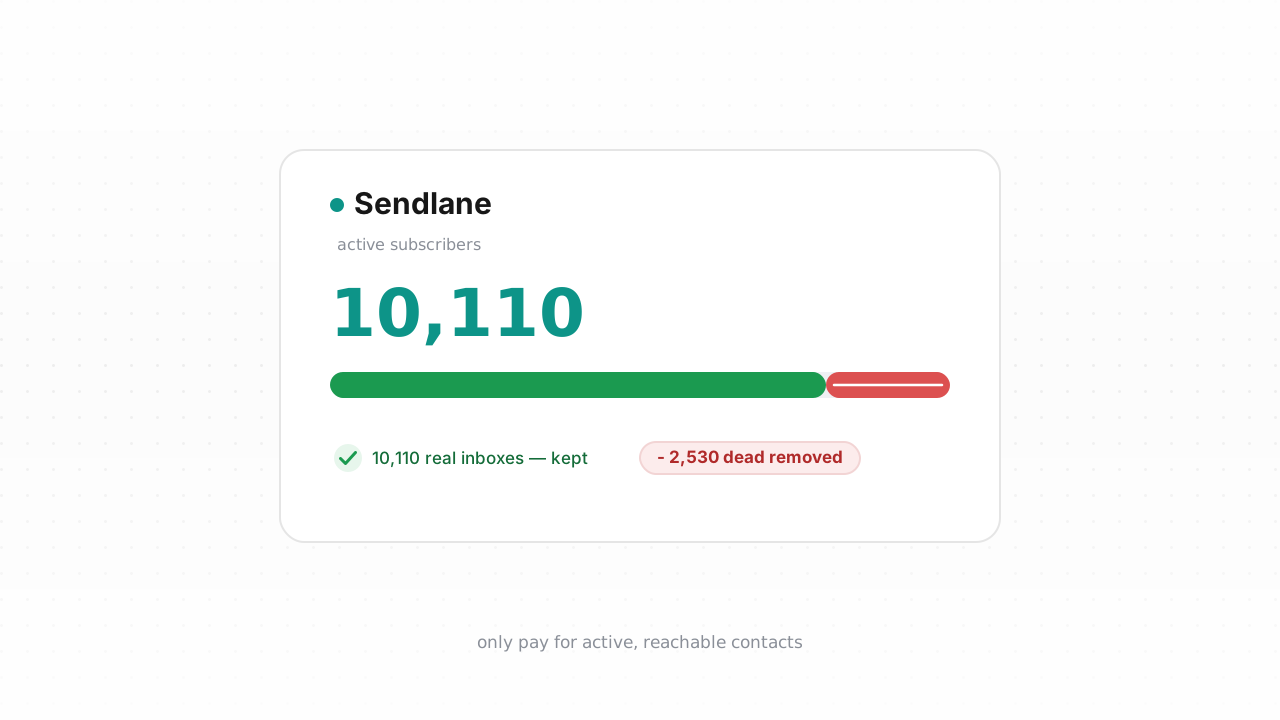
- Suppressed and unsubscribed contacts fall out of your active count. Since Sendlane's pricing is tied to active contacts, its own suppressions don't keep inflating your bill the way they would if the platform silently retained them as billable.
Sendlane behavior above last verified against Sendlane's documentation, August 2026.
If your list were built only from real, double-opted-in shoppers and mailed continuously, this reactive system might be all the hygiene you ever need. Most ecommerce lists aren't built that way.
What Sendlane can't catch#
Every mechanism above is reactive — it needs a send and a bounce (or a complaint) to fire. That's the blind spot. An address Sendlane has never actually mailed has produced no signal, so it sits in your active count looking exactly like a healthy subscriber. Several kinds of addresses live in that gap:
- Never-mailed invalids. Contacts pulled in from a CSV import, a previous ESP, or a signup form you haven't emailed yet have never bounced because they've never been sent to. Typos captured at checkout (
jane@gmial.com) are invalid from day one but invisible until your first campaign hits them. - Imported lists arrive with their history stripped. When you import contacts into Sendlane, you bring the addresses — not the bounce and complaint history the sending platform accumulated. As far as Sendlane's suppression logic is concerned, an import is a clean slate, even if half of it hard-bounced somewhere else last quarter.
- Disposable addresses. Temporary inboxes accepted at signup work just long enough to grab a discount code, then quietly stop existing. They won't always bounce on cue — they just decay into dead weight. (Role, disposable, and free addresses explains why each behaves differently.)
- Role addresses (
info@,support@,orders@). Real mailboxes, but read by teams and rarely by a buyer. Fine for a receipt, weak for marketing, and worth flagging before you judge engagement. - Decayed mailboxes. People change jobs and abandon inboxes constantly. An address that will hard-bounce next month looks identical to a live one in Sendlane right now.
- Catch-all domains. Some servers accept every address at the domain without confirming the specific mailbox exists, so a send can silently vanish. (What is a catch-all address covers why these need throttling, not deleting.)
These addresses cost you twice: as deliverability risk the moment you finally mail them — which is exactly what bounce rate and the Google and Yahoo sender requirements punish — and as active contacts on your Sendlane bill while they sit there doing nothing.
The fastest way to close the gap is the native Sendlane integration, which is live now. Connect it once and Qualisend verifies your existing contacts and writes the results back in place — no CSV round-trip — while checking new contacts in real time as they enter Sendlane, so imports and signups get scored before they can quietly become billable dead weight. If you'd rather not connect an integration, or you're on a plan where the manual route fits better, the export loop below works on any Sendlane account.
Step-by-step: export, verify, unsubscribe#
- Export the list or segment from Sendlane. In Sendlane, open your Audience and select the list — or build a segment narrowing to the contacts you want to check (for example, everyone imported in the last import, or contacts with no engagement since a given date). Use Sendlane's export option to download that list or segment as a CSV. Exporting a targeted segment instead of your entire audience keeps the job small and your verification credits focused.
- Verify the CSV with Qualisend. Upload the file to a Qualisend bulk job — a single job handles up to 1,000,000 addresses, and duplicates are only charged once. Each address comes back with one of four verdicts —
deliverable,risky,undeliverable, orunknown— plus a reason code, sub-flags (catch-all, disposable, role, full mailbox), the MX provider, SMTP probe evidence, and a 0–100 confidence score. If you're just testing the workflow, the free plan's 100 one-time credits never expire. - Split the results by verdict. Keep every
deliverableaddress. Isolateundeliverablefor removal. Putrisky— including catch-all and role hits — into its own group to throttle rather than blast, and re-checkunknownaddresses or simply hold them out of high-stakes sends. - Unsubscribe or suppress the dead in Sendlane. Take your
undeliverablelist back to Sendlane and remove those contacts from your active audience — bulk-select them and set their status to unsubscribed, or add them to Sendlane's suppression so they're excluded from every future send. Suppressing rather than hard-deleting keeps a record that the address was scrubbed on purpose, and because suppressed and unsubscribed contacts drop out of your active count, this step is what actually moves your bill. - Re-import only what's clean. If you exported to verify a fresh import before mailing it, load only the
deliverablerows into Sendlane and keep the invalids out entirely — junk that never enters Sendlane never gets billed and never bounces.
Prefer to skip the CSV entirely? The Verification API with scoped keys, rate limits, and webhooks — plus no-code options via Zapier, Make, and n8n — lets you verify addresses at the point of capture so typos and disposables never reach Sendlane in the first place.
How often to clean Sendlane#
There's no universal calendar, and it would be dishonest to invent a decay rate for your specific list. Instead, tie cleaning to events and to one live signal:
- Before every high-stakes send. Ahead of a big promotion, a re-engagement push, or a warm-up to a new sending domain, verify the segment first. These are the sends where a spike in bounces does the most reputation damage.
- After every import. Imported lists arrive with their bounce history stripped, so treat any import as unverified until Qualisend has scored it — ideally before it ever mails.
- On a light cadence, with bounce rate as the tripwire. Watch your bounce rate as the primary indicator: a normal, well-maintained list stays low, and a climb is your cue to clean, whatever the calendar says. For a fuller framework, see how often to clean your list and the broader email deliverability guide.
The cleanest lists rarely need big purges, because they're verified at the door — the native integration checks new contacts in real time, and the API stops bad addresses before they're ever a billable, bounce-prone contact.
Frequently asked questions#
Does Qualisend have a native Sendlane integration?#
Yes. The native Sendlane integration is live. You can connect it and clean your list in place — Qualisend verifies your existing contacts and writes the results back into Sendlane without a CSV round-trip, and it checks new contacts in real time as they enter your account. Connecting it is the fastest path; the CSV export loop is the alternative that works on any plan.
Can I verify addresses before they enter Sendlane?#
Yes, and it's the highest-leverage option. The native integration verifies new contacts in real time as they arrive, and the Verification API — with scoped keys, webhooks, and no-code hooks through Zapier, Make, and n8n — lets you check addresses at signup or checkout so typos, disposables, and invalids never become billable Sendlane contacts in the first place.
Does cleaning my list lower my Sendlane bill?#
It can. Sendlane bills on active contacts, and suppressed or unsubscribed contacts fall out of that count. Removing the undeliverable and disposable addresses you were never going to reach again can move you down a tier, and verifying imports before they load keeps junk from ever being billed at all.
Will unsubscribing dead addresses hurt anything?#
No. An undeliverable address is one that can't receive mail, so suppressing or unsubscribing it only stops you from mailing an inbox that doesn't exist. That protects your bounce rate and sender reputation. Suppressing rather than hard-deleting also keeps a record that the address was scrubbed intentionally.
What should I do with catch-all and risky results?#
Don't delete them on a single inconclusive probe. Catch-all domains accept mail without confirming the specific mailbox, so a risky verdict means "unproven," not "dead." Put those contacts in their own segment and mail them carefully — lower volume, watching engagement — rather than including them in high-stakes blasts or purging them outright.