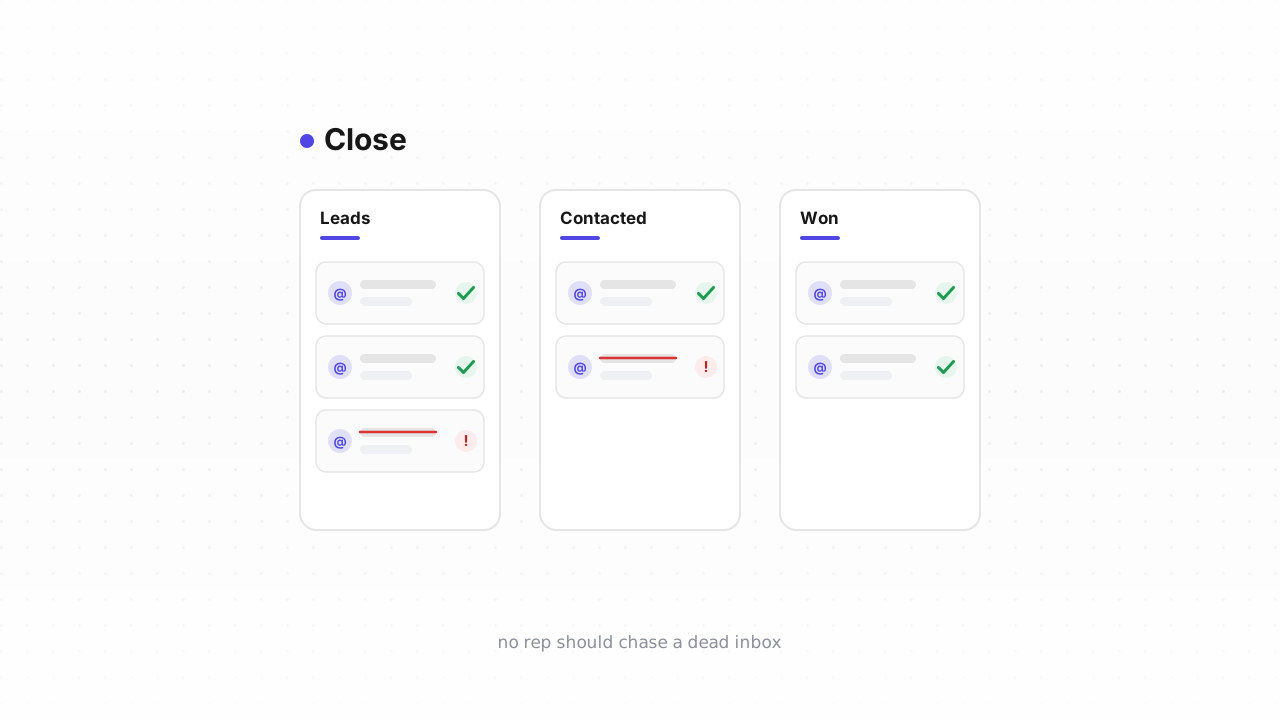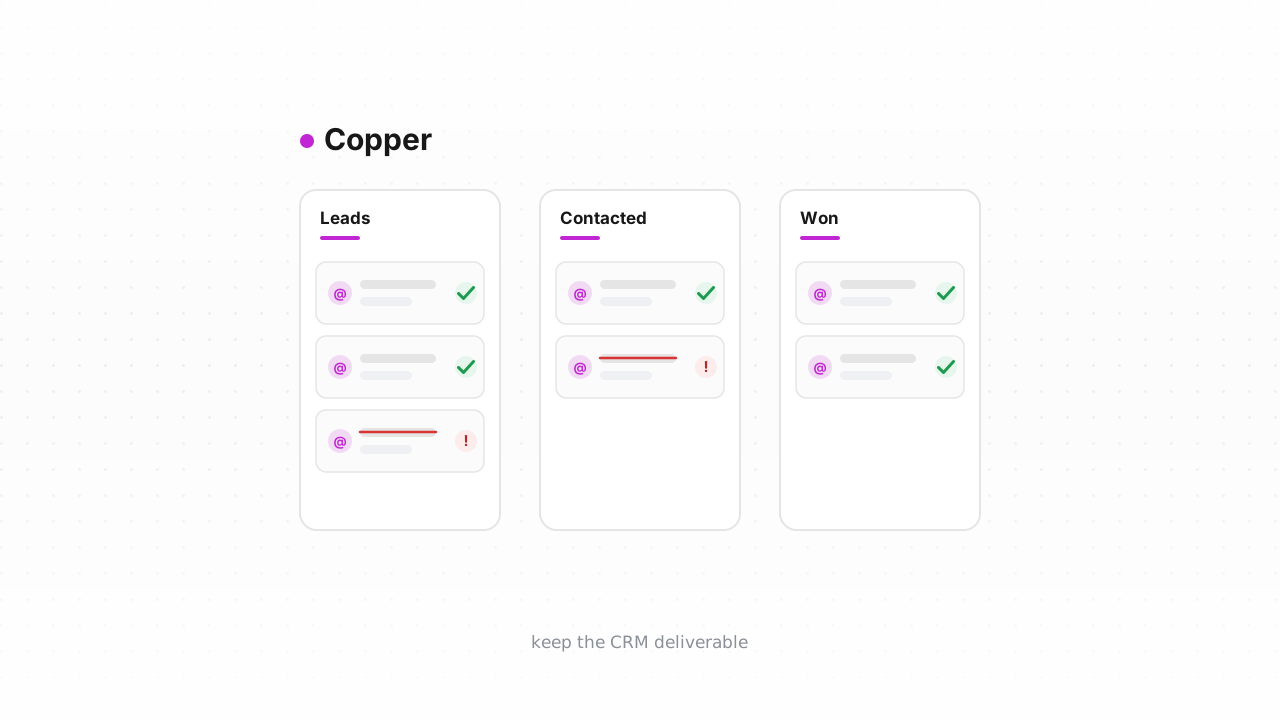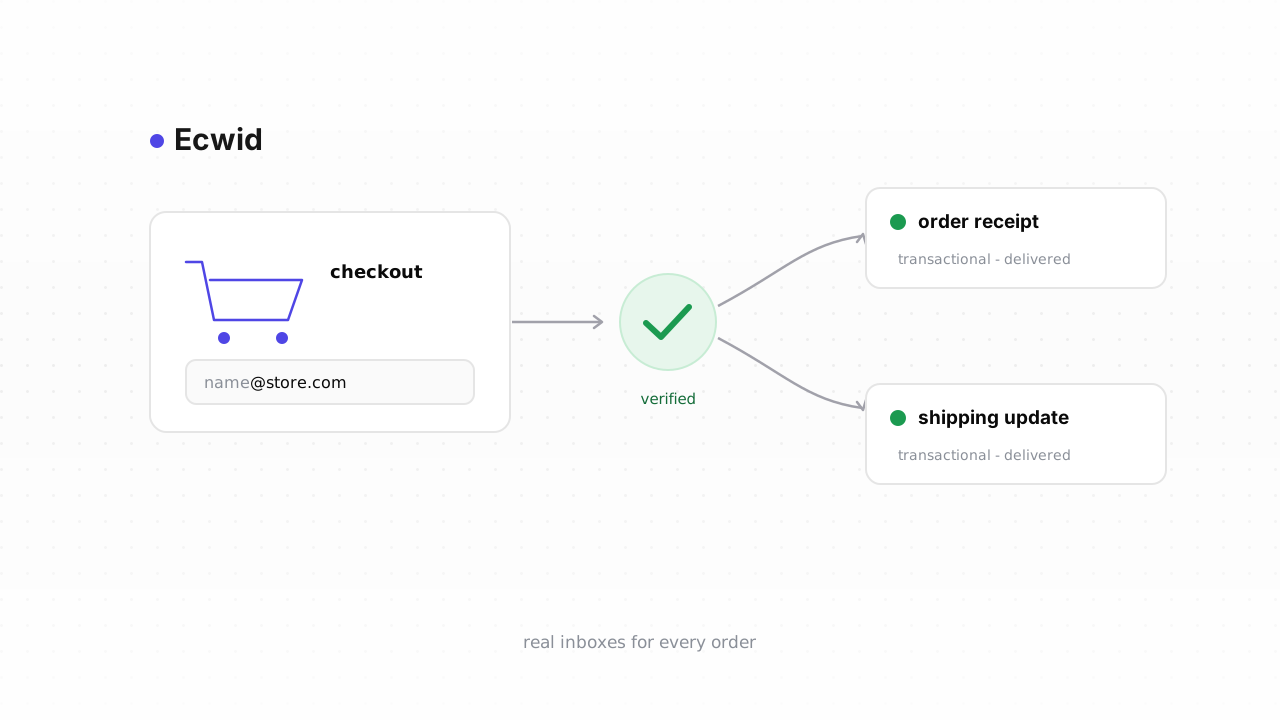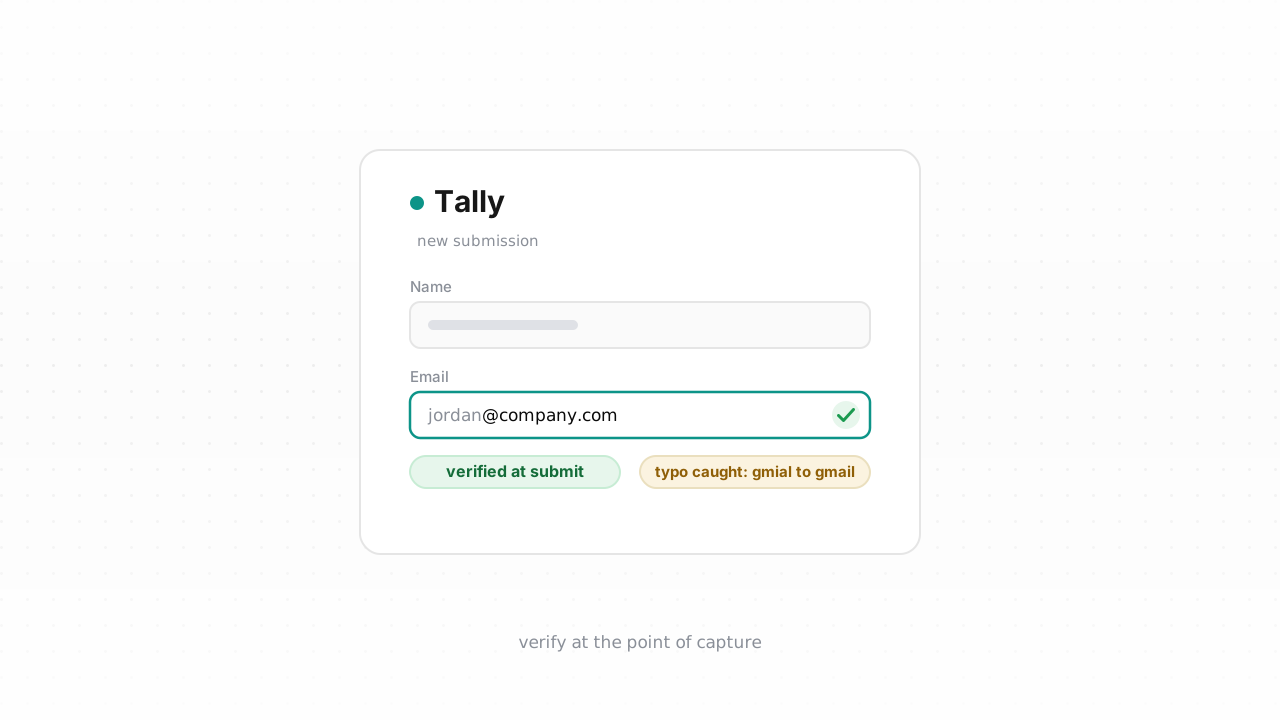
Tally makes it fast to spin up a form and start collecting responses, which is exactly why so many teams use it to gather leads, sign-ups, and survey contacts. But there's a catch that doesn't show up until you try to email those people: a submission that Tally accepted is not the same as an email address that actually works. Tally's responses are immutable — once someone hits submit, that row is fixed. So the real leverage is at the point of capture. This guide covers how to verify emails coming out of Tally, why the form's built-in validation isn't enough, and how to clean the submissions you've already collected.
Why Tally's form validation lets bad emails through#
Tally lets you mark an email field as required and set its input type to email, and the browser will refuse an entry that isn't shaped like an address. That's helpful, but it only checks the format. Format validation confirms that name@domain.com looks like an email — it says nothing about whether that mailbox exists, whether the domain can receive mail, or whether the person typed their address correctly.
In practice, front-end validation happily accepts several kinds of addresses that will hurt you:
- Typos in real-looking domains.
user@gmial.comanduser@yaho.compass every format check. They're syntactically perfect and completely undeliverable. - Disposable and throwaway addresses. Someone grabbing a lead magnet often reaches for a burner inbox. The format is valid; the address self-destructs in ten minutes.
- Role accounts.
info@,support@, andadmin@are shaped correctly but frequently go to shared inboxes or trigger spam filtering when you send marketing to them. - Dead mailboxes. A domain that once worked can go dark, or a specific mailbox can be full or deactivated. Nothing in the form knows this.
If you want the deeper mechanics of why pattern matching can't catch these, we wrote up why regex validation fails. The short version: format is necessary but nowhere near sufficient. Every one of those addresses lands in your response table looking exactly as legitimate as a good one, and because Tally responses can't be edited after the fact, you can't fix them in place. The fix has to happen either before the value is trusted, or in a separate cleaning pass. If you're new to the topic, what is email verification explains what a real deliverability check actually does.
Verify at the point of capture#
The most reliable approach is to check every address the moment it comes in, before it ever reaches your CRM, your email tool, or your outbound sequences. Tally can fire a webhook on each new submission, and that submission event is your hook for verification.
The fastest path is Qualisend's native Tally integration. Connect it once at the Tally integration page and Qualisend verifies new submissions in real time and cleans your list in place — writing each verdict back so your list stays authoritative without you exporting anything. It also handles the existing contacts in one pass. If you're on any plan and want a build-it-yourself route, or you already have automation wired up, the webhook approach below works everywhere.
For a no-code flow, route Tally's submission into Zapier or Make. The pattern is the same in both: a "New Tally Submission" trigger, a Qualisend verification step that takes the email field, then a filter or router that acts on the result. Send a deliverable verdict straight to your list, hold risky and unknown for review, and drop undeliverable before it can pollute anything downstream. Qualisend also supports n8n if that's your stack.
If you'd rather call the service directly from your own endpoint that receives the webhook, the Verification API accepts a single address and returns a structured verdict in one request. You get one of four outcomes — deliverable, risky, undeliverable, or unknown — each with a reason code and sub-flags for catch-all, disposable, role, and full-mailbox conditions, plus the MX provider, SMTP probe evidence, and a 0–100 confidence score. That's enough signal to make an automatic keep/hold/drop decision without a human in the loop. The broader pattern of running this check inline is covered in verify email at signup, and it maps cleanly onto a form webhook.
Verifying at capture is what keeps typos and disposable addresses from ever entering your lists in the first place. Because you can't edit a Tally response after submission, catching the problem at the boundary is far cleaner than trying to reconcile it later.
Clean past submissions#
If you've been collecting responses in Tally for a while, you already have a backlog to deal with. Here the immutability of responses works in your favor: nothing is going to change underneath you, so a one-time cleaning pass is straightforward.
- Export your responses. In Tally, open the form's Submissions view and export the responses as a CSV. That file contains every submission, including the email column.
- Verify the file in one pass. Upload the CSV to Qualisend as a bulk job. A single job handles up to 1,000,000 addresses, and duplicates are only charged once, so a list with repeat submitters doesn't cost extra. Each row comes back with the same four-verdict result, reason code, sub-flags, MX provider, SMTP evidence, and confidence score you'd get from the API.
- Act on the verdicts. Keep the
deliverablerows, reviewriskyandunknownagainst your own risk tolerance, and suppress theundeliverableones. Catch-all domains are flagged separately so you can decide how aggressive to be — see what is a catch-all address for how to treat those. Then import the cleaned segment into whatever tool you actually send from.
Because Tally responses are read-only, you don't write results back into Tally itself — you export, verify, and load the clean list into your email platform or CRM. The native integration handles this write-back on the Qualisend side so your verified list stays in sync, but the source-of-truth for sending should be your marketing tool, not the form.
Getting this right protects more than a single campaign. Mailbox providers watch how many dead addresses you hit, and a list full of undeliverables drives up bounces and drags down inbox placement. If you want the full picture, our email deliverability guide and why bounce rate matters explain how a clean list protects your sender reputation. It also keeps you inside the Google and Yahoo sender rules, which now enforce bounce thresholds that a dirty Tally export will blow right past.
Whichever route you take, start with the free plan — 100 one-time credits that never expire — to verify a sample of your existing responses and see the verdict quality before you wire up anything permanent.
Tally behavior above last verified against Tally's documentation, August 2026.
Frequently asked questions#
Does Qualisend have a native Tally integration?#
Yes. Qualisend's native Tally integration is live. You can connect it at the Tally integration page to verify new submissions in real time and clean your list in place — Qualisend writes each verdict back so your list stays authoritative. It's the fastest path. The CSV export and webhook/Zapier/Make loop is the alternative that works on any plan.
Can I verify emails before they enter Tally?#
Not inside Tally's form itself — Tally only checks that an address is formatted like an email, which doesn't confirm the mailbox exists. The practical equivalent is to verify at the point of capture: fire a webhook on each new submission into Qualisend (natively, or via Zapier, Make, or the API) so typos and disposable addresses are caught the moment they come in, before they reach your CRM or email tool.
Why did a bad email pass Tally's required email field?#
Because the required email field only validates format. user@gmial.com is perfectly shaped and passes every front-end check, but the domain doesn't exist. Deliverability — whether the domain accepts mail and the mailbox is live — can only be confirmed by an actual verification check, not by pattern matching.
Can Qualisend write verdicts back into Tally responses?#
Tally responses are immutable, so nothing edits the response rows inside Tally. With the native integration, Qualisend cleans and maintains your list in place on the Qualisend side and keeps verdicts in sync; with the CSV route, you export responses, verify them in one pass, and import the cleaned list into your email platform or CRM.
How do I clean the submissions I've already collected?#
Export your form's responses from Tally's Submissions view as a CSV, then upload that file to Qualisend as a bulk job. One job handles up to 1,000,000 addresses and charges duplicates only once. Each row returns a deliverable, risky, undeliverable, or unknown verdict with a reason code, sub-flags, MX provider, SMTP evidence, and a confidence score, so you can keep the good rows and suppress the dead ones before your next send.