A nonprofit's email list is less a marketing asset than a lifeline. It carries the donation receipts supporters need at tax time, the appeals that fund the next program, the volunteer schedules, and the year-end reports that keep people believing in the work. Email verification for nonprofits matters because that list is also unusually fragile: much of it was scribbled on a pledge card at a gala, typed into a tablet at a street table, or migrated from a donor database that has changed hands three times. Every typo, dead address, and abandoned inbox in it quietly taxes a budget that has none to spare. This guide covers how a charity cleans the donor and supporter list it already has, verifies new addresses at the donation form, and protects the domain its receipts and appeals go out from — without spending money the mission needs.
The short answer#
Clean the list you have, then keep it clean at the door. Export your donor,
volunteer, and supporter list, run every address through verification, and suppress
the dead ones before your next appeal so bounces don't burn budget or trust. Then
verify at the point of capture — the online donation form, the volunteer signup, the
newsletter box — so a typo like @gmial.com gets caught while the supporter is still
on the page and can fix it. Bulk cleaning removes the decay already in your list;
real-time verification stops new bad addresses from getting in. Both protect the same
two things a nonprofit can't afford to lose: receipts that reach the donor and
appeals that reach the inbox.
Why a nonprofit list decays faster than you'd think#
Most senders collect email through one clean digital channel. A nonprofit collects it everywhere, often offline, frequently by hand — and that is exactly where bad addresses enter.
- Collected offline, transcribed later. Paper pledge cards, sign-in sheets at a gala, a volunteer's handwriting on a clipboard, a tablet at a farmers-market table. Someone keys those into the CRM afterward, and a smudged or fat-fingered address becomes a permanent dead entry no one ever notices.
- Aged donor records. Lists migrate from one donor CRM to the next across years of staff turnover. An address that was valid at a first gift in 2016 may have gone dark long ago while still sitting in your appeal segment.
- Lapsed and one-time supporters. Someone who gave once at an event years ago may have abandoned that inbox entirely — but they're still on the list, still being mailed, still generating bounces.
- Shared and role addresses. Event forms collect
info@,office@, anddonate@mailboxes, plus free-webmail typos, all of which behave differently from a personal inbox and need a deliberate call rather than a blind send.
Send to a list like that cold and you generate the hard bounces and spam-trap hits that damage deliverability — and for a nonprofit, the send you damage is the one carrying a tax receipt or a matching-gift deadline.
Clean the donor and supporter list in bulk#
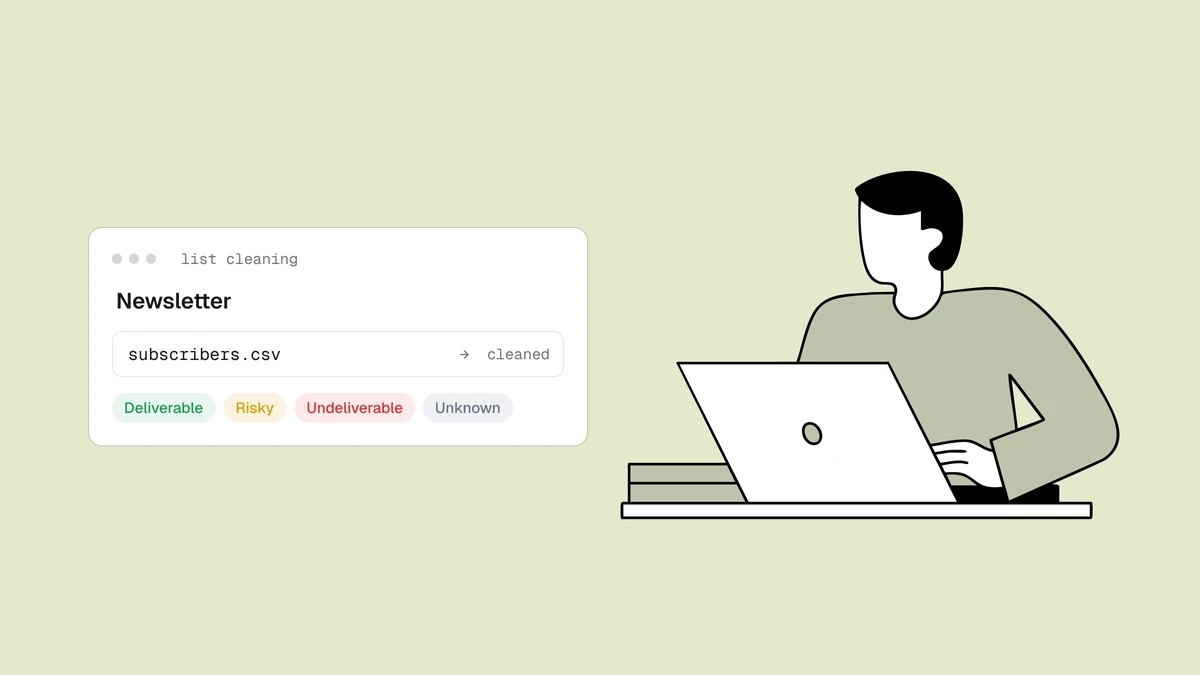
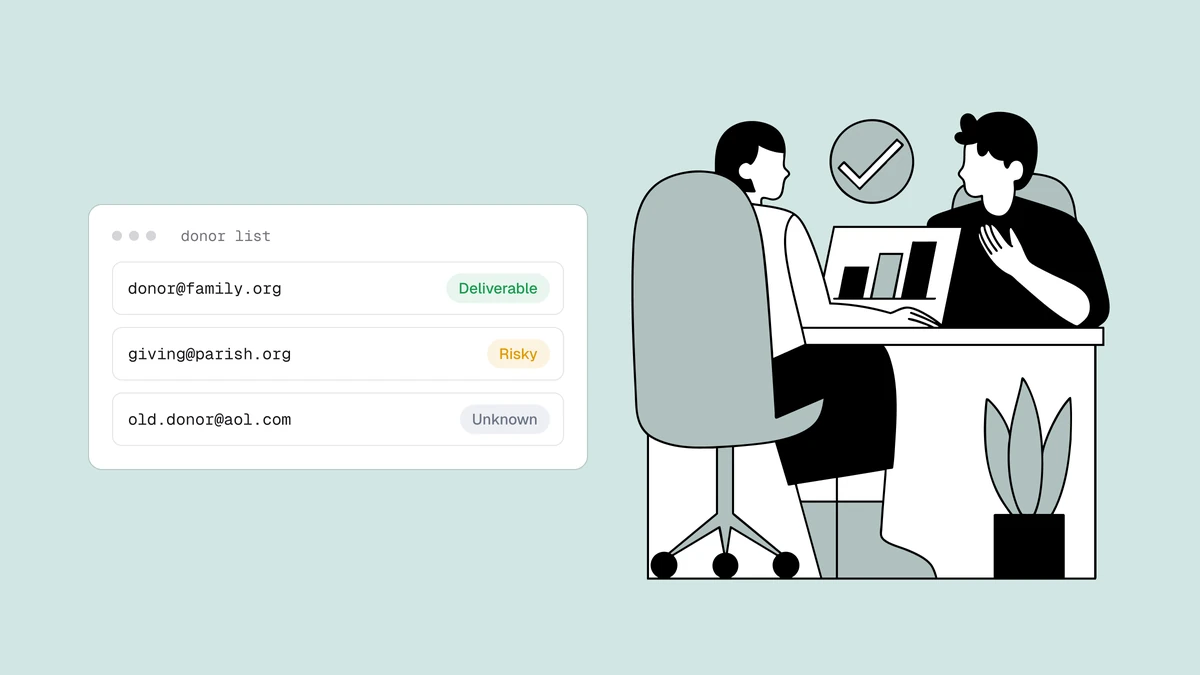
The highest-leverage first move is a one-time bulk clean of the list you already have. Export your donors, volunteers, and subscribers to a CSV, run every address through verification at once, and get back a clear result for each: a status — deliverable, risky, undeliverable, or unknown — with a reason, a 0–100 confidence score, and sub-flags for disposable, role, free, and catch-all addresses. Then you suppress the undeliverables and decide deliberately what to do with the rest.
This is the standard export, verify, act loop, and it's worth doing before every major push — the spring campaign, the year-end appeal, a re-engagement send to lapsed donors. Bulk email verification is built for exactly this kind of accumulated list, and one detail matters for a tight budget: duplicates within a list are only charged once, so a supporter who appears three times across merged exports doesn't bill you three times to check them.
Verify at the donation and signup form#
Bulk cleaning fixes the list you have; it does nothing for the addresses arriving tomorrow. For those, verify at the point of capture. A real-time check calls a verification API as the address is entered on your online donation form, volunteer signup, or newsletter box, returns the same status, reason, score, and sub-flags in the request, and lets your form act on the result before anything is saved.
The high-value moment is the obvious typo. When a donor mistypes @gmial.com and the
result comes back undeliverable because the domain is a near-miss of a real provider,
you can prompt them — "did you mean gmail.com?" — and recover an address you'd
otherwise have lost silently, along with the receipt that was about to bounce. Issue a
scoped API key per form so each integration stays contained, and lean on the
developer docs and the
serverless signup-verification patterns
to wire it in without adding friction. If your supporters opt into a newsletter or
recurring appeals, pairing verification with a
single or double opt-in flow is what keeps that list
clean and consent-backed from the first send.
Protect the domain behind your receipts and appeals#
Nonprofits usually send everything — tax receipts, event confirmations, newsletters, and fundraising appeals — from a single domain. That concentration is what makes verification more than hygiene. Every hard bounce and spam-trap hit from a stale address chips away at your sender reputation, the score mailbox providers use to decide whether your mail reaches the inbox at all. Once Gmail or Outlook begins distrusting your domain, even your clean, wanted mail suffers — which is a large part of why emails go to spam in the first place.
For a charity, that failure mode is existential rather than merely annoying. A receipt that lands in spam reads to a donor as a gift that never processed, which turns into a support email or a second-guessed donation. An appeal that lands in spam is revenue that simply never arrives. Verification is prevention: it keeps the dead addresses that generate those signals from ever being sent to, so the reputation carrying your receipts and appeals stays trusted.
Email verification for nonprofits on a limited budget#
Every dollar and staff hour a nonprofit spends on email should reach a real supporter, and a dirty list quietly wastes both — send credits burned on dead addresses, staff time spent chasing "where's my receipt" tickets, and appeals suppressed because the domain looks untrustworthy. Verification is the cheap insurance against all three.
The economics are built for the way charities actually send. Every new account starts with 100 free credits to test the pipeline, credits don't expire — which matters when you run a few big appeals a year rather than weekly campaigns, so budget bought in a grant cycle isn't lost to a monthly reset — and duplicates are only charged once. The pricing page has the full details, and you can paste a handful of addresses into the free email checker first to see the exact result shape before committing a single credit. The through-line is simple: a clean list means the money and the hours you don't have to spare go toward reaching the people who actually support the work.
Frequently asked questions
01Why do nonprofits need email verification?
Because a nonprofit's list carries mail it can't afford to lose - donation receipts, appeals, volunteer schedules - and it's unusually prone to decay. Much of it is collected offline on paper forms and tablets at events, transcribed by hand, and migrated across donor CRMs over years, so typos and dead addresses accumulate fast. Sending to those addresses generates hard bounces and spam-trap hits that erode the sending reputation behind every receipt and appeal. Verification removes the dead addresses before they cause that damage.
02How do I clean a donor list that was collected on paper at events?
Export it to a CSV and run the whole list through bulk verification at once. You'll get a status - deliverable, risky, undeliverable, or unknown - plus a reason, a 0–100 score, and sub-flags for disposable, role, free, and catch-all addresses on every row. Suppress the undeliverables, handle the risky and catch-all segments deliberately, and re-import the clean result before your next appeal. Duplicates across merged event exports are only charged once, so a supporter listed several times doesn't cost extra to check.
03Will verifying at the donation form turn away donors?
Not if you set it up to flag rather than block. A real-time check returns a result in the request, and the right pattern is to prompt a donor to fix a clearly mistyped address - a domain typo like @gmial.com - while letting anything ambiguous, such as an unknown from a slow mail server, through so a willing donor is never stopped. The goal is to recover the receipt that would have bounced, not to add a wall in front of the donate button.
04How often should a nonprofit verify its email list?
Verify at two cadences. Check new addresses in real time at the point of capture - the donation form, volunteer signup, and newsletter box - so bad addresses never get in. Then bulk-clean the existing list before every major send: the spring campaign, the year-end appeal, any re-engagement push to lapsed donors. Addresses decay continuously, so even a list that was clean last year has quietly rotted since, and re-cleaning before a big fundraising moment is what keeps bounces low.
Give your next appeal a list that actually lands: paste a few addresses into the free email checker to see the result for yourself, then grab credits on the pricing page — starting with 100 free — to bulk-clean the donor and supporter list you already have, so every receipt reaches its donor and every appeal reaches the inbox.