Most lists don't need verifying one address at a time — they need verifying all at once. Bulk email verification is how you take a whole list you already have, run every address through the same deliverability checks in a single batch, and get back a per-address verdict you can act on before your next send. It's the tool for the moment you inherit a spreadsheet of leads, dust off a segment that hasn't been mailed in a year, or want to scrub a list clean before a big campaign. This guide covers what bulk verification is, when to use it instead of verifying in real time, the workflow from CSV to clean list, and what every status and sub-flag you get back actually means.
What bulk email verification is#
Bulk email verification takes a file of addresses — usually a CSV you export from your email platform, CRM, or wherever the list lives — and runs each one through the full verification pipeline as a batch job rather than a live request. Every address comes back with the same four-part result you'd get from a single check: a status (deliverable, risky, undeliverable, or unknown), a machine-readable reason code, a 0–100 confidence score, and a set of sub-flags describing the address (disposable, role, free, catch-all). The difference isn't what gets checked — it's that thousands or millions of addresses get checked in one pass, asynchronously, so you can clean an entire list without wiring up any code.
If you're new to the category, what email verification is covers the fundamentals; this post is specifically about the batch, list-cleaning side of it.
Bulk verification vs real-time verification#
There are two moments to verify an address, and they solve different problems.
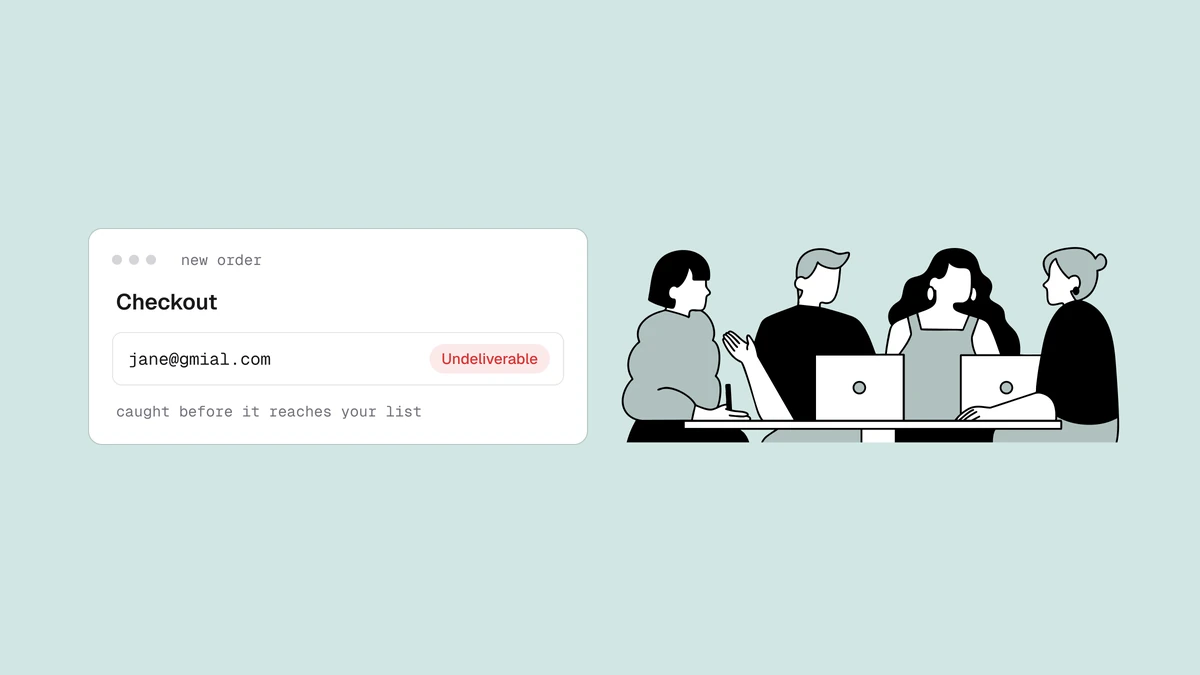
Real-time, at the point of capture. When someone types their email into a signup form or checkout, you verify it in that instant through an API and act on the result immediately — reject an obvious typo, suggest a correction, or keep the junk out of your database before it's ever stored. This is the cheapest possible time to catch a bad address, and the pattern for wiring it up lives in verify email at signup. Real-time verification keeps new addresses clean going in.
Bulk, on a list you already have. Real-time verification does nothing for the addresses already sitting in your account — the ones collected before you added a check at capture, or the ones that have gone bad since. Those need bulk verification: export the list, run it through a batch job, and act on the verdicts. Bulk cleaning removes the addresses that have decayed over time, and it's the standard move before any significant send.
When to reach for bulk verification#
A bulk clean earns its keep in a handful of recurring situations:
- You imported or inherited a list. A purchased list, a spreadsheet from a colleague, or contacts migrated from an old system carry unknown quality. Verify before the first send, not after the first batch of bounces.
- A segment has gone stale. People change jobs, abandon inboxes, and let accounts lapse, so even a once-clean list rots. Before you re-engage a dormant segment, clean it — dormant lists are where dead addresses and spam traps concentrate.
- Pre-campaign hygiene. Ahead of a major broadcast, a quick verification pass strips out the addresses most likely to bounce, protecting your bounce rate and, through it, your sender reputation.
- Routine maintenance. Lists decay continuously, so periodic cleaning keeps bounce rates consistently low rather than letting them creep up between sends.
The bulk verification workflow#
Whatever platform you send from, list cleaning follows the same four moves: export → verify → act → re-import or suppress. The full platform-agnostic walkthrough is in how to clean an email list, and most email service providers have a specific export-and-suppress path worth following for your tool. Here's the shape of it.
1. Export to CSV. Pull your contacts out of your ESP or CRM into a CSV. One column of email addresses is all a verifier strictly needs, but keeping an ID or name column alongside makes it easy to match verdicts back to records on re-import.
2. Upload and verify. Upload the file to your verification service and start the batch. Large lists process in the background — turnaround scales with list size, so a few hundred addresses finish quickly while a multi-million-row list takes longer and runs asynchronously while you do other work. You don't hold a connection open or babysit the job; you come back to a finished result.
3. Act on the verdicts. Every row now carries a status, reason, confidence score, and sub-flags. This is where the decisions happen — keep the deliverable addresses, drop the undeliverable ones, and make a deliberate call on the in-between cases. The next two sections unpack exactly how.
4. Re-import or suppress. Push the cleaned list back into your platform, and crucially, suppress the addresses you pulled rather than only deleting them — a suppression list stops a bad address from creeping back in on the next import or form fill.
What the statuses and sub-flags mean#
Verification doesn't return a bare valid/invalid, because reality isn't binary. Each address gets a headline status plus a reason code, a confidence score, and any sub-flags that apply. The status tells you what to do; the rest tells you how confident to be and why.
| Status | What it means | What to do in a bulk clean |
|---|---|---|
| Deliverable | The mailbox exists and accepts mail. | Keep it. Safe to send. |
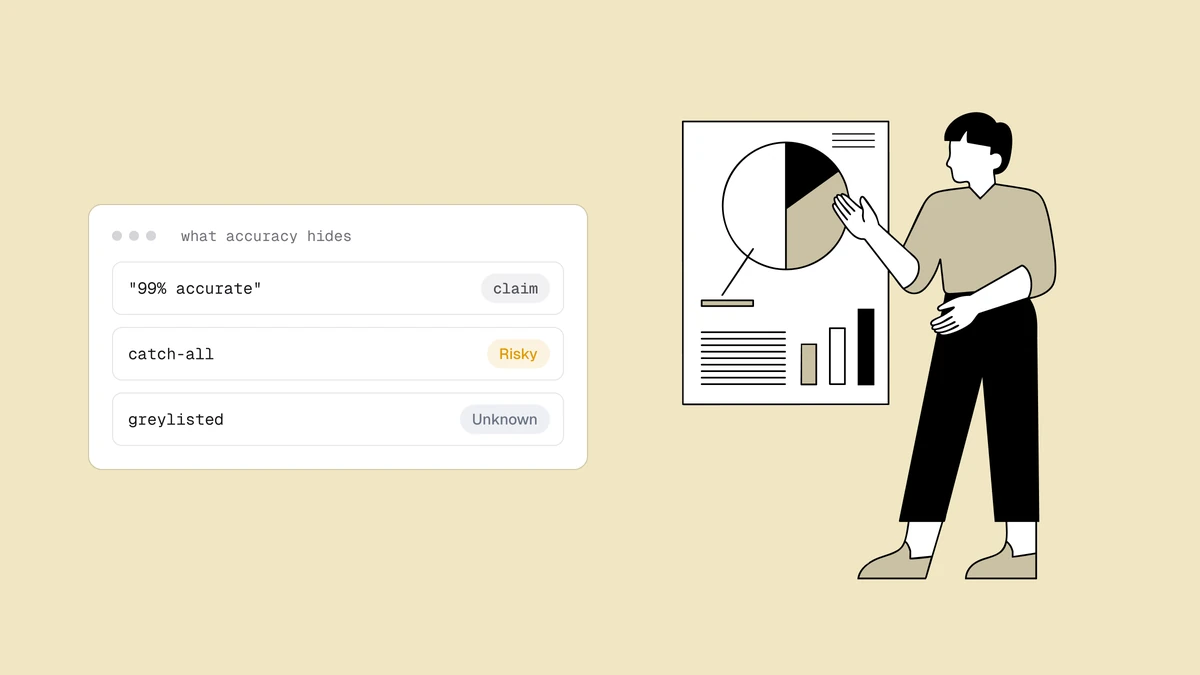
| Risky | Might work, but carries a known risk — catch-all domain, full mailbox, or a low-quality signal. | Review. Keep for routine sends, suppress for high-stakes ones. |
| Undeliverable | The address is bad — no such mailbox, dead domain, or invalid syntax. | Drop and suppress. Sending will bounce. |
| Unknown | The mail server wouldn't give a clear answer in time (greylisting, timeout). | Re-verify later; don't treat as confirmed either way. |
The reason code is the machine-readable "why" behind the status — values like
invalid_domain, rejected_email, or low_deliverability — so you can filter a
big export by cause, not just verdict. The confidence score orders addresses
within a status, letting you prioritize the strongest deliverable addresses or
scrutinise the weakest risky ones. And the sub-flags describe an address's
character independent of its status:
- Disposable — a throwaway inbox from a ten-minute-mail provider.
- Role — a shared mailbox like
info@orsupport@rather than a person. - Free — a consumer provider such as Gmail or Outlook.
- Catch-all — the domain accepts mail for every address, so the mailbox can't be individually confirmed.
Role, disposable, and free addresses aren't automatically bad — each is a policy decision covered in role, disposable, and free addresses. Catch-all is the one that trips people up most often, which is why it has its own explainer: a "risky" catch-all result means the domain wouldn't confirm the specific mailbox, not that the address is definitely bad.
Acting on your results#
With the whole list scored, turn the verdicts into a keep/drop/review decision:
- Keep the deliverable addresses. These are confirmed and safe — the core of your cleaned list.
- Drop and suppress the undeliverable ones. These will bounce. Remove them and add them to a suppression list so they don't return on the next import.
- Review the risky and catch-all addresses on purpose. For routine newsletters you might keep them; before a reputation-sensitive send — a cold sequence, a re-engagement push, a domain warm-up — suppress them to be safe. The confidence score helps you split the difference.
- Handle role, disposable, and free addresses as policy dictates. A B2B
sender may drop
info@role accounts; a B2C store may be glad to keep Gmail addresses. There's no universal right answer — decide once and apply it consistently.
Sorting your export by status and reason turns this from a per-row chore into a few bulk actions. If you want the cost side of the keep/drop math — when a free spot-check is enough versus when the full batch check is worth paying for — the free versus paid breakdown lays it out.
How to choose a bulk verification service#
The checks that matter for a bulk clean are the same ones that matter anywhere: whether the service actually runs the SMTP mailbox probe and detects catch-all domains, how clearly it reports statuses and reason codes, and how it handles large files without you babysitting the job. The full decision framework — including accuracy, data handling, and pricing model — lives in how to choose an email verification service, and if you're weighing specific named vendors, the comparison pages such as the ZeroBounce comparison and NeverBounce comparison put them side by side without the guesswork.
For the smallest jobs — a single lead you want to sanity-check before replying — you don't need a batch at all; the free email checker handles one address in the browser. Bulk verification is for everything above that: whole lists, run in one pass, cleaned before they cost you.
Frequently asked questions
01What is bulk email verification?
Bulk email verification checks an entire list of addresses in a single batch - you upload a CSV, the service runs every address through the full pipeline asynchronously, and you get back a per-address status (deliverable, risky, undeliverable, or unknown) plus a reason code, confidence score, and sub-flags. It's the tool for cleaning a list you already have, as opposed to verifying one address at a time in the browser or in real time at signup.
02How is bulk verification different from real-time verification?
They're the same checks at different moments. Real-time verification runs one address at a time through an API at the point of capture - a signup form or checkout - so you can reject or correct a bad address before it's stored. Bulk verification runs a whole existing list at once to remove addresses that were already there or have gone bad since. Most senders use both: real-time to keep new addresses clean, bulk to clean the rest periodically.
03How long does bulk email verification take?
Turnaround scales with list size. A few hundred addresses finish quickly, while very large lists take longer and process in the background - you start the job, close the tab, and come back to a finished result rather than holding anything open. The point of a batch job is that it runs asynchronously, so a big list doesn't block you while it works.
04What should I do with 'risky' and catch-all results?
Review them rather than auto-keeping or auto-dropping. A risky verdict - often a catch-all domain, where the server won't confirm the individual mailbox - means the address couldn't be positively confirmed, not that it's definitely dead. For routine sends you might keep them; before a reputation-sensitive campaign, suppress them to protect your bounce rate. The confidence score helps you decide where each one falls.
Ready to clean a list you already have? Start a bulk verification on the pricing plans — every address comes back with a status, reason code, confidence score, and sub-flags, so you know exactly which addresses to keep, drop, or review before your next send.