Your email goes to spam for a reason, but rarely the reason you'd guess. Mailbox providers don't flag mail because of one bad word in the subject line; they weigh a dozen signals — who you are, how you send, and what past recipients did with your mail — and route the message accordingly. This is the full list of things that push mail into the spam folder, what each one means, and how to fix it, in roughly the order they matter.
The short answer#
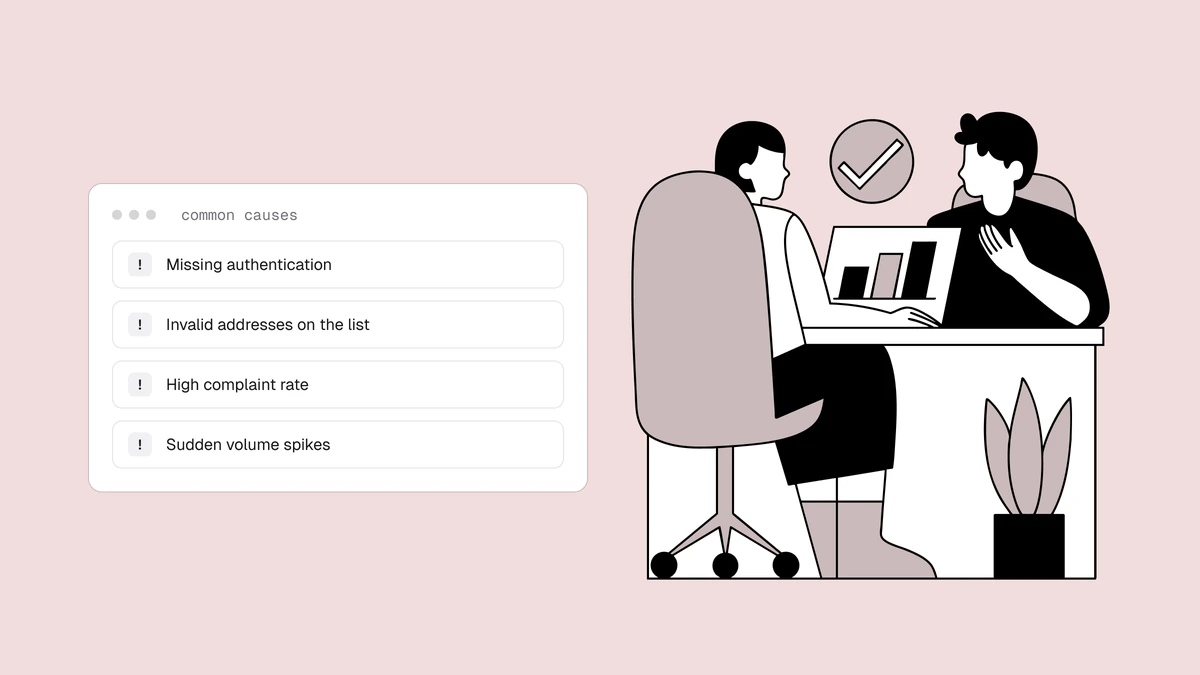
Emails go to spam because a mailbox provider decided your mail is unwanted or untrustworthy, and it made that decision from signals you control. The big ones are: your mail isn't properly authenticated; your sending reputation is poor; too many people have marked you as spam; your domain or IP is on a blocklist; your list is full of dead addresses that bounce; recipients ignore or delete your mail; your content trips filters; or you're sending from brand-new infrastructure with no track record. Most real cases trace to the first three. Work down the list below in order and you'll fix the cause instead of guessing at symptoms.
1. Your mail isn't properly authenticated#
This is the first thing to check because it's binary and increasingly mandatory.
SPF, DKIM, and DMARC are DNS records
that prove a message really came from your domain and wasn't forged. Since Google
and Yahoo's 2024 bulk-sender requirements, mail that fails these checks is filtered
to spam or rejected outright — not occasionally, but as policy. A missing DKIM
signature or a DMARC record set to p=none with nothing behind it is one of the
most common reasons legitimate senders land in spam without understanding why.
The fix is to publish all three records correctly and confirm they pass. SPF lists
who may send for your domain; DKIM cryptographically signs each message; and DMARC
ties them together and tells providers what to do with failures. SPF trips people up
on the include: mechanism each sending service needs, so it's quicker to
generate your provider's exact SPF record than to
hand-assemble one. DMARC is the one
most people get wrong, so it's worth following a
step-by-step DMARC setup rather than copying a record
off a forum. Until authentication passes cleanly, nothing else you do will reliably
reach the inbox — there's no identity for the provider to trust.
2. Your sender reputation is poor#
Every mailbox provider keeps a running sender reputation score for your sending domain and IP, built from your history: bounce rates, spam complaints, spam-trap hits, engagement, and how consistently you send. It's the invisible variable behind most "why is my mail suddenly going to spam?" mysteries. Two senders can pass the same authentication and send identical content, yet one reaches the inbox and the other doesn't, purely because the provider trusts one more.
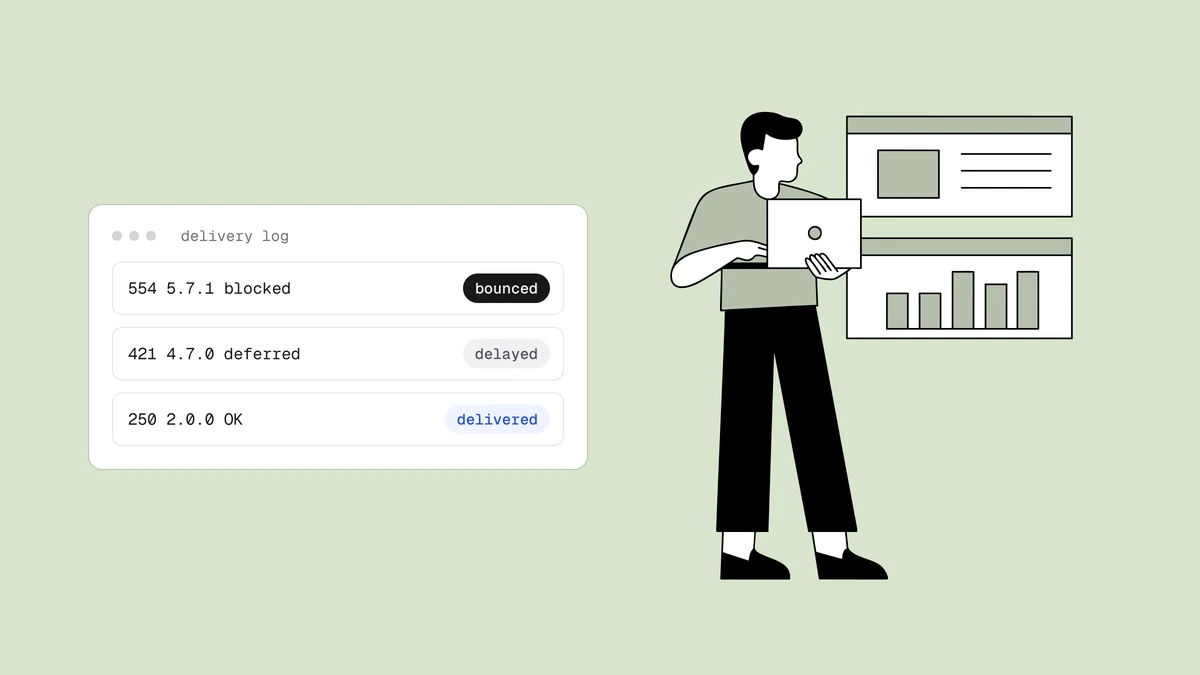
Reputation is slow to build and fast to lose. A single bad send — a spike in volume, a batch of hard bounces, a wave of complaints — can dent a score that took months to earn. There's no reset button and no service that can restore it instantly; anyone selling one is selling snake oil. You repair it the same way you built it: fix the underlying cause, cut volume, mail only your most engaged recipients for a while, and let a clean sending history accumulate over weeks. Check where you actually stand with the providers' own free tools. Google retired the reputation dashboards in Postmaster Tools, so for Gmail watch your spam rate there (keep it under 0.3% and aim below 0.1%), your compliance status and any delivery errors, along with the bounce and deferral codes in your own sending logs. For Outlook, Microsoft SNDS shows how Microsoft sees the sending IPs you control.
3. Too many people mark you as spam#
The single loudest negative signal a recipient can send is hitting "report spam". A high spam-complaint rate tells the provider that people who received your mail didn't want it, and providers act on that faster than almost anything else. Google's bulk-sender rules ask you to keep complaints below 0.3% and warn that sustained rates above that will hurt placement — and by the time your rate reaches that number, damage is already underway.
Complaints usually mean one of three things: people don't remember signing up, they can't easily unsubscribe so they report instead, or you're mailing too often or too irrelevantly. The fixes follow directly. Collect addresses with clear permission so recipients recognize you. Put a working one-click unsubscribe in every message — counterintuitively, making it easy to leave is far better for deliverability than the alternative of a spam complaint. And set up feedback loops so you can suppress complainers immediately, before their reports pile up and drag your reputation down with them.
4. Your domain or IP is on a blocklist#
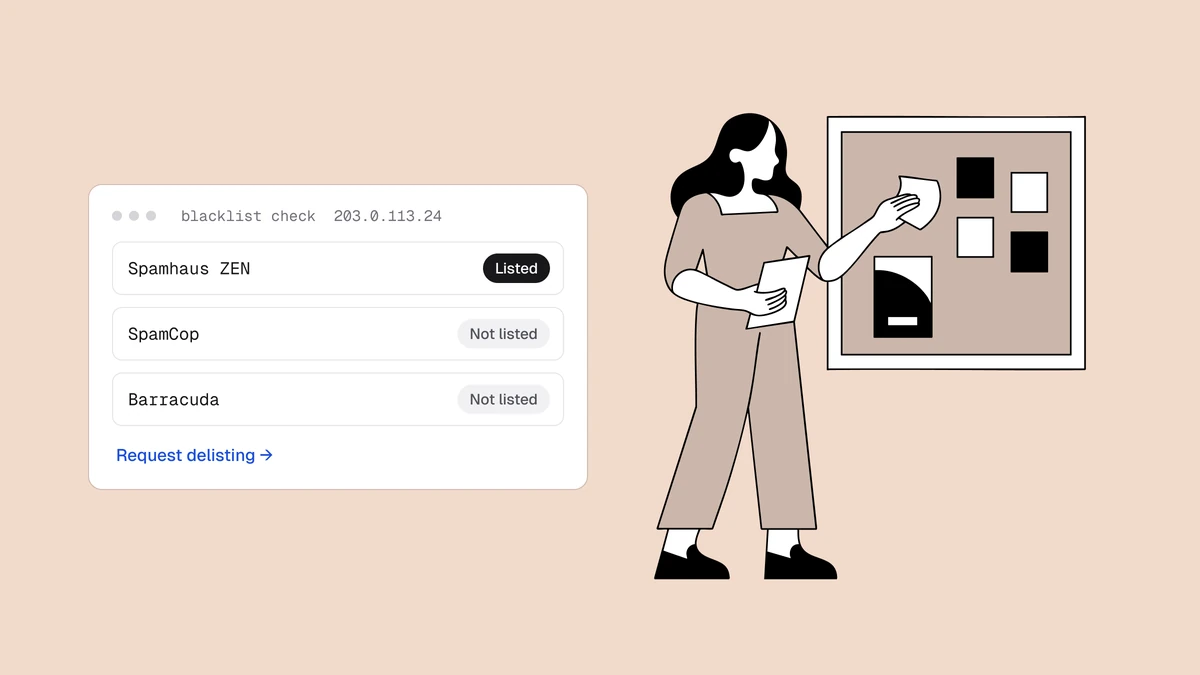
Blocklists — also called blacklists — are databases of IPs and domains known for sending spam, and many providers check them before accepting mail. A listing on a major one like Spamhaus can send everything you send straight to spam or bounce it entirely, often overnight and with no warning. Listings happen for reasons that trace back to earlier items on this list: hitting spam traps, sending to purchased lists, a compromised account blasting mail, or a sudden reputation collapse.
Getting delisted means fixing whatever caused the listing first — a delisting request that doesn't address the root cause just gets you relisted — then requesting removal through the operator's process and letting your reputation recover.
5. Your list is full of dead addresses, typos, and traps#
Poor list quality is the cause that quietly feeds several of the others. Every hard
bounce from a dead address tells providers you don't know who's on your list. Every
spam trap you hit — an address that never opted in,
planted specifically to catch senders with poor hygiene — is strong evidence your
list came from scraping, buying, or neglect, and it's one of the fastest routes to a
blocklist. Typos like gmial.com bounce or, worse, land on a trap domain. The damage
doesn't stay contained to the bad addresses; it drags down placement for your good
subscribers too.
The fix is email verification: check each address before you send and remove the invalid syntax, dead domains, and known-undeliverable mailboxes that generate bounces. Verify at the point of capture so junk never enters your list in the first place, and re-clean before major sends so addresses that have since decayed leave quietly. This is the lever most senders underinvest in and the one with the clearest, fastest payoff on your bounce rate. If your list already lives in an ESP, the export-verify-suppress routine is written up per platform in the list-cleaning guide.
6. People aren't engaging with your mail#
Engagement is one of the strongest signals a mailbox provider reads, and it works in both directions. Mail that gets opened, read, and replied to earns the inbox; mail that's consistently ignored, deleted unread, or left to rot teaches the provider that your messages aren't wanted — even if nobody ever files a formal complaint. Gmail in particular leans heavily on per-recipient engagement history: if a specific user never opens your mail, they're likelier to see it filtered, regardless of your overall reputation.
The response is to send less, to more interested people. Segment so relevant mail goes to interested recipients rather than everything going to everyone. Sunset the chronically unengaged — someone who hasn't opened anything in six months is actively hurting you, so try a win-back campaign and then let them go. A smaller list of people who want your mail will outperform a big list of people who don't, on every metric that decides placement.
7. Your content trips filters#
Content matters less than most people assume, but it isn't nothing. Filters read the whole message — text, links, images, and formatting — and certain patterns correlate with spam strongly enough to weigh against you. Spam trigger words and phrases ("free money", "act now", "risk-free", "100% guaranteed"), an ALL-CAPS subject line, excessive exclamation marks, a single giant image with no text, link-shortener URLs, and a mismatch between your visible "From" name and your actual sending domain all push a message toward the spam folder.
None of these will sink a message on their own if your authentication and reputation are solid — a trusted sender gets far more latitude than a cold one. But they compound with the bigger signals, so it's worth writing like a real person rather than a late-night infomercial: a balanced text-to-image ratio, honest subject lines that match the body, real links to your own domain, and a clear, recognisable sender name. Clean content won't rescue a poor reputation, but sloppy content can tip a borderline sender over the edge.
8. You're sending from cold infrastructure#
A brand-new sending domain or IP has no reputation at all, and to a mailbox provider, "no history" reads a lot like "possible spammer" — especially if you start by blasting a large volume from it. This is why a fresh domain or a newly provisioned IP so often lands in spam even when everything else is set up correctly: there's simply no track record of good behavior for the provider to lean on.
The fix is to warm up the domain and IP: start with a small volume sent to your most engaged subscribers — the people most likely to open and least likely to complain — and increase the volume gradually over several weeks, letting a positive reputation build before you scale. How much warm-up you need depends partly on whether you're on a dedicated or shared IP, but the principle holds either way: earn trust slowly rather than demanding it all at once.
Gmail and Outlook filter differently#
The causes above are universal, but the two providers most of your recipients use weigh them differently, so a message can reach one inbox and miss the other. Gmail leans hard on domain reputation and per-user engagement — it watches what each recipient does with your mail and adjusts placement accordingly, which is why emails go to spam in Gmail for one subscriber but not another. Outlook and Microsoft accounts lean more on IP reputation and their SNDS data, and are notably stricter with new or low-volume senders, which is why emails go to spam in Outlook even when Gmail is treating you fine.
If your placement problem is provider-specific, that split tells you where to look: a Gmail-only problem points at engagement and domain reputation, while an Outlook-only problem points at IP reputation and warm-up. Both providers, though, start from the same non-negotiables — authentication and complaint rate — so fix those first regardless of where the mail is landing.
Work down the list in order#
You can't fix eight things at once, and you don't need to. These causes have a clear priority: some are binary and fast to fix, others are slow and compounding, and most inbox problems trace to the top of the list. Start at the top and stop when placement recovers.
| Priority | Check this | Why first |
|---|---|---|
| 1 | Authentication (SPF, DKIM, DMARC) | Binary and mandatory — fails outright without it |
| 2 | Complaint and bounce rates | The signals providers act on most directly |
| 3 | Blocklist listings | Explains sudden, sharp drops in placement |
| 4 | List quality (verify and clean) | The biggest controllable win, feeds the others |
| 5 | Engagement, content, and warm-up | Slower, compounding improvements |
Frequently asked questions
01Why do my emails suddenly go to spam when they didn't before?
A sudden drop usually means something changed rather than accumulated. The most common culprits are a new blocklist listing, a spike in spam complaints, a batch of hard bounces from a stale list, or a change to your sending setup that broke authentication. Check your domain and IP against the major blocklists first, then look at your complaint and bounce rates for the sends around when placement dropped. A gradual decline, by contrast, usually points to slowly eroding reputation or falling engagement.
02How do I stop my emails going to spam?
Fix the causes in order of leverage. Confirm SPF, DKIM, and DMARC pass correctly; keep your spam-complaint rate well under 0.3% with clear permission and easy unsubscribes; verify your list to strip the dead addresses that hard-bounce; and send consistently to people who actually engage. Authentication and list cleaning are the fastest wins because they're concrete and binary. Reputation repair is slower - it's earned back over weeks of good sending - so start it immediately but don't expect an overnight fix.
03Does one spam complaint hurt my deliverability?
A single complaint won't sink you; providers look at the rate across your sends, not one report in isolation. What matters is the trend: a complaint rate creeping toward 0.3% is a warning, and one that sustains above it will hurt placement for everyone on your list. The practical takeaway is to keep complaints rare through permission-based collection and a visible one-click unsubscribe, and to suppress anyone who does complain via feedback loops so a few reports don't become a pattern.
04Why do my emails go to spam only for some recipients?
Because mailbox providers filter independently and weigh signals differently, and because engagement is scored per recipient. Gmail leans on domain reputation and each user's individual engagement history, so your mail can reach an engaged subscriber and miss an inactive one at the same domain. Outlook leans more on IP reputation and is stricter with new senders. A provider-specific pattern tells you where to look: a Gmail-only problem points at engagement and domain reputation, an Outlook-only problem at IP reputation and warm-up.
Most inbox problems come down to authentication, complaints, and a dirty list — and the list is the one most senders skip. The free plan runs the full verification pipeline on 100 addresses so you can see the dead mailboxes and typos hiding in yours, and the free email checker catches bad domains in the browser before they ever bounce.