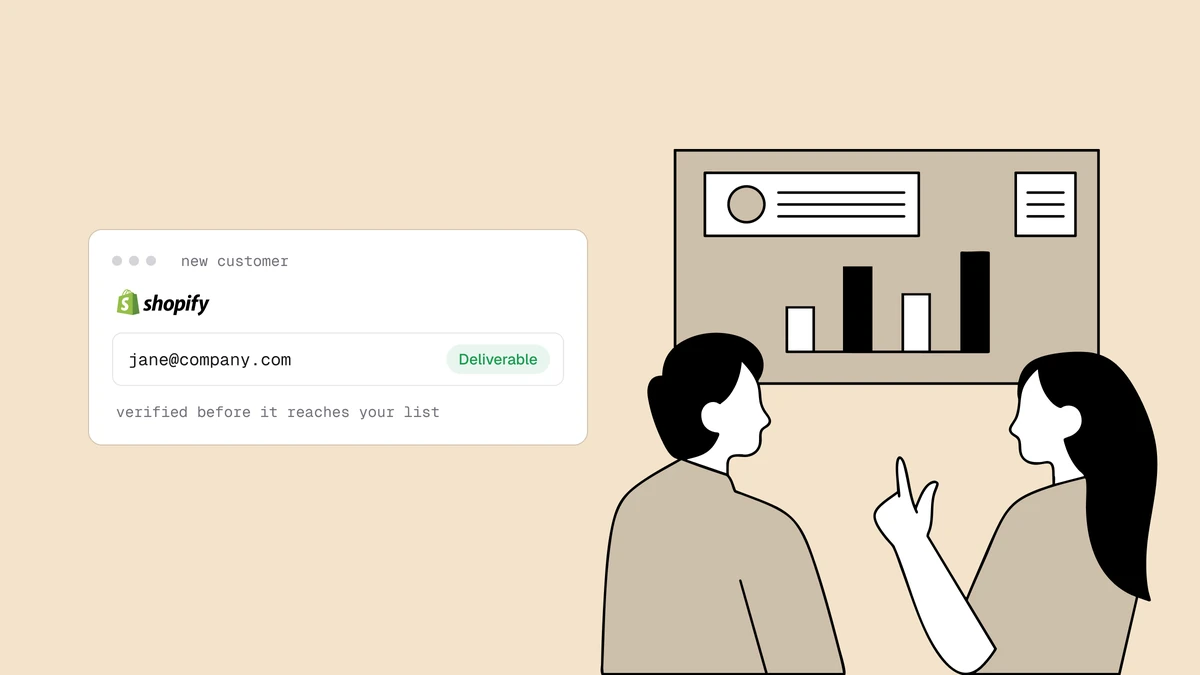
Your Shopify store collects email addresses everywhere — at checkout, in the newsletter popup, on the account-creation form — and every dead or fake one you keep quietly erodes the deliverability of the receipts and campaigns you actually need to land. To verify emails from Shopify today you don't reach for a one-click app: Qualisend's native platform integrations are being rebuilt, so there's no Shopify plugin to install right now. What you can do is just as effective and more portable — bulk-clean the customer list you already have, and verify in real time on any custom form you control. This guide walks both.
The short answer#
There is no Qualisend Shopify app yet (it's on the roadmap), so use the two supported patterns instead. Bulk: export your customers to CSV, run the file through bulk verification, and suppress the undeliverables in your email tool. Real-time: on any signup or newsletter form you control, post the address to your own serverless function and call the Qualisend API before you keep it. Skip the native Shopify checkout — on standard plans it's locked and can't take a verification step — and lean on these two everywhere else.
Why deliverability is a whole-store problem#
A Shopify store isn't just a marketing list — it's a transactional sender too. Order confirmations, shipping updates, abandoned-cart nudges, and campaigns all lean on the same sending domain and the same sender reputation. A hard bounce from a fake signup dents the reputation that also delivers the receipt a real buyer is waiting on. That's why keeping bad addresses out matters more for a store than for a plain newsletter: the stakes include order emails, not just open rates. If bounce rate drifts up, everything you send lands a little worse. Verification is how you keep the list you send to made of addresses that actually exist — see what email verification is for the fuller picture.
Pattern 1: bulk-clean your existing customer list#
If you've been selling for a while, your biggest, cheapest win is the list you already have. Shopify makes the export trivial, and a bulk job turns the whole file into a verdict per address in one pass.
- Export from Shopify. In your admin, go to Customers, optionally filter (for example to subscribers, or customers who haven't ordered in a year), and choose Export → CSV. The file includes each customer's email and their marketing-consent status.
- Bulk-verify the file. Upload the CSV to Qualisend's bulk verification. Each
row comes back with a
status(deliverable,risky,undeliverable, orunknown), a 0-100score, and sub-flags fordisposable,role,free_mail, andcatch_all. - Suppress the dead ones. Take every
undeliverableand add it to the suppression or exclusion list in whatever actually sends your mail — Shopify Email, Klaviyo, Mailchimp, Omnisend. Suppressing stops the sends that would otherwise bounce. - Review the in-between. Keep
deliverableaddresses. Segmentriskyand catch-all addresses to send to more carefully rather than dropping them (more on that below).
The mechanics of turning a raw export into a clean, segmented list — dedupe, verify, suppress, re-segment — are the same on any platform; how to clean an email list is the end-to-end version of this workflow. Run it before big sends (a seasonal campaign, a product launch) and every few months as new signups accumulate.
How to verify emails from Shopify forms in real time#
Cleaning is cleanup. The other half is prevention: catching a bad address the moment someone types it, so it never enters the list at all. This is where you have to be precise about what Shopify does and doesn't let you touch.
The native checkout is off-limits on standard plans. Shopify locks the checkout for security and consistency, and deep customization — injecting your own validation step into the checkout flow — is a checkout-extensibility capability that's effectively a Shopify Plus feature. So on the plans most stores run, you cannot reliably add a live verification step to the native checkout email field. Don't design around doing so.
Every other capture point is yours. The newsletter popup, a custom landing page, an account-creation form, a lead-gen or wholesale-application form built with a forms app — those are HTML forms you control, and you can route them through your own endpoint. There are two ways to wire it up:
- Form → your function. The form posts the address to a serverless function you host; the function calls Qualisend and returns a verdict the form acts on.
- Shopify webhook → your function. Subscribe to the
customers/createwebhook, send new customers to a serverless endpoint, verify there, then tag the customer or add undeliverables to a suppression segment. Note this fires after the customer is created, so it's verify-then-tag, not verify-then-block — good for keeping the list clean, not for gating account creation.
Here's the core call, as a serverless handler your form or webhook hits. The API key stays on the server; the browser never sees it. Use an obvious placeholder and check the developer docs for the exact endpoint and request shape:
// Your serverless endpoint. Called by a custom signup form or a Shopify webhook.
export async function POST(req) {
  const { email } = await req.json();

  const res = await fetch("https://app.qualisend.com/api/v1/verify", {
    method: "POST",
    headers: {
      Authorization: "Bearer YOUR_API_KEY", // server-side only — see /developers
      "Content-Type": "application/json",
    },
    body: JSON.stringify({ email }),
    signal: AbortSignal.timeout(4000), // don't let a slow response stall the form
  }).catch(() => null); // timeout or network error

  // Fail open: a real customer must never be blocked by our outage.
  if (!res?.ok) return Response.json({ ok: true, degraded: true });

  const { result } = await res.json();
  // result is the instant verdict. If result.smtp is "pending", the mailbox probe
  // is still running: for webhook tagging, read the final verdict later with
  // GET /api/v1/jobs/{job_id} from a background job (never call /verify again).

  if (result.status === "undeliverable") {
    return Response.json({ ok: false, reason: result.reason });
  }
  // deliverable, risky, or unknown — accept, keep the score for segmentation.
  return Response.json({ ok: true, status: result.status, score: result.score });
}
Two rules make or break this: never call the API straight from the browser (the scoped key must stay server-side), and never block a signup when the API is slow or down — fail open, because losing a real buyer over a transient outage is far worse than letting one questionable address in. The serverless signup guide covers the full pattern — timeouts, the "did you mean" typo correction, and how to act on each verdict — end to end.
No code on your team? A no-code webhook step does the same job: point your form's submissions at an automation that calls the Qualisend API, which is exactly the Zapier approach applied to a Shopify form.
Handle catch-all and role addresses without blocking buyers#
The trap with real-time verification on a store is being too strict and turning
away paying customers. Not every non-deliverable verdict is a bad address.
A catch-all domain is configured to accept mail for every possible address,
so the mailbox can't be individually confirmed — the result is risky, not bad.
Plenty of real buyers use catch-all company domains; see
what a catch-all email is. A role address
like info@ or orders@ is shared rather than personal, and free or
disposable flags tell you the provider type — all useful signals, none of them
an automatic reject for a store. The
role, disposable and free breakdown
covers when each one actually matters.
So reject only what's genuinely undeliverable, and let the rest through with a tag you can act on later:
| Verdict | What to do in a store |
|---|---|
undeliverable | Reject inline on your form; suppress in your email tool for existing records. This is the only safe hard-block. |
risky / catch-all | Accept, but tag it — send to this segment more conservatively rather than dropping a possible customer. |
disposable flag | Accept or reject depending on your tolerance; a one-time discount hunter is lower-value, but don't block reflexively. |
role / free_mail flag | Accept. These are normal for real buyers — keep the flag for context, not as a gate. |
unknown | Accept. The infrastructure didn't answer — never lose a real order over it, and re-check in your next bulk clean. |
deliverable | Accept. |
The instinct to block everything questionable costs you real revenue in a store context. Reject the clearly dead, accept and tag the ambiguous, and let your segmentation do the careful sending.
Frequently asked questions
01Is there a Qualisend app in the Shopify App Store?
Not right now. Qualisend's native platform integrations are paused while they're rebuilt, so there's no Shopify app or plugin to install today - a native integration is on the roadmap. In the meantime the two supported patterns cover the same ground: export your customers to CSV and bulk-verify, and call the API from a serverless function or no-code webhook on the forms you control.
02Can I verify emails right at the Shopify checkout?
Usually not on standard plans. Shopify locks the native checkout, and injecting a custom validation step into it depends on checkout-extensibility access that's effectively a Shopify Plus capability. Most stores instead verify on the custom forms they do control - newsletter popups, account creation, landing pages - and bulk-clean the customer list on a schedule. If you're on Plus with checkout extensibility, a server-side verification step becomes possible, but treat it as the exception, not the default.
03How often should I clean my Shopify customer list?
Clean before any large send - a seasonal promotion or launch - and every few months as a baseline, because new signups, typos, and abandoned addresses keep accumulating. Verifying in real time on your forms slows that accumulation, so the more capture points you protect up front, the less often the bulk clean has to catch up.
04Will cleaning my list delete my Shopify customers?
No - cleaning is about who you send to, not who exists in your store. Suppress undeliverable addresses in your email platform (Shopify Email, Klaviyo, Mailchimp, and so on) rather than deleting the Shopify customer record, which you'll still want for order history, refunds, and reporting.
Ready to clean the store list you already have and protect the forms you control? Start with a spot-check in the free email checker, run a bulk job on your customer export, and grab the verify endpoint and scoped keys to wire real-time checks into your Shopify forms.