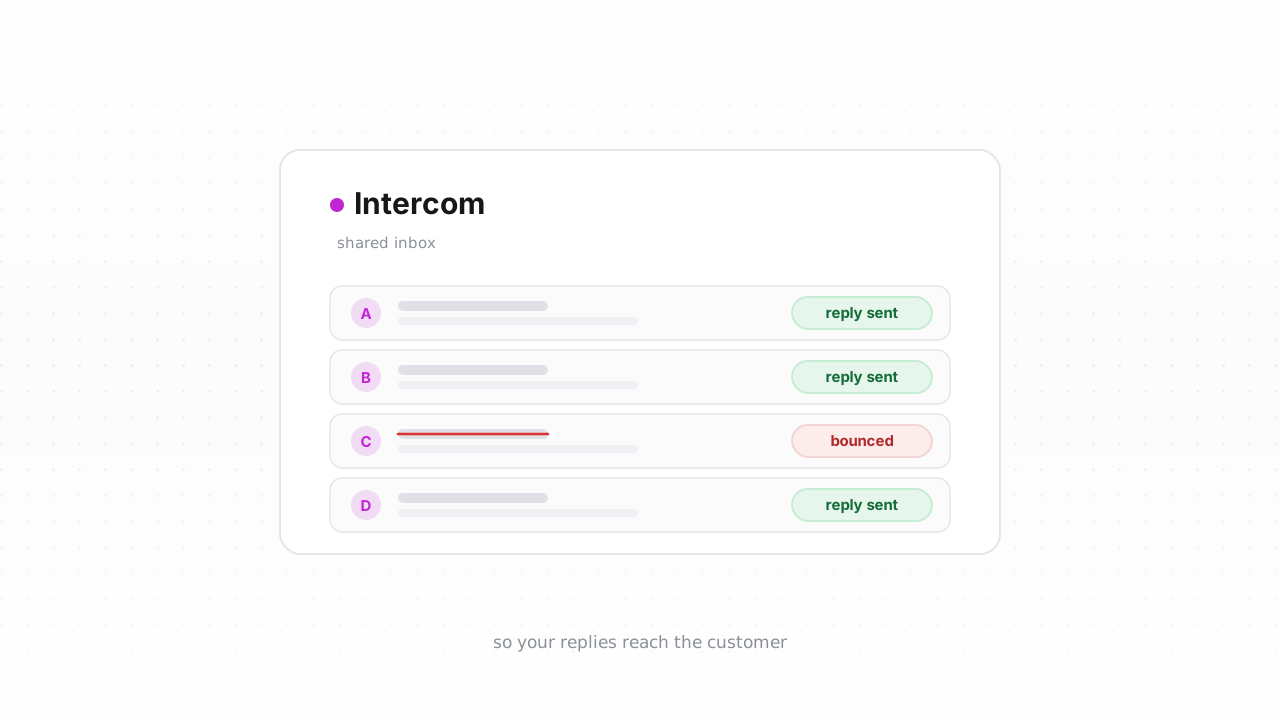
Support email is the quietest deliverability problem you have. Nobody frets about whether a ticket reply lands the way they fret over a marketing campaign — but a support message that bounces is worse than an unopened newsletter. It is a customer waiting on an answer that never arrives, an SLA clock still running, and a ticket that reopens angry. Intercom will happily send a reply to an address that no longer exists and count it as sent. This guide covers why deliverability matters for a support tool specifically, what Intercom actually tracks about your contacts, and the export → verify → tag loop that keeps dead addresses from swallowing your replies — plus the faster path now that Qualisend's native Intercom integration is live.
Why support email deliverability matters#
Marketing email is a numbers game; support email is a promise. When you reply to a conversation in Intercom, or when an automated notification fires — a ticket status change, a new message alert, a follow-up — that mail has to reach one specific person who is expecting it. There is no "resend to the segment" safety net.
A bounced support reply fails in ways a bounced newsletter never does:
- Missed SLAs. Your team marks the conversation answered. The customer never got it. The response-time metric looks green while the customer's experience is red.
- Reopened tickets and duplicate work. The customer follows up asking why nobody replied. Now an agent handles the same issue twice, and the second time the customer is annoyed.
- Silent notification loss. Contacts who signed up with a typo or a disposable address never receive account or ticket notifications, and you find out only when they churn.
- Sender reputation drag. Repeated bounces from the domain you send support mail on erode the reputation that also carries your legitimate replies. Authentication is the other half of that story — make sure you authenticate your Intercom sending domain with SPF, DKIM, and DMARC, because a clean list still lands in spam when the domain sending it can't be verified. If bounces are already climbing, the bounce-rate benchmarks show where the warning thresholds sit.
The through-line: in support, a bad address doesn't cost you an open — it costs you the customer relationship.
What Intercom tracks about contacts#
Intercom's contact model has two types: users (people with an account, identified by a user_id or external ID) and leads (unidentified contacts, often captured from the Messenger or a form). Both carry an email attribute, and both can receive email from you — outbound messages, ticket replies, and transactional notifications.
For each contact Intercom stores standard attributes (email, name, user_id, signed-up date, last-seen), any custom attributes you define, and engagement signals. Relevant to deliverability, Intercom also tracks an unsubscribed-from-emails state and records email bounces — when a message hard-bounces, Intercom flags that contact and stops sending to the address. That covers addresses Intercom has actually mailed and gotten a bounce back from.
The gap is the same one every platform shares: an address Intercom has never sent to, or has sent to only rarely, carries no bounce signal. Leads imported from another tool, self-serve signups with a fat-fingered domain, disposable addresses used to get past a gate — they all sit in your workspace looking like valid contacts until the first support reply proves otherwise. And "proving otherwise" means a customer already went unanswered. Verification closes that gap before the send, not after.
Intercom behavior above last verified against Intercom's documentation, August 2026.
Step-by-step: export contacts, verify, tag the undeliverable#
The manual loop works on any Intercom plan and is the same shape as our other platform guides, in Intercom's terms:
- Export from Intercom. Open Contacts, build or select the segment you want to check (for example, all users, or leads created in the last quarter), and use the export action. Intercom prepares the CSV and emails you a secure download link when it's ready.
- Verify the file. Upload the CSV to Qualisend bulk cleaning — up to 1,000,000 addresses per job, duplicates charged once — or paste addresses directly. The free plan's 100 one-time credits, which never expire, cover a first sample. New to the category? The what is email verification primer explains what each check does.
- Read the results. Every address returns one of four verdicts —
deliverable,risky,undeliverable, orunknown— each with a reason code and sub-flags (catch-all, disposable, role, full mailbox), plus the MX provider, SMTP probe evidence, and a 0–100 confidence score. Download the cleaned CSV. - Tag the undeliverable in Intercom. Filter your results to
undeliverable, then import that list back into Intercom and apply a tag such asemail-undeliverable. Tagging (rather than deleting) keeps the conversation history intact while letting you exclude those contacts from outbound messages and route them to a "confirm your email" flow instead of a doomed reply. - Handle the rest by verdict. Tag
risky+ disposable contacts for a re-confirmation prompt; treatunknownas a temporary result — often greylisting or rate-limiting — and re-check next cycle rather than acting on it; leavedeliverablealone. Role addresses likesupport@orbilling@are frequently legitimate on the support side, so read the role, disposable & free addresses guide before treating them as junk.
Verify new contacts in real time#
Cleaning a CSV fixes the backlog once. It doesn't stop the next typo from entering Intercom tomorrow. Two options keep the list clean going forward.
The fastest is the native integration, which is now live. Connect it from /integrations/intercom and Qualisend cleans your contacts in place — verifying users and leads and writing the results back to their Intercom attributes, so you never touch a CSV. It also checks new contacts in real time as they're created, tagging the undeliverable ones the moment they enter your workspace. For most teams this is the right default: connect it once and forget the export loop exists.
If you'd rather verify at the source — before an address ever becomes an Intercom contact — call the verification API at the point of capture. Validate the email on your signup form, in the Messenger flow, or in the middleware that creates the contact, and reject or flag bad addresses before they land. Qualisend's REST API uses scoped keys, enforces rate limits, and supports webhooks; if you'd rather not write code, the same check runs through Zapier, Make, or n8n. This is the highest-leverage option because a typo caught at the form never costs you a support reply at all. For the wider picture on keeping inbox placement healthy, see the email deliverability guide.
Frequently asked questions#
Does Qualisend have a native Intercom integration?#
Yes. The native Intercom integration is live. Connect it from /integrations/intercom and Qualisend cleans your contacts in place — verifying users and leads, writing the results back to their Intercom attributes, and checking new contacts in real time as they're created. It's the fastest path because you never export or re-import a CSV. The manual export → verify → tag loop still works on any plan if you prefer not to connect an integration.
Can I verify addresses before they enter Intercom?#
Yes, and it's the highest-leverage option. Call the verification API at the point of capture — your signup form, the Messenger flow, or the middleware that creates the contact — and reject or flag bad addresses before they become Intercom contacts. A typo caught at the form never costs you a bounced support reply. No-code paths through Zapier, Make, and n8n do the same without writing code.
Why does support email deliverability matter more than marketing deliverability?#
Because support email is one-to-one and expected. A bounced newsletter costs you an open; a bounced ticket reply costs you a missed SLA, a reopened ticket, and a customer who thinks you ignored them. There's no "resend to the segment" safety net — the mail has to reach one specific person, so a single dead address is a real failure rather than a rounding error.
Does Intercom already catch bad addresses on its own?#
Partly. Intercom records email bounces and flags contacts whose address hard-bounces, and it tracks who has unsubscribed — so once a message bounces, Intercom stops sending to that address. What it can't catch is an address it has never mailed: imported leads, fresh signups with a typo, or disposable addresses all look valid until the first reply proves otherwise, and by then a customer has already gone unanswered.
What should I do with a "risky" or "catch-all" result?#
Don't treat it as a hard fail. A catch-all address accepts mail at the server level without confirming the specific mailbox exists, so Qualisend can't prove deliverability by probe alone — it returns risky with the catch-all flag and a confidence score. For support contacts, keep sending but watch for bounces, and lean on the confidence score and reason code rather than deleting the contact outright.