Customer.io suppresses people who hard-bounce, unsubscribe, or mark spam automatically, and for addresses it has already messaged that is dependable. What it can't do is judge a profile it has never sent to — and because Customer.io is a behavioral platform that bills by the profile, every unjudged address is both a deliverability risk and a line on your invoice. This guide covers what Customer.io's suppression handles for you, the addresses it can't see, and the export → verify → act loop that lets you clean a Customer.io list before your next broadcast or event-triggered campaign fires.
What Customer.io already does for you#
Customer.io's native hygiene centers on suppression:
- Hard bounces are suppressed automatically. When an address returns a permanent failure, Customer.io adds the person to its suppression list and stops emailing them, so you don't keep hitting a known-dead mailbox.
- Unsubscribes and spam complaints are suppressed the same way. A person who opts out or files a complaint is held out of every future email send.
- Suppression stops sends, not billing by itself. A suppressed person is excluded from mail, but the record stays in your workspace — and whether it still counts toward your profile total depends on how your plan counts profiles, so removing genuinely dead profiles is a separate step.
Customer.io behavior above last verified against Customer.io's documentation, July 2026.
Credit where due: for addresses Customer.io has actually messaged, this is reliable, automatic hygiene. The gap is everything it hasn't messaged yet.
What Customer.io can't catch#
Every mechanism above is reactive — it needs a send and then a bounce, unsubscribe, or complaint to fire. That leaves the blind spot every ESP shares, made sharper by the way Customer.io creates people:
- Never-messaged invalid addresses. Profiles created by an
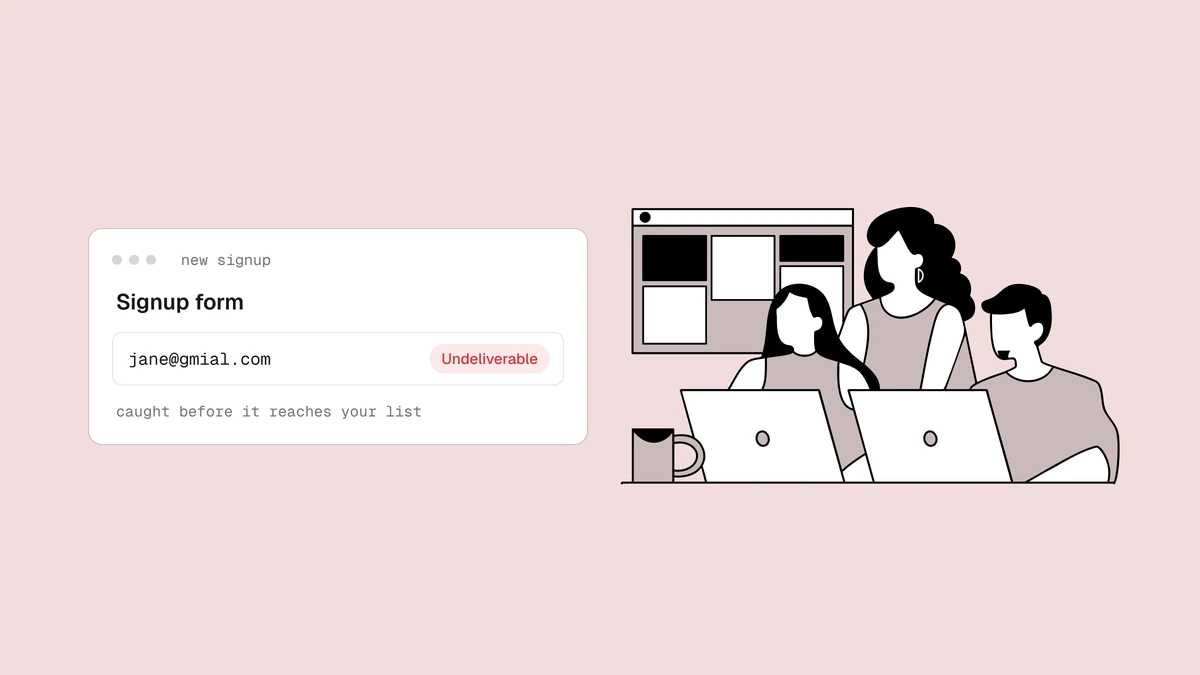
identifyortrackcall from your app, an import from a previous tool, or a typo at signup (jane@gmial.com) have never bounced because they've never been sent to. Customer.io has no signal on them until an event triggers the first message — which is exactly when a mailbox provider forms its first impression of you. - Disposable addresses accepted at signup that clear the welcome flow, then quietly stop existing.
- Role addresses (
info@,support@) that skew the engagement data your segments and campaigns run on. - Decayed addresses that look healthy today and hard-bounce next month.
Because Customer.io is event-driven, these dead profiles don't just sit quietly — they keep entering broadcasts and behavioral campaigns whenever an event matches, so a bad address gets mailed again and again. Every one of those sends is a bounce waiting to happen against your sender reputation. An imported audience is the sharpest case: it arrives with its bounce history stripped, so addresses that were already failing elsewhere look brand new — and each one becomes a billable profile the moment it lands. Verify before the import, not after the first send. And a clean list is only half the deliverability equation — even verified addresses land in spam if you haven't authenticated your Customer.io sending domain with SPF, DKIM, and DMARC.
Step-by-step: how to clean a Customer.io list#
The fastest path today is the native Customer.io connector: connect it and clean your list in place — Qualisend verifies every profile and writes the results back, with real-time checks on new contacts. If you'd rather work manually, or want a flow that works on any plan, the CSV loop below is a valid alternative — the same flow as the Mailchimp and HubSpot guides, in Customer.io's terms:
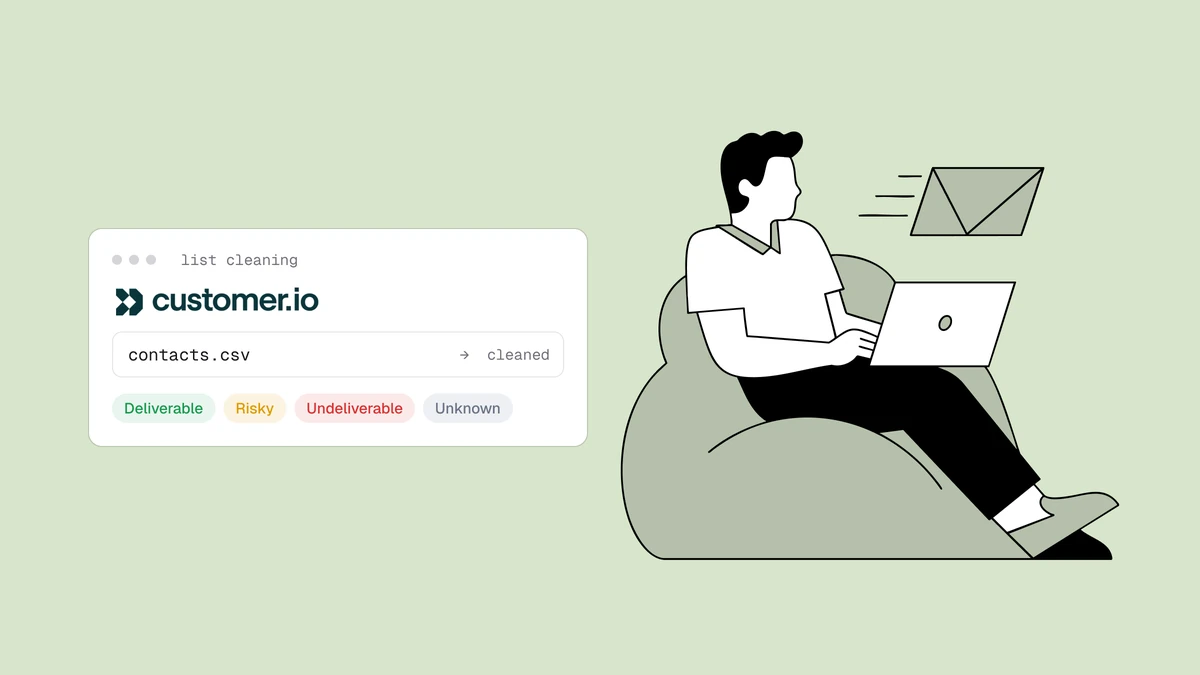
- Export from Customer.io. In your workspace's People area, filter to the segment or audience you want to clean and export it to CSV, including the email attribute. For a first clean, export everyone; for maintenance cleans, a data-driven segment such as "created before" or "never opened" narrows it down.
- Verify the file. Upload it to Qualisend bulk cleaning — up to 1,000,000 addresses, duplicates charged once — or paste addresses directly. The free email checker covers a single address or a first sample before you commit.
- Read the results. Every address returns
deliverable,risky,undeliverable, orunknownwith a reason code, a 0–100 score, and sub-flags (disposable, role, free, catch-all), plus the MX provider and probe detail as evidence. Download the cleaned CSV — see how bulk verification scores a whole file. - Suppress or delete the undeliverables in Customer.io. Filter the results
to
undeliverable. The cleanest way to act on them is to write the verdict back: import it as a person attribute (for exampleemail_status = undeliverable), build a data-driven segment on that attribute, and either exclude that segment from every broadcast and campaign or delete the people in it to reclaim the profile slots. Customer.io also lets you suppress a person directly — suppression stops the mail, deletion frees the profile. - Handle everything else per verdict — the table below.
What to do with each verdict#
| Verdict | Customer.io action |
|---|---|
deliverable | Keep messaging as normal. |
deliverable + role flag | Keep for transactional and lifecycle messages; exclude from engagement-scored campaigns — see role, disposable & free addresses. |
risky + catch-all flag | Move to a dedicated segment and throttle sends rather than blasting the whole group. |
risky + disposable flag | Suppress or delete. The inbox was built to expire. |
unknown | Keep active and re-verify next clean — one inconclusive probe is a rate-limit signal, not a verdict on the mailbox. |
undeliverable | Suppress via the segment above, or delete to free the profile. Don't wait for the bounce to prove it. |
Profiles, suppression, and your bill#
This is the Customer.io-specific lever, and it is where cleaning actually saves money. Customer.io plans are sized by the number of profiles in your workspace, so hygiene is a cost decision as much as a deliverability one. Two things follow:
- Suppression alone may not lower your bill. A suppressed hard bounce stops receiving mail, but a record still lives in your workspace — and depending on how your plan counts profiles, it can keep occupying a slot until you delete it.
- Never-bounced invalids are pure waste. An address that has never been messaged is a fully active, billable profile that will never convert, and because Customer.io keeps triggering it on events, it drags your bounce rate down as well as inflating your count.
If retiring dead profiles moves you toward a lower profile tier, the math is easy to check against your current plan.
Verify at the point of profile creation#
The export-and-verify loop cleans what is already in Customer.io. The
higher-leverage fix is to stop bad addresses from becoming profiles at all.
Because Customer.io creates a person the moment your app fires an identify or
track call, the natural place to validate is the signup or lead form, before
that call runs. A real-time check through a
verification API (with scoped keys)
rejects typos, disposable domains, and undeliverable addresses at the door, so
they never become billable profiles and never enter a behavioral campaign.
Validate at creation and the export loop becomes a light maintenance pass
instead of a rescue operation.
How often to re-clean#
There is no universal number, and we won't invent a decay statistic. The real drivers are how fast your workspace grows and how it is sourced: a double-opt-in list decays slowly, while one fed by imports, product signups, and lead magnets accumulates junk continuously. Three habits cover most senders:
- Before any high-stakes broadcast — a launch or seasonal send.
- After any import, before the first message touches it — and before those profiles start counting toward your tier.
- On a regular cycle sized to your volume, with your per-send bounce rate as the tripwire. There is no single right cleaning cadence; if bounces climb toward the warning thresholds, clean now rather than on schedule.
Frequently asked questions
01Does cleaning my list lower my Customer.io bill?
It can, but only if you delete or otherwise stop counting the dead profiles. Customer.io sizes plans by profiles, and its automatic suppression stops sends without necessarily removing the record - so verifying and then retiring the undeliverable and disposable profiles is what actually reduces your count. Cleaning a list before you import it keeps the junk off your bill from the start.
02Should I suppress or delete a bad profile in Customer.io?
Suppress when you might want the person back or want to keep their history; suppression stops all email while leaving the record in place. Delete when an address is confirmed undeliverable or disposable and you want the profile slot back - deletion is permanent and removes the event history, so reserve it for addresses verification has already condemned.
03Can I verify addresses before they become Customer.io profiles?
Yes, and it is the highest-leverage option. Because Customer.io creates a person from your identify and track calls, validating the address at the signup or lead form - through a real-time verification API call - keeps typos and disposable addresses from ever becoming billable profiles or entering a campaign.
04Will Customer.io's automatic suppression clean my list for me?
Only the part it can see. Suppression catches addresses that hard-bounce, unsubscribe, or complain after you have mailed them - reactive hygiene for addresses already in flight. It has no way to judge a profile it has never sent to, which is where imports, typos, and decayed addresses hide. Those need an active verification pass: connect the native Customer.io integration to verify and write results back in place, or use the CSV loop on any plan.
Clean a Customer.io list once and it stops being a fire drill. Run a sample through the free email checker to see the verdicts on your own addresses, then check pricing when you're ready to verify the whole workspace — or wire verification into your signup flow so bad addresses never become billable profiles in the first place.