A blacklist listing is the quietest way to lose the inbox. Nothing breaks, no error reaches your dashboard, and your campaigns keep sending — they just stop arriving. Most senders find out weeks later, from a drop in opens or an angry client, long after the damage is done. Email blacklist monitoring closes that gap: it checks your sending identities against the blocklists every day and tells you when a listing appears, so you hear about it within a day instead of weeks.
The short answer#
Blacklist monitoring means checking your domains and sending IPs against the major DNS blocklists on an automated schedule, daily at minimum, and alerting you when a listing appears or clears. It matters because a listing is silent and time-sensitive: the faster you catch it, the less reputation you lose and the sooner you can pause the affected sender, fix the cause, and request delisting. You can check manually now and then, but listings don't wait for you to remember.
What to monitor, and where to find it#
A complete picture watches every identity your mail is judged on. Each one lives in a different place, lands on a different kind of list, and has its own owner when it's listed:
| Identity | Where to find it | List type | Who acts on a listing |
|---|---|---|---|
| Your From domain and sending subdomains | The domain in your From address, plus any subdomain you
send from (see sending
subdomain strategy) | Domain lists: Spamhaus DBL, SURBL, URIBL | You |
| A dedicated IP or your own mail server | Your ESP's dedicated-IP settings or your server's public outbound IP;
confirm it in the Received headers with the
email header analyzer | IP lists: Spamhaus ZEN, Barracuda, SpamCop | You fix the cause, but a Spamhaus SBL removal has to come from whoever owns the IP range (your ESP or host). Keep its reverse DNS valid too, and check it with the reverse DNS lookup |
| Your ESP's shared IP | The Received headers of a few recent campaigns (a
shared pool can send from several IPs), or your ESP's documentation | IP lists, as above | Your ESP, which owns the IP and handles delisting, so report the listing to them |
| Link, tracking and shortener domains | Every URL in your templates: click-tracking domains, link shorteners, partner and affiliate domains | Domain lists, as above | You; for a shared tracking domain or a public shortener, switch to a branded one |
On a shared IP you can be listed for a neighbor's behavior, which makes monitoring more important, not less. And because domain lists also flag URLs inside the message body, a shortener or a partner domain gone bad can filter otherwise-clean mail. If you're not sure which IP your mail really leaves from, how to check if you're blacklisted walks through finding it.
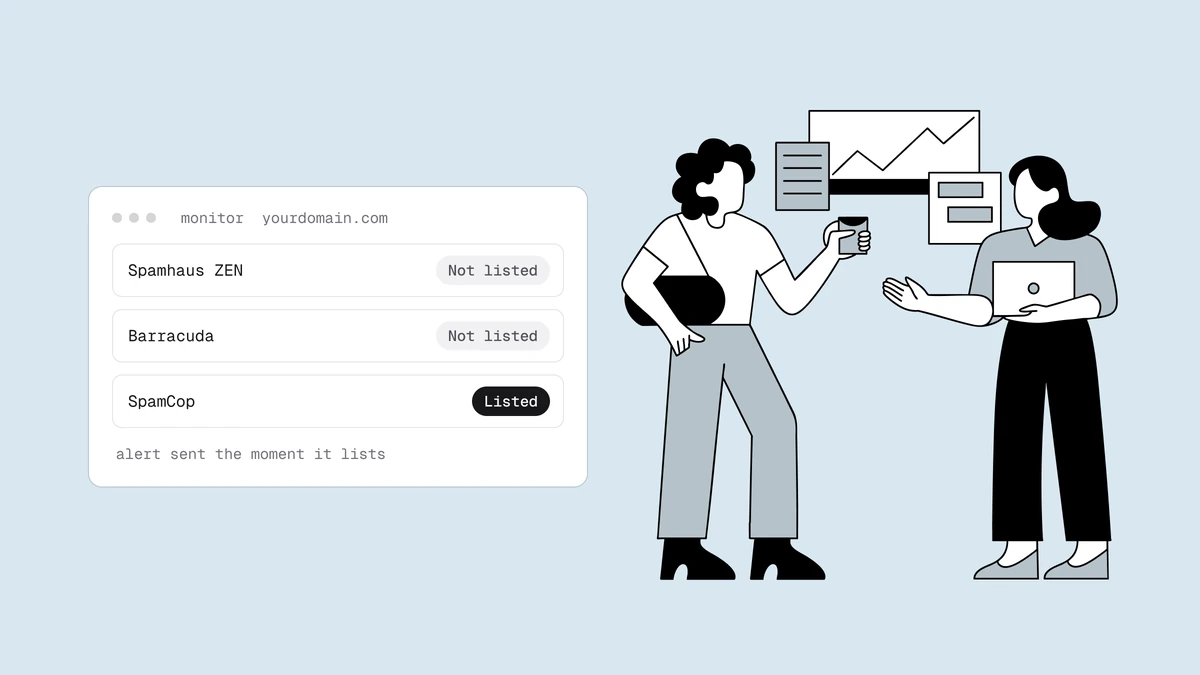
The lists that matter most are the widely-consulted ones — Spamhaus above all, plus Barracuda, SpamCop, and a handful of others. Chasing every obscure regional list is wasted effort; missing a Spamhaus listing is not. What happens when you're blacklisted ranks the major lists by how urgent a listing on each one is.
How often to check#
Manually running a blacklist lookup is useful, but it's a snapshot. Listings are events that happen at a specific moment — a spam-trap hit, a complaint spike, a compromised account — and the cost accrues from that moment until you notice. If you check monthly, a listing that lands the day after your check runs for four weeks before you see it. By then your sender reputation has already absorbed weeks of throttling and spam-foldering.
That gives you the rule: your check interval is your worst-case detection delay. Every day between checks is a day a listing can run unseen, and the cost of a listing grows with each one. In practice:
- Daily and automated, as the baseline. A daily check means no listing goes unseen for much more than a day, and nobody has to remember to run it.
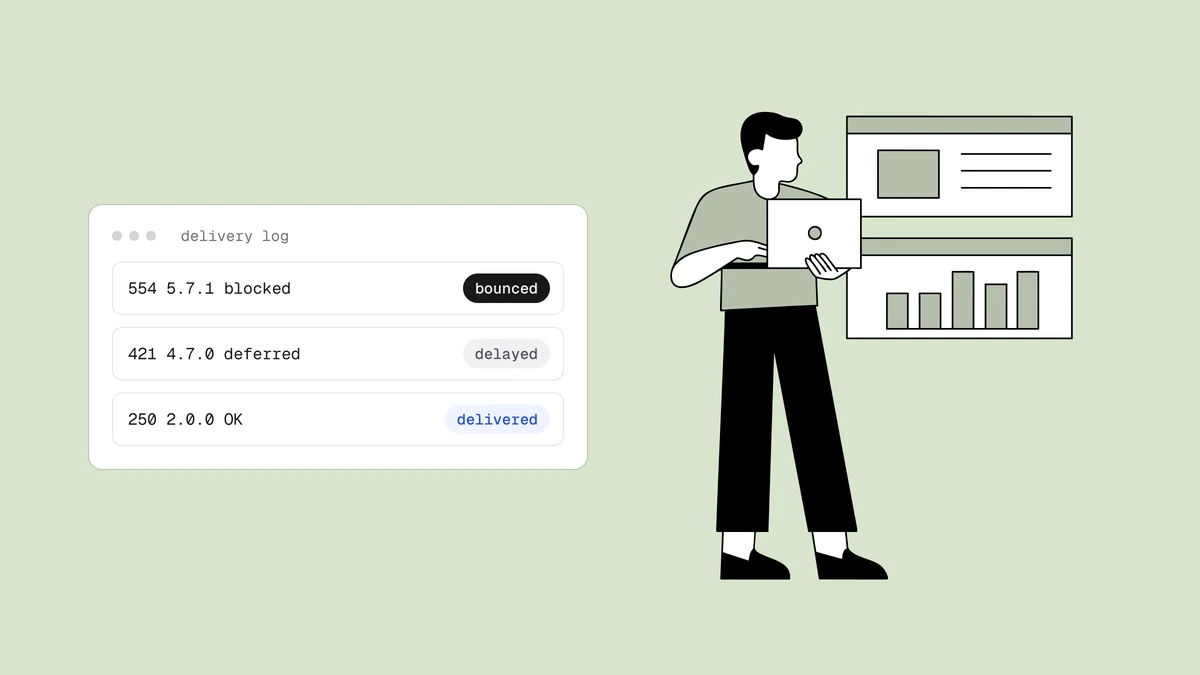
- Bounce alerts on top, for high-stakes senders. If you run your own mail servers at volume or send time-critical transactional mail, also alert on bounces that name a blocklist. Receivers often name the list in the rejection, so your logs can show a listing before the next scheduled check does.
- A manual check before big moments. Look for yourself before an unusually large send, and after any change to your IPs, DNS or ESP.
Agencies need the same cadence for every client's identities, and blacklist monitoring for agencies covers running it across a whole client base.
Automated monitoring turns a listing from a discovery you stumble on into an alert you receive. That single change — from pull to push — is the whole point.
What good monitoring does#
Not all monitoring is equal. The traits that make it actually useful:
- Alerts in both directions. You want to know when a listing appears — and again when it clears, so you know when it's safe to resume sending.
- Every sending identity, on a schedule. Domains and IPs, checked against the major lists automatically and at least daily, not a manual once-a-quarter lookup.
- "Couldn't check" kept separate from "listed". Lookups fail: a resolver times out, or a list refuses the query. Good monitoring reports that as an unanswered check rather than a listing, and never announces a delisting based on a lookup that failed.
- Listing history. A record of state changes is evidence when a client or a deliverability auditor asks what happened and when.
- A path to action. An alert that names the exact list and links to its delisting steps saves the frantic search when every hour counts.
What a blocklist monitor can't see#
A blocklist monitor queries public DNS blocklists, and that's all it can see. Two kinds of block sit outside its view:
- Private reputation feeds. Proofpoint and Cloudmark filter inbound mail for the organizations that pay them, and they publish no DNS list a monitor can query. You find out from bounces that name them, and the Proofpoint blocklist guide covers what to do.
- Mailbox-provider filtering. Gmail and Microsoft judge you on their own data. Google Postmaster Tools shows your Gmail spam rate, compliance status and delivery errors, and Microsoft SNDS shows data for the IPs you control.
Watch those alongside your own bounce logs. The warning signs of a listing show what a block looks like in your bounces, engagement and Postmaster data.
What to do when an alert fires#
Monitoring buys you time; here's how to spend it:
- Confirm it on the operator's own lookup, such as Spamhaus's. A hit reported through a public resolver can be an error code rather than a listing.
- Route it to whoever owns the identity: your ESP for a shared IP, the client if you're an agency, your own team for a domain or a dedicated IP, looping in your ESP or host for a Spamhaus SBL listing, since Spamhaus takes SBL removal requests only from the provider in charge of the IP.
- Pause campaigns from the listed identity. On a widely used list like Spamhaus, mail sent while you're listed largely bounces or lands in spam at the receivers that use it, which only adds to the damage.
- Fix the cause, then request delisting. Common causes are spam-trap hits, a complaint spike, sustained hard bounces from a stale list, or a compromised account. Delisting before you've fixed the cause just gets you relisted, so the order matters. Each operator's delisting process is a little different.
- Resume only after the listing clears, ramping back up with your most engaged subscribers first. Reputation recovers more slowly than a listing clears, and blacklist reputation damage explains why.
Three ways to set up blacklist monitoring#
- Manual checks on a calendar. Run each sending IP through the free blacklist checker, which queries ten public IP blocklists. It checks IP lists only: enter a domain and it checks the IP that domain resolves to, not the domain itself. So look up your domains, and any list the checker can't get an answer from, on the operators' own pages, such as Spamhaus's lookup. This works only as long as someone keeps the calendar.
- Your own script. You can query DNS blocklists from your own code, but then you maintain the list of live zones yourself and respect each list's query terms. Spamhaus, for one, refuses free queries that arrive through big public resolvers.
- A monitoring service. Add every identity from the table above, send alerts to a shared inbox or channel rather than one person, and agree who acts on them. Qualisend Blacklist Monitoring re-checks your domains and IPs every 24 hours against major blocklists, including Spamhaus, Barracuda and SpamCop, and emails you when a listing appears and when it clears.
Prevention still beats detection#
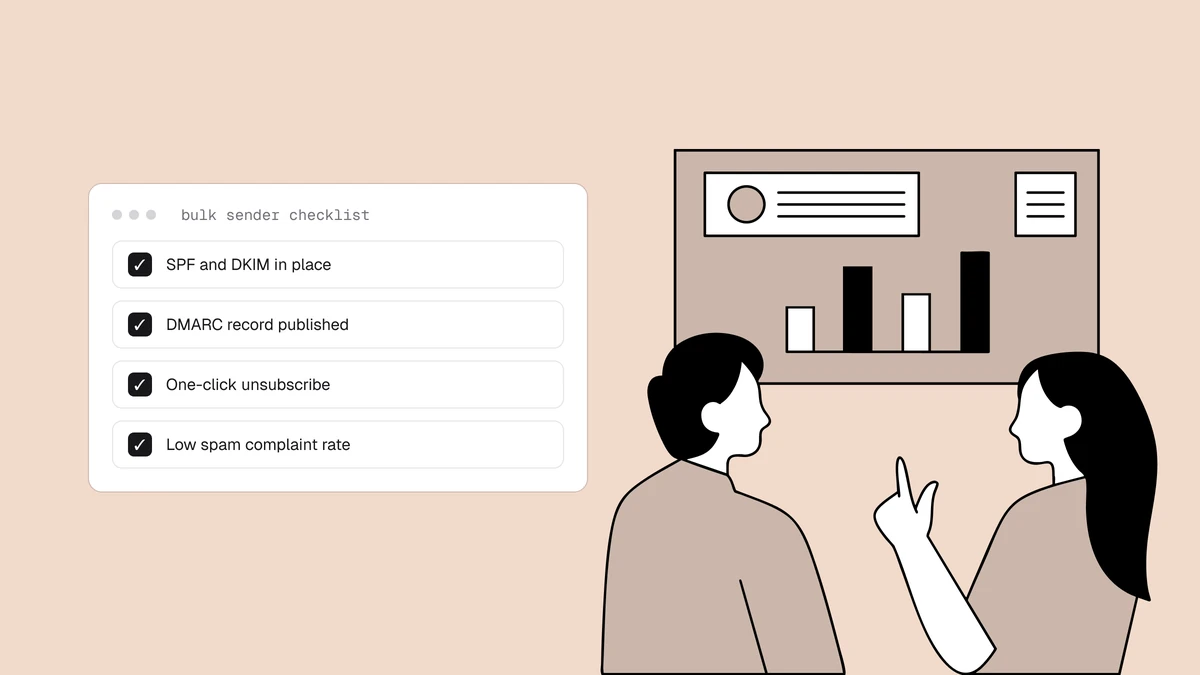
Monitoring is the safety net, not the strategy. The listings you never get are the ones you prevent: verify your list so you're not mailing dead addresses or spam traps, collect addresses with permission, keep complaints low, authenticate your mail, and warm up new infrastructure gradually. Do those, and monitoring becomes a quiet alarm that rarely rings — which is exactly what you want.
Frequently asked questions
01What is email blacklist monitoring?
It's the practice of checking your sending domains and IP addresses against the major DNS blocklists on an automated schedule, daily at minimum, and being alerted when a listing appears or clears. Unlike a one-off lookup, it catches a listing at the next scheduled check rather than whenever you next remember to look, which is the difference between losing a day of deliverability and losing weeks.
02How often should blacklists be checked?
Daily and automatically, at minimum. Your check interval is your worst-case detection delay, so a manual monthly check can leave a listing running for weeks. If you run your own mail servers at volume or send time-critical transactional mail, also alert on bounces that name a blocklist. And check by hand before any unusually large send.
03Which blacklists should I monitor?
Prioritize the widely-consulted lists - Spamhaus most of all, since its lists are used by a large share of the world's mail servers - plus a handful of others like Barracuda and SpamCop. A listing on an obscure regional list may affect almost no one; a Spamhaus listing affects a lot of your recipients and needs urgent action.
05Why does my monitor say I'm listed when Spamhaus says I'm not?
Often it's a lookup error, not a listing. Spamhaus doesn't answer free queries that arrive through big public resolvers; it returns an error code instead, and a tool that doesn't recognize the code reports it as a hit. Trust Spamhaus's own lookup. Step 0 of how to get removed from a blacklist explains how to tell the two apart. If the monitor's last check is hours old, the listing may simply have cleared since.
06Can blacklist monitoring detect a Proofpoint or Cloudmark block?
No. Proofpoint and Cloudmark are private reputation systems used by the organizations that pay them, not public DNS blocklists, so a blocklist monitor has nothing to query. You usually find out from bounces or deferrals that name Proofpoint or Cloudmark, then check the IP on Proofpoint's own reputation lookup. The Proofpoint blocklist guide covers the fix.
You can't fix a listing you don't know about. Qualisend's blacklist monitoring checks your domains and mail IPs against 40+ DNS blocklists every 24 hours and emails you when a listing appears and when it clears. Pair it with list verification to remove the dead addresses and spam-trap risk that cause most listings in the first place.