Inbox placement testing answers a question your open rate never can: not whether a subscriber opened your email, but whether the mailbox provider put it in front of them at all. A placement test — usually called a seed test — sends your campaign to a panel of test addresses spread across Gmail, Outlook, Yahoo, and other providers, then reports where each copy landed: inbox, spam, or missing entirely. It runs before or alongside a real send and gives you a per-provider preview, because providers don't tell senders which folder a given message reached. Here is what a seed test actually measures, what it can't see, and how it fits alongside the reputation data you get from Google and Microsoft.
The short answer#
A seed test is an estimate of folder placement, not a measurement of your real audience. You send a campaign to a fixed panel of mailboxes you (or the tool) control across providers, then read back where each landed:
- Per-provider placement — inbox, spam, or missing, broken down by Gmail, Outlook, Yahoo, and often several smaller and international providers.
- Authentication results — how each receiver evaluated your SPF, DKIM, and DMARC on that message.
- Blocklist and content checks — many tools also test your sending IP and domain against public blocklists and score the message with content filters.
The catch is that seed mailboxes are not engaged human subscribers, so the engagement-based, per-user filtering that Gmail leans on hardest never shows up in the result. Treat a seed test as a directional check you run with Google Postmaster Tools, Microsoft SNDS, and pre-send list verification — not as a verdict on your deliverability.
What a seed test is, and what it isn't#
A seed list is a set of mailboxes spread across the providers you care about: a Gmail address, an Outlook.com or Hotmail address, a Yahoo address, sometimes AOL, corporate/Microsoft 365 accounts, and a range of regional ISPs. These are the "seeds." A seed test (or inbox placement test) delivers your exact campaign to that panel, then checks each mailbox — usually over IMAP or a provider API — and records which folder the message reached.
What it is: a way to preview per-provider folder placement for a specific message from a specific sending setup, at a specific moment. What it isn't: a measure of how your actual subscribers experience your mail. No one reads the seed inboxes, no one replies, no one drags a message out of spam. That distinction drives everything below, so hold on to it.
What the test actually tells you#
Three signals come out of a good placement test, and each is useful for a different reason.
Per-provider placement. The headline result is a grid: for each provider in the panel, did the message land in the inbox, in spam/junk, or nowhere? That per-provider split is the real value, because deliverability is rarely uniform. It's common to sit in the Gmail inbox while going to junk at Outlook, or the reverse — and the fixes differ, which is why we cover Gmail spam placement and Outlook spam placement separately.
The "missing" category. Alongside inbox and spam, most tools report a third outcome: missing. A missing seed is one where the message reached neither the inbox nor the spam folder within the test window — it was deferred, dropped, blocked at the gateway, or filtered before it was ever foldered. Missing results are worth more attention than spam results, because they often point at a connection-level or reputation-level rejection rather than a content problem.
Authentication results. Because the tool controls the receiving mailboxes, it
can read the Authentication-Results header the provider stamped on your message
and report how SPF, DKIM, and DMARC were judged on that specific send:
Authentication-Results: mx.google.com;
       dkim=pass header.i=@example.com header.s=selector1;
       spf=pass smtp.mailfrom=bounce@example.com;
       dmarc=pass (p=REJECT sp=REJECT dis=NONE) header.from=example.com
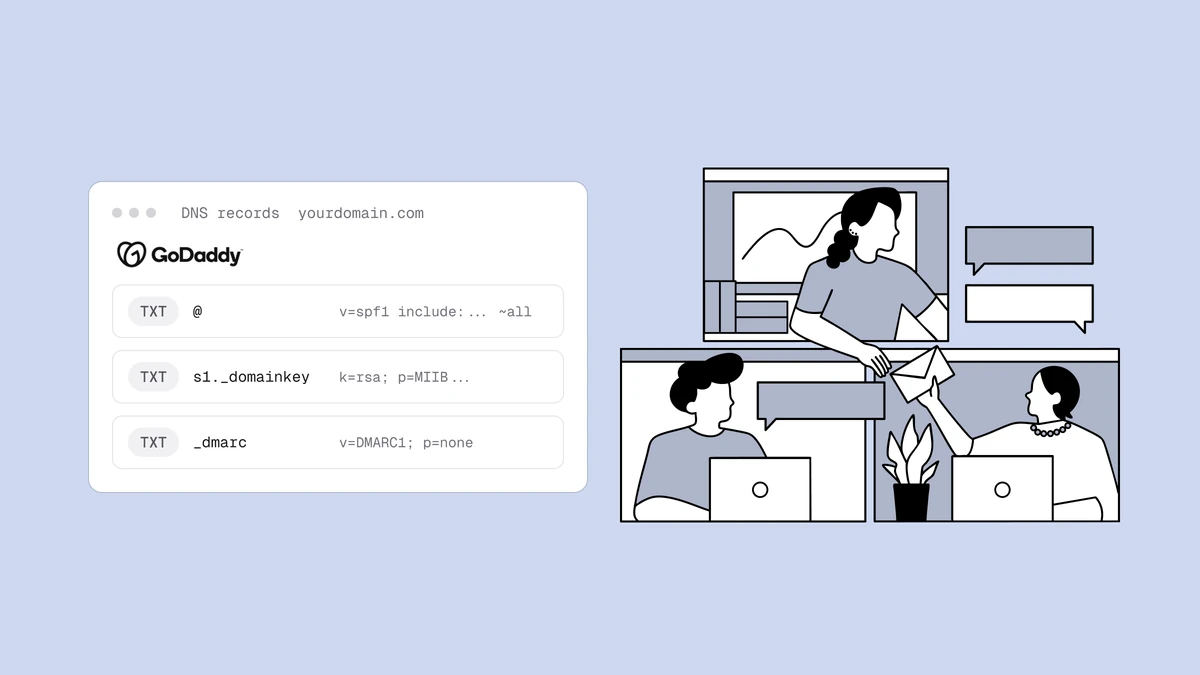
That is a genuinely useful cross-check: it confirms your SPF, DKIM, and DMARC not only exist in DNS but pass and align the way real receivers evaluate them, on the exact infrastructure you're sending from. A DMARC record that looks fine in a checker can still fail alignment for a particular stream, and the seed report is where that shows up.
Blocklist and content checks. Many placement tools bundle two extras: a scan of your sending IP and domain against public blocklists, and a content score from a filter such as SpamAssassin. The blocklist check is a fast way to catch a listing before it drags a campaign down; the content score is more of a rough hint than a verdict, since production filters weigh far more than message content.
The limits: seed accounts aren't your subscribers#
Here is the honest boundary. A seed test estimates placement; it does not measure it, and the gap is largest exactly where it matters most.
Modern filtering — Gmail's above all — is heavily engagement-based and per-user. Whether a message reaches a given person's inbox depends on that person's own history with you: do they open your mail, reply, move it out of spam, or ignore and delete it? Seed mailboxes have none of that history. They don't open, click, or reply, and their "reputation" with you is blank. So the single strongest input into real Gmail placement is precisely the one a seed panel can't reproduce. That's why a campaign can post a clean seed result and still land in spam for a disengaged slice of your real list — the mechanics behind that are the same ones that explain why legitimate email goes to spam.
A few more limits are worth naming:
- It's a snapshot. A seed test reflects your sender reputation at one moment. A result from last week says little about today if that reputation has moved since.
- Tab placement is a separate question. At Gmail, landing in the Promotions tab is inbox placement, not spam — but not every tool distinguishes tabs reliably, and where a message tabs can depend on the recipient too.
- Panels are small and finite. A handful of seeds per provider can't represent the variety of a real list. One seed going to spam may be noise; a whole provider column going to spam is a signal.
- Seeds can be gamed by accident. If a provider learns that a cluster of seed addresses always "wants" your mail, results can drift optimistic over time.
How inbox placement testing complements Postmaster Tools and SNDS#
Seed tests and provider dashboards answer opposite halves of the same question, and you want both.
A placement test is a pre-send estimate across many providers. It's broad (dozens of mailbox providers, including ones that publish nothing about your reputation) and it's available before you mail your list, which makes it the right tool for catching a problem before a big send.
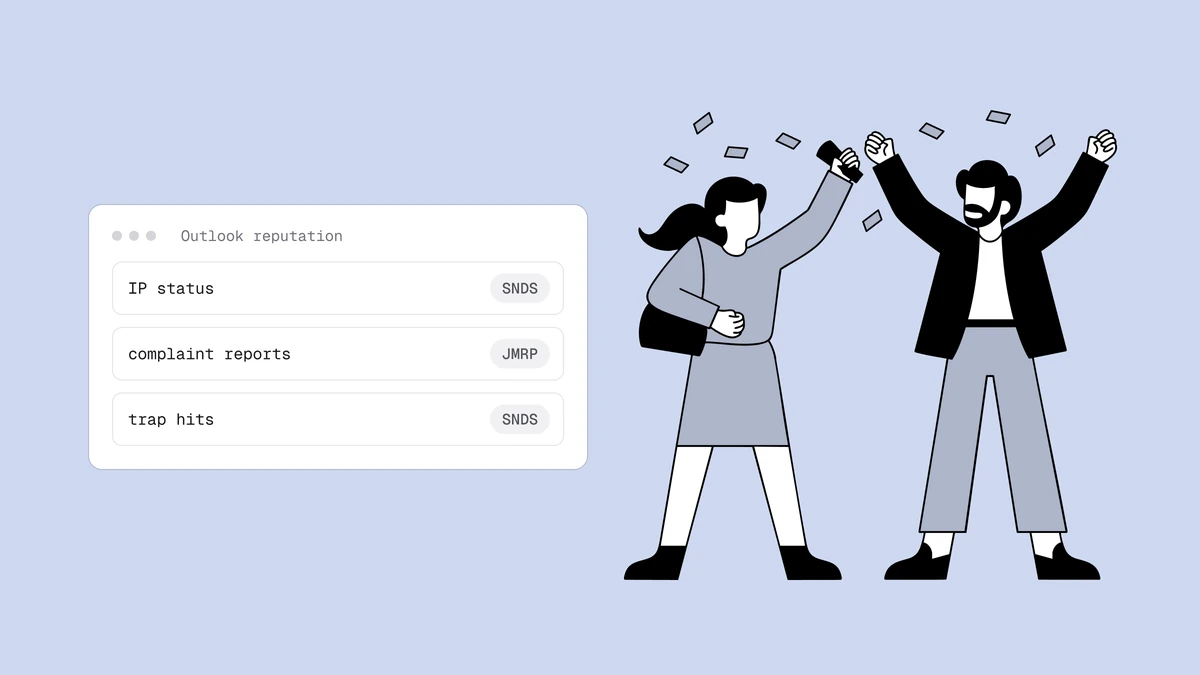
Google Postmaster Tools and Microsoft SNDS are the reverse: post-send truth, in aggregate, for the two providers that matter most. Postmaster Tools reports your Gmail-observed domain and IP reputation, spam-complaint rate, authentication success, and delivery errors — all from real recipient behavior. SNDS does the equivalent for Outlook, showing complaint rates, trap hits, and how your sending IPs are seen. Neither tells you folder placement per message the way a seed test does, but both reflect what real people did with your mail, which a seed test fundamentally cannot.
Used together, the workflow is straightforward: run a seed test before a major or first-of-its-kind send to catch authentication failures, blocklistings, and obvious per-provider spam problems; then watch Postmaster Tools and SNDS after the send to see whether real engagement backs up the estimate. When the two disagree — a good seed result but rising Gmail complaint rates, say — trust the real data.
Verify the list before you test — and before you send#
A seed test can flatter a fundamentally unhealthy send. Because the panel is a set of pristine mailboxes, it will happily report "inbox" while the real campaign is quietly hitting dead addresses and spam traps on the rest of your list — the very things that erode reputation and, a few sends later, push you into spam for everyone.
So the order that actually protects placement is: clean the list, then test, then send. Cleaning your list removes the invalid addresses and known traps that generate bounces and complaints; verification does what a seed test structurally can't, because it inspects the addresses you're mailing rather than a panel that stands in for them. Run the placement test on top of a verified list and its results start to mean something; run it on a dirty list and you're testing a message that a healthy provider would already be throttling.
When to run one#
Seed tests earn their keep at specific moments rather than on every campaign:
- Before a large or high-stakes send — a launch, a re-engagement blast, a first send to a new segment.
- After infrastructure changes — a new sending domain or IP, a fresh warmup, or a move between platforms, where placement is least predictable.
- After authentication changes — a new DKIM selector, an SPF edit, or a DMARC policy tightening, to confirm alignment still passes at real receivers.
- When placement drops — as one input, alongside your provider dashboards, when opens fall off a cliff at a specific provider.
Frequently asked questions
01Is an inbox placement test the same as my real inbox rate?
No. A placement test measures where your message landed in a fixed panel of seed mailboxes, not where it landed for your actual subscribers. Seed accounts have no engagement history, and engagement is a major input into real placement - especially at Gmail - so the test is a directional estimate. For your true inbox performance, pair it with real-recipient data from Google Postmaster Tools and Microsoft SNDS.
02What does a 'missing' result mean in a seed test?
Missing means the message reached neither the inbox nor the spam folder of that seed within the test window. It was deferred, dropped, blocked at the gateway, or filtered before being foldered. Missing results usually point to a connection-level or reputation-level problem - a blocklisting, a bad IP, or a hard rejection - rather than a content issue, so they often deserve more attention than a spam-folder result.
03Can a seed test tell me if I'll land in Gmail's Promotions tab?
Only roughly. Landing in Promotions is still inbox placement, not spam, and not every tool reports Gmail tabs reliably. Which tab a message lands in can also depend on the individual recipient's history and settings, which seed mailboxes don't reproduce. Treat any tab prediction as a hint, not a guarantee.
04How often should I run inbox placement tests?
Run them around meaningful events rather than on a fixed schedule: before large or high-stakes campaigns, after changing sending domains, IPs, or authentication, and when placement visibly drops. Continuous monitoring of real sends belongs to Postmaster Tools and SNDS; seed tests are best used as a targeted pre-send check on a list you've already verified.
A seed test estimates where a good message lands; verification makes sure the message is good to begin with. The free email checker catches dead domains and typos before they bounce, and the full verification pipeline strips invalid addresses and spam traps out of your list — so the placement you test for is the placement your real subscribers get.