A blocklist can send your mail to spam — or refuse it outright — for millions of recipients at once, and you often won't know until deliverability craters. A blocklist (or blacklist) is a shared "do not accept" register that mail servers consult in real time, and landing on a major one is one of the fastest ways to lose the inbox. Here's how they work, the kinds you'll run into, and which ones actually matter.
The short answer#
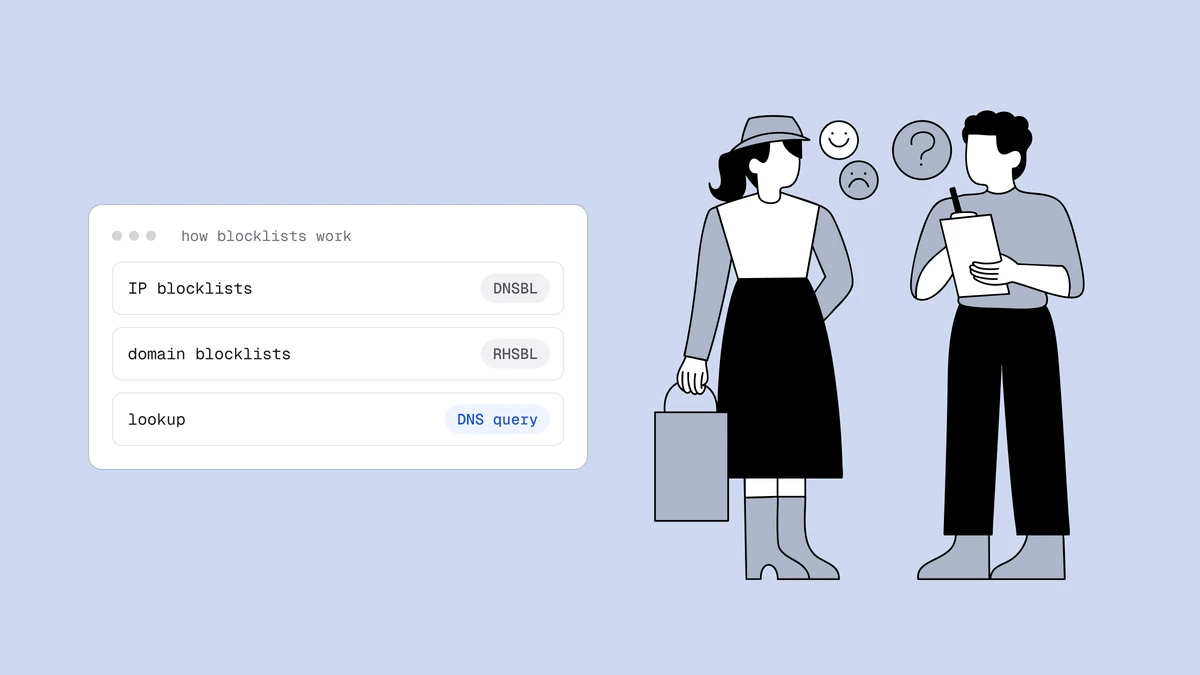
A DNS-based blocklist (DNSBL) is a public database of IP addresses or domains known for sending spam. When a message arrives, the receiving server queries the sender against these lists in a fraction of a second and, if there's a hit, rejects or filters the mail. You get listed for the usual hygiene failures — hitting spam traps, high complaint rates, mailing dead addresses, or a compromised server. Getting off means fixing the cause first, then requesting delisting. Not every listing is an accusation, though: some lists flag infected machines, missing reverse DNS, or address ranges that shouldn't send mail directly.
How blocklists work#
The "DNS" in DNSBL is the clever part: the list is published over DNS, so a mail server can check a sender with the same fast lookup it already uses for everything else. When mail comes in, the receiver queries the sending IP (or the domain in the message) against one or more blocklists.
The lookup itself is simple. To check 203.0.113.45 against Spamhaus, the
receiver reverses the octets and asks for 45.113.0.203.zen.spamhaus.org. A
127.0.0.x answer means listed, NXDOMAIN means clean, and a 127.255.255.x
answer is an error, not a listing. Domain lists skip the reversing and look up
the domain itself. What happens when you're blacklisted
walks through the full query with real output and the return codes.
The answer only names the sub-list that caught you. It doesn't tell the receiver what to do. Each receiver's own policy decides whether a hit means rejecting the message, deferring it, or adding points to a spam score alongside other signals. That's why one provider can reject you while another still delivers you to the inbox, and why which list you're on matters as much as whether you're listed.
The kinds of blocklists#
Lists differ in what they track, and the kind of list tells you what kind of problem you have. Most fall into one of five groups:
| Kind | What it lists | Examples | What a hit means for you |
|---|---|---|---|
| Spam-source IP lists | Sending IPs caught by spam traps, spam reports or reputation signals. | Spamhaus SBL, Barracuda BRBL, SpamCop | Mail from that IP drew the evidence. On a shared IP, it may be a neighbor's mail rather than yours. |
| Domain and URI lists | Domains found in spam, including the domains of links in the message body. | Spamhaus DBL, SURBL, URIBL, Invaluement ivmURI | Follows you across IPs and ESPs, and can catch a domain you only link to. |
| Exploit lists | IPs of hijacked or infected machines and open proxies. | Spamhaus XBL, CBL | A security incident first. Find and fix the compromised device before anything else. |
| Policy and infrastructure lists | Ranges that shouldn't send mail directly, and IPs with missing or generic reverse DNS. | Spamhaus PBL, SpamRats RATS-NoPtr and RATS-Dyna | Not an accusation. Fix the routing or the PTR record, then request removal where the list asks for it. |
| Network escalation lists | The netblock around a spamming IP, or the provider's entire network. | UCEPROTECT Levels 2 and 3 | Your provider's range, not you. It clears as your provider cleans up its network, so raise it with them rather than with the list. |
When a checker shows a hit, place it in a row before you react. The row tells you whether you're dealing with a sending problem, a security problem or a DNS setting, and each one has a different fix.
Reputation a blocklist check won't show#
Some of the filtering that matters most never shows up in a DNSBL lookup. Google and Microsoft run no public blocklist you can query or be removed from; their blocks come from their own reputation systems. Proofpoint, whose gateway protects many enterprise and government mailboxes, scores senders on a private reputation feed that no DNSBL lookup shows. You usually learn about it from a bounce, then check the IP on Proofpoint's own IP check page.
So a clean blocklist check is not an all-clear. At Gmail, watch your spam rate in Google Postmaster Tools; at Microsoft, watch the IPs you control in SNDS. Recovery at these providers runs through their own processes rather than through a list operator, which the providers with no list to leave explains.
The blocklists that matter#
There are dozens, but they are not equal. Spamhaus is by far the most consequential — its lists are consulted by a huge share of the world's mail servers, so a Spamhaus listing has outsized impact. Others (Barracuda, SpamCop, and various regional lists) matter to the receivers that use them. The practical point: chasing every minor list is a waste of energy, but a listing on a major one like Spamhaus demands immediate attention.
One name to drop from older guides: SORBS shut down in June 2024, so it no longer filters anyone and there is nothing to be delisted from. The urgency table in what happens when you're blacklisted ranks the common lists by how fast you need to act.
How you end up on one#
Blocklists list on evidence, and the evidence comes from four places: spam traps hit by mailing stale, bought or scraped lists; spam complaints; traffic patterns such as sudden volume spikes or a hijacked machine; and infrastructure checks such as missing reverse DNS. A blocklist listing is almost never bad luck — it's feedback that one of those slipped. How to avoid email blacklists pairs each cause with the habit that prevents it, and blacklist monitoring shortens the time between a slip and your fix.
How to check if you're listed#
If deliverability suddenly drops, check whether you've been listed. Check the IP your mail actually leaves from, which is often your ESP's shared IP rather than your own server, and check your domains, including the domains of links in your messages. The free blacklist checker tests a sending IP against public IP blocklists, and Spamhaus and most operators have their own lookup pages. How to check if you're blacklisted covers reading the results, and the signs you're blacklisted tell you when to look.
How to get delisted#
The order matters, and getting it wrong wastes the attempt. Fix the root cause first. Spamhaus is explicit that delisting without fixing the underlying problem is pointless — you'll be relisted. Only then use the list's own removal process, or let the listing expire if the list clears on its own. How to get removed from a blacklist has the full process, including which listings you shouldn't file for at all.
Frequently asked questions
01What's the difference between a blacklist, a blocklist and a DNSBL?
They mean the same thing. "Blocklist" is the current term and "blacklist" is the older word for it. A DNSBL (DNS-based blocklist) is a blocklist published over DNS, so a mail server can check a sender in a fraction of a second. "RBL" is an older name for the same idea.
02How do I know if my IP or domain is blocklisted?
Use a blocklist lookup tool, which checks your sending IP against the major lists at once, or the operators' own check pages (Spamhaus has one for IPs and domains). The free blacklist checker covers a sending IP. The first sign is often a sudden drop in deliverability or bounces that name a blocklist. When you see one, check right away.
03Can I be blocklisted if SPF, DKIM and DMARC are set up?
Yes. Authentication proves who sent a message, not that anyone wanted it. Spam-trap hits, complaints and a compromised account can still get an authenticated sender listed. You still need SPF, DKIM and DMARC, because Gmail, Yahoo and Microsoft require them from bulk senders, but on their own they won't keep you off a blocklist.
04Does being on one blocklist really matter?
It depends which one. A listing on a widely-used list like Spamhaus affects mail to a large share of receivers and needs urgent attention; a listing on an obscure regional list may affect almost no one. Prioritize by how many of your recipients' providers actually consult the list rather than treating every listing as a five-alarm fire.
05How long does it take to get delisted?
It depends on the list and the cause. Some lists automatically remove a listing after a period of clean sending; others require a manual delisting request that's reviewed once you've fixed the problem. The key is that delisting only sticks if you've addressed the root cause first - request removal before fixing it and you'll simply be relisted.
Most blocklist listings trace back to mailing addresses you should have removed first. The free plan runs the full verification pipeline so you can strip the dead addresses and spam-trap risk out of your list before they get you listed, and the deliverability guide covers the rest of the levers.