When people search for a "Barracuda blacklist," they almost always mean one thing: the Barracuda Reputation Block List, or BRBL. It's a DNS-based blocklist of IP addresses with poor sending reputation, maintained by Barracuda Central and consulted by Barracuda's own email security gateways as well as a long tail of third-party filters that plug it in. A listing doesn't bounce every message, but it drags down your reputation at every receiver that trusts Barracuda's data — often quietly, with no notification. Here's what BRBL actually is, why an IP gets listed, how to check, how to request removal, and how to stay off it for good.
The short answer#
The Barracuda Reputation Block List is a DNS blocklist that scores sending IP addresses on reputation. Barracuda Central feeds it from a large network of spam traps and reputation signals, and Barracuda's email security appliances query it in real time to decide what to reject or throttle. Because those appliances sit in front of a lot of business mailboxes — and because other filters license or mirror the data — a BRBL listing can suppress mail well beyond Barracuda's own customer base. The good news: checking is free at barracudacentral.org/lookups, and removal is a free, self-service request once you've fixed the underlying problem.
Why a Barracuda blacklist listing matters#
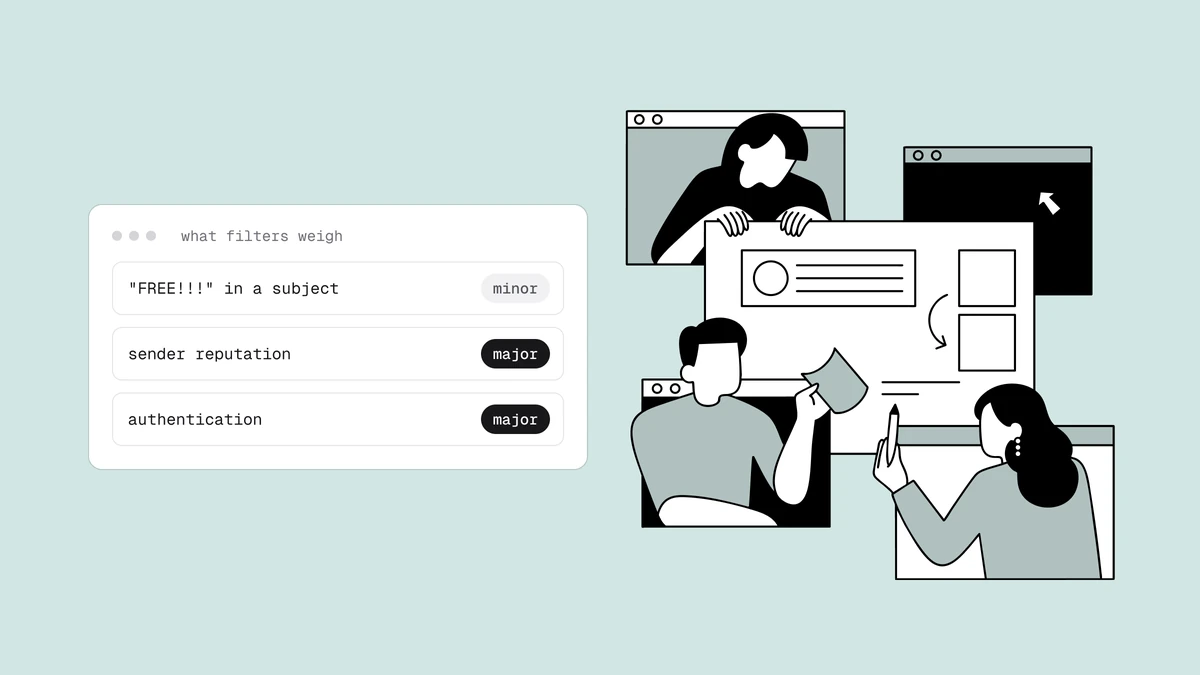
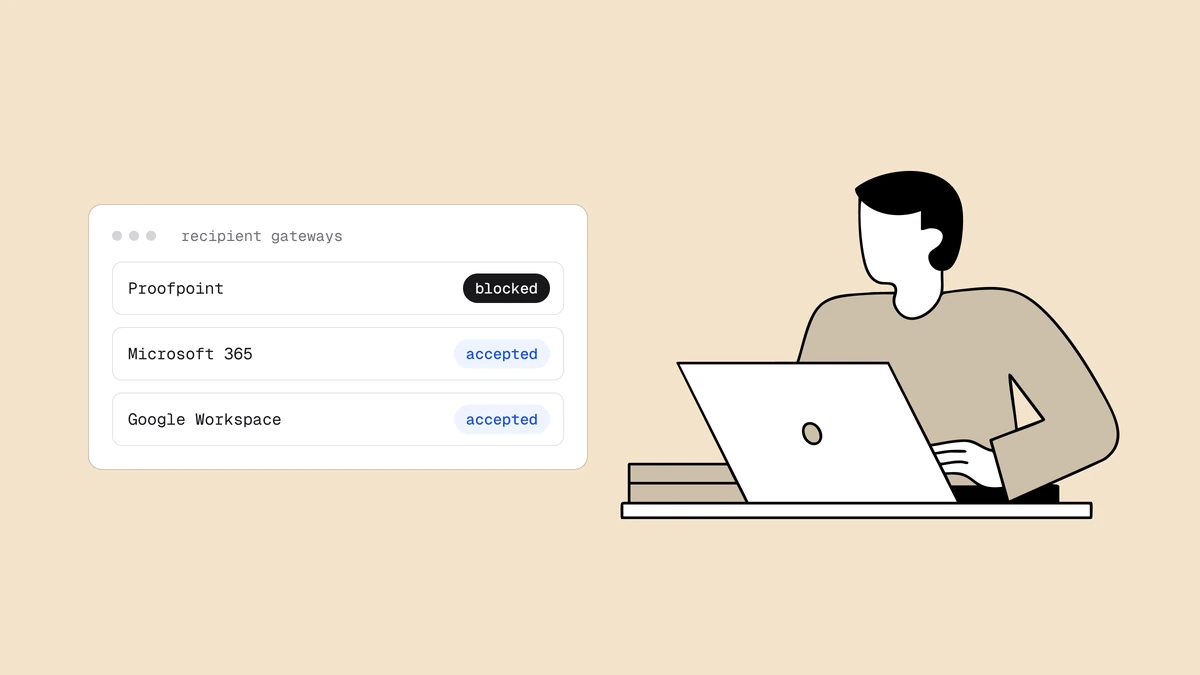
There are dozens of blocklists, and they carry very different weight. BRBL sits in the tier that can actually cost you inboxes, because it's baked into a widely deployed commercial email security product. When a Barracuda gateway protects a recipient's domain, your sending IP's BRBL status is one of the first things it checks — before your content, before your authentication, before anything about the individual message. If the IP is listed, mail to that organization can be rejected outright or filtered to junk.
That makes BRBL one of the results worth prioritizing when you check whether you're blacklisted. It won't be as universally consequential as a Spamhaus listing, which a huge share of the world's mail servers consult, but it lands squarely on exactly the kind of corporate and mid-market recipients that many B2B senders care about most. If those are your audience, a Barracuda blacklist entry is not a footnote.
How an IP ends up on BRBL#
BRBL is reputation-driven, so listings come from the same hygiene failures that hurt every other part of deliverability. The two biggest drivers, per Barracuda Central, are spam reaching its spam traps and a poor overall reputation for the sending IP.
| Trigger | What it looks like | Why it lands you on BRBL |
|---|---|---|
| Spam-trap hits | Mail delivered to addresses that exist only to catch senders who shouldn't have them. | The clearest signal of a purchased, scraped, or badly maintained list — see how spam traps work. |
| Poor IP reputation | A pattern of complaints, high bounce rates, and low engagement from the IP over time. | BRBL scores the IP, not the individual message, so a bad trend tips it over the line. |
| Compromise or abuse | A hijacked account, open relay, or malware on a machine that starts spewing mail. | Sudden volume and spammy patterns from a previously quiet IP get flagged fast. |
| Shared-IP fallout | You send from a shared IP and a neighbour behaves badly. | Reputation attaches to the IP, so someone else's mistakes can list an address you send from. |
The common thread is that BRBL judges the IP's behavior, not your intentions. You don't have to be a spammer to get listed — you just have to look like one to the traps and reputation models, which is exactly what happens when a stale list, a weak signup process, or a compromised box starts generating the wrong signals.
How to check if you're on the Barracuda blacklist#
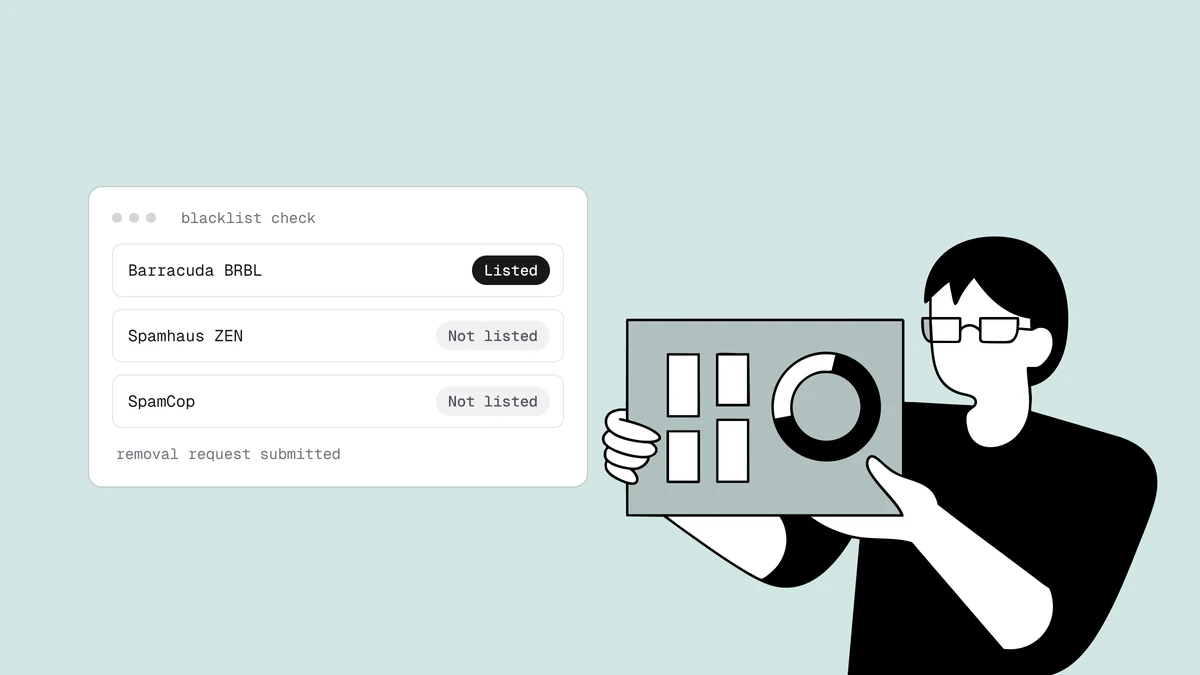
Barracuda runs a free public lookup. Go to barracudacentral.org/lookups, enter the IP address you send from, and it will tell you whether that IP is currently in BRBL. Check the actual sending IP — the one your mail server or ESP uses to hand messages to the internet — not your website's IP or your office connection.
One lookup only tells you about one moment in time, though. Listings appear and clear without warning, so a manual check confirms status today and says nothing about tomorrow. For anything you rely on commercially, you want to know the moment BRBL — or any of the other major lists — changes its mind about your IP, which is where continuous blacklist monitoring comes in.
How to request removal from BRBL#
Barracuda offers a free, self-service removal request, but it works in a specific order. Doing it in the wrong order just gets you relisted.
- Fix the cause first. Barracuda is explicit that the offending behavior must have stopped before you ask for removal. That means cleaning your list of dead addresses and traps, cutting complaints, and — if the listing came from a compromise — securing the account or machine and closing any open relay. A removal request on an IP that's still sending the same bad mail won't hold.
- Register and verify. The BRBL removal form at barracudacentral.org asks you to register and verify yourself before you can submit a request. This is a deliberate speed bump against casual abuse of the removal process.
- Submit the removal request. Enter the listed IP and the requested details. Barracuda staff review removal requests rather than rubber-stamping them, so a request that clearly shows the problem is resolved moves faster than a bare "please delist."
- Confirm and monitor. Once removed, re-run the lookup to confirm, and keep watching. A second listing is harder to shake than the first, and a pattern of relisting signals that the root cause was never actually fixed.
This mirrors the general delisting playbook that works across almost every blocklist: remediate, then request, then prove you won't repeat it. The removal is free everywhere it should be — be wary of anyone charging a "delisting fee" for a list that publishes a self-service form.
How to stay off the Barracuda blacklist#
Delisting treats the symptom. Staying off BRBL means running the fundamentals that keep your IP's reputation healthy, so the traps and reputation models never have a reason to flag you.
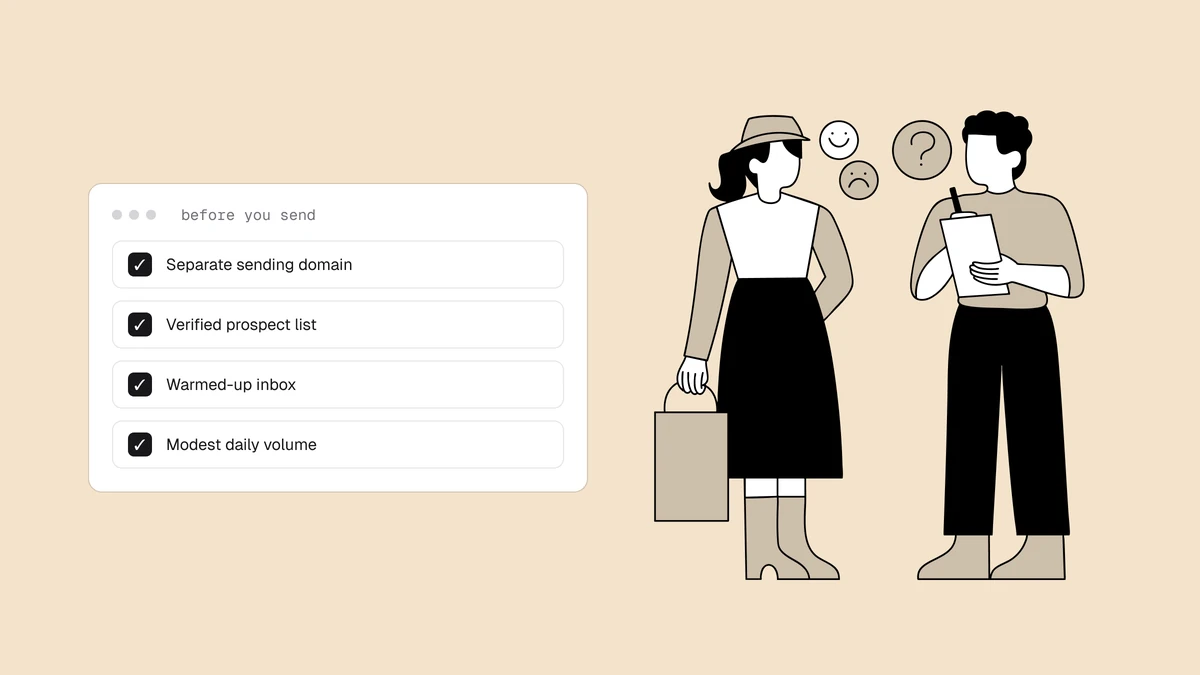
- Authenticate everything. Publish and align SPF, DKIM, and DMARC so receivers can verify your mail is really yours. Authentication won't undo a bad reputation on its own, but its absence makes every other signal look worse.
- Set valid reverse DNS. Your sending IP should have a proper PTR record (rDNS) that resolves to a hostname on your domain, and forward-confirms back to the IP. Missing or generic rDNS is a classic low-reputation tell that filters penalise.
- Keep your list clean. The single most effective way to avoid spam-trap hits is to never mail addresses you shouldn't have. Verify addresses before you send, remove hard bounces immediately, and prune dormant contacts. This is the same hygiene that keeps sender reputation strong across every list, not just BRBL.
- Warm up new IPs and domains. A brand-new or long-dormant IP has no reputation, and blasting volume from it looks exactly like abuse. Ramp gradually so engagement can accumulate before volume does.
- Watch complaints and bounces. Sustained complaints and high bounce rates are direct inputs to IP reputation. Honour unsubscribes instantly, make opting out easy, and treat a rising complaint rate as the early warning it is.
Catch a BRBL listing before it costs you#
Like most blocklists, BRBL doesn't email you when your IP goes on. You find out the slow way — through a drop in delivery, a spike in bounces to Barracuda-protected domains, or a customer telling you their mail never arrived. By then you've already lost inboxes, and every hour the listing stands is an hour of suppressed mail.
The reliable fix is to not depend on stumbling across it. Continuous monitoring watches your IPs and domains against BRBL and the other major lists and alerts you the moment a listing appears or clears — turning a discovery you'd otherwise make weeks late into a notification you get in minutes. That's the difference between a quick, quiet delisting and a reputation problem that compounds while you're not looking.
Frequently asked questions
01What is the Barracuda Reputation Block List (BRBL)?
BRBL is a DNS-based blocklist of IP addresses with poor sending reputation, maintained by Barracuda Central. Barracuda's email security appliances query it in real time to decide which inbound mail to reject or filter, and various third-party systems use the data too. A listing means your sending IP has picked up enough negative reputation signals - chiefly spam-trap hits - to be treated as a likely spam source.
02How do I check if my IP is on the Barracuda blacklist?
Use Barracuda's free lookup at barracudacentral.org/lookups and enter your sending IP address - the IP your mail server or ESP actually delivers from, not your website or office IP. It will tell you whether that IP is currently listed in BRBL. For ongoing coverage rather than a one-time snapshot, use continuous blacklist monitoring so you're alerted the moment status changes.
03How do I get removed from BRBL, and is it free?
Removal is free and self-service. First stop the offending behavior - clean your list, cut complaints, and secure any compromised account or open relay - because the IP must have stopped the problem before a request will hold. Then register and verify yourself on the removal form at barracudacentral.org and submit the request; Barracuda staff review submissions, so a clearly remediated IP clears faster.
04Why does a Barracuda listing hurt if I'm not a spammer?
BRBL scores the IP's behavior, not your intentions, so you can be listed for looking like a spam source without being one. Mailing a stale list that hits spam traps, a compromised account sending on your behalf, or a bad neighbour on a shared IP can all generate the signals that trigger a listing. The fix is the same either way: resolve the root cause, request removal, and keep the fundamentals tight so it doesn't recur.
A Barracuda blacklist entry is the kind of listing you want to hear about in minutes, not weeks. Qualisend's blacklist monitoring watches your domains and IPs against BRBL and 40+ other major lists continuously and alerts you the instant anything changes, while email verification strips out the dead addresses and spam traps that get most senders listed in the first place. See plans and pricing to put both to work before your next send.