If your open rates just fell off a cliff, or a client says your mail is landing in spam, one of the first things to rule out is a blacklist listing. The good news: checking is fast and free. The catch is knowing what to check, which lists to trust, and how to read the result — because a listing on one blocklist can mean an emergency or nothing at all.
The short answer#
To check whether you're blacklisted, look up every sending IP and sending domain your mail uses. Run IPs through a multi-list lookup such as our free blacklist checker, then confirm any hit on the operator's own page. Look domains up on domain-based DNS blocklists such as the Spamhaus DBL, and read your bounces, which often name the list outright. Prioritize what a hit actually costs: a Spamhaus listing is urgent because so many receivers consult it; a listing on an obscure list may affect almost no one. If you find a listing, fix the cause and request delisting, in that order.
First, find your real sending identity#
You can only check what you know. Two things get judged:
- The sending IP — the address your mail actually leaves from. If you send
through an ESP (Klaviyo, Mailchimp, a transactional provider), that's usually
their shared IP, not your server. Check the
Receivedheaders of a message you sent, or your provider's docs, to find the real sending IP. - The sending domain — the domain in your
Fromaddress, plus any subdomains and the domains of links inside your emails.
Everything to check, stream by stream#
Most senders have more than one mail stream, and a listing tends to hide on the one nobody checked. List them all first.
| Stream | What to look up | Where to find it |
|---|---|---|
| Marketing email from an ESP | The ESP's sending IP, shared or dedicated | The headers of a campaign you received |
| Transactional email | Your provider's sending IP | The headers of a real receipt or password reset |
| Forms and alerts from your own server or web host | That server's outbound IP | The headers of a form notification |
| Google Workspace or Microsoft 365 | Nothing: the provider manages those shared IPs | Your bounces, for rejections |
| Your domains | The From domain, sending subdomains, any custom Return-Path or DKIM domain, and every link, tracking and image domain | Your DNS and ESP settings, plus the links in a message you sent |
Find your sending IP in a message's headers#
Receivers judge the IP of the server that handed your message to them, so that's the one to find.
- Send a real message from the stream you're checking to a Gmail or Outlook mailbox you control, then open its raw source (in Gmail on the web it's "Show original"; most webmail and desktop clients have a similar option, though phone apps usually don't).
- Find the hop where the recipient's server accepted it. Read the
Receivedlines from the top down and stop at the first one that saysbythe recipient's server (mx.google.com, say) andfroma server outside it. The IP next to that server name is your sending IP. The SPF result line usually repeats it asclient-ip=. - Or paste the source into the
email header analyzer, which lists every hop
in delivery order; your sending IP is on the first hop whose
byserver is the recipient's.
Received: from mta7.esp.example (mta7.esp.example. [203.0.113.45])
        by mx.google.com with ESMTPS id ...
Received-SPF: pass (google.com: domain of bounce@news.example.com designates
        203.0.113.45 as permitted sender) client-ip=203.0.113.45;
Don't look up your website's IP instead: the address your domain points to (its A record) usually belongs to your web host, not to whatever sends your mail. And don't take the bottom hop, which is often your own connection or a server inside your ESP.
If the IP contains colons (2001:db8::25), it's IPv6. Our checker takes IPv4
only, so look it up on the operators' own pages; Spamhaus's lookup accepts IPv6.
How to check#
IPs and domains sit on different lists and need different lookups, and your bounces and provider dashboards fill in what no lookup shows.
Check each sending IP#
Start with a multi-list lookup. Our free blacklist checker queries well-known public IP blocklists over live DNS and shows every result on one screen. Enter the IP from your headers, not your domain.
Then confirm any hit on the operator's own check page. The lists that matter run their own lookups. Spamhaus has one for IPs and domains; it's the authoritative source for a Spamhaus listing and links straight to removal. Barracuda and SpamCop run free lookups too, at barracudacentral.org and spamcop.net.
Check each domain, including the ones in your links#
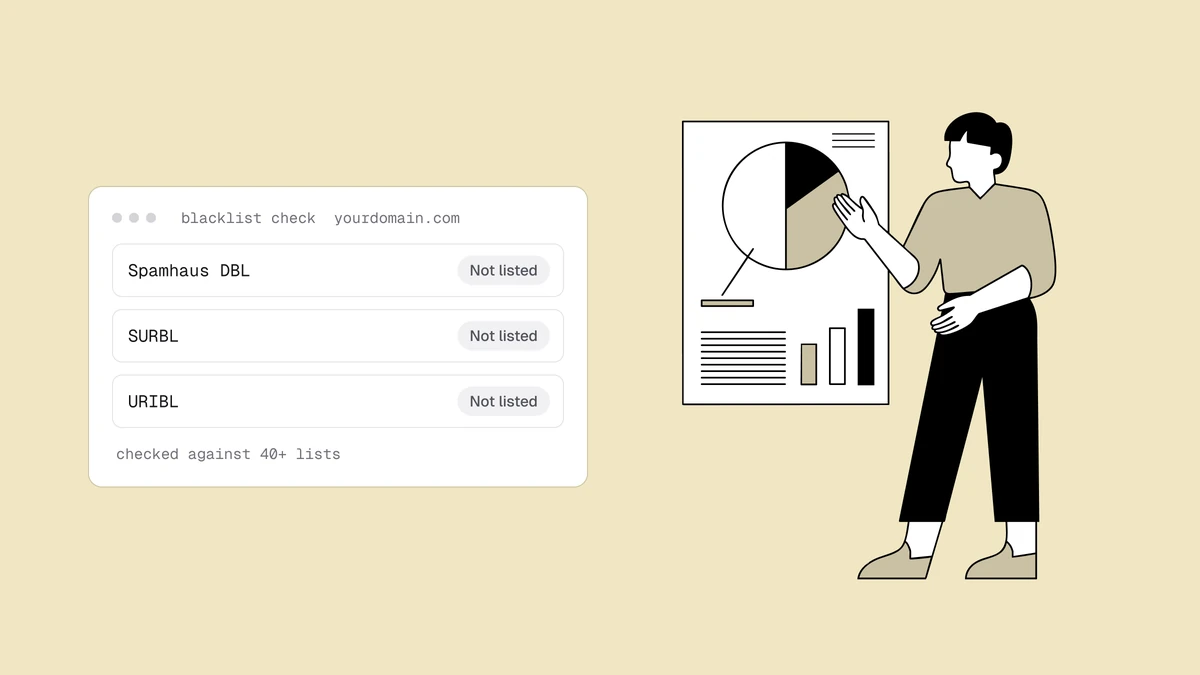
The Spamhaus DBL, SURBL and URIBL list domains, not sending IPs, and receivers match them against the links in your message as well as your sending domain. A domain listing follows you across IPs and ESPs.
Look up your From domain, your sending subdomains and every link, tracking and
image domain on the operators' own pages: Spamhaus's lookup covers the DBL, and
SURBL and URIBL run lookups on their own sites. Don't skip the link domains. A
shared click-tracking domain at your ESP or a URL shortener can get a message
filtered while your own IP and domain are clean.
Our blacklist checker can't do this step: it tests IPs only, so a domain typed into it tells you about your web server, not your domain's reputation.
Read your bounces and dashboards#
Your bounces are the most direct evidence: a rejection from a server that uses a blocklist usually names the list. Read the raw bounce text in your ESP or server logs, not the rounded bounce rate. What happens when you're blacklisted shows the rejection messages by provider, and the SMTP code lookup decodes the codes.
Google Postmaster Tools shows Gmail's spam rate, compliance status and delivery errors, and Microsoft SNDS shows data for the IPs you control. Neither checks the public blocklists, though SNDS's IP Status page flags an IP that Microsoft itself is blocking. A climbing spam rate or new delivery errors is a strong signal something's wrong.
How to read the result#
A hit is a starting point, not a verdict. Confirm it's real, then weigh it by who uses the list.
Confirm a hit before you act on it#
Two things make a lookup look worse than it is:
- A refused query. Spamhaus doesn't answer free queries that arrive through big public DNS resolvers; it returns an error code that a naive tool reports as a listing. If a checker says you're on Spamhaus and Spamhaus's own lookup says you're not, believe Spamhaus. Our checker shows those rows as "No answer", which is no verdict either way.
- A retired list. SORBS shut down in June 2024 and NiX Spam is discontinued. Nobody filters on them, so a hit there means nothing.
For each hit that holds up, note the list, the exact IP or domain, the reason text and the time. You'll need them to find the cause and to file a removal request.
Weigh it by who uses the list#
A Spamhaus SBL, CSS, XBL or DBL listing is urgent, because so many receivers act on it. A Spamhaus PBL hit isn't a spam accusation: it flags IP ranges that ISPs say shouldn't send mail directly, so route through a proper relay or ESP. An obscure or regional list may affect almost none of your recipients. The full list-by-list urgency table is in what happens when you're blacklisted.
When the lookup is clean but mail is still blocked#
A clean result on the public lists doesn't clear you. If mail is still being rejected, look at three other causes:
- A mailbox provider's own filtering. Gmail, Microsoft and Yahoo block on their own reputation systems, which no blocklist lookup shows. The delisting guide covers what to do at Gmail and Microsoft.
- A commercial feed. Corporate mail gateways often filter on data from Proofpoint or Invaluement, which our free checker doesn't query. If the rejections come from business domains, check those next; Proofpoint runs its own IP lookup.
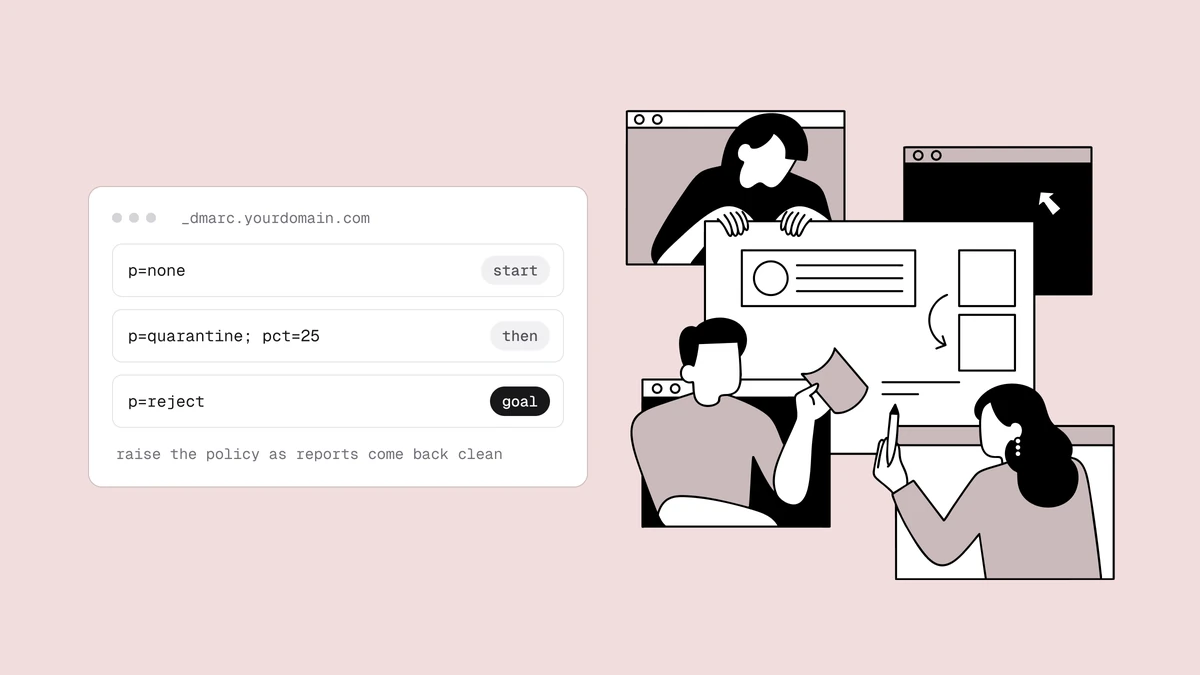
- Broken authentication. A failing SPF, DKIM or DMARC setup gets mail rejected with no listing involved. Run your domain through the SPF, DKIM and DMARC checker.
What a listing is telling you#
Blocklists are a symptom, not the disease. A listing almost always traces back to a hygiene failure: spam-trap hits, a spike in spam complaints, sustained hard bounces from a stale or purchased list, or a compromised account sending on your behalf. Identifying which one applies is the first step of getting off — and of not landing there again.
When to check, and when to automate it#
Run the full check when one of these happens:
- A sudden drop in opens or delivery, or a jump in bounces. See the signs you're blacklisted.
- Before a big send, such as your Black Friday campaigns, while there's still time to fix a listing.
- After a change of ESP or IP, since a new address brings its own history (switching email providers).
- After a security incident, such as a compromised account or a hacked website.
A manual lookup answers "am I listed right now?" — but listings happen at a specific moment and cost you from then until you notice. Checking once and moving on means the next listing runs unseen until your metrics tank. That's the gap blacklist monitoring closes: Qualisend's Blacklist Monitoring re-checks your domains and IPs every 24 hours against major blocklists, including Spamhaus, Barracuda and SpamCop, and emails you when a listing appears or clears.
Frequently asked questions
01How do I check if my IP is blacklisted?
Find your real sending IP first. In a message you sent, it's the IP in the Received line where the recipient's server accepted the message, or the client-ip= value in the SPF result line. Run that IP through a multi-list lookup such as our free blacklist checker, then confirm any hit on the operator's own page, Spamhaus most importantly. Enter the IP itself, not your domain: a domain usually points to your web host, not to whatever sends your mail.
02How do I check if my domain is blacklisted?
Look up your From domain, any sending subdomains and the domains of the links in your emails on domain-based lists such as the Spamhaus DBL, SURBL and URIBL, using each operator's own lookup. An IP checker, ours included, won't answer this, because it tests the IP a domain points to rather than the domain itself. Domain listings can filter your mail even when your sending IP is perfectly clean.
03Why does a checker say I'm on Spamhaus when Spamhaus says I'm not?
Spamhaus doesn't answer free queries that come through big public DNS resolvers. It returns an error code instead of a verdict, and a naive checker reports that code as a listing. Believe Spamhaus's own lookup at check.spamhaus.org. The first step of our delisting guide explains the codes.
04Is checking a blacklist free?
Yes. Multi-list lookup tools and the major operators' check pages are free, and Google Postmaster Tools and Microsoft SNDS are free to set up for domains and IPs you control. The cost isn't the check - it's the time a listing runs before you happen to look, which is why senders automate it.
05My email goes to spam but I'm not blacklisted - why?
Blacklists are only one input. Mail can be filtered for weak authentication, a poor sender reputation, high complaint rates, spammy content, or a cold IP that was never warmed up. Rule out a listing first, then work down the rest.
Checking once tells you where you stand today; it doesn't tell you when that changes. Qualisend's blacklist monitoring re-checks your domains and IPs against 40+ lists every 24 hours and emails you when a listing appears or clears, and verifying your list first removes the dead addresses and spam traps that put most senders on a list to begin with.