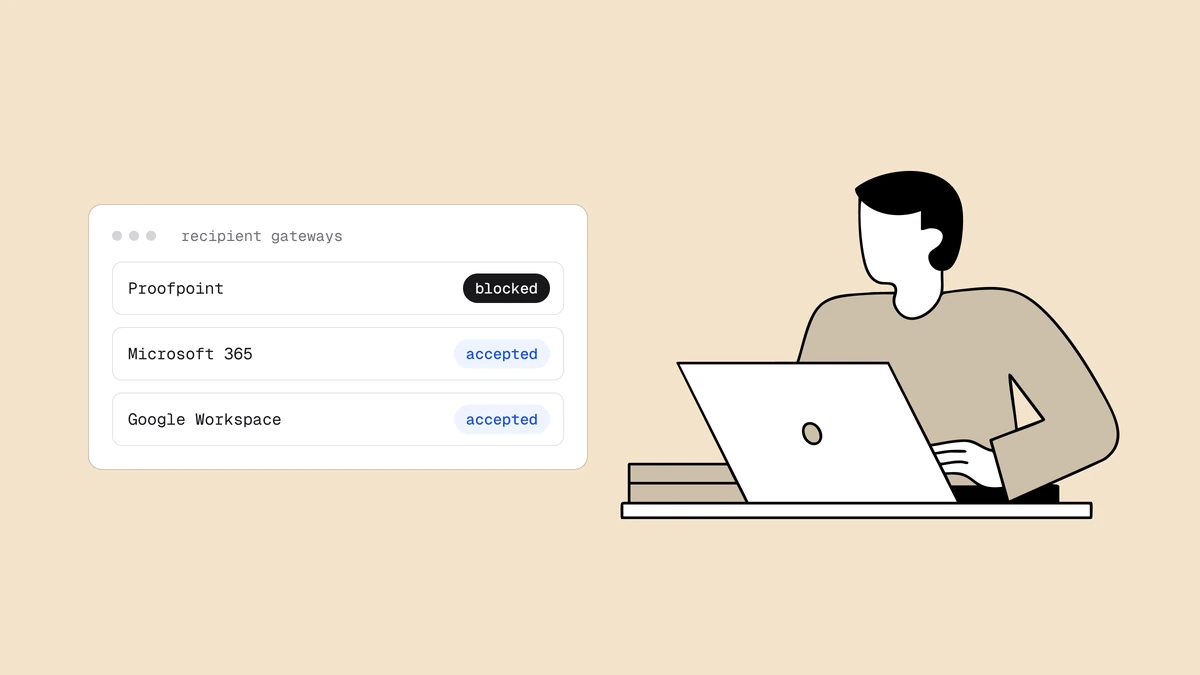
Most blocklists are public: anyone can query them, and a listing hits every receiver that consults the list. Proofpoint works differently, and that difference is exactly why a "Proofpoint blacklist" problem is so confusing to diagnose. Your mail keeps landing fine at Gmail, Outlook.com, and your own inbox — but bounces or stalls at a handful of corporate recipients, all of them large companies. That pattern is the signature of Proofpoint Dynamic Reputation (PDR), the IP-reputation engine that filters inbound mail for a big share of enterprises. Here's what PDR is, why it only bites some of your recipients, how to check your IP, and how to get the block lifted.
The short answer#
Proofpoint is a security company whose email gateway protects a large slice of enterprise and government mailboxes. Proofpoint Dynamic Reputation is the component that scores the reputation of each sending IP and decides, in real time, whether to accept, throttle, or reject the connection. It is not a public DNSBL you can look up the way you look up Spamhaus — it protects specific Proofpoint-filtered tenants, and its verdict is dynamic, so a "Proofpoint blacklist" is really a low reputation score that only affects mail destined for domains sitting behind Proofpoint. Fix the reputation problem, then use Proofpoint's IP reputation portal to request mitigation.
Why "my email is blocked by Proofpoint" only hits some recipients#
This is the single most useful thing to understand about PDR. A public blocklist is consulted by thousands of independent mail servers, so a listing suppresses your mail broadly and visibly. PDR is not consulted by anyone else — it is Proofpoint's own filter, applied only to the inbound mail of the organizations that pay Proofpoint to protect them. Those tend to be enterprises, banks, insurers, healthcare systems, government agencies, and other B2B recipients.
So when your consumer recipients (Gmail, Yahoo, Outlook.com) are unaffected but
your sales team's mail to @bigcorp.com and @insurancefirm.com keeps bouncing
or deferring, you are almost certainly looking at PDR. The listing did not change
your reputation everywhere — it changed how one filter, guarding one set of
recipient domains, treats your IP. If you have started noticing the
signs of being blacklisted at corporate
domains specifically, PDR belongs at the top of your suspect list.
How the Proofpoint blacklist differs from a public DNSBL#
Calling PDR a "blacklist" is convenient shorthand, but the mechanics are worth spelling out because they change how you respond.
| Property | Public DNSBL (e.g. Spamhaus) | Proofpoint Dynamic Reputation |
|---|---|---|
| Who consults it | Thousands of independent mail servers worldwide | Only Proofpoint-protected recipient domains |
| Who is affected | A broad slice of every audience | Mainly B2B recipients behind Proofpoint |
| How you look it up | Public DNS query or web lookup | Proofpoint's IP reputation check portal |
| Nature of the verdict | Listed / not listed | A dynamic reputation score that can throttle or block |
| What lifts it | Delisting request after fixing the cause | Reputation recovery, plus a mitigation request |
Because the score is dynamic, PDR can react to a change in your sending behavior faster than a curated list would — a sudden spike in volume, a burst of complaints, or mail from a cold IP can all pull the score down within a sending window. The upside is that it can also recover as your behavior improves, which is why the durable fix is always reputation, not just a removal request.
What PDR and Cloudmark CSI actually measure#
PDR builds its score from the same sending signals that drive sender reputation everywhere else, weighted for an enterprise-security audience that is unusually intolerant of anything that looks like spam or abuse:
- Complaint rate. Recipients marking your mail as junk is the strongest negative signal. Wire up feedback loops so you can see and suppress complainers.
- Spam-trap and unknown-user hits. Mail to spam traps or to addresses that no longer exist tells Proofpoint your list is dirty.
- Bounce patterns. A stream of hard bounces from a stale list drags the score down.
- Volume and consistency. Erratic sending — quiet for weeks, then a huge blast — reads as suspicious, especially from a cold or newly active IP.
- Authentication. Missing or misaligned SPF, DKIM, and DMARC make you look unaccountable and easier to spoof.
- IP and content history. The track record of the IP (and any neighbours on a shared IP) plus the reputation of the domains and links in your messages.
Cloudmark CSI feeds the same picture from the messaging-security side. You do not get a numeric score you can watch, but you can influence every input above.
How to check your IP against Proofpoint#
Before you can fix anything you need to confirm PDR is the culprit and see what Proofpoint thinks of your IP.
- Read the bounce. Proofpoint rejections and deferrals are unusually informative. Look for text naming Proofpoint or Cloudmark, a mention of "reputation", or a Cloudmark CSI reset link. The bounce almost always points you to the right portal.
- Identify the sending IP. For a shared IP that is your ESP's; for a dedicated IP it is yours to manage. You need the exact IP the recipient's gateway saw.
- Run the IP reputation check. Use Proofpoint's IP reputation lookup at
ipcheck.proofpoint.comto see the standing of that address. This is the Proofpoint-specific equivalent of the broader blacklist check you would run against public lists.
How to request mitigation or removal#
Proofpoint's portal lets you ask for your IP's reputation to be reviewed and the throttling relaxed — but, exactly like a public blocklist, a removal request only sticks if the underlying problem is already resolved. Requesting mitigation on an IP that is still sending complaints and hitting traps just resets the clock until the score falls again.
- Fix the cause first. Work through the reputation checklist below before you file anything. This is the same discipline that governs getting removed from any blocklist: cause first, request second.
- Submit the request. Follow the link in the bounce, or start from the
Proofpoint IP reputation check and support portal at
support.proofpoint.com, and provide the IP plus a short, honest description of what you changed. Cloudmark-branded bounces route through the same support channel. - Give it time and watch the score. Because PDR is dynamic, an accepted mitigation plus genuinely improved sending lets the reputation climb. If you change nothing, expect to be throttled again.
How to fix the underlying reputation problem#
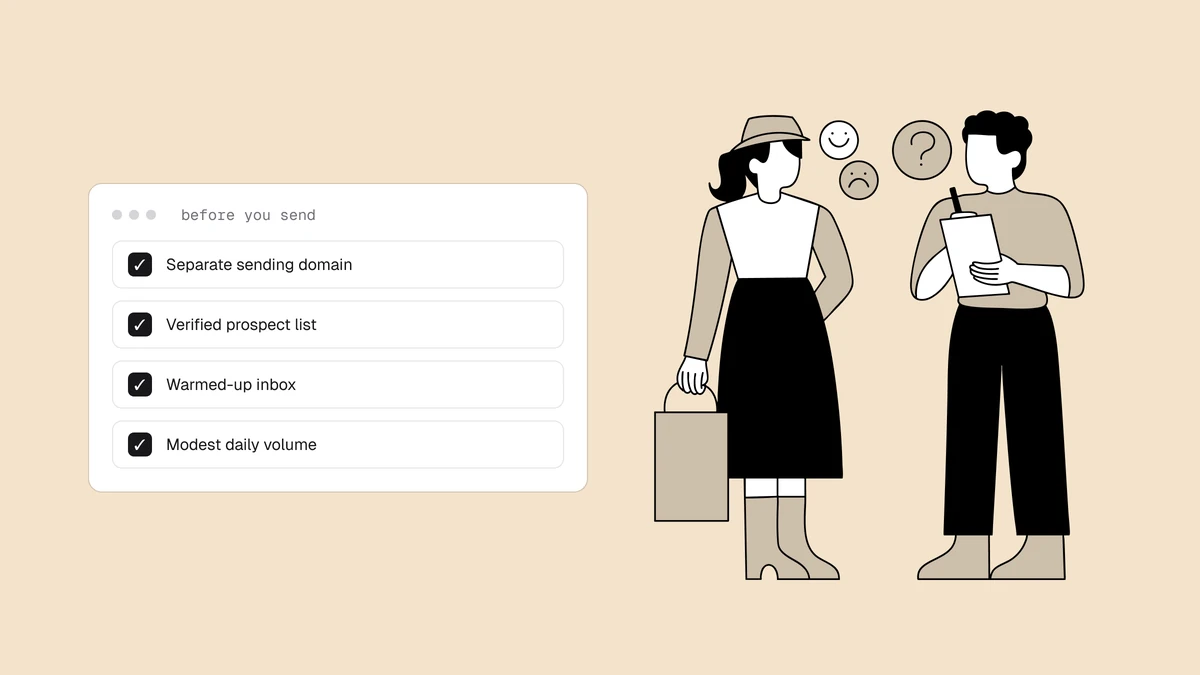
Everything that recovers a Proofpoint reputation is ordinary deliverability hygiene, done deliberately. Prioritize in this order:
- Nail authentication. Publish and align SPF, DKIM, and DMARC. Enterprise gateways treat unauthenticated mail with suspicion, so this is non-negotiable and the fastest credibility win.
- Clean the list. Remove dead addresses, role accounts, and traps before you send. This is where verification earns its keep: stripping undeliverable and risky addresses cuts the trap hits and unknown-user bounces that pull the score down.
- Fix volume and warm up. If a cold or under-used IP triggered the block, warm it up with gradually increasing, consistent volume instead of erratic blasts.
- Cut complaints. Honour unsubscribes instantly, make opt-out obvious, and suppress anyone who complains via your feedback loops.
- Segment your B2B mail. Since PDR mostly affects corporate recipients, send your most engaged, best-verified corporate contacts first to rebuild a positive history with those domains.
Catch a Proofpoint reputation slide before it costs you#
PDR gives you no dashboard and no notification — the first hint is usually a salesperson complaining that a prospect "never got the email." Because the recipients behind Proofpoint are often your highest-value B2B accounts, a quiet reputation slide there is disproportionately expensive. No blocklist monitor can query PDR, so watch for it directly: alert on bounces and deferrals that name Proofpoint or Cloudmark, re-check the IP on Proofpoint's lookup when one appears, and keep blacklist monitoring running for the public DNS lists, which a monitor can watch.
Frequently asked questions
01What is Proofpoint Dynamic Reputation (PDR)?
PDR is Proofpoint's IP-reputation system. It scores each sending IP in real time based on sending behavior and reputation, then throttles or blocks connections from IPs it distrusts before their mail reaches Proofpoint-protected recipients. It is not a public blocklist you can query the way you query Spamhaus; it is a filter applied only to the inbound mail of organizations that use Proofpoint.
02Why is my email blocked by Proofpoint for only some recipients?
Because Proofpoint only filters mail bound for its own customers' domains - typically enterprises, banks, healthcare, and government. Your mail to consumer mailboxes like Gmail or Outlook.com is untouched, so a block shows up as bounces or deferrals to specific corporate (B2B) recipients while everything else looks fine. That selective pattern is the clearest sign PDR is involved rather than a public blocklist.
03How do I check if my IP is on the Proofpoint blacklist?
Start with the bounce message, which usually names Proofpoint or Cloudmark and often links to a reset page. Then run your sending IP through Proofpoint's IP reputation check at ipcheck.proofpoint.com to see its standing. If only Proofpoint-protected domains are rejecting you, public DNSBL lookups will look clean, so the Proofpoint-specific check is the one that matters.
04How do I get removed from Proofpoint's blocklist?
Fix the underlying reputation problem first - authenticate your mail, clean your list, correct volume and warm-up, and cut complaints - then submit a mitigation request through Proofpoint's IP reputation and support portal. Because PDR is dynamic, the reputation recovers as your sending improves, but a removal request on an IP that is still sending badly will not hold.
A Proofpoint block hides in your most valuable B2B pipeline and never announces itself. Qualisend's blacklist monitoring re-checks your domains and IPs every 24 hours against the major public blocklists and emails you when a listing appears and when it clears, while email verification strips out the dead addresses and spam traps that pull sender reputation down in the first place — the fastest way to keep enterprise gateways like Proofpoint saying yes.