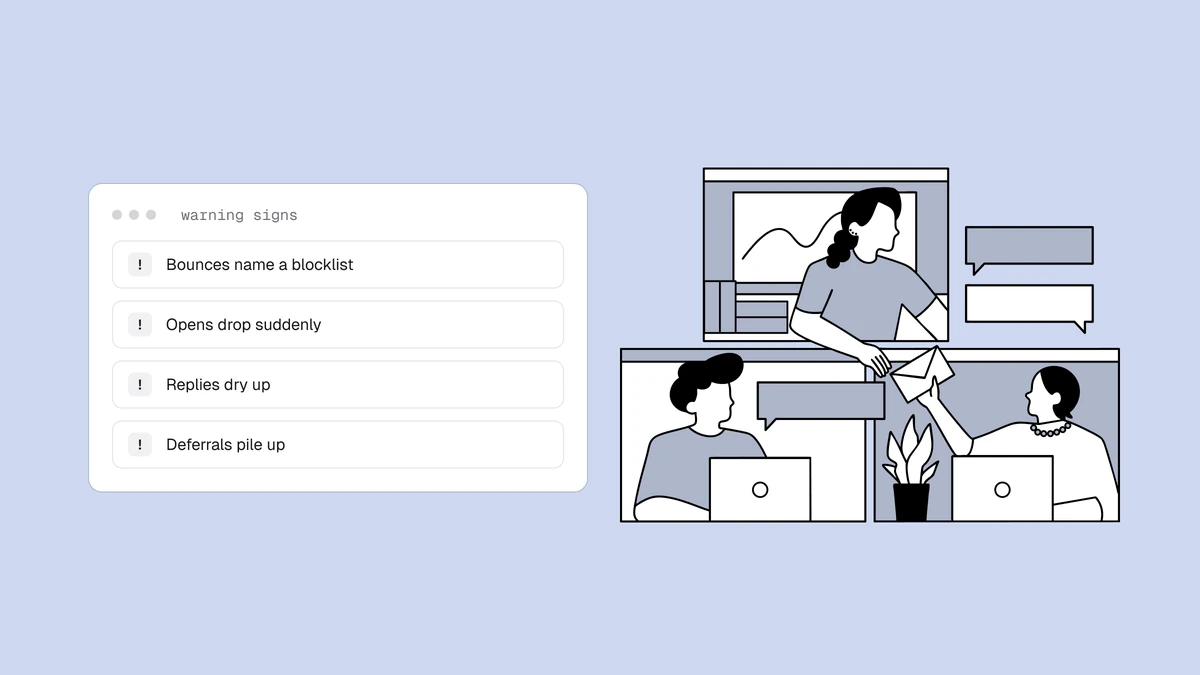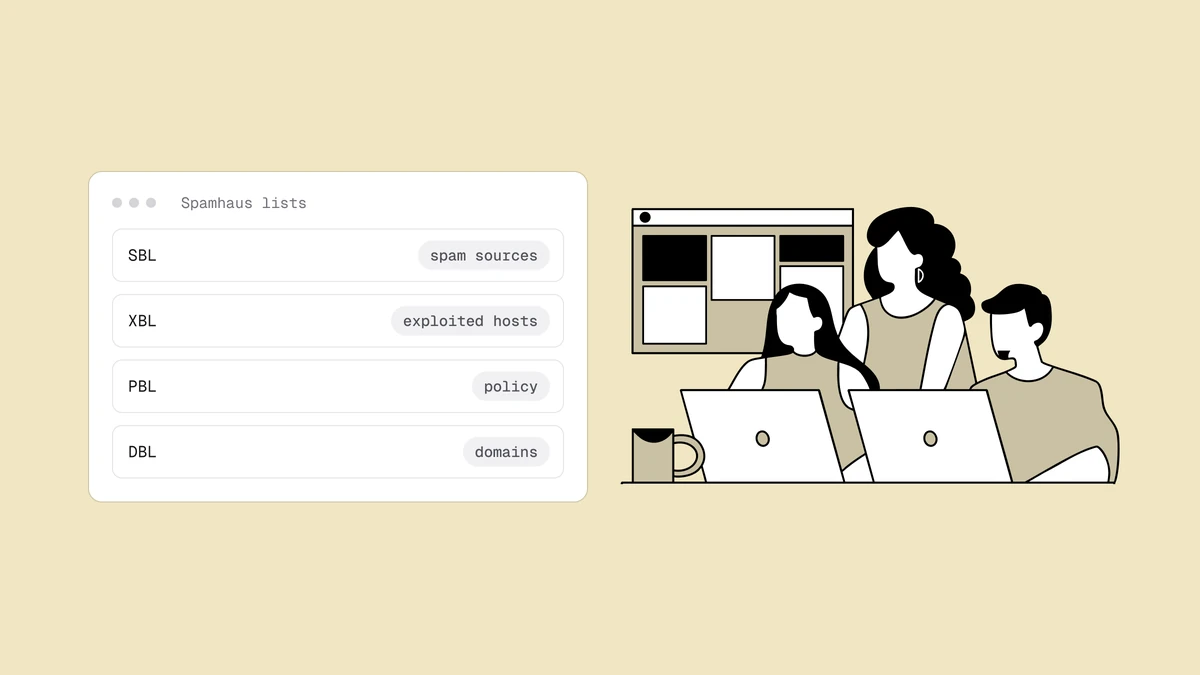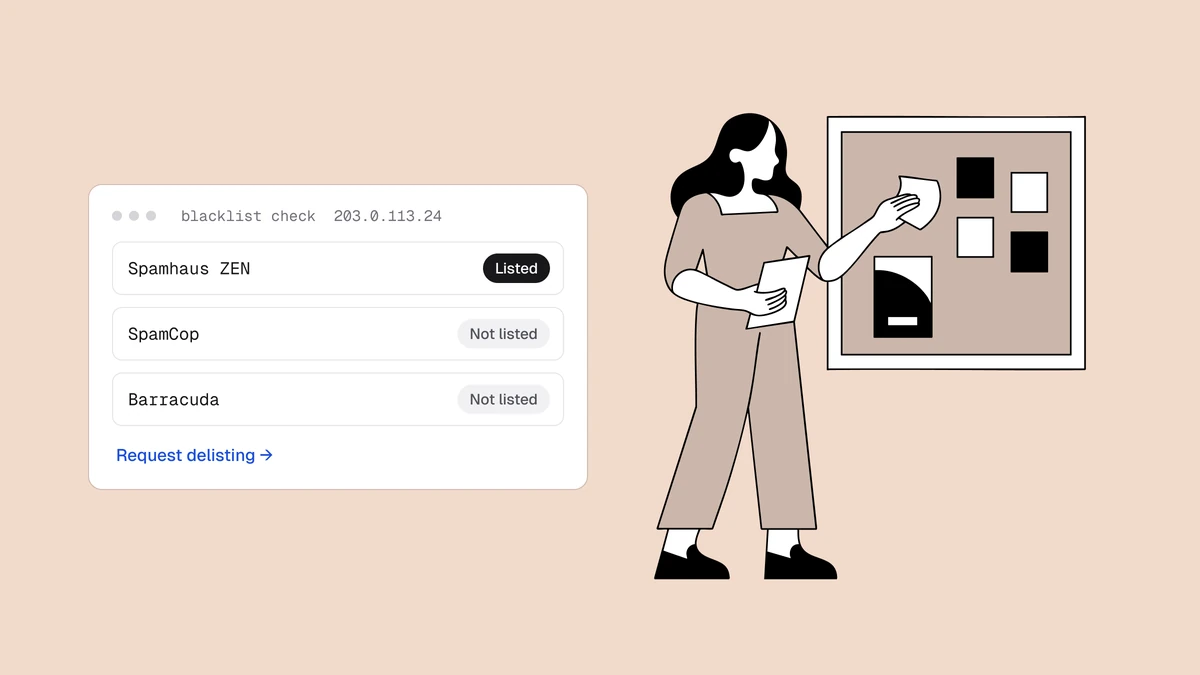
Getting off a blacklist is less about the removal form and more about what you do before you fill it in. Delisting is straightforward once the underlying problem is fixed — and pointless if it isn't, because you'll simply be relisted. This is the order of operations that actually sticks, what each of the major operators expects from you, and how to tell the listings worth filing a request for from the ones that clear themselves if you leave them alone.
The short answer#
To get removed from an email blacklist: fix the root cause first, then request delisting through the operator's own process, then avoid the mistake that got you listed. Skipping the first step is the single most common reason delisting fails. Most listings trace back to a hygiene failure — spam traps, complaints, dead addresses, or a compromised account — so the fix is usually a list-hygiene fix, not a paperwork one.
Step 0 — Make sure you're actually listed#
Before the diagnosis, rule out the two ways a lookup lies to you.
The false positive. Spamhaus doesn't answer free queries that arrive through
big public resolvers like 1.1.1.1 or 8.8.8.8. Instead of a verdict it returns
an error code in the 127.255.255.x range — 127.255.255.254 means "you queried
through an open resolver," 127.255.255.255 means "too many queries." Those are
not listings, but a naive checker reports them as a hit and sends you off to file
a removal request for a listing that doesn't exist. If a tool says you're on
Spamhaus and Spamhaus's own lookup says you're not,
believe Spamhaus. (It's also why our blacklist checker
shows "No answer" for some lists rather than guessing.)
The list that no longer exists. Plenty of checkers and older blog posts still name lists that shut down years ago — SORBS was decommissioned in June 2024, Nixspam in January 2025, NJABL and RFC-Ignorant over a decade ago. There is no removal process for a list that has no operator, and nothing is filtering you on it either.
Then answer the question that decides everything downstream: what of yours is
listed? An IP listing and a domain listing have different fixes, and a listing
on a domain you merely link to has a third. Check your sending IP, your From
domain, any sending subdomain, and the link
domains inside your messages — how to check if you're blacklisted
covers finding your real sending IP, which is where most checks go wrong.
Step 1 — Find and fix the root cause#
Before you touch a removal form, work out why you were listed. Operators reviewing a request want to know what went wrong and what you changed; "please remove me" is the request that doesn't get actioned.
| Likely cause | What points to it | The fix that makes delisting hold |
|---|---|---|
| Spam-trap hits | An old, purchased, scraped, or long-unmailed list; a sudden listing right after a big import. | Verify the list and cut everything unengaged. Stop importing lists you didn't collect. |
| Complaint spike | Your complaint rate crossed 0.1–0.3%; a new segment or a sudden frequency change. | Cut frequency, fix targeting, honour unsubscribes instantly, add one-click unsubscribe. |
| Sustained hard bounces | Rising bounce rate, lots of 550 5.1.1 in your logs. | Clean the list, then keep it clean — bounces are a listing trigger in their own right. |
| Compromised account or open relay | An XBL or CBL listing; outbound volume you can't account for. | Treat it as a security incident first: rotate credentials, find the device, close the relay. |
| Wrong kind of IP | A PBL listing, or a SpamRATS hit with no spam behind it. | Nothing to dispute — route through a relay or ESP, and set a proper reverse-DNS record on the sending IP. |
| A neighbour, not you | A shared IP, or a UCEPROTECT Level 2/3 listing on your provider's netblock. | Your ESP's problem to file, not yours. Open a ticket with them rather than the list. |
Fix the actual cause and confirm it's resolved. This is the step that makes delisting hold.
Step 2 — Know which listings you should not file for#
Some listings clear themselves, and filing is either impossible or actively counterproductive. Filing anyway wastes the hours you should be spending on the cause.
- SpamCop has no manual delisting at all. Listings expire automatically about 24 hours after the last report — and a maximum of 12 hours when there were only two reports. There is no form to submit and no one to email.
- UCEPROTECT Level 1 expires free seven days after the last spam-trap hit. Level 3 lists your provider's entire network, and UCEPROTECT says plainly that removal requests from end customers at that level are futile — only your provider can change it.
- Spamhaus DBL and XBL listings expire on their own once the domain or machine stops matching the criteria that caused them.
- Spamhaus's ZRD lists brand-new domains for 24 hours and removes them automatically. Spamhaus does not accept removal requests for it at all. If you just registered a sending domain, this is a reason to warm it up rather than a problem to solve.
Step 3 — Request delisting from the operator#
Each list runs its own process. Use the operator's own page — never a third-party "remove me from all blacklists" service.
| Operator | How removal works | Typical turnaround |
|---|---|---|
| Spamhaus SBL | Requests must come from the ISP or provider responsible for the IP space, not the end sender, and must explain how the problem was solved. Start from the listing page on check.spamhaus.org. | Reviewed. Fast once the cause is visibly resolved. |
| Spamhaus DBL / XBL / CSS | Self-service removal from the same lookup, or simply wait for the automatic expiry. | An approved removal is processed within minutes. |
| Spamhaus PBL | Largely self-service for the IP range, or handled by your ISP. Not a spam accusation — see Spamhaus explained. | Quick. |
| Barracuda | Free form at barracudacentral.org. Barracuda states that duplicate requests are ignored, so file once. | Typically within 12 hours, given a valid explanation. |
| SpamCop | No removal process exists. Stop the reported behavior and wait. | ~24 hours after the last report. |
| UCEPROTECT | Level 1 expires by itself; paid "express" removal is offered for the higher levels. Most receivers weight this list lightly, which is a good reason not to pay. | 7 days, free, at Level 1. |
| SpamRATS | Look up the IP and use automatic removal where offered. SpamRATS tells senders who don't run their own mail server to contact their ISP instead. | Immediate when self-service applies. |
| Invaluement | Delist request form on invaluement.com. Because it lists conservatively, expect to have a real fix to describe. | Reviewed. |
| Proofpoint / Cloudmark | Remediation portal for Cloudmark Sender Intelligence. Proofpoint notes it may not be able to tell you why the IP was listed. | Reviewed, around one business day. |
What a removal request should actually say#
Most requests fail on content, not process. Operators are deciding one thing: is the behavior that caused this listing over? Four sentences answer it.
- The identity and the listing. The exact IP or domain, and which list or listing ID you're writing about.
- What caused it. Name it: an imported list that hit spam traps, a compromised account sending through your relay, a broken suppression rule. Vagueness reads as "we haven't found it yet."
- What you changed, concretely. "We removed 42,000 addresses from a 2021 import and verified the remainder" is a fix. "We have improved our practices" is not.
- Why it won't recur. The process change — verification at signup, a suppression rule, rotated credentials, a volume cap.
What to leave out: legal threats, arguments that the listing is unfair, and any claim about the revenue you're losing. None of it moves a reviewer, and with at least one operator, disputing the listing's legitimacy explicitly forfeits your options.
The providers with no list to leave#
Google and Microsoft gate an enormous share of inboxes, and neither runs a public blocklist you can query or be removed from. They matter here because senders routinely misread their rejections as blacklistings.
- Google. There is no Gmail blocklist and no delisting request. A
550 5.7.1citing unsolicited mail, or a421 4.7.28rate limit, is Google's own reputation model. You recover by sending clean, low-complaint, engaged mail and watching it come back in Postmaster Tools — see emails going to spam in Gmail for the full playbook. - Microsoft. Two different codes with two different paths. A
550 5.7.606–5.7.649"banned sending IP" is self-service: submit the IP through Microsoft's delist portal and expect up to 24 hours or longer. But5.7.511"banned sender" cannot be fixed through that portal — it has to go todelist@microsoft.com, and Microsoft says it will come back to you within 48 hours. Consumer Outlook.com blocks (the ones quoting anS3140orS3150code) go through their own support form. Microsoft SNDS is where you watch the recovery, and emails going to spam in Outlook covers the rest.
Operator processes and turnarounds above reflect published documentation, last verified September 2026.
Step 4 — Don't get relisted#
A second listing is stickier than the first, and a pattern of relisting damages your standing further. Lock in the fix:
- Keep verifying your list so dead addresses and traps never accumulate again.
- Confirm SPF, DKIM, and DMARC are correct so your mail is provably yours.
- Warm up any new IP or domain gradually instead of blasting from cold.
- Watch feedback loops and complaint rates so a problem surfaces before a list catches it.
- Resume gradually. Delisting doesn't reset your sender reputation — going straight back to full volume into a weakened one invites the filtering you just escaped.
How long delisting takes#
It varies by list and by cause, and the honest summary is that the paperwork is rarely the slow part. Self-service and automatic removals clear in minutes to hours; reviewed requests clear faster the more clearly the cause is resolved; auto-expiring listings run on their own clock whatever you do.
Then there's the tail. Receivers cache DNS answers, so removal isn't instant on the wire: Spamhaus publishes a 60-second lifetime on its zones, but lists running on default settings can hold an answer for around 35 minutes, some receiving servers cache the result for up to an hour on top of that, and networks running their own mirrors can lag longer still. Spamhaus's own advice is to allow one to two hours before worrying.
When delisting doesn't work#
You filed, the lookup is green, and mail is still failing. Four explanations, in the order to check them.
- You're reading a cached answer. Give it the hour or two above and retest from a different network.
- You were on more than one list. Multi-list lookups are worth rerunning after a delisting — clearing the loudest one can reveal a second.
- The other identity is still listed. Clearing an IP listing does nothing for a domain listing, and vice versa. Domain listings in particular follow you across IPs and ESPs.
- It was never the listing. If placement is still poor with everything clear, you're looking at reputation damage, an authentication failure, or an ordinary spam-filtering problem — and reputation recovers on its own schedule, not on the operator's.
The faster you know, the faster you're out#
Every hour a listing sits is deliverability lost and a slower path back. The senders who recover quickest are the ones who hear about a listing immediately — which is what blacklist monitoring is for: it alerts you the moment a listing appears, so Step 1 starts in hours, not weeks, and tells you again when the listing clears.
Frequently asked questions
01How do I get my IP removed from a blacklist?
Fix the reason it was listed - secure any compromised account, clean the list of dead addresses and spam traps, and cut complaints - then submit the operator's removal request (Spamhaus, Barracuda, SpamRATS, etc.). Removals only hold when the cause is genuinely resolved first, and some lists, like SpamCop, have no removal process at all and simply expire.
02Do I have to request removal, or will the listing expire?
It depends on the list. SpamCop expires automatically about 24 hours after the last report and offers no removal process; UCEPROTECT's first level clears seven days after the last spam-trap hit; Spamhaus's DBL and XBL listings lapse once you stop matching the listing criteria. Others, notably the Spamhaus SBL and Barracuda, expect a request. Check the operator's own page before filing - a request you didn't need to send is time not spent on the cause.
03Why do I keep getting relisted after delisting?
Because the root cause is still there. Delisting removes the entry, not the behavior - if you're still mailing traps, drawing complaints, or sending from a compromised account, the list simply catches you again. Fix the cause, verify it's fixed, and only then request removal.
04Can I pay a service to remove me from all blacklists?
No legitimate service can. Delisting is per-list and requires the cause to be fixed, and Spamhaus states directly that it never charges for removal and that any paid offer to lift a Spamhaus listing is a scam. The one operator that does sell express delisting, UCEPROTECT, is also one of the least consequential to be listed on - which tells you most of what you need to know.
05My email still goes to spam after delisting - why?
Delisting stops the filtering caused by the listing; it doesn't undo the reputation damage the listing did. Mailbox providers weight recent history, and a listing that ran for weeks wrote weeks of weak engagement into it. Expect a gradual recovery, resume at reduced volume, and mail your most engaged recipients first. Also re-check that a second listing or an authentication failure isn't still in play.
06How long does it take to get off Spamhaus?
It depends on the specific list and whether the cause is fixed. Self-service removals are processed within minutes of approval; SBL removals are reviewed and, importantly, must be requested by the provider responsible for the IP space rather than by you. DBL and XBL listings expire by themselves once the behavior stops. Allow an hour or two after removal for receivers' cached answers to expire. See Spamhaus explained for the per-list detail.
Delisting is a race against lost deliverability, and it starts the moment you find out. Qualisend's blacklist monitoring tells you the instant a listing appears — and clears — so you never lose weeks to a listing you didn't know about, and list verification removes the dead addresses and traps that cause most of them.