An email list health check is a short, regular review of the numbers that tell you whether your list is getting better or worse, before a mailbox provider decides for you. Most deliverability problems give weeks of warning: a bounce rate that creeps up a little each month, a complaint rate drifting toward the warning line, a signup source quietly filling the list with junk. The trouble is that nobody looks until inbox placement drops. This guide gives you a 20-minute monthly routine for email list health: the metrics to pull, where to find each one, the thresholds that separate healthy from act-now, and what each red flag tells you to fix.
The short answer#
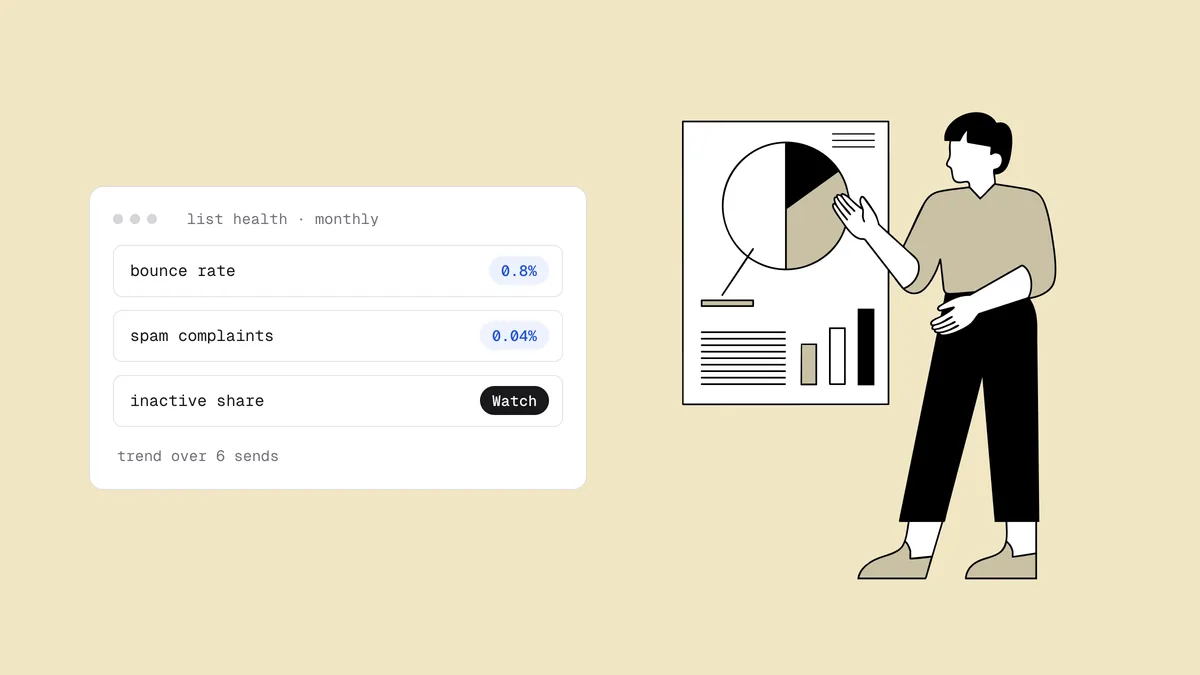
Once a month, pull about nine numbers for the last 30 days: hard bounce rate, spam complaint rate, Gmail's spam rate and reputation, your Outlook.com status if you send from a dedicated IP, unsubscribe rate, the share of subscribers who clicked or bought recently, the risky and unknown share from your latest verification, and your blacklist status. Compare each with the previous three months instead of judging a single send, break the numbers down by signup source and segment, and fix the one or two things that need it. Keep bounces under 2% and complaints under 0.1%, never near 0.3%, and treat a steady climb inside the healthy range as a warning too.
The email list health metrics and their thresholds#
Industry lines exist for bounces and complaints. For the other metrics there is no universal number, so your own trailing three-month average is the threshold: "watch" means noticeably worse than that average, "act" means worse for two months running or concentrated in one source or segment.
| Metric | Where to find it | Healthy | Watch | Act |
|---|---|---|---|---|
| Hard bounce rate | ESP campaign reports, or the bounce rate calculator | Under 2% (a verified list usually runs well under 1%) | 2–5%, or rising three months in a row | Above 5% on any send |
| Spam complaint rate | ESP campaign reports, or the complaint rate calculator | Under 0.1% | 0.1–0.3% | Approaching 0.3%, Gmail and Yahoo's ceiling |
| Gmail spam rate | Google Postmaster Tools | Under 0.1% | 0.1–0.3% | Near or above 0.3% |
| Gmail reputation and compliance | Google Postmaster Tools | High reputation; no compliance warnings | Medium, or a compliance warning | Low or Bad, or a failed requirement |
| Outlook.com IP status (dedicated IPs) | Microsoft SNDS | Green | Yellow | Red |
| Unsubscribe rate | ESP campaign reports | In line with your three-month average | Noticeably above it | Spiking on one send, segment or source |
| Engaged share (clicked or bought within your window) | ESP segment counts | Stable or growing | Shrinking for two months | Shrinking while the list keeps growing |
| Risky + unknown share of verification results | Your latest verification report | Low and stable | Rising between cleans | A jump tied to one signup source |
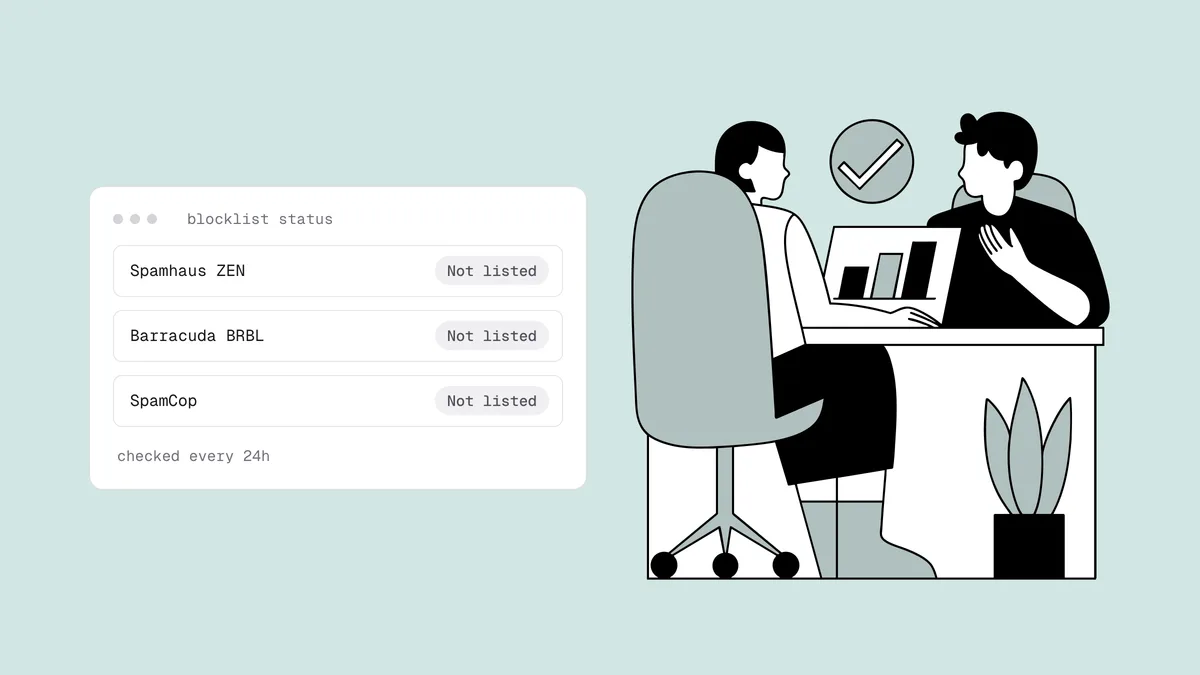
| Blacklist status | Blacklist checker or monitoring | Not listed | Listed on a minor list | Listed on Spamhaus or another major list |
The bounce lines follow the industry consensus: under about 2% is normal, around 2% is where ESPs start warning, and around 5% is where many providers start throttling or suspending, as covered in why bounce rate matters. The bounce rate benchmarks show how rates vary by industry. For complaints, 0.3% is the ceiling in Gmail and Yahoo's bulk-sender rules, and the spam complaint rate guide explains why it's a ceiling you never approach, not a target.
Two notes on the provider dashboards. Postmaster Tools only shows data once you send enough daily volume to Gmail, so a small sender may see nothing and should lean on ESP numbers instead. SNDS covers only the IPs you control, so on an ESP's shared IPs your provider holds that data. The guides to Google Postmaster Tools and Microsoft SNDS explain each view.
The 20-minute monthly routine#
Put it on the calendar for the same day each month and keep the results in one spreadsheet, one row per month. The spreadsheet matters more than any single number: a health check only works if this month has something to be compared with.
- Pull the numbers (5 minutes). From your ESP, the last 30 days of sent, delivered, hard bounces, complaints, unsubscribes and clicks. From Postmaster Tools, spam rate, reputation and compliance status; from SNDS, your IP status if you have a dedicated IP. Add your blacklist status and the verdict mix from your most recent verification.
- Compare with the last three months (5 minutes). Mark each metric healthy, watch or act, and note its direction: up, down or flat.
- Break down whatever moved (5 minutes). Split it by signup source and segment, as described below, to find where the change comes from.
- Pick one or two fixes (5 minutes). Write down the action, who does it and by when. Next month's check tells you whether it worked.
Calculate rates from monthly totals, such as all hard bounces divided by all messages sent, rather than averaging the rates of individual campaigns, so one small send doesn't distort the picture.
Read trends, not single sends#
A single campaign's numbers mostly describe that campaign's audience. A win-back to dormant subscribers bounces more than a send to last week's buyers, and that's expected. Four habits keep you from over- or under-reacting:
- Compare like with like. Compare this month's newsletter with last month's, not with a re-engagement send.
- Watch direction inside the healthy band. Three months of increase is a trend even when every value is technically healthy. That's when a clean is cheapest.
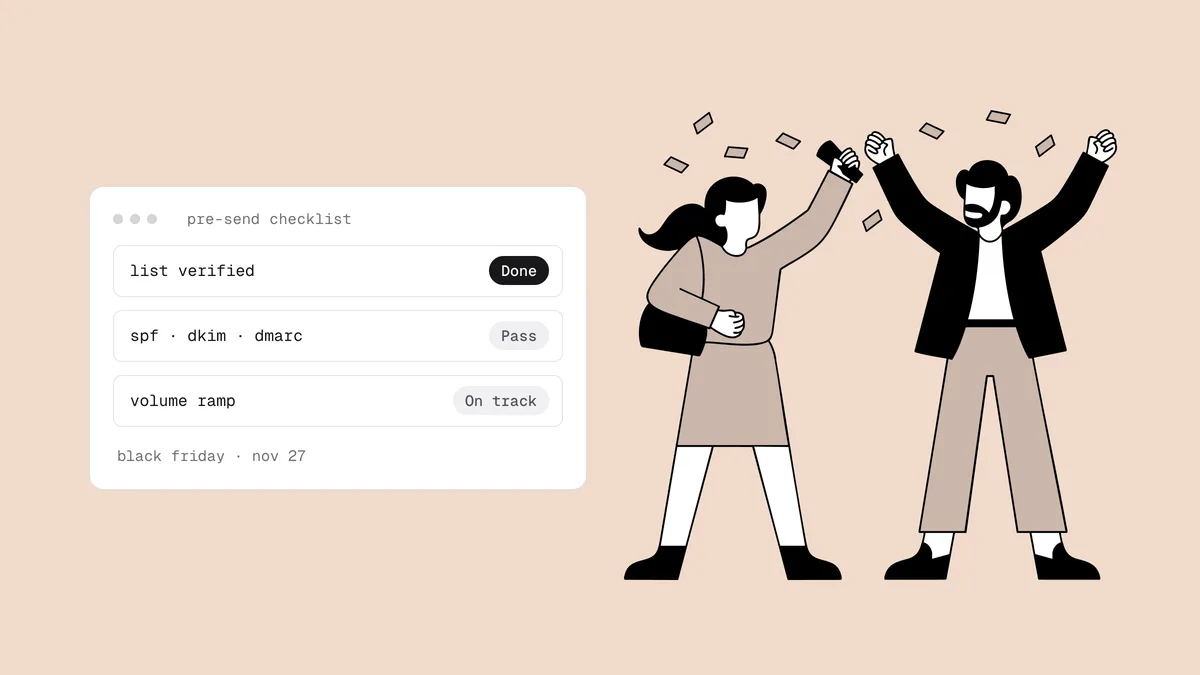
- Allow for seasonality. November and December push more volume to deeper segments, so expect movement after peak season and compare with the same month last year if you have it. The Black Friday deliverability checklist covers how to keep the peak from leaving damage behind.
- Separate a spike from a level. One bad send at 0.25% complaints and a sustained 0.2% across every send call for different fixes: the first is an audience mistake, the second is a program problem.
Break the numbers down by signup source and segment#
List-wide averages hide problems. A list where one giveaway form produced half of last month's signups can show a fine overall bounce rate while that one source quietly fills it with typos, throwaway addresses and bots. These breakdowns earn their place:
- By signup source: checkout, newsletter form, pop-up, giveaway, lead ads, imports, events. Compare bounce rate, verification mix and 30-day engagement for each. A source with a high share of undeliverable or disposable results has a capture problem, not a cleaning problem.
- By signup age: subscribers who joined in the last 90 days versus older ones. New signups who never click are often fake or careless; long-time subscribers who stopped clicking are ordinary decay.
- By engagement tier: active, lapsing, dormant. Track how many people move down a tier each month, not just the size of each tier.
- By mailbox provider: Gmail, Outlook.com, Yahoo and the rest. A problem at a single provider points to that provider's filters, not your whole list.
If your platform doesn't record signup source, start now. Tag every form, pop-up and import with where it came from, so next month's check can split by it.
What each red flag means and how to fix it#
| Red flag | What it usually means | What to do |
|---|---|---|
| Hard bounces rising | Decay since the last clean, or a bad source or import | Verify and suppress the affected segment; set a bounce-handling policy |
| Complaints rising | Too much mail, unexpected content, or mailing people who forgot they subscribed | Cut frequency for low-engagement tiers; make unsubscribing easier than reporting |
| Gmail reputation slipping, or SNDS turning yellow | A provider-specific complaint or engagement problem | Find the segment driving it at that provider and narrow who it receives |
| Engaged share shrinking | Dormant subscribers piling up faster than new active ones arrive | Run a re-engagement campaign, then a sunset policy |
| One source with poor verification results | Fake signups, bots or typos at that form | Fix the form: stop fake signups at capture |
| Unsubscribes spiking after one send | That send broke the promise of the signup for that segment | Review the audience and the offer before mailing it again |
| A blacklist listing | Spam traps, a complaint spike or a compromised account | Fix the cause, then request removal |
Fix the source before you fix the symptom. Cleaning a list whose giveaway form is still letting bots in buys you a month, while fixing the form keeps the next health check green. For the full set of habits behind those fixes, see the email list hygiene checklist.
Use verification results as a leading indicator#
Bounces, complaints and reputation are lagging indicators: you learn about the problem after you've mailed it. Verification results lead. Verify a fresh export of the list, or let a scheduled clean do it, and the mix of verdicts shows what your next send would hit before you send it.
- Undeliverable share: how much of the list has died since the last clean. If it grows every month, your cleaning cadence is too slow for your list; see how often to clean your list.
- Risky share: catch-all, full-mailbox and disposable addresses. A rising disposable share points at a signup source attracting throwaway addresses. A large catch-all share is common on B2B lists and marks a slice you can't confirm either way, as explained in what is a catch-all email.
- Unknown share: addresses where the receiving server gave no definitive answer, for example because of a timeout or greylisting. Re-check them later rather than mailing them blind.
- Each share by signup source: the same numbers per source show which door the junk comes through.
Track these shares month over month, like your bounce rate. With Qualisend you can connect your email platform and auto-clean it every 30 days, so a fresh verdict mix is waiting for each monthly check without an export. You can also download a one-page PDF Email list health report for any list or period; it grades bounce risk as Healthy (under 2%), Needs attention (2–5%) or At risk (over 5%), which makes a handy row for your spreadsheet.
Frequently asked questions
01What is an email list health check?
It's a short, regular review of the metrics that show whether your list is improving or decaying: hard bounce rate, spam complaint rate, provider reputation, unsubscribes, engagement, verification results and blacklist status. The point is to catch a worsening trend before mailbox providers react to it with spam-folder placement.
02How often should I check email list health?
Monthly works for most senders, and it takes about 20 minutes once the spreadsheet exists. Check more often around high-volume periods such as Black Friday, and always look at bounce and complaint rates after any send to a new, imported or long-dormant segment.
03What are the most important email list metrics?
Hard bounce rate and spam complaint rate come first, because mailbox providers weigh them most heavily. Then Gmail's spam rate and reputation in Postmaster Tools, the share of subscribers who engaged recently, and the risky and unknown share of your verification results, which warns you before bounces show up.
04What is a healthy bounce rate and spam complaint rate?
Keep hard bounces under 2%; a list verified at signup and cleaned regularly usually runs well under 1%. Keep spam complaints under 0.1%, and treat 0.3%, the ceiling in Gmail and Yahoo's sender rules, as a line you never approach.
05Why doesn't the health check use open rates?
Opens are no longer reliable. Apple Mail Privacy Protection, introduced with iOS 15 in September 2021, pre-loads images, which records opens that may never have happened. Clicks, purchases, replies and logins are sturdier signals of a subscriber who still wants your mail.
The fastest health metric to get is the verdict mix. Verify your list with 100 free credits that never expire, or check a single address with the free email checker.