Email list hygiene is the set of habits that keeps every address on your list real, reachable, and still interested, so mailbox providers keep trusting what you send. It isn't a single cleanup. It's a system: checks at the moment an address arrives, rules for every import and every send, and a monthly, quarterly, and yearly routine that catches what decays in between. This guide lays that system out as a checklist you can work through, the standing rules that decide what happens to each address, and the parts you can automate so the routine doesn't depend on someone remembering it.
The short answer#
Good list hygiene comes down to three jobs:
- Keep bad addresses out. Verify every address at capture and vet every import before it touches your sending platform.
- Take dead addresses out. Re-verify on a schedule, act on every verdict, and suppress what fails so it can never come back.
- Stop mailing people who stopped reading. A written sunset policy moves long-silent subscribers out of your campaigns before they turn into complaints or spam-trap hits.
Do all three and the numbers providers grade you on stay healthy. A list verified at signup and re-cleaned regularly typically runs a bounce rate well below 1%, and a list mailed only to people who engage stays far from the 0.3% complaint ceiling Gmail and Yahoo enforce. This page is the whole system. For the step-by-step of running one clean, see how to clean an email list; for the timing question, see how often to clean your email list.
What list hygiene covers#
List hygiene is about the data, not the delivery pipes. It answers three questions about every contact, and each one has a different owner:
- Does the address work? Syntax, domain, mailbox, and whether it's a throwaway inbox. Verification answers this.
- Did this person ask for your mail, and can you prove it? Your capture forms, import rules, and consent records answer this.
- Do they still want it? Clicks, replies, purchases, and other engagement answer this, and a sunset policy acts on the answer.
Hygiene doesn't cover authentication (SPF, DKIM, DMARC), sending infrastructure, or content. Those matter just as much for inbox placement, and the email deliverability guide covers them. But a perfectly authenticated domain mailing a neglected list still lands in spam, because authentication proves who you are, not whether anyone wants your mail.
Why mailbox providers reward clean lists#
Gmail, Outlook, and Yahoo can't read your intentions. They watch outcomes, and nearly every outcome they watch is a list-hygiene outcome:
- Hard bounces. Mailing addresses that don't exist tells a provider you don't know who's on your list. Around 2% is where a bounce rate becomes a warning sign; why bounce rate matters covers how providers read it.
- Spam complaints. Gmail and Yahoo require bulk senders to stay under 0.3%, and that's a ceiling, not a target: aim below 0.1%. Most complaints come from people who forgot they signed up or never did. See spam complaint rate for how it's measured.
- Spam-trap hits. Typo traps come in through unverified forms, recycled traps through addresses you kept mailing after they died, and pristine traps through bought or scraped lists. What are spam traps explains why hygiene, not trap hunting, is the fix.
- Engagement. Clicks, replies, deletes without reading, and "not spam" rescues all feed a provider's view of whether your mail is wanted. Opens count for less since Apple Mail Privacy Protection started inflating them. A large dormant segment drags that view down for everyone on the list.
The reward is the mirror image of the penalty. Reputation is tracked per domain and IP, so when you stop mailing the addresses that bounce, complain, or never engage, the people who do want your mail see it in the inbox more reliably. There's a cost side too: most email platforms bill by contact count or send volume, so every dead address is a line on your invoice.
The email list hygiene checklist#
Work through the checklist by moment. The capture and import checks run on every new address, the pre-send checks run on every campaign, and the rest is a calendar routine. Where a row links to a deeper guide, that guide has the how-to.
At capture#
| Check | Why it matters |
|---|---|
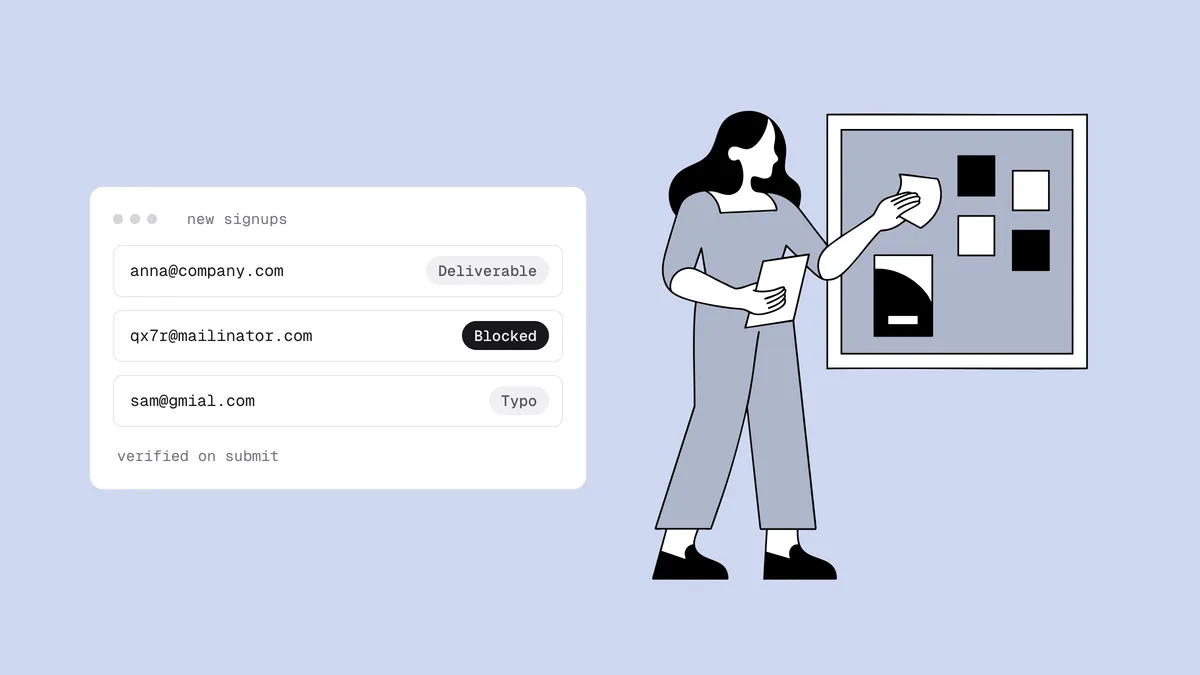
| Verify each address in real time on the form, through a verification API | Rejects dead domains, nonexistent mailboxes, and disposable inboxes before they become contacts. |
| Show a "did you mean" suggestion for likely typos | Turns jane@gmial.com back into a real subscriber instead
of a future bounce or typo-trap hit. See
the most common email typos. |
| Use confirmed (double) opt-in where the stakes justify it | Proves a person controls the inbox. The trade-offs are in single vs double opt-in. |
| Block bots with a honeypot field and rate limits | Scripted signups fill lists with addresses that never consented. See how to stop fake signups. |
| Store the source, timestamp, and consent wording with each contact | You need it to demonstrate consent and to trace a bad source later. |
| Tell people what they'll get and how often | A gap between the promise and the inbox is one of the most common causes of complaints. |
At import#
| Check | Why it matters |
|---|---|
| Confirm where the list came from and that consent is documented | Purchased, rented, and scraped lists carry pristine traps and no consent. See should you buy an email list. |
| Remove duplicates | The email list deduplicator strips repeated addresses from a pasted list right in your browser. |
| Check the file against your suppression list | Unsubscribes, complainers, and known-bad addresses must never come back in through an import. |
| Verify the whole file before the first send | Imports arrive with their bounce history stripped off. See bulk email verification. |
| Tag every contact with its source and import date | When a segment starts bouncing or complaining, you can find the source and fix it. |
| Treat anything not mailed in months as an old list | Old lists need a slower, verified restart. See how to safely email an old list. |
| Moving platforms? Bring the suppression list with you | A new provider starts with no memory of who unsubscribed or bounced. See switching email providers without losing deliverability. |
Before every send#
| Check | Why it matters |
|---|---|
| Confirm the audience excludes suppressed, unsubscribed, and complained contacts | Your platform usually handles this, but segments built from CSV imports or CRM syncs are where re-adds slip through. |
| Keep risky and unknown segments out of big sends | Mail them separately, at low volume, so a bad batch can't sink the main campaign. |
| Check the last campaign's bounce and complaint rates | A bounce rate near 2% or complaints climbing toward 0.3% means fix the list before sending more. The bounce rate calculator does the math. |
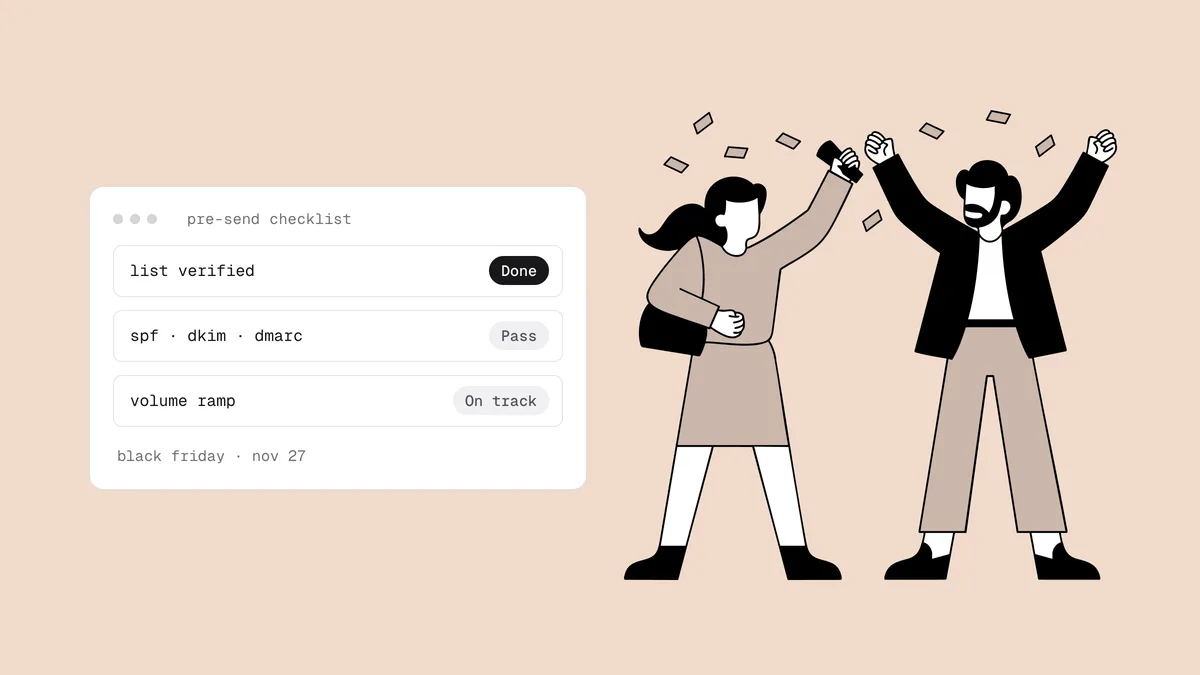
| Re-verify the segment before a high-stakes send | Launches and seasonal peaks are when a bounce spike hurts most. See the Black Friday pre-send checklist. |
| Make sure marketing mail carries one-click unsubscribe | An easy exit turns would-be complaints into unsubscribes. See one-click unsubscribe. |
Monthly#
| Check | Why it matters |
|---|---|
| Review bounce, complaint, unsubscribe, and click rates, broken down by source | Trends show up here weeks before they show up as spam-folder placement. The monthly email list health check lists the metrics. |
| Suppress repeat soft bouncers | An address that soft-bounces send after send is usually dead. See hard bounce vs soft bounce. |
| Move newly inactive subscribers into your sunset flow | Silence compounds. See how to write an email sunset policy. |
| Verify contacts added since last month, if you don't verify in real time | Catches new typos and throwaway addresses before they're mailed more than once. |
| Check your Gmail spam rate and reputation in Postmaster Tools | It's Gmail's own view of your mail. See the Postmaster Tools guide. |
Quarterly#
| Check | Why it matters |
|---|---|
| Re-verify the full mailable list, starting with contacts who haven't engaged recently | Addresses die after they join. This catches them before your next send does. |
| Re-check the segment you're holding as risky or unknown | Many unknown results resolve on a second pass, and a full mailbox either recovers or stays full. |
| Audit every source feeding the list | Forms, lead ads, CRM syncs, and integrations each fail in their own way. Lead ads are a common culprit: see fake leads from Facebook and LinkedIn lead ads. |
| Clean the CRM records that sync into your email platform | Sales data decays fast and syncs its decay into marketing. See CRM data hygiene. |
| Review what your sunset policy removed | Check that complaint and click rates improved and that revenue held steady. |
Yearly#
| Check | Why it matters |
|---|---|
| Audit consent records against the laws that apply to your list | Under Canada's CASL, implied consent from a purchase lasts two years and from an inquiry six months. See CASL compliance. |
| Re-permission or retire long-dormant segments | An address that has been silent for a year or more is a recycled-trap risk, however it verifies today. |
| Recalibrate your sunset windows and capture rules | A year of your own data shows which sources and windows actually work. |
| Confirm every tool that sends mail shares the suppression list | Your email platform, CRM, and outreach tools all send. One gap re-mails people who opted out. |
| Delete data you no longer need, but keep suppression records | Less stored data means less risk. The suppression record is what stops re-imports. |
The standing rules#
The checklist tells you when to look. These rules tell you what to do with what you find. They're the list hygiene best practices that don't change from one clean to the next, so settle them once and apply them every time.
Suppressions are permanent#
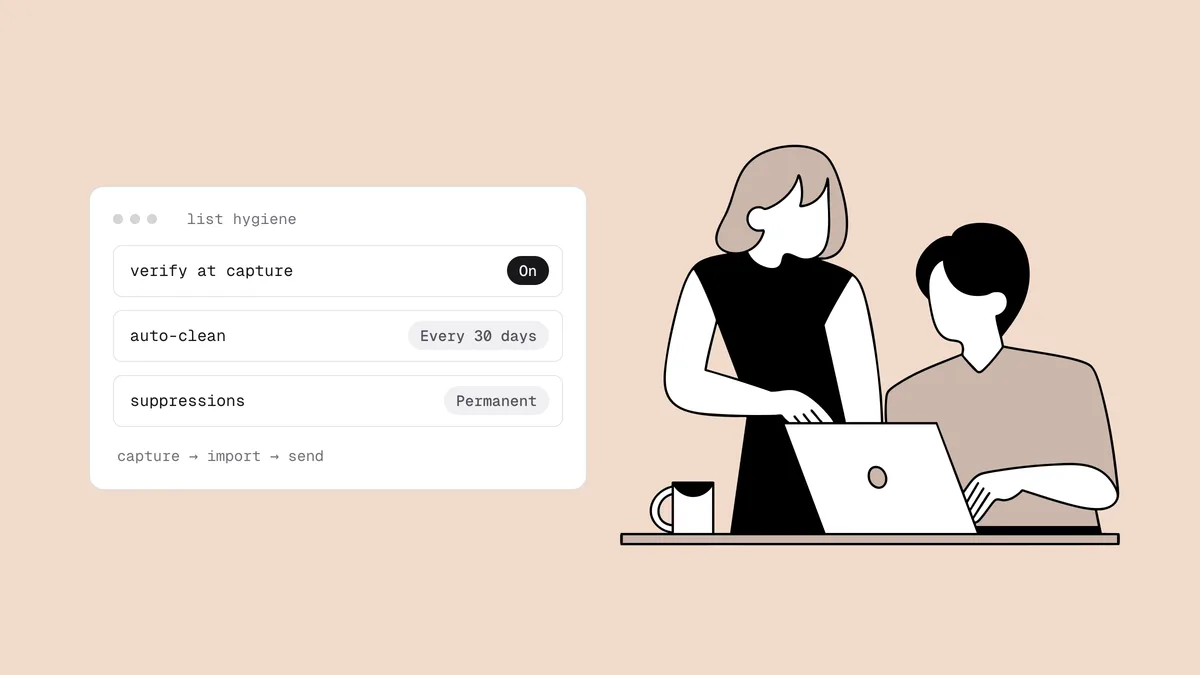
Once an address is suppressed, whether for a hard bounce, an unsubscribe, a complaint, or a failed verification, it stays suppressed. Nobody on the team gets to un-suppress a contact because a sales rep says the person is "definitely real," and no import overrides it. The only way back is the person opting in again on their own, through a form you control. Write that rule down, because the pressure to "just add them back" always arrives right before a big send.
One caveat: make sure what you suppress as a hard bounce really is one. A 5.7.x rejection is a policy block aimed at your reputation or content, not proof the address is bad, and suppressing those addresses throws away real subscribers. SMTP response codes explains how to tell the two apart.
Never re-add unsubscribes or complainers#
This is both a legal rule and a reputation rule. CAN-SPAM requires you to honor opt-outs within 10 business days, and Gmail and Yahoo expect bulk senders to process unsubscribes within two days. In practice, the failure is rarely a deliberate decision to re-mail someone. It's a CSV re-import, a CRM sync, or an event list that silently brings an opted-out contact back as "subscribed." So every import and sync checks the suppression list first. Treat a spam complaint received through a feedback loop as a stronger unsubscribe: suppress immediately, and never put that address in a win-back campaign.
Act on every verification result#
Verification returns a verdict and sub-flags for every address. Each one maps to a standing action, so nobody has to decide case by case:
| Result | Standing rule |
|---|---|
deliverable | Keep and send as normal. |
undeliverable | Suppress now. Don't wait for a bounce to prove it. |
risky, catch-all | Keep in a separate segment and mail it cautiously; engagement is the real test. See what a catch-all email is. |
risky, full mailbox | Hold out of this send and re-verify next cycle. A mailbox that stays full is often abandoned, so suppress it then. |
risky, disposable | Suppress. The inbox was built to expire. |
unknown | Hold and re-verify. It's a verdict on the check, often greylisting, not on the mailbox. |
role flag (info@, sales@) | Keep for account and transactional mail; leave out of marketing campaigns. See role, disposable, and free addresses. |
free_mail flag (Gmail, Outlook) | No action. A free-mail address is information, not a risk. |
Use the 0-100 confidence score to break ties inside a verdict: a low-scoring
risky address deserves more caution than one near the top of the range.
Keep suppressed records instead of deleting them#
Deleting a bad contact feels cleaner, but it erases the one thing that protects you: the memory that the address is bad or opted out. Delete a hard-bounced address today and the next import of an old spreadsheet brings it back as a fresh, mailable contact. Keep the address, the reason, and the date. That's all a suppression record needs, and on many platforms suppressed or archived contacts no longer count toward your bill. A request to erase someone's data under a privacy law is a separate process from list cleaning; handle it on its own terms.
Automate the routine#
Most of this checklist can run without anyone remembering it. Three pieces do the heavy lifting.
Verify new contacts as they arrive. On your own forms, call a verification API at submit and act on the verdict before the contact is saved. For contacts that arrive inside your email platform, CRM, store, or helpdesk, Qualisend's native integrations verify each new contact in real time on most live connectors, so a bad address is flagged the moment it lands. Klaviyo and Mailchimp can also suppress or archive undeliverable new contacts automatically.
Schedule the re-clean. Connect a platform once, pick a list, segment, or
tag, and set the auto-clean to run once or every 7, 14, or 30 days. Each run
verifies the contacts and writes the verdicts back as tags or fields, so your
sending segments can exclude undeliverable and hold risky without a CSV
round trip. (Form tools and a few store platforms are export-only, with no
write-back.) Match the interval to how fast contacts arrive: a list fed daily
from many sources warrants a shorter cycle than one that grows by a few
signups a week.
Let the sunset run itself. Build an "inactive" segment in your email platform and attach a flow that reduces frequency, sends a short win-back series, and suppresses anyone who stays silent. The re-engagement guide covers what those emails should say.
What stays manual is judgment: deciding whether a new list source is trustworthy, auditing consent, and reading the monthly numbers. Put those on a calendar with a named owner.
Hygiene by platform#
The rules above are platform-agnostic; the clicks aren't. Each guide below covers one platform's export, suppression, and billing quirks.
Email marketing platforms#
- ActiveCampaign, beehiiv, Brevo, Campaign Monitor, Customer.io, Dotdigital, Drip
- EmailOctopus, GetResponse, Kit (ConvertKit), Klaviyo, Mailchimp, MailerLite, Marketo
- Moosend, Omnisend, Ontraport, Ortto, Sailthru, Sendlane
- Connectors coming soon (the guides use the CSV export loop): AWeber, Constant Contact, Salesforce Marketing Cloud
CRMs#
Support desks, forms, and stores feed lists too. The same rules apply to Zendesk, Typeform, and WooCommerce contacts.
Deep dives#
Each part of the system has its own guide:
- Email list health check: the metrics to review every month and what each one tells you.
- Email sunset policy: when to stop emailing inactive subscribers, with starting-point windows.
- Hard bounce vs soft bounce: what each code means and when a soft bounce should become a suppression.
- Stop fake email signups: bots, junk, and throwaway addresses on your forms.
- Common email typos: the misspellings that cost real subscribers and how to catch them at signup.
- Fake leads from lead ads: verifying every address that comes in through Facebook and LinkedIn.
- Emailing an old list: how to restart a list that hasn't been mailed in months or years.
- Buying email lists: why a purchased list can't be cleaned into a safe one.
- Switching email providers: moving platforms without losing your reputation or your suppressions.
- CRM data hygiene: how sales teams keep contact data clean.
- Black Friday email deliverability: the pre-send checklist for your highest-volume weeks.
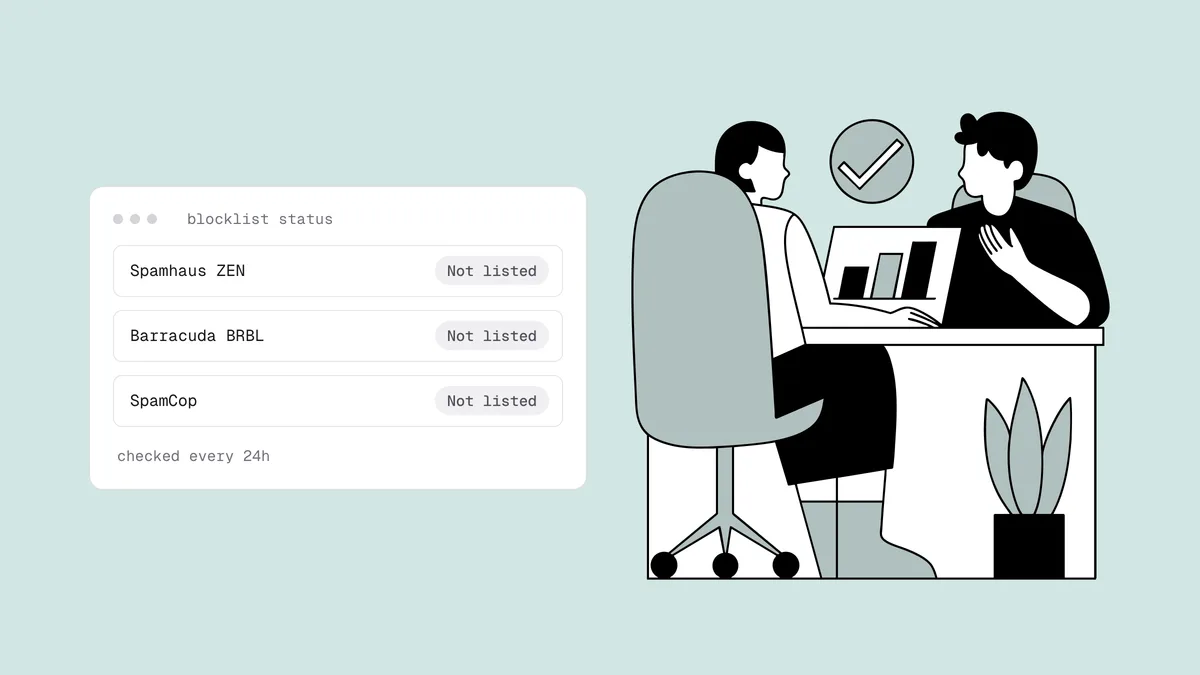
- How to avoid email blacklists: the habits that keep you off blocklists.
Frequently asked questions
01What is email list hygiene?
Email list hygiene is the ongoing practice of keeping your mailing list made up of real, permissioned, engaged addresses. It combines verification at capture and on a schedule, permanent suppression of bounces, unsubscribes, and complaints, and a sunset policy for subscribers who stopped engaging. The goal is to protect your sender reputation, because providers judge all of your mail by how the worst part of your list behaves.
02What's the difference between list hygiene and list cleaning?
Cleaning is one event: export, verify, act on the verdicts, and suppress. Hygiene is the system around it: the capture checks that keep bad addresses out, the import and pre-send rules, the recurring routine, and the standing rules for suppressions. The step-by-step cleaning workflow is one part of good hygiene.
03How often should I do email list maintenance?
Some of it runs continuously: verification at capture and suppression of bounces and unsubscribes. Some runs on every send. Review list health monthly, re-verify the full list quarterly and before any high-stakes send, and audit consent and sources yearly. If your bounce rate climbs, clean sooner; how often to clean your email list covers the triggers.
04Should I delete bad email addresses or suppress them?
Suppress them. A suppressed record stops all future sends and keeps the memory that the address is bad or opted out, so a later import or sync can't add it back. Deleting erases that memory. Keep the address, the reason, and the date. A data-erasure request under a privacy law is a separate process.
05Can email list hygiene be fully automated?
Most of it. Real-time verification of new contacts, scheduled re-cleans every 7, 14, or 30 days through a native integration, automatic bounce and unsubscribe suppression in your email platform, and a sunset flow built on segments cover the routine work. Vetting new list sources, auditing consent, and reading the monthly numbers still need a person.
See where your list stands today: check a single address with the free email checker, or verify a whole list with 100 free credits that never expire.