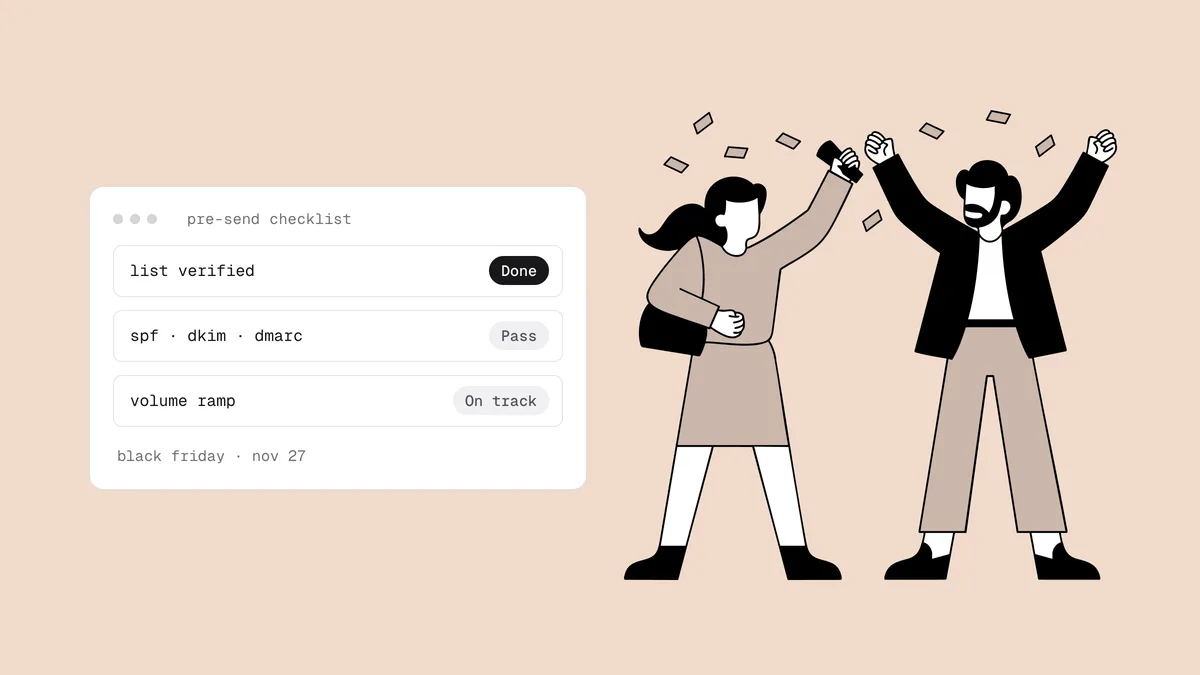
Black Friday email deliverability is decided weeks before you press send. Every store mails more, to more people, over the same four days, and mailbox providers judge that surge against the history you built in October and November. Dead addresses, a volume jump from a standing start, or a dormant segment revived on the busiest weekend of the year cost you inbox placement exactly when it's worth the most. This is a dated checklist for Black Friday and Cyber Monday 2026: Black Friday falls on Friday, November 27 (the day after Thanksgiving) and Cyber Monday on Monday, November 30. In late October, you have about four weeks. Here is what to do in each of them.
The short answer#
Use the four weeks before Black Friday to make the peak look like normal sending. Four weeks out: verify the list, confirm authentication and one-click unsubscribe, check blacklists, and record a baseline. Two to three weeks out: raise volume in steps and re-engage dormant subscribers, so the peak only goes to people who still respond. Final week: verify new pop-up signups, seed-test the real templates, apply final suppressions. Send days: check every send against stop rules written in advance. Afterwards: sunset holiday-only signups who never engaged.
Why Black Friday strains deliverability#
Black Friday combines nearly every pattern that filters treat as risky, in the same few days:
- Volume jumps. A weekly sender suddenly sends daily. To a filter, a sudden spike looks like a compromised account, and providers respond with 4xx "try again later" deferrals or the spam folder.
- Reach goes deeper into the list. Holiday sends go to segments that haven't heard from you in months, the part of the list with the most dead addresses, recycled spam traps and people who forgot they subscribed.
- New signups arrive dirty. Discount pop-ups and giveaways bring a wave of addresses: typos made on a phone, throwaway inboxes created to grab a code, and bot submissions.
- Frequency rises while patience falls. Subscribers used to a weekly email get one a day, and some reach for "report spam" instead of unsubscribe.
The BFCM 2026 countdown at a glance#
| Window | Dates (2026) | Focus |
|---|---|---|
| Four weeks out | Oct 27 – Nov 6 | Verify the list; authentication and one-click unsubscribe; blacklist and domain check; record a baseline. |
| Three to two weeks out | Nov 7 – Nov 19 | Raise volume in steps; run re-engagement; set audience tiers. |
| Final week | Nov 20 – Nov 26 | Verify new signups; seed-test templates; final suppressions; write stop rules. |
| Send days | Nov 27 – Nov 30 | Check every send against your stop rules; protect order emails. |
| After | Dec 1 onward | Compare results to the baseline; sunset holiday-only signups. |
If your sale starts early, such as a week-long or month-long "Black November", move every window earlier by the same amount. The countdown runs to your first peak send, not to the date on the calendar.
Four weeks out: fix the foundations (Oct 27 – Nov 6)#
Verify everything you plan to mail in November#
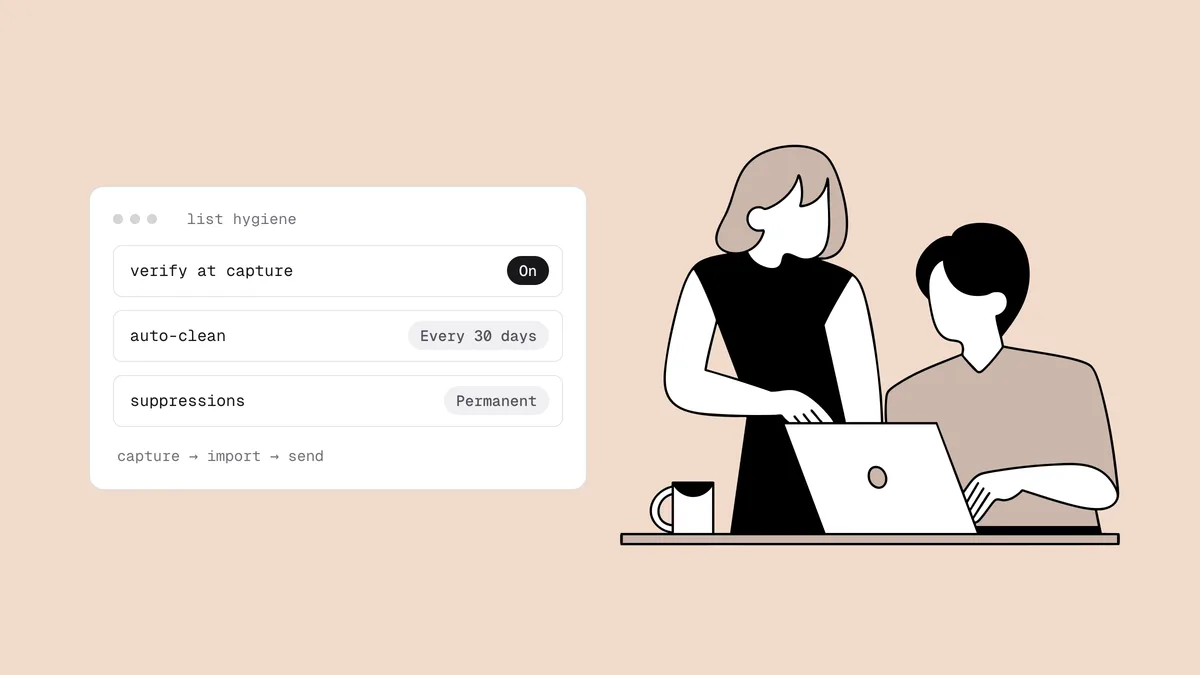
Verify every address you intend to mail during the sale, not just your active segment, because holiday sends reach further into the list than anything else you do all year. This is the textbook case for cleaning before a high-stakes send, and doing it four weeks out rather than the night before leaves time to act on the results:
- Undeliverable: suppress. These are guaranteed hard bounces.
- Risky: decide by type. A catch-all address can't be confirmed, so keep it in the peak only if that subscriber has clicked or bought recently. Disposable addresses left behind by code hunters usually aren't worth a peak send.
- Unknown: re-check in a few days rather than mail blind.
The share of undeliverable addresses also tells you how hard to push volume. A list that comes back with a large dead slice needs a gentler ramp. If your store runs on Klaviyo, Omnisend or Mailchimp, Qualisend can clean the list in place and write each verdict back as a tag or field, so you can build an exclusion segment without exporting a CSV. For the full routine, see the list hygiene checklist and the ecommerce verification guide.
Confirm authentication and one-click unsubscribe#
A Black Friday spike can push you past roughly 5,000 messages a day to Gmail for the first time, which makes you a bulk sender in Google's eyes, and that classification is permanent. Microsoft has enforced SPF, DKIM and DMARC for senders of 5,000+ messages a day to Outlook.com, Hotmail and Live addresses since May 2025. Check now:
- SPF, DKIM and DMARC pass and align for the domain in your From address. The SPF, DKIM and DMARC checker shows all three in one lookup.
- One-click unsubscribe is on every marketing template: both the
List-UnsubscribeandList-Unsubscribe-Postheaders (RFC 8058). Send yourself a test and look at the raw headers; the one-click unsubscribe guide shows what to look for. - Unsubscribes are honored within two days, including from any pop-up or quiz app that syncs contacts into your ESP. The rest of the rules are in the Google and Yahoo sender requirements.
One more rule for this window: don't change sending infrastructure now. A new domain or dedicated IP needs several weeks of gradual warm-up before it can carry peak volume, so a migration started in late October would hit Black Friday half-warmed. If a move is planned, run the sale on your current setup and switch providers in January.
Check blacklists and domain health#
Run your sending domain, and your sending IP if it's dedicated, through the free blacklist checker, and your domain through the domain health check. Then check the other domains your Black Friday emails will contain: a link shortener, an affiliate or partner domain, a countdown-timer or image host. Domain blocklists also check URLs in the message body, so one listed link can drag down otherwise clean mail. A listing found today can be fixed calmly; one found on November 27 costs you the weekend. The habits that prevent listings are in how to avoid email blacklists.
Record a baseline you can compare against#
You can't spot an abnormal Black Friday without a record of normal. Write down, for the last four to six weeks: daily volume, and per-send bounce rate, complaint rate, unsubscribe rate and click rate. Add Gmail's spam rate and reputation from Google Postmaster Tools and, if you send from a dedicated IP, your Outlook.com data from Microsoft SNDS. Postmaster Tools needs a DNS verification record and shows data only once you send enough daily volume to Gmail, so set it up now, not during the sale.
Three to two weeks out: ramp up and re-engage (Nov 7 – Nov 19)#
Raise volume in steps, not one jump#
Mailbox providers throttle sudden spikes. Make your Black Friday volume the top step of a staircase you've already been climbing:
- Add frequency before reach. Move your engaged subscribers from weekly to twice weekly before the sale asks them to accept daily mail.
- Add segments one at a time, most engaged first, and let each one take a few sends before you add the next.
- Read the results of each step. If 4xx deferrals appear at a provider or your complaint rate climbs, hold volume where it is until the numbers settle.
There's no universal safe multiplier. As in a warm-up, increase when the metrics stay clean and hold when they don't.
Re-engage dormant subscribers now, not on Black Friday#
The worst place to learn whether a dormant subscriber still exists is your biggest send of the year. Run your win-back in this window instead. Verify the dormant segment first, since it's the most decayed part of your list, then send a short re-engagement series at modest volume. Subscribers who click join your Black Friday audience; everyone else stays out of the peak sends. Contacts you haven't mailed in a year or more need the extra precautions for emailing an old list.
Decide who gets which send#
Set your audience tiers now, while there's time to test them:
- Core: clicked or bought within your engagement window (for many stores, the last 90 days). Gets every BFCM send.
- Warm: bought within the last year, or re-engaged this month. Gets the main Black Friday and Cyber Monday offers, not every reminder.
- Excluded: no clicks or purchases inside your window, verified undeliverable, unknown, catch-all addresses with no engagement, and recent complainers.
Tier on clicks and purchases, not opens. Apple Mail Privacy Protection pre-loads images, so an "open" often isn't a person reading your email.
The final week: lock the list (Nov 20 – Nov 26)#
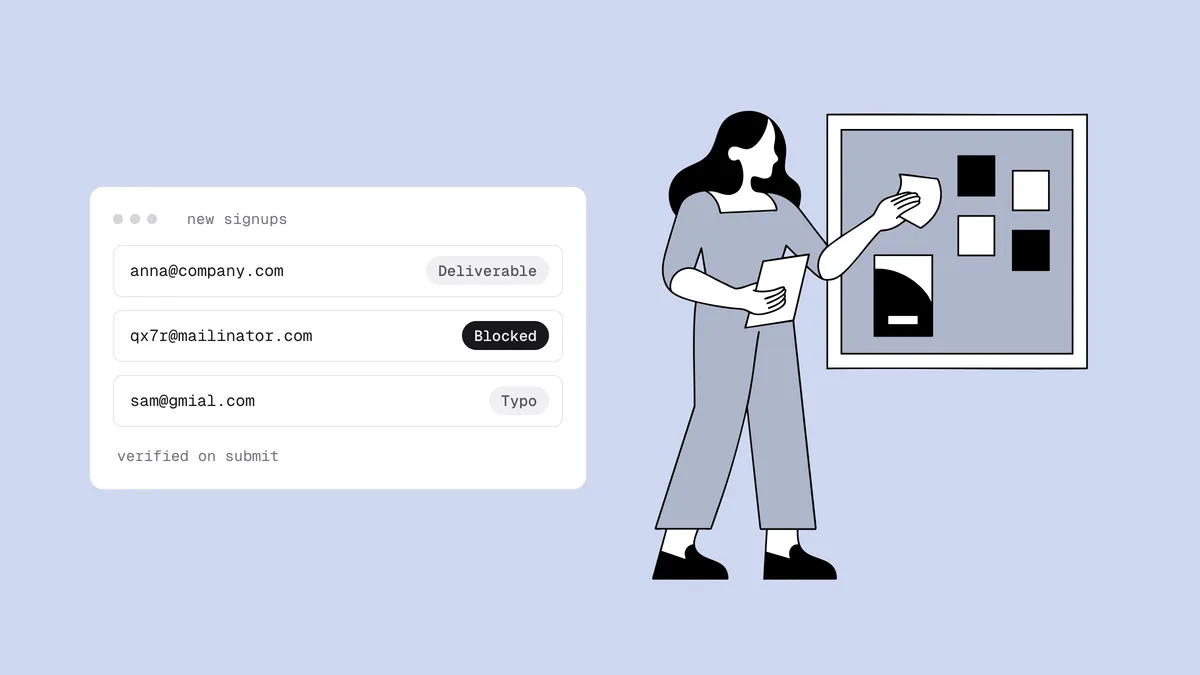
Verify the signups your holiday pop-ups collected#
Discount pop-ups, spin-to-win wheels and giveaways bring in the most addresses
in the least time, at the lowest quality: typos made on a phone (gmial.com),
throwaway inboxes created to claim the code, and bots filling in giveaway
forms. Verify everything that joined since your last clean before it receives
its first Black Friday email. Better still, verify at the form, so bad
addresses never join; stopping fake signups
covers the form-side defenses. Qualisend's Klaviyo and
Mailchimp connectors can verify every new contact as
it arrives and automatically suppress or archive the undeliverable ones.
Seed-test the real templates#
Black Friday templates differ from your usual ones: heavier images, more links, new coupon or affiliate domains, timers loaded from third-party servers. Run an inbox placement test on the actual campaigns a few days before they go out, and check that authentication passes at each provider and that placement doesn't drop at any of them. Treat the result as a per-provider preview: seed mailboxes have none of your subscribers' history and can't see the dead addresses on your real list.
Apply final suppressions#
The day before your first peak send, refresh the suppressions:
- Unsubscribes from the last two weeks. A subscriber who opted out and still gets a Black Friday email is a likely spam complaint.
- Hard bounces and complaints from your ramp-up sends.
- Contacts verification marked undeliverable since the first clean.
- Everyone your tiers exclude.
If contacts sync between tools (a pop-up app, a reviews app, your store), check that a contact suppressed in one isn't quietly re-added by another.
Send days: check every send (Nov 27 – Nov 30)#
Write your stop rules down before the sale, not at 7 a.m. on Black Friday when everyone wants one more send. Then check each send against them before the next one goes out:
| Signal | Where you see it | Stop rule |
|---|---|---|
| Bounce rate per send | ESP campaign report | Under 2%: continue. 2% or more: pause that segment and verify it before its next send. 5% or more: drop it for the rest of the weekend. |
| Spam complaint rate per send | ESP campaign report | Under 0.1%: continue. Above 0.1%: cut the next send back to your Core tier. Never let it approach 0.3%. |
| Gmail spam rate | Google Postmaster Tools (daily, not real-time) | Rising toward 0.3%: drop the extra reminder sends. |
| 4xx deferrals at one provider | ESP delivery logs | Don't push harder. Let retries work and slow further sends to that provider. |
| 5xx rejections naming a blocklist | Bounce messages | Stop that stream, confirm the listing, fix the cause before sending again. |
Postmaster Tools isn't real-time, so during the weekend your ESP's per-send numbers are the early warning and Postmaster confirms the trend afterward. The spam complaint rate guide explains why 0.3% is a ceiling, not a target, and the complaint rate calculator does the math from your raw counts.
Keep order emails out of the blast radius#
Order confirmations and shipping notices have to arrive whatever happens to marketing. If they already go out from a separate sending subdomain, a complaint spike on a Cyber Monday reminder is far less likely to drag your receipts into spam. If they don't, don't split them now: a new subdomain needs its own warm-up, so make it a January project.
Watch blacklists through the weekend#
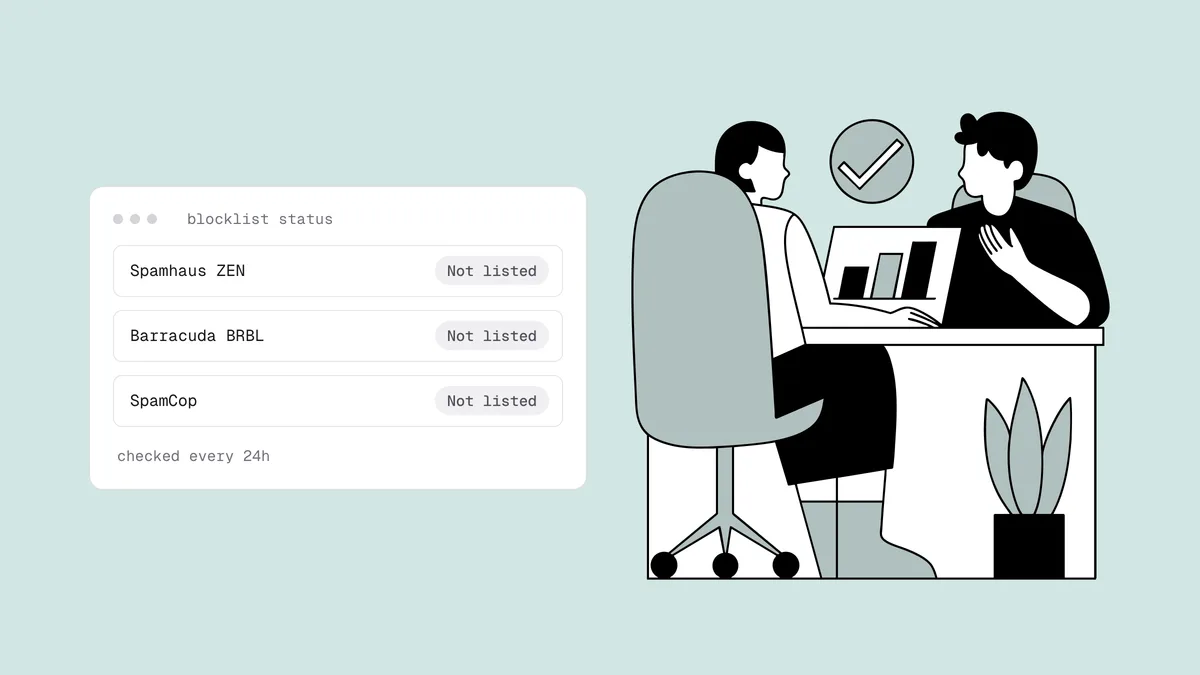
Blacklist monitoring re-checks your sending domains and IPs every 24 hours against major blocklists, including Spamhaus, Barracuda and SpamCop, and emails you when a listing appears and when it clears.
After Cyber Monday: sunset the holiday-only signups (Dec 1 onward)#
BFCM leaves two things behind: numbers to compare against your baseline, and a crop of subscribers who joined for a discount code. Give the new signups a fair chance with a welcome series and your December sends, then apply your sunset policy to the ones who never click or buy. Holiday-only signups who stay silent into the new year become next year's dormant segment.
Then review the weekend. Compare bounce, complaint and spam-rate numbers with the baseline you recorded in October. Look at addresses that soft-bounced on every send, and decide which to treat as permanent failures; the hard vs soft bounce guide covers that call. Whatever broke is your January fix.
Frequently asked questions
01When should I start preparing for Black Friday email deliverability?
About four weeks before your first peak send. For Black Friday 2026 (Friday, November 27), that means late October: verify the list, confirm authentication and one-click unsubscribe, and record a baseline by early November. That leaves the two to three weeks before the sale free for a gradual volume ramp and re-engagement.
02Should I send to my whole list on Black Friday?
No. Send to subscribers who have clicked or bought recently, plus anyone who re-engaged in November. Never-engaged and long-dormant contacts produce the bounces, spam-trap hits and complaints that push a peak send into spam, so win them back before the sale or leave them out of it.
03How much can I increase email volume for Black Friday?
There's no universal safe multiple. Mailbox providers throttle sudden spikes, so raise volume in steps over the weeks before the sale (more sends to engaged subscribers first, then more segments) and hold whenever deferrals or complaints rise. The peak should be a modest step up from what you've already sent cleanly.
04Is it too late to switch email providers before Black Friday?
For a late-October start, usually yes. A new domain or IP needs several weeks of gradual warm-up before it can carry peak volume, so a move now would hit Black Friday half-warmed. Run the sale on your established setup and migrate in January.
05What bounce and complaint rates should stop a Black Friday send?
Pause a segment when a send's bounce rate reaches 2% and verify it before you mail it again; drop it for the weekend at 5%. For complaints, keep each send under 0.1%, tighten the audience above that, and never let your rate approach Gmail and Yahoo's 0.3% ceiling.
Four weeks is enough time to go into Black Friday with a list you know is live. Verify it with 100 free credits that never expire, or connect your email platform from the integrations page and clean it in place.