Learning how to avoid email blacklists starts with an uncomfortable fact: listings are rarely bad luck. Blocklist operators list senders for specific, detectable behavior, such as mail sent to spam traps, a burst of complaints, a sudden volume spike, or spam pouring out of a hacked account, and nearly every one of those causes has a habit that prevents it. This guide is organized around the causes, not the lists. For each one you get how it leads to a listing and the habit that stops it, then how to monitor so the rare listing that slips through is caught in a day, not a month.
The short answer#
Mail only addresses that opted in and that you've verified. Keep spam complaints under 0.1%. Grow volume gradually. Lock down the accounts, servers and forms that can send as you, and protect signup forms from bots. Check the domains in your links, know who shares your sending IP, and give your own IP valid reverse DNS. Then monitor your domains and IPs so a listing can't go unnoticed. Staying off a list is far cheaper than getting off one, and a repeat listing is harder to clear than the first.
How blocklists decide to list you#
Blocklists list on evidence, and the evidence comes from four places:
- Spam traps: addresses that never opted in to anything, run by list operators and mailbox providers to see who mails them.
- Complaints and reports: recipients marking your mail as spam, through their mailbox provider or a reporting community such as SpamCop's.
- Traffic patterns: sudden volume spikes, mail spread across many IPs or domains to dodge filters, or traffic that looks like an infected machine.
- Infrastructure checks: automated tests, such as whether your IP has reverse DNS or sits in a range meant for home connections.
Every cause below feeds one of those four inputs. The blocklists explainer covers how receivers query the lists, and Spamhaus explained covers the lists that matter most.
The causes of a listing and the habit that prevents each#
| Cause | How it gets you listed | The habit that prevents it |
|---|---|---|
| Stale, bought or scraped lists | Spam-trap hits and a wall of hard bounces | Mail only opted-in addresses; verify any old or imported list before its first send |
| Complaint spikes | Spam reports feed report-driven lists and provider reputation | Keep complaints under 0.1%; one-click unsubscribe; send what people signed up for |
| Sudden volume jumps | A spike from a quiet sender looks like abuse and multiplies every other problem | Warm up new domains and IPs; ramp toward peaks over weeks |
| Compromised accounts, open relays, hacked forms | Spam sent in your name, often at botnet scale | MFA, scoped and rotated credentials, closed relays, patched plugins |
| Subscription bombing | Bots push strangers' addresses through your form; the victims report your confirmation emails | CAPTCHA, honeypot, rate limits, double opt-in |
| Listed domains in your links | Domain blocklists check every URL in the message body | Branded link and tracking domains; check each domain before a big send |
| Shared-IP neighbors | Another sender's spam gets the IP you share listed | A well-policed ESP; a dedicated IP once volume justifies it |
| Missing or invalid reverse DNS | Automated lists flag IPs with no PTR record or a generic one | A PTR record pointing to a hostname on your domain, confirmed forward |
Spam-trap hits from stale, bought or scraped lists#
This is one of the most common routes onto the lists that matter. There are three kinds of trap, and each lives somewhere specific. Pristine traps were never given to anyone, so they only reach bought or scraped lists. Recycled traps are abandoned addresses a provider reactivated after a dormant period, so they collect in lists nobody cleans. Typo traps sit on misspellings of big providers' domains and catch unverified signups.
- Never buy, rent or scrape a list. The reasons go well beyond traps; see should you buy an email list.
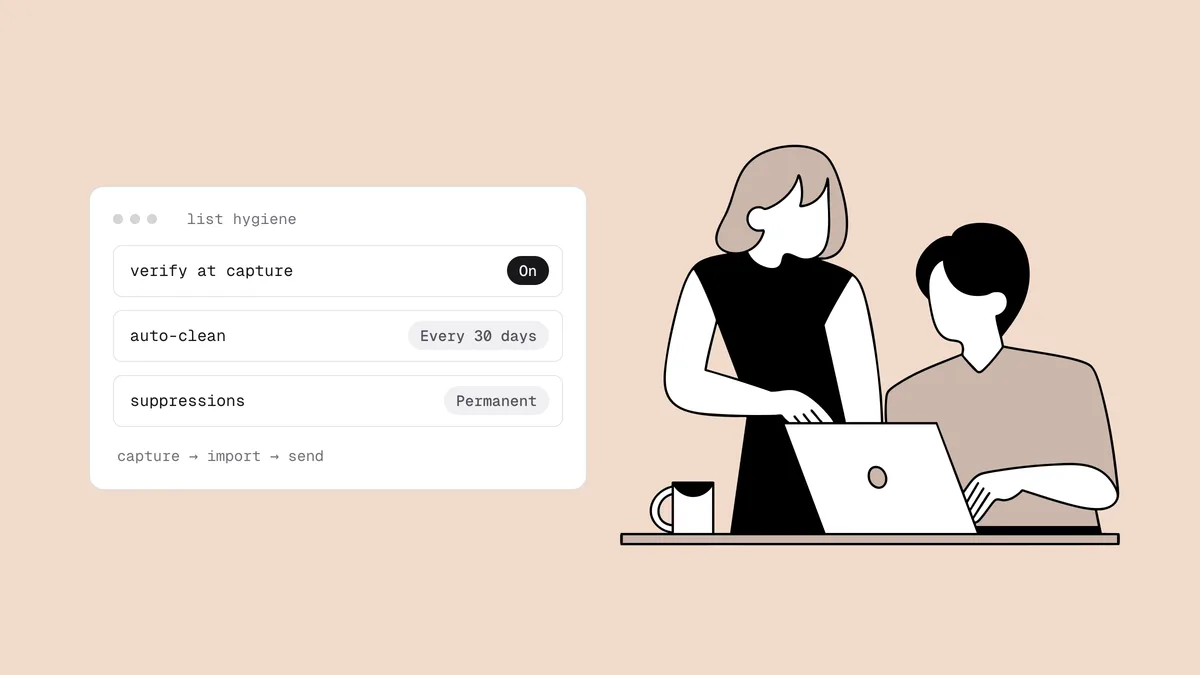
- Verify before the first send to any list that is old, imported or inherited. Treat a list you haven't mailed in a year as untested, and follow the steps for emailing an old list.
- Suppress hard bounces after the first one, and stop mailing subscribers who have been silent long enough to have abandoned the address. A sunset policy makes that automatic.
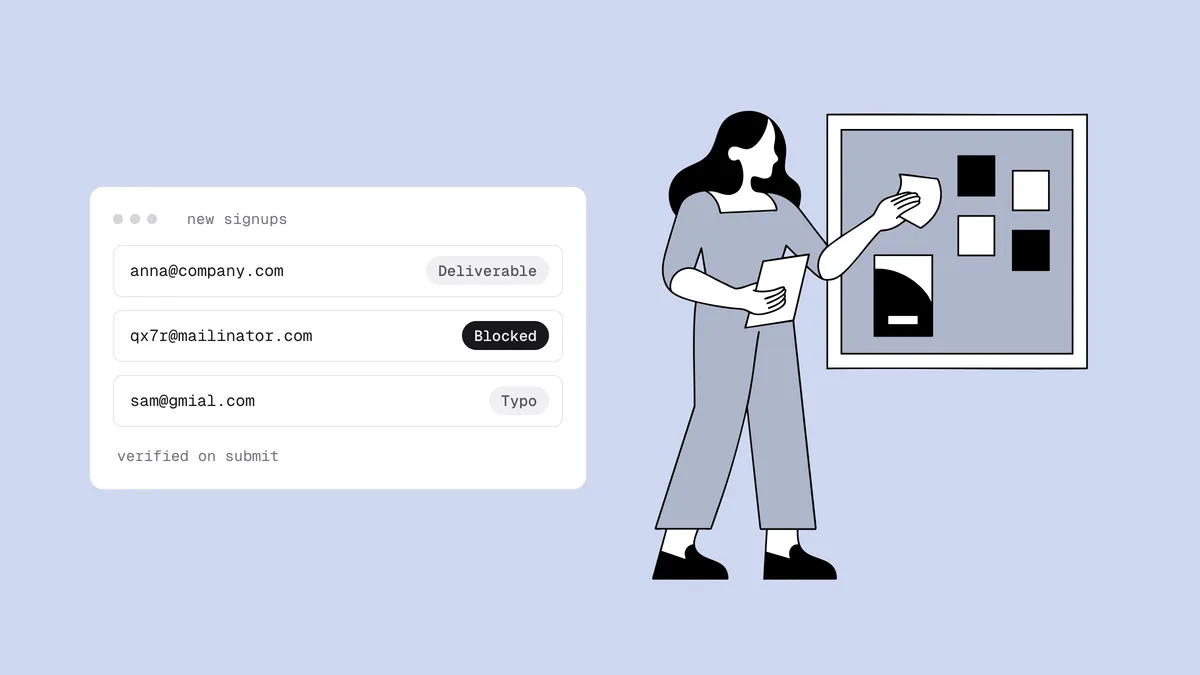
- Catch typos at signup, before a misspelled domain ever reaches your list.
No verifier can reliably flag a live spam trap, because a working trap looks like any other mailbox. What verification removes is the company traps keep: dead addresses and typo domains, the clearest signs of a list nobody maintains. The spam traps guide explains the difference.
Complaint spikes#
Complaints feed blocklists directly (SpamCop lists IPs on user reports and trap hits) and every mailbox provider's reputation model. Keep your complaint rate under 0.1% and treat Gmail and Yahoo's 0.3% as a ceiling you never approach.
- Send what people signed up for, at the frequency they expected. Complaints usually come from people who forgot they subscribed or got more than they bargained for.
- Make leaving easier than reporting: a visible unsubscribe link, the one-click unsubscribe headers on marketing mail, and opt-outs honored within two days.
- Suppress complainers immediately using the feedback loops providers offer.
- Watch complaints per send, not only the monthly average. One bad segment can blow through the line on its own.
The spam complaint rate guide covers measuring and reducing it, and the SpamCop blacklist is the clearest example of a list driven by reports.
Sudden volume jumps#
A sender that mails 2,000 people a week and then 200,000 in one day looks exactly like a compromised account. The spike also multiplies whatever else is wrong: a stale segment's trap hits and complaints all arrive at once, at a scale that trips thresholds. Spreading volume across many fresh IPs or domains to stay under the radar is worse. That is the "snowshoe" pattern Spamhaus's CSS list exists to catch.
- Warm up every new sending domain and dedicated IP gradually.
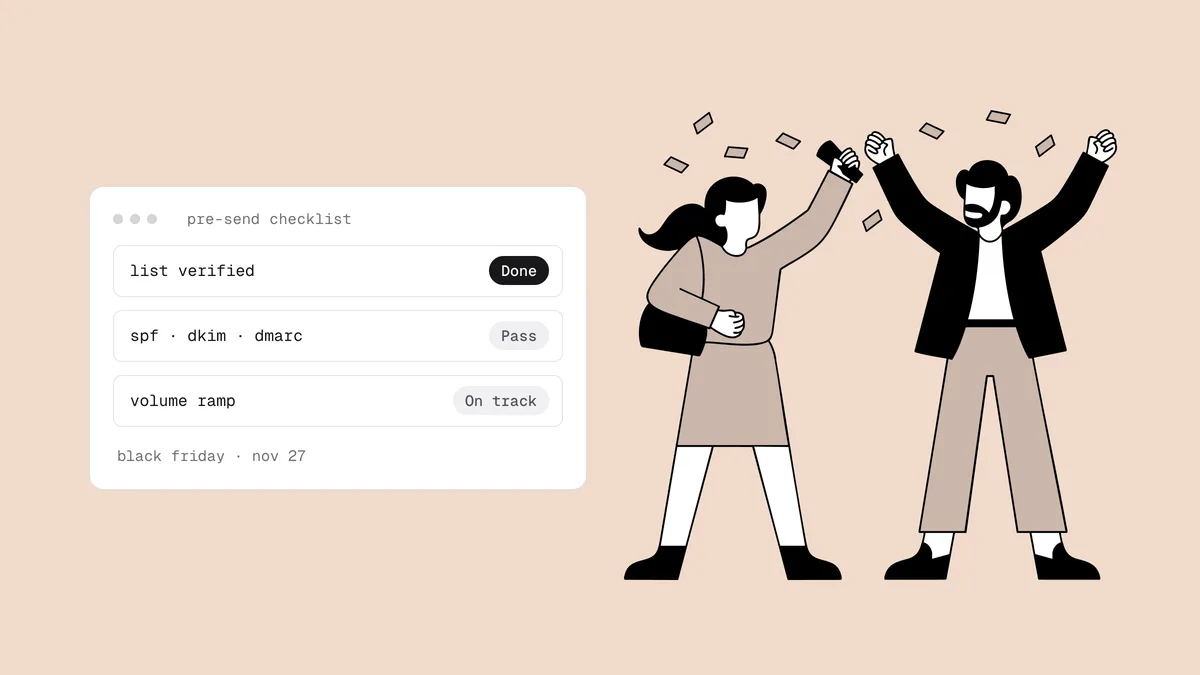
- Ramp toward seasonal peaks over weeks, as in the Black Friday deliverability checklist.
- Send on a steady cadence. Long silences followed by blasts reset the trust you built.
Compromised accounts, open relays and hacked forms#
If something sends spam in your name, the listing lands on you. The usual sources are a phished ESP or mailbox login, a leaked SMTP password or API key, a mail server that relays for anyone, a vulnerable website plugin, and a contact form that lets an attacker choose the recipient. Machine-detected abuse like this feeds the CBL, which supplies Spamhaus's XBL.
- Turn on multi-factor authentication for your ESP, CRM and mailbox accounts, and remove access for people who have left.
- Scope API keys and SMTP credentials to a single use, rotate them, and keep them out of code repositories.
- Relay only for authenticated users if you run your own mail server.
- Patch your CMS and form plugins, and make contact forms send only to fixed addresses.
- Watch your sent volume. A send you didn't schedule is the clearest sign of a compromise.
Subscription bombing through an unprotected signup form#
Subscription bombing (or list bombing) turns your signup form into a weapon. Bots submit thousands of real people's addresses into forms across the web to bury the victims' inboxes, and your form sends each victim a confirmation or welcome email they never asked for. They report it as spam, some submitted addresses are traps, and your domain and IP take the hit.
- Challenge bots: a CAPTCHA or invisible challenge plus a honeypot field on every signup form, and rate limits per IP.
- Use double opt-in, and keep the confirmation email free of marketing content so it's a plain, low-risk message.
- Watch for bursts. A spike in signups with no matching site traffic is a bot, not a viral moment.
- Verify in real time to catch the fake and disposable addresses that come with bot traffic. The Qualisend Verification API returns a verdict while the visitor is still on the form.
Be clear about the limits: a bombing run uses real, deliverable addresses, so verification alone won't stop it. The bot defenses do the heavy lifting. Stopping fake signups covers every layer, and single vs double opt-in covers the confirmation trade-off.
Listed domains in your links#
Domain blocklists such as Spamhaus DBL, SURBL and URIBL list domains seen in spam, and filters check every URL in your message body against them, not just your From domain. One listed domain in a footer can get clean mail filtered. Common culprits are public link shorteners that spammers also use, an affiliate or partner domain, a click-tracking domain your ESP shares across customers, and an old domain you let lapse that someone else now uses.
- Use your own branded domain for links and click tracking.
- Check each domain in a template with the blacklist checker before a big send.
- Keep domains you've used in email registered, so nobody can buy one and burn it.
Shared-IP neighbors#
On a shared IP, which is how most ESPs send for most customers, your mail leaves from the same addresses as other senders. If one of them hits traps or draws complaints, IP-based lists such as the Barracuda Reputation Block List can list the IP, and your mail goes down with it. You can't control the neighbors, but you can choose the building.
- Choose an ESP that polices its pools and moves abusive senders out.
- Know which IPs your mail leaves from. The
Receivedheaders of a test email show them, and the email header analyzer reads them for you. Add those IPs to your monitoring. - Move to a dedicated IP only when volume justifies it. A dedicated IP gives you control and makes you solely responsible for its reputation, and it needs steady volume to stay warm.
Missing or invalid reverse DNS on your own IP#
This applies if you run your own mail server or have a dedicated IP. Receivers expect a sending IP to have a PTR (reverse DNS) record that resolves to a real hostname, and that hostname to resolve back to the same IP. Google and Yahoo require valid forward and reverse DNS from every sender. An IP with no PTR, or one named like a home or dynamic connection, is exactly what automated lists such as SpamRats flag, no spam required.
- Set the PTR record with whoever owns the IP (your hosting or cloud
provider), pointing at a hostname on your domain such as
mail.example.com. - Point that hostname's A record back at the same IP, and use it as your server's HELO name.
- Check the result with the free reverse DNS lookup, which also shows whether the record is forward-confirmed.
Monitor so a listing can't hide#
Even careful senders get listed now and then: a neighbor on a shared IP, a compromised plugin, an aggressive list. Prevention cuts the odds and monitoring cuts the damage, because the cost of a listing grows with every day it goes unnoticed.
- Monitor every sending identity: your From domains, the IPs your mail leaves from, and your link and tracking domains.
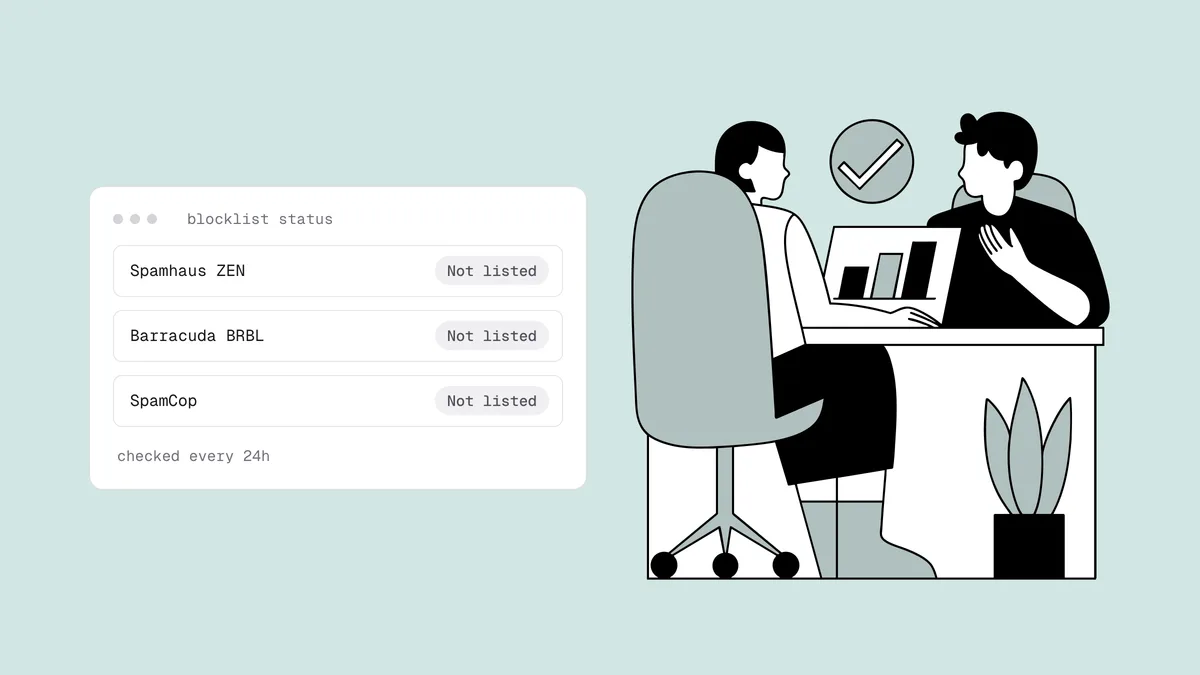
- Check automatically, every day. Qualisend Blacklist Monitoring re-checks your domains and IPs every 24 hours against major blocklists, including Spamhaus, Barracuda and SpamCop, and emails you when a listing appears and when it clears. For a one-off lookup, the free blacklist checker is enough.
- Watch the reputation dashboards. Google Postmaster Tools covers Gmail and Microsoft SNDS covers Outlook.com IPs; a slipping reputation often comes before a listing.
- Read your bounces. A rejection that names a blocklist is the most direct signal you'll get, and the warning signs of a listing cover the rest.
- Re-run the domain health check after any DNS change, so a broken SPF or DKIM record doesn't go unnoticed.
The blacklist monitoring guide covers what to watch and how often in more depth.
If you get listed anyway#
Don't file a removal request first. Work in this order:
- Confirm the listing and which list it is, following how to check if you're blacklisted. Prioritize by reach: a Spamhaus listing is urgent, while an obscure list may affect almost none of your recipients.
- Find the cause in the table above and fix it. Request removal before the fix and you'll likely be relisted, and repeat listings are harder to clear.
- Request removal through the operator's own process. Some listings expire on their own once the source stops; SpamCop's typically clear about a day after the last report.
- Ramp back up gradually, mailing your most engaged subscribers first.
The full process, list by list, is in how to get removed from a blacklist. Ignore anyone offering paid removal from "all blacklists": Spamhaus never charges for delisting, and no service can remove you from a list whose cause you haven't fixed.
Frequently asked questions
01How do I avoid getting my email blacklisted?
Mail only opted-in addresses you've verified, keep spam complaints under 0.1%, grow volume gradually, and secure the accounts, servers and signup forms that can send in your name. If you run your own sending IP, give it valid reverse DNS. Then monitor your domains and IPs daily so any listing is caught early.
02What is the most common reason senders get blacklisted?
Mailing addresses that shouldn't be on the list: spam traps and dead addresses from bought, scraped or neglected lists. Complaint spikes are the other big route. Both come down to list quality and permission, so that's where prevention starts: verification, opt-in collection and a sunset policy.
03Can I get blacklisted even if I only email people who opted in?
Yes. Opted-in addresses can be abandoned and recycled into spam traps, opted-in subscribers can complain, an attacker can use your form or a stolen login, and on a shared IP another sender can get the address listed. Permission is necessary but not sufficient; hygiene, security and monitoring cover the rest.
04Does email verification prevent blacklisting?
It removes a major risk factor, dead addresses and typo domains, but it can't reliably identify a live spam trap, and it won't stop complaints or a compromised account. Treat verification as one habit among several, alongside permission-based collection, complaint control and monitoring.
05How often should I check whether I'm blacklisted?
Daily, and automatically. Listings take effect immediately and nobody notifies you, so a manual monthly check can leave a listing running for weeks. Monitor your sending domains, sending IPs and link domains, and check by hand before any unusually large send.
Prevention is mostly list quality, so start there: verify your list with 100 free credits that never expire, and let Blacklist Monitoring watch your domains and IPs so a listing never runs for long unnoticed.