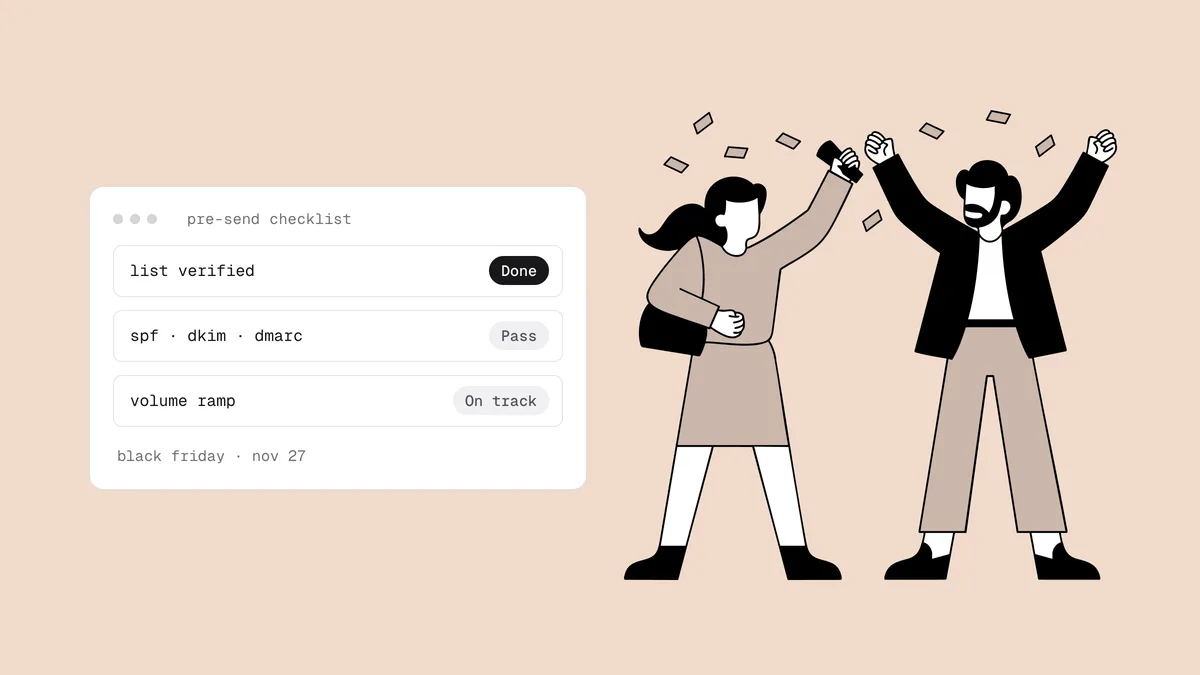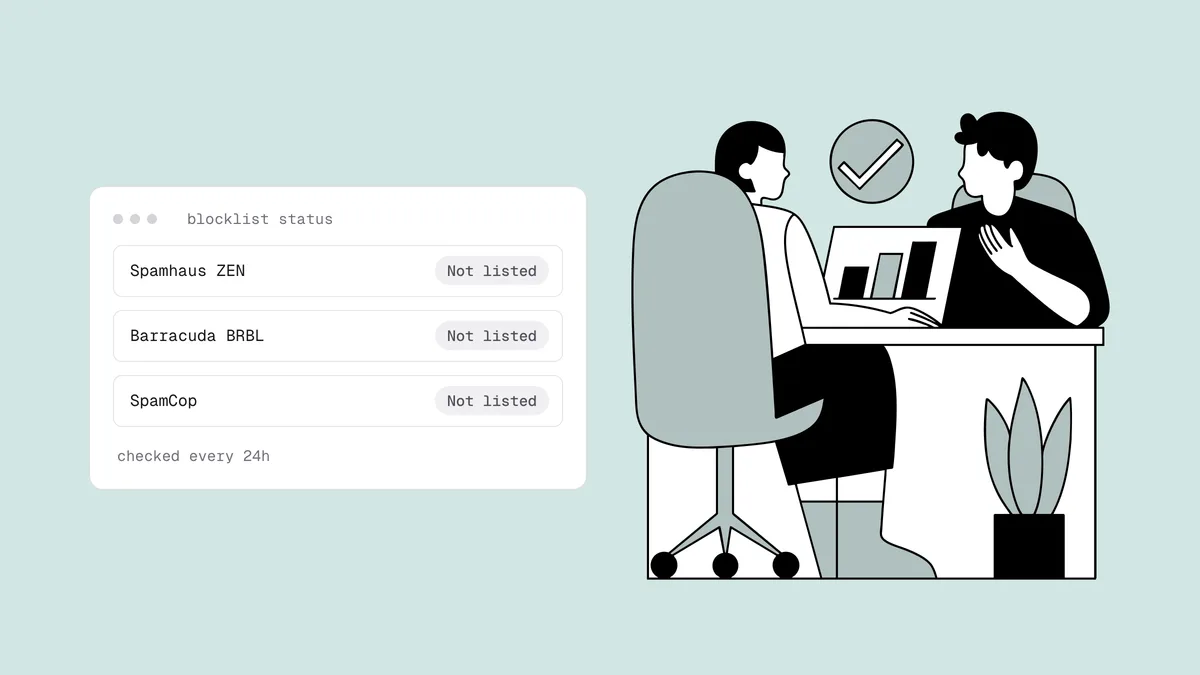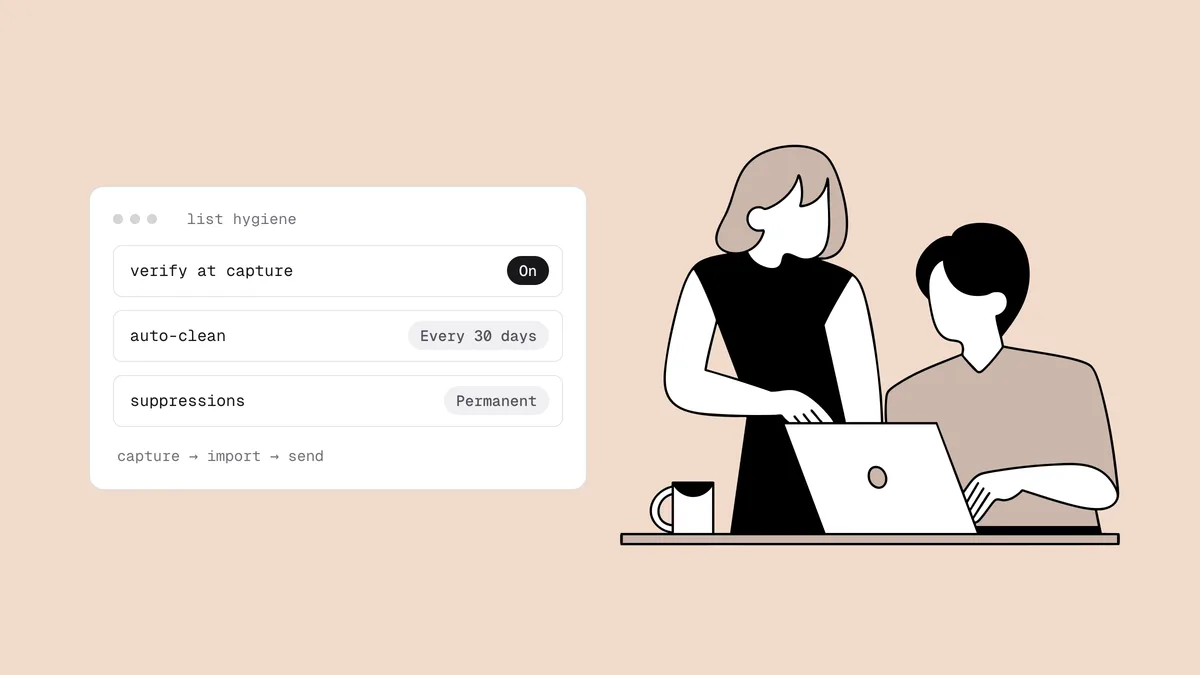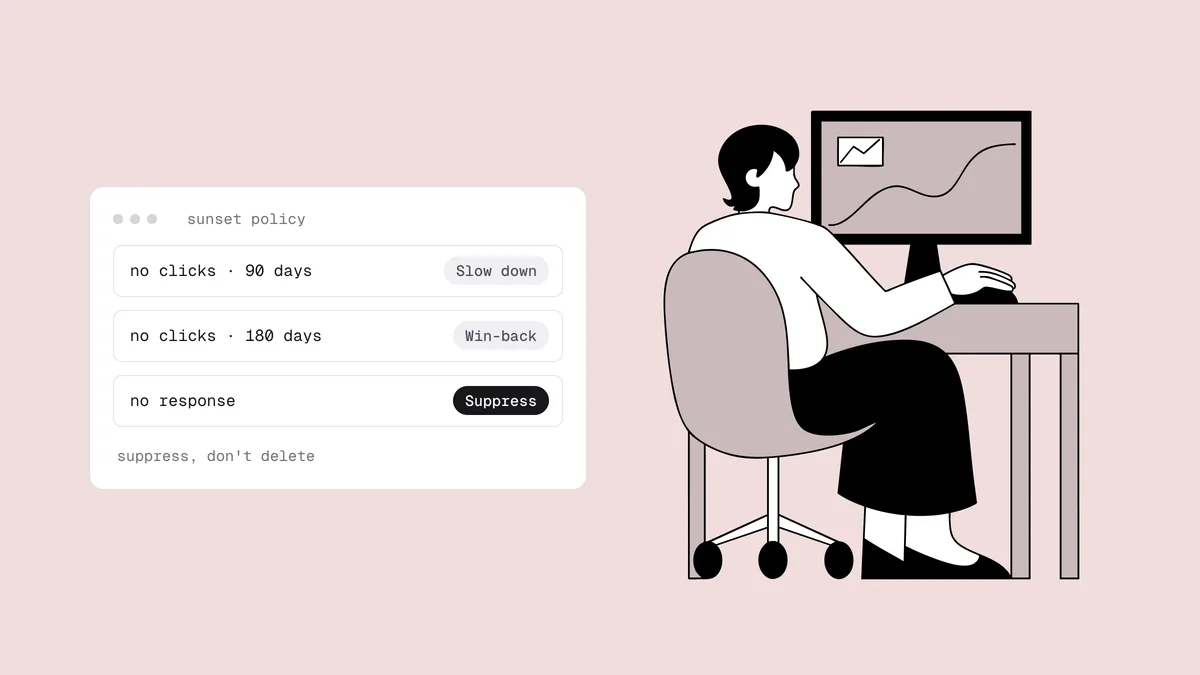
An email sunset policy is the written rule that decides when you stop emailing a subscriber who has stopped engaging, and what happens on the way out. Without one, unengaged subscribers pile up quietly. They don't complain at first, they don't bounce at first, and they make your list look bigger than it is. Then they start dragging down the engagement signals Gmail, Yahoo, and Microsoft use to decide where your mail lands. This guide turns that into a policy you can implement, from defining "inactive" without trusting opens to measuring the result.
The short answer#
A sunset policy answers four questions in writing:
- Who counts as inactive? Someone with no clicks, replies, purchases, or site or app activity over a window sized to how often you send. Opens are a weak signal at best.
- What happens when someone crosses the line? Lower their frequency, then send a short re-engagement series, then one last-chance email.
- What happens if they stay silent? Suppress them from marketing mail. Don't delete them.
- Who is exempt? Recent buyers, transactional mail, and high-value customers who get their own cadence.
Then automate it with segments in your email platform, so it runs every day instead of whenever someone remembers. The win-back emails themselves are covered in email list re-engagement; this page is the policy around them.
Why sunset inactive subscribers#
Keeping every subscriber feels free. It isn't, for three reasons.
Mailbox providers filter on engagement#
Gmail, Yahoo, and Microsoft decide between inbox and spam partly by watching what recipients do with your mail. Clicks, replies, and "not spam" rescues count in your favor; mail ignored or deleted unread counts against you. Every subscriber who never engages lowers the share who do, and because sender reputation is tracked per domain and IP, that drag lands on the whole list, including your best readers.
The unengaged are also where complaints come from: someone who forgot they signed up is one bad subject line away from "report spam." Gmail and Yahoo require bulk senders to stay under a 0.3% complaint rate, and the real target is below 0.1%. See the spam complaint rate guide and the Google and Yahoo sender requirements, which boil down to one rule: send only mail people want.
Abandoned addresses turn into spam traps#
When someone abandons a mailbox, the provider may eventually recycle it into a spam trap. Spamhaus describes the lifecycle: the address hard-bounces for a long period, often a year or more, and is then silently reactivated to catch senders who never clean their lists. Once reactivated, it accepts mail like any live inbox, and no verifier can tell it apart from a real subscriber. What gives it away is that it never clicks, because nobody reads it.
That makes a sunset policy your only defense against reactivated traps, as what are spam traps explains: it removes them without needing to know which addresses they are.
You pay for people who don't read#
Most email platforms bill by contact count or send volume, so every silent subscriber costs money and returns nothing. On many platforms suppressed contacts drop out of the billable count, so sunsetting inactive subscribers lowers the bill as well as the risk.
How to define "inactive" after Apple Mail Privacy Protection#
Since iOS 15 in September 2021, Apple Mail Privacy Protection pre-loads email images, which fires the tracking pixel whether or not a person ever reads the message. An "open" from an Apple Mail user may be a machine, and an inbox nobody reads, still synced to an old device, can keep "opening" your mail for months. If opens define activity, many of those subscribers never sunset.
So build the definition on deliberate actions:
- Clicks on any link in your emails, the sturdiest email signal. In B2B, discount clicks on every link seconds after delivery; that's usually a security scanner.
- Replies to your emails.
- Purchases or orders, if you sell.
- Site or app activity tied to the contact: logins, sessions, or visits your platform can attribute to them.
- Form activity: preference-center updates, survey answers, event registrations.
Treat opens as a weak signal, and exclude likely privacy-proxy opens if your platform flags them. A workable compromise: opens can delay the sunset but not prevent it, so someone with opens and nothing else for twice your window counts as inactive.
Two guardrails keep the definition fair. A subscriber is only eligible once they've been on the list longer than the window, and only if they've received enough of your emails in it to have had a real chance to engage (five is a reasonable starting floor for weekly or more frequent senders). Put together, the rule reads like this:
Inactive =
  subscribed more than [window] ago
  AND received at least [N] marketing emails in the last [window]
  AND no click, reply, purchase, login, or form activity in the last [window]
  AND not in an exempt group (recent buyer, VIP, low-frequency preference)
Starting-point windows by sending frequency#
There is no universal number of days. The right window depends on how often you send and how long your buying cycle is. Use the table as a starting point to tune against your own data, not as a rule.
| How often you send | Move to reduced frequency after | Start the win-back series after | Notes |
|---|---|---|---|
| Daily or several times a week | ~30–45 days of no activity | ~60–90 days | Subscribers get many chances to click, so short windows are fair. |
| Weekly | ~2 months | ~3–4 months | Typical newsletter cadence. Weight clicks and purchases. |
| A few times a month or monthly | ~3–4 months | ~6 months | A single quiet month means little. Give it time. |
| Quarterly or seasonal | ~6 months | ~12 months, or one full buying cycle | Addresses decay between sends, so verify before every send. |
Suppress anyone still silent when the win-back series ends, usually two to four weeks after it starts. Lengthen the windows for B2B lists with long sales cycles or products people buy once a year; shorten them if complaints are already high.
To tune the numbers, look backward. Take everyone who hit, say, 90 days of inactivity a year ago and check how many ever clicked or bought again. If almost nobody came back, a 180-day window only buys you complaints. If a meaningful group came back and bought, your window is too short.
The sunset flow, step by step#
The flow is a ramp, not a cliff. Each step gives the subscriber a cheaper way to stay than to leave by complaining.
Step 1: Reduce frequency#
When someone crosses the first threshold, move them to a lighter cadence: your best content only, or a digest instead of every campaign. Fewer sends to the unengaged means fewer complaints and less dilution, and the subscriber still sees your strongest mail. Anyone who clicks moves back to the full cadence.
Step 2: Run a re-engagement series#
At the second threshold, enroll them in a short win-back series: two to four emails over a couple of weeks, each with a clear reason to stay and a single click to confirm. Verify the segment before the first email goes out, because the dormant are the most decayed part of any list. The re-engagement guide covers what to write and how to pace it.
Step 3: Send a last-chance email#
End the series with one plain message: "We'll stop emailing you on [date] unless you click below." Make staying a single click, offer a lower-frequency option, and make leaving easy too: a working one-click unsubscribe turns a would-be complaint into a clean exit.
Step 4: Suppress#
Anyone still silent after the last-chance email is suppressed from marketing
mail. Tag the record with the reason and date (for example, sunset-2026-10)
so you can report on it later. They keep receiving transactional mail, and if
they come back on their own, by buying or signing up again, they re-enter
through your normal opt-in.
Suppress, don't delete#
Suppression stops every marketing send but keeps the record. Deletion erases the memory that this address went silent, so the next old-spreadsheet import or CRM sync can bring it straight back as a fresh, mailable contact.
Suppressing rarely costs you anything. Klaviyo doesn't count suppressed profiles as active, and Mailchimp's archived contacts leave your billable audience; the Klaviyo cleaning guide and Mailchimp cleaning guide show where those settings live. Keep only what the suppression needs: the address, the reason, and the date.
Exceptions to write into the policy#
A policy without exceptions ends up suppressing your best customers. Write these in before you switch it on:
- Recent purchasers. Someone who bought last month and never clicks your newsletter is a customer, not an inactive subscriber. Count purchases as activity, and exempt anyone who has bought within one buying cycle.
- Transactional mail. Receipts, shipping updates, password resets, and security notices go to everyone with an account, whatever their marketing engagement. The sunset applies to marketing streams only.
- High-value customers. Give top accounts a longer window, a personal note from their account manager instead of an automated last-chance email, and a human review before suppression.
- New subscribers. Anyone still in their welcome series, or subscribed for less than the window, isn't eligible yet.
- Low-frequency preferences. If someone chose a monthly digest, measure their silence against that cadence, not your daily one.
One rule cuts the other way. Under Canada's CASL, implied consent from a purchase lasts two years and from an inquiry six months. Once it lapses, you need express consent to keep sending commercial email, however engaged the contact looks. See CASL compliance if you mail Canadian subscribers.
Automate it with segments in your email platform#
A sunset policy that depends on a manual cleanup will quietly lapse. Build it from segments and a flow so contacts move through it on their own:
Engaged          = any click, reply, purchase, or login in the last 45 days
At risk          = no activity for 45+ days, not exempt
                   -> receives the reduced-frequency cadence only
Sunset candidate = no activity for 90+ days, not exempt
                   -> enters the win-back flow
Sunset           = finished the flow with no activity
                   -> tagged and suppressed from marketing
(These day counts fit a daily sender; swap in your own windows.) Trigger the win-back flow when a contact enters "Sunset candidate," exclude "At risk" from full-cadence campaigns, and make the flow's last step apply the tag and the suppression. Check the segment sizes monthly as part of your list health check: a steadily growing "At risk" segment points to a content or frequency problem upstream.
Verification slots into the same flow. With the native Klaviyo or Mailchimp integration, Qualisend verifies a list or segment in place and writes each verdict back as a profile property or tag, so the win-back flow can skip undeliverable addresses before the first email goes out, and a scheduled auto-clean every 7, 14, or 30 days keeps those verdicts current. The sunset handles engagement; verification handles whether the address still exists. That's why a complete email list hygiene routine pairs the two with a regular cleaning cadence.
Re-verify before you ever re-mail a sunset segment#
Sooner or later someone will want to mail the sunset segment again, for a rebrand or a big launch. If you do, follow four rules:
- Verify first. Months in suppression means months of decay. Suppress
anything
undeliverableor disposable, and holdriskyandunknownresults out of the send. - Remember what verification can't see. A recycled trap that has been reactivated accepts mail and verifies as deliverable. Verification tells you which addresses are dead, not which are safe.
- Send one permission email, not a campaign. Ask people to opt back in, send in small batches, and stop if bounces or complaints rise.
- Only clickers come back. Everyone else returns to suppression for good.
The same approach works for any list that has gone unmailed for months; see how to safely email an old list.
Measure the effect#
Record these before you switch the policy on and again after a couple of months:
| Metric | Where to see it | What should happen |
|---|---|---|
| Click rate per delivered email | Your email platform | Rises, because the silent no longer sit in the denominator. |
| Spam complaint rate | Google Postmaster Tools and your platform | Falls and stays below 0.1%. |
| Hard-bounce rate | Your email platform | Falls or holds steady well under 2%. |
| Email revenue | Your platform or analytics | Roughly flat in total and higher per send. A real drop means your windows are too short. |
| Billable contacts | Your platform's billing page | Falls as suppressed contacts leave the count. |
The spam complaint rate calculator does the complaint arithmetic from your own counts. For proof rather than a trend line, keep a small random slice of sunset candidates on your old cadence for a quarter and compare their revenue and complaints with the group that went through the flow.
Frequently asked questions
01What is an email sunset policy?
An email sunset policy is a written, automated rule for when to stop sending marketing email to subscribers who no longer engage. It defines inactivity (usually no clicks, replies, purchases, or site activity over a set window), moves those subscribers through reduced frequency, a re-engagement series, and a last-chance email, and suppresses anyone who stays silent.
02When should you stop emailing inactive subscribers?
It depends on how often you send. As a starting point, daily senders can start a win-back after about 60 to 90 days of no activity, weekly senders after about 3 to 4 months, and monthly senders after about 6 months, then suppress anyone still silent when the series ends. Tune those windows against your own data: check how many people who went quiet that long ever came back.
03Is a sunset policy the same as a re-engagement campaign?
No. A re-engagement campaign is the series of win-back emails you send to dormant subscribers. A sunset policy is the standing rule around it: who counts as inactive, when they enter the win-back, who is exempt, and what happens when they don't respond. The campaign is one step inside the policy.
04Should I delete subscribers after sunsetting them?
No, suppress them. A suppressed record stops all marketing sends but keeps the memory that the address went silent, so a later import or sync can't add it back as a fresh contact. On many platforms suppressed or archived contacts also stop counting toward your bill.
05Do Apple Mail Privacy Protection opens count as engagement?
Not reliably. Apple Mail Privacy Protection pre-loads images, so it records opens whether or not anyone read the email, and an abandoned inbox synced to an old device can keep generating them. Base inactivity on clicks, replies, purchases, and site or app activity, and treat opens as a weak signal that can delay a sunset but shouldn't prevent it.
06Can I email sunsetted subscribers again later?
You can, carefully. Verify the segment first and suppress everything that comes back undeliverable, then send a single opt-back-in email in small batches rather than a full campaign. Only people who click return to your active list, because verification can't detect a reactivated recycled spam trap.
Before your next win-back send, find out which dormant addresses still exist. Verify the segment with 100 free credits that never expire, or check a single address with the free email checker.