Getting off a blacklist feels like the end of the story. The listing clears, the lookup goes green, and you assume your mail snaps back to normal. It usually doesn't — not right away. A listing leaves a mark on your sender reputation that outlasts the listing itself, and understanding why is the difference between expecting an instant recovery and planning a realistic one.
The short answer#
A blacklist listing damages your sender reputation in two ways: directly, because mailbox providers see you appearing on a list they trust, and indirectly and more lastingly, because the suppressed deliverability during the listing tanks your engagement — and engagement is the biggest input to reputation. Even after you delist, providers keep judging you on that recent weak history, so recovery is gradual. The lesson: the shorter the listing, the smaller the reputation dent and the faster the bounce-back.
To recover, confirm the listing is really gone, send your way back in stages while your bounce, complaint and deferral numbers hold, and rebuild the domain you have rather than starting over on a new one.
Reputation is a memory, not a switch#
Mailbox providers like Gmail and Outlook don't decide where your mail goes from a single signal. They build a rolling picture of you as a sender — your complaint rate, your bounce rate, how recipients engage, your authentication, and yes, whether you show up on major blocklists. That picture is a memory of recent behavior, weighted toward the last several weeks. A blacklist listing writes a bad entry into that memory, and clearing the listing doesn't erase the entry.
Why the damage lingers#
Three mechanics keep a listing hurting after it's gone:
- The engagement hole. While you were listed, less mail landed, so opens, clicks, and replies dropped. Providers treat that recent low engagement as evidence recipients don't want your mail — and they keep treating it that way until enough good history accumulates to outweigh it.
- The feedback loop. Lower reputation means more spam-foldering, which means even lower engagement — a loop that can keep spinning after the listing clears if you resume full volume too fast.
- The bounce echo. Rejections during the listing raise your bounce rate, another reputation input that takes clean sending to bring back down.
What decides how deep the dent goes#
Three things set the size of the dent, and time comes first. Because reputation weights recent behavior, the size of the dent is roughly a function of how long the listing ran. A listing caught and cleared in hours barely registers — a brief blip against weeks of otherwise-healthy history. A listing that runs for a month writes a month of bad entries, and now the majority of your recent history is poor, so the climb back is proportionally longer — a bigger share of what a listing costs.
The other two:
- Reach. A listing only hurts where receivers act on it. Spamhaus is used by far more receiving servers than any other list, while an obscure list may touch almost none of your recipients. The urgency table in what happens when you're blacklisted ranks the major lists.
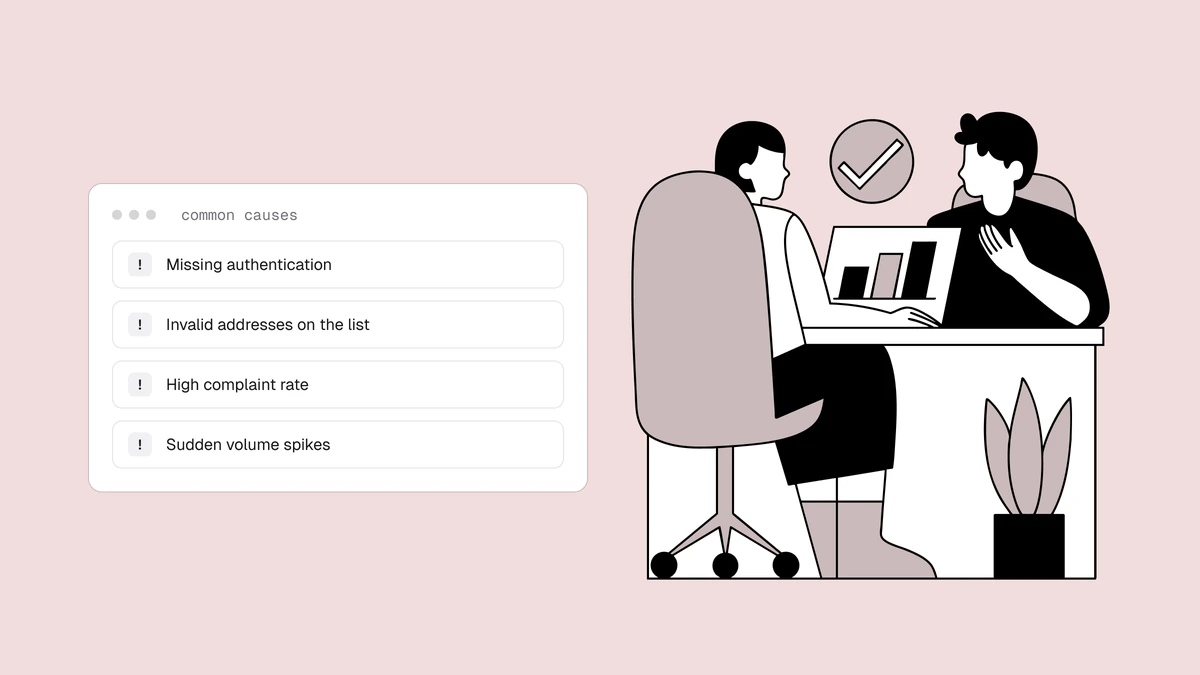
- What you sent while listed. Pausing the affected mail adds little to the record. Sending full volume into the rejections writes more bounces into it, and if the cause (spam traps, a complaint source) is still in your list, every send keeps feeding it at the providers still accepting your mail.
How to recover reputation after a listing#
Once you've fixed the root cause and delisted, rebuild deliberately:
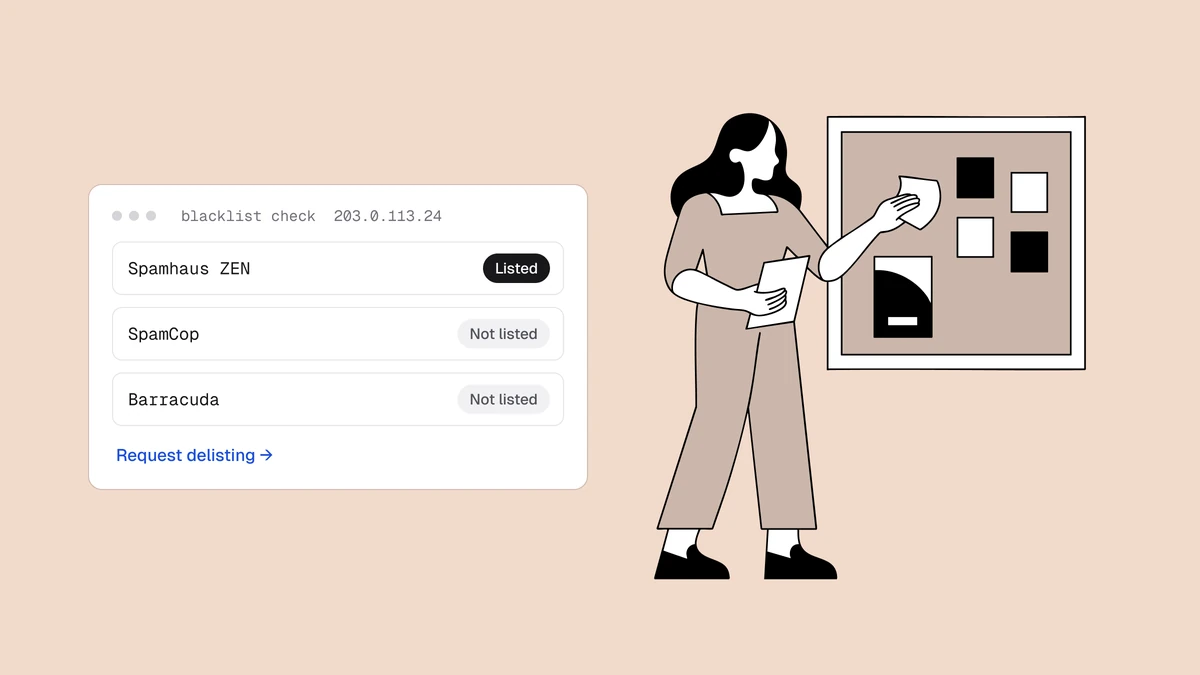
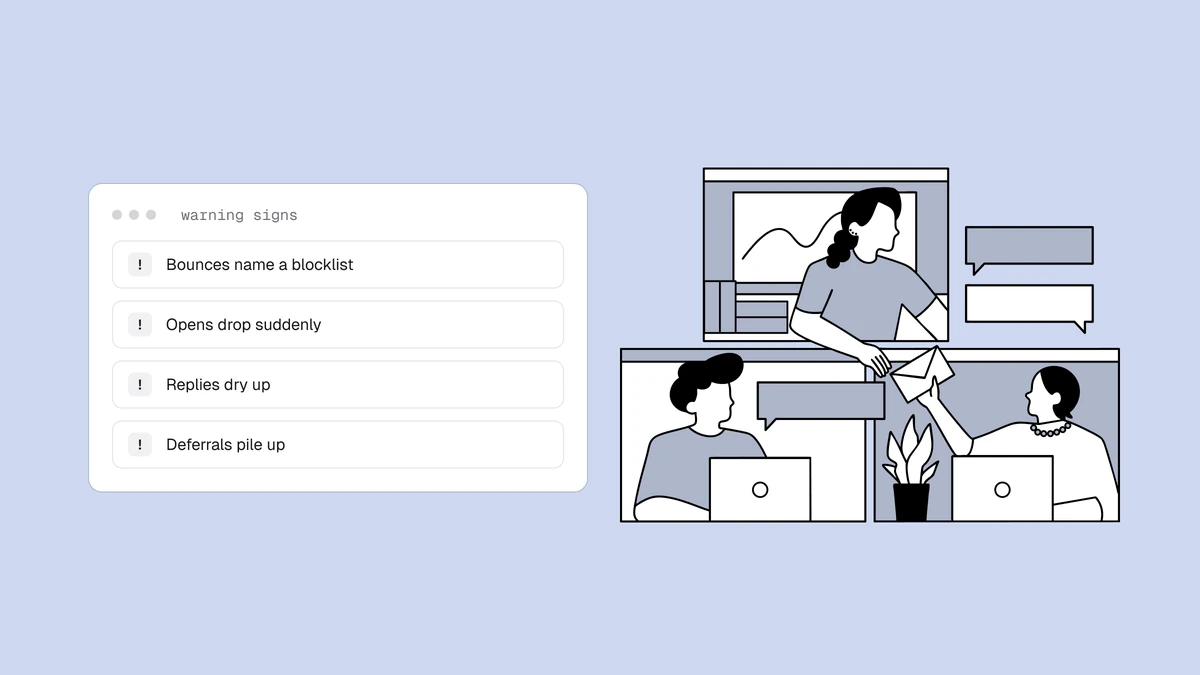
- Confirm it's reputation, not the listing. Rejections that still name a blocklist mean a second listing or a cached answer, so run the four checks in when delisting doesn't work. Check your sending IPs against public blocklists, look up your domains with the operator's own tool (such as the Spamhaus checker), and decode bounce text with the SMTP code lookup. If everything is clear and mail is deferred, or accepted but filed to spam, it's reputation, or an authentication problem that step 4 rules out.
- Audit what the listing suppressed. Many platforms count
5.7.xblock rejections as hard bounces and suppress real subscribers, but a 5.7.x block is about you, not the address. Pull out the addresses suppressed with a block code during the listing (genuine5.1.1user-unknown bounces stay suppressed), re-verify them, since a block hides whether the mailbox still exists, and bring them back late in the ramp. - Cut the dead weight. Verify your list so you're not re-triggering bounces or spam traps that caused the listing — relisting resets all this progress.
- Confirm your fundamentals. Make sure SPF, DKIM, and DMARC are correct so your good sending is provably yours.
Ramp back in stages, gated on your numbers#
Don't resume at full volume. Blasting your whole list into a weakened reputation invites more filtering. Ease back up, much like an initial warm-up, but stage by engagement rather than raw volume, and move up only when your numbers say so. The gates:
- Bounces under about 2%, ideally well below 1% on a verified list (the bounce rate calculator does the math).
- Spam complaints under 0.1%, never near the 0.3% ceiling Gmail and Yahoo enforce (use the complaint rate calculator).
- Deferrals, the 4xx "try again later" responses, falling from send to send.
- No new listing on any list your receivers act on.
Judge each gate per mailbox provider, not across the whole send. Each one keeps its own view of you, so Gmail can be ready for stage 3 while Outlook still defers your mail.
| Stage | Who you mail | Move on when |
|---|---|---|
| 1 | Recent clickers, repliers and buyers | Every gate holds for several sends in a row |
| 2 | Subscribers who engaged, but less recently | The gates still hold at the larger volume |
| 3 | The rest of the active list, plus the block-suppressed addresses you re-verified in the audit | The gates hold at full volume: you're back |
| Held out | Inactive subscribers | Only once re-verified and re-permissioned, per your sunset policy |
If any gate fails, drop back one stage until it holds again. Define "engaged" by clicks, replies and purchases, not opens: Apple Mail Privacy Protection pre-loads images, so opens overstate who's reading. There's no universal daily volume; pace each stage the way you would a warm-up.
How to tell the recovery is working#
Google retired the domain and IP reputation dashboards in Postmaster Tools, so there's no Gmail reputation band to watch anymore. Its spam rate, compliance status and delivery errors are still useful. Microsoft SNDS covers Outlook.com, but only for IPs you can register, so shared-pool senders see little there.
The rest of the evidence is in your own data. Break your reports out by mailbox provider and compare each send with your pre-listing numbers: deferrals falling, bounces and complaints inside the gates, clicks back at their old baseline. You've recovered when the whole active list is back at normal volume and every gate holds.
The one gate your reports show only after the rejections pile up is a new listing. Blacklist Monitoring re-checks your sending domains and IPs every 24 hours and emails you when a listing appears or clears, so a relisting mid-ramp doesn't go unnoticed.
When to rebuild and when to start fresh#
When recovery feels slow, a new IP or a new domain looks like a shortcut. It rarely is.
A new IP, or a different pool at your ESP, ends the rejections from an IP listing. It does nothing for what mailbox providers recorded against your sending domain, which moves with you to any platform. And on a shared IP, the listing may not even have been about your mail.
Rebuild your main domain in almost every case: it carries your brand, your transactional mail and its sending history. A brand-new domain starts with no reputation, draws extra scrutiny (Spamhaus even runs a list for newly registered domains), needs a full warm-up, and does nothing about whatever caused the listing.
The defensible exception is a separate cold-outreach domain that has burnt out. Taking that hit instead of your main domain is exactly why cold email belongs on its own domain, so retire it, fix what burnt it, and warm up a replacement.
If the gates never hold, even at stage 1, the cause is still in your list or your process: traps you haven't removed, or a complaint source you haven't closed. Rotating domains to escape listings is itself a pattern blocklists look for. Fix the cause with the habits that keep you off blocklists, then rebuild.
Frequently asked questions
01Does getting blacklisted hurt my sender reputation?
Yes - and in two ways. Appearing on a major blocklist is itself a negative signal to mailbox providers, and the suppressed deliverability during the listing tanks your engagement metrics, which are the biggest input to reputation. The second effect is the larger and longer-lasting one.
02How long does it take to recover reputation after a blacklist listing?
It depends on three things: how long the listing ran, how widely the receivers you mail act on that list, and what you kept sending while listed. Reputation is weighted toward recent behavior, so a short listing on a minor list barely registers, while one that ran for weeks on a major list takes weeks of clean, well-paced sending to overwrite. There's no fixed timer: you rebuild by accumulating good engagement history.
03My email still goes to spam after delisting - why?
Because delisting removes you from the blocklist but doesn't reset your reputation. Providers still remember the recent weak engagement from while you were listed and keep filtering accordingly until fresh, healthy sending outweighs it. Ease back up in volume and send to engaged recipients first to speed the recovery.
04How do I know my reputation has recovered?
Google retired the domain and IP reputation dashboards in Postmaster Tools, so there's no Gmail reputation band to watch anymore. Track your own numbers per mailbox provider instead: bounces under about 2%, spam complaints under 0.1%, deferrals falling, clicks back to their pre-listing baseline, and no new listings. You've recovered when your whole active list is back at normal volume and those numbers hold.
05Should I switch to a new IP or domain after being blacklisted?
Usually not. A new IP helps only when the IP itself was the problem and you've fixed the cause. It doesn't touch your domain's reputation, which follows you to any IP or email platform. Keep and rebuild your main domain: a new one starts with no reputation, needs a full warm-up, and does nothing about whatever caused the listing. The main exception is a separate cold-outreach domain that has burnt out, which you can retire and replace.
The reputation damage from a listing scales with how long it runs — so the best reputation protection is catching a listing fast. Qualisend's blacklist monitoring re-checks your domains and IPs every 24 hours and emails you when a listing appears or clears, keeping the dent shallow, and list verification removes the causes that put you on a list to begin with.